
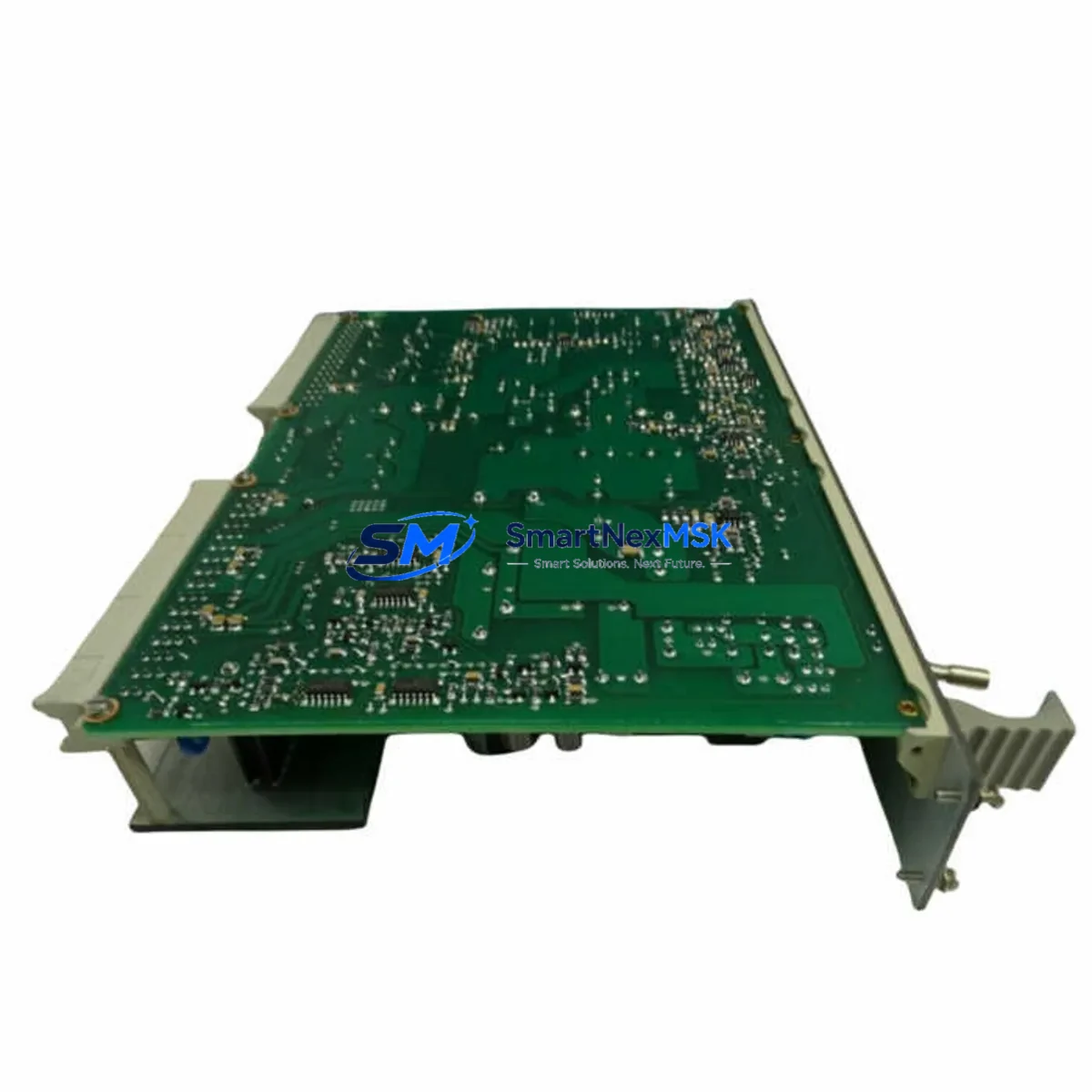
ABB HIEE300931R0001 Retrofit-Ready AC Drive Control Board: Compatible Modernization for ACS Series Control Systems
The ABB HIEE300931R0001 is a high-performance AC drive converter control board engineered for seamless retrofit integration into legacy ACS series variable frequency drive (VFD) systems. As industrial facilities face increasing pressure to extend the operational life of existing automation infrastructure while managing obsolescence risk, the HIEE300931R0001 provides a verified drop-in replacement path that eliminates the need for full drive replacement. Whether you are recovering a failed ACS600, ACS800, or ACS550 installation, or proactively upgrading aging control electronics ahead of a planned maintenance window, this board delivers the electrical compatibility, firmware alignment, and mechanical fit required for a controlled, low-risk migration.
Sourced directly from authorized supply channels and subjected to full functional testing prior to shipment, each HIEE300931R0001 unit is backed by a 12-month warranty covering manufacturing defects and operational failures under normal industrial service conditions. Our inventory is maintained in Xiamen and available for immediate dispatch, supporting urgent breakdown recovery scenarios where minimizing unplanned downtime is the primary operational objective.
Upgrade Compatibility Table
| Parameter | Details |
|---|---|
| SKU / Part Number | HIEE300931R0001 |
| Brand | ABB |
| Compatible Series | ACS600, ACS800, ACS550 (verify firmware revision before installation) |
| Board Function | AC Drive Converter Control Board — main control logic, gate drive signal generation, fault diagnostics |
| Interface / Connector | Standard ACS-series backplane connector; direct board-swap compatible with original mounting points |
| Communication Compatibility | Supports DDCS fiber-optic communication link; compatible with RDCO-02/03 communication adapter modules |
| Installation Requirement | ESD precautions required; power-off and capacitor discharge before removal of original board |
| Replacement Recommendation | Direct replacement for failed or degraded HIEE300931R0001 boards; verify drive firmware version compatibility |
| Commissioning Notes | Re-upload drive parameters from backup or re-enter manually via DriveWindow or control panel; verify I/O mapping and fault history reset |
| Warranty | 12 months from shipment date — covers manufacturing defects and functional failures under normal operating conditions |
Retrofit Planning for Existing Automation Systems
Successful integration of the HIEE300931R0001 into an existing control system requires a structured pre-installation assessment. Before removing the failed board, engineers should document the current drive parameter set using ABB DriveWindow software or the ACS control panel, capturing all application-specific settings including acceleration/deceleration ramps, current limits, PID tuning values, and fault response configurations. This parameter backup is critical — without it, recommissioning after board replacement will require full re-engineering of the drive application.
On the hardware side, verify the power supply rail voltages feeding the control board section. The HIEE300931R0001 operates from the internal SMPS of the ACS drive chassis; if the drive’s APBU-44C or APBU-12C pulse encoder interface board or the AINT-02C inverter control interface shows signs of degradation, these should be inspected and replaced concurrently to avoid repeat failures. Similarly, the RDIO-01 digital I/O extension module and RAIO-01 analog I/O extension module connected to the control board should be tested for correct signal levels before the new board is powered up.
For installations where the ACS drive communicates with a higher-level PLC — such as an ABB AC500 series controller or a third-party Siemens S7-300/S7-400 system via PROFIBUS-DP — the RDCO-02 DDCS communication adapter must be confirmed operational and the fieldbus node address settings preserved. Loss of fieldbus configuration is a common commissioning delay that can be avoided with a pre-swap photograph of the DIP switch settings on the communication adapter.
In control cabinets where the ACS drive shares a backplane or DIN rail with terminal blocks, 24 VDC power supplies, and safety relay modules, the retrofit window should be coordinated with the facility’s electrical safety team. Isolate the drive input breaker, verify absence of voltage on the DC bus using a calibrated meter, and allow the DC link capacitors to fully discharge — typically 5 minutes after power removal — before handling the HIEE300931R0001 board. Proper ESD wrist strap and mat procedures must be followed throughout the board exchange process.
Where the existing installation includes an ACS control panel (such as the CDP312R or ACS-CP-C) connected to the drive, the panel communication link should be tested after board installation to confirm the panel can read drive status and accept parameter changes. HMI screens built on ABB CP600 or third-party WEINVIEW/Weintek panels that display drive speed, current, and fault codes via Modbus RTU or PROFIBUS should be validated against the recommissioned drive to confirm all data tags remain correctly mapped.
Downtime Control During System Migration
Unplanned downtime during a drive control board failure is one of the highest-cost events in continuous process industries. The HIEE300931R0001 is stocked for immediate shipment specifically to support emergency breakdown recovery, where every hour of lost production carries measurable financial impact. To further compress the recovery timeline, the following practices are recommended:
Pre-failure preparation: Maintain a parameter backup file for every ACS drive in the facility, stored both locally on a laptop running DriveWindow and in a centralized document management system. Label each backup file with the drive tag number, motor nameplate data, and the date of last parameter change. This eliminates the most time-consuming step in post-failure recommissioning.
Staged board swap: Where a spare drive chassis is available, pre-install and configure the HIEE300931R0001 in the spare chassis offline, load the parameter backup, and perform a bench-level functional test before bringing it to the production floor. This approach reduces in-cabinet work time to a simple chassis swap, typically achievable within 30–60 minutes by a qualified drive technician.
Fieldbus continuity: In systems where the ACS drive is a node on a PROFIBUS-DP or Modbus TCP network, coordinate with the PLC programmer to temporarily set the PLC to ignore the drive node during the swap window, preventing cascading faults in the control program. Restore the node after the drive is back online and confirmed stable.
Post-swap verification: After power-up, confirm the drive passes its internal self-test, verify motor rotation direction, check current draw at no-load and under load, and confirm all fault codes are cleared. Document the replacement in the facility’s maintenance management system with the new board serial number and installation date to support future warranty claims and maintenance planning.
Retrofit Support FAQ
Q1: Is the HIEE300931R0001 a direct drop-in replacement for the original board in my ACS800 drive?
In the majority of ACS800 installations, yes — the HIEE300931R0001 is mechanically and electrically compatible as a direct board replacement. However, firmware revision compatibility should be verified before installation. If your drive’s firmware version is significantly older or newer than the board’s supported range, a firmware update via DriveWindow may be required. Contact our technical team with your drive nameplate data for a pre-sale compatibility confirmation.
Q2: What commissioning steps are required after installing the replacement board?
After physical installation, restore the drive parameter set from your pre-failure backup using DriveWindow or the ACS control panel. Verify all I/O assignments, fieldbus node address, motor nameplate data entry, and control mode selection. Perform a no-load test run to confirm correct operation before reconnecting the motor load. Reset the fault history log and document the installation date for warranty tracking.
Q3: Can this board be used in a system that has been upgraded from PROFIBUS to PROFINET or Modbus TCP?
The HIEE300931R0001 itself handles core drive control logic and is independent of the fieldbus protocol layer, which is managed by the communication adapter module (e.g., RDCO-02 for DDCS, or FPBA-01 for PROFIBUS). If your system has migrated to a different protocol, ensure the correct communication adapter is installed and configured separately. The control board replacement does not affect the communication adapter selection.
Q4: What does the 12-month warranty cover, and how is a warranty claim processed?
The 12-month warranty covers manufacturing defects and functional failures occurring under normal industrial operating conditions from the shipment date. It does not cover damage resulting from incorrect installation, overvoltage events, physical impact, or operation outside the drive’s rated environmental conditions. To initiate a warranty claim, contact [email protected] with your order number, a description of the failure symptom, and photographic evidence of the installation. Replacement or repair will be arranged within the warranty period at no additional cost.
© 2026 SMARTNEXMSK. All rights reserved.
Original Source: https://smartnexmsk.com
Contact: [email protected] | +86 18259474341



