
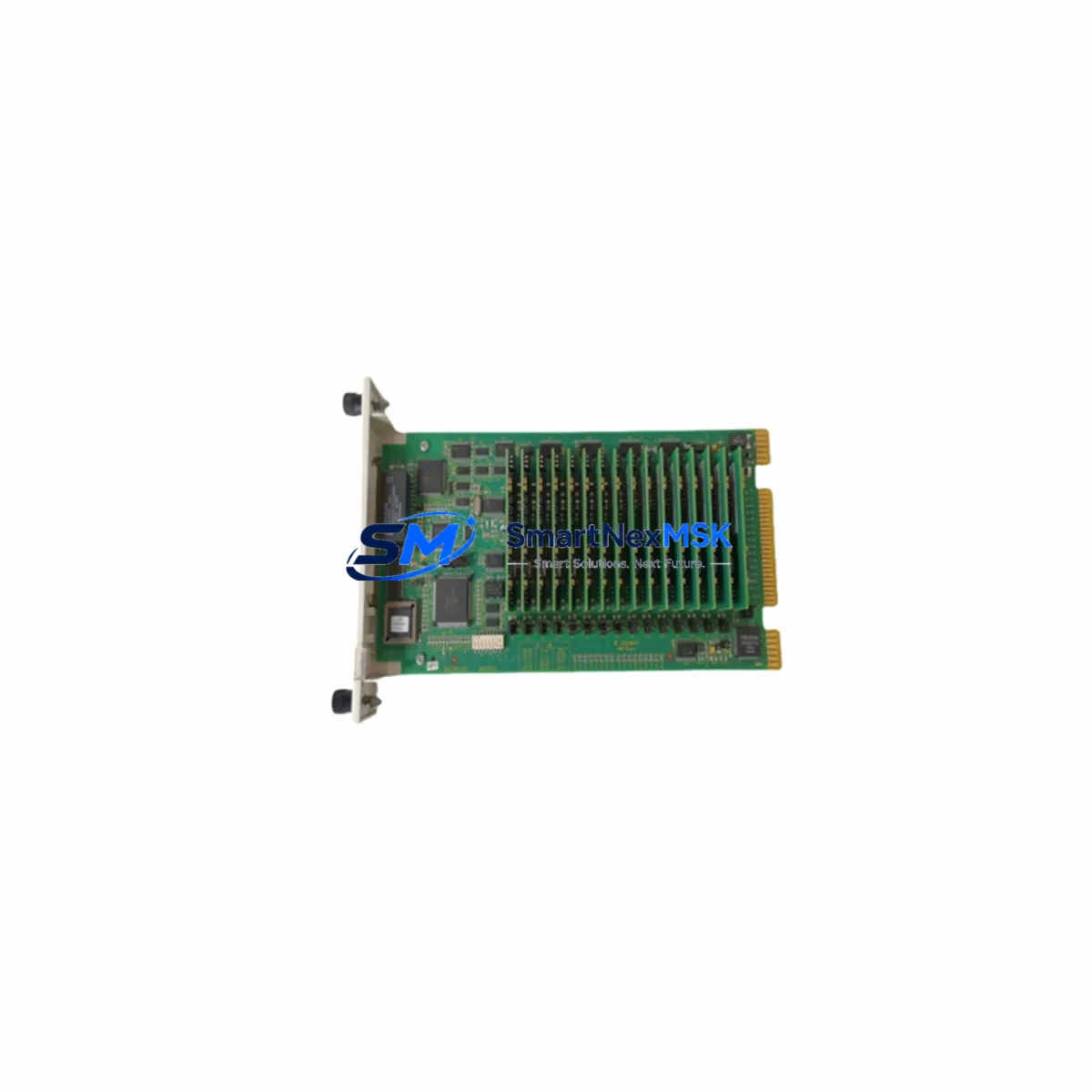
ABB INPCT01 Maintenance-Ready Spare for INFI 90 Automation
The ABB INPCT01 is an original Computer Transfer Module designed for the INFI 90 Distributed Control System — one of ABB’s most widely deployed DCS platforms in power generation, pulp and paper, chemical processing, and heavy industrial facilities. As aging INFI 90 systems continue to operate well beyond their original design life, maintaining a verified stock of critical spare modules such as the INPCT01 is essential for any maintenance team responsible for continuous process control uptime.
At SMARTNEXMSK, every INPCT01 unit is sourced as an original ABB spare, individually inspected, and functionally tested prior to shipment. We support maintenance engineers and procurement teams who cannot afford extended lead times or unverified substitutes when a DCS node goes offline. Our 12-month warranty covers each unit against manufacturing defects and functional failure under normal operating conditions.
Whether you are building a preventive maintenance buffer, responding to an unplanned fault, or executing a scheduled control cabinet overhaul, the INPCT01 is a direct replacement that preserves system architecture integrity without requiring firmware reconfiguration or hardware adaptation.
Spare Maintenance Table
| Part Number | INPCT01 |
| Manufacturer | ABB |
| Series / Platform | INFI 90 Distributed Control System |
| Module Function | Computer Transfer Module — manages data transfer between INFI 90 process nodes and host computer interfaces |
| Form Factor | Single-slot plug-in module, INFI 90 rack-compatible |
| Operating Voltage | +5 VDC (rack-supplied), backplane powered |
| Communication Interface | INFI-NET / Plant Loop compatible |
| Operating Temperature | 0°C to +60°C (standard industrial enclosure) |
| Country of Origin | Germany |
| Compatibility | ABB INFI 90 control cabinets; compatible with INFI-NET architecture and associated I/O racks |
| Condition | Original spare — inspected and functionally tested |
| Warranty | 12 months from date of shipment |
| Shipping | Anti-static packaging; worldwide express delivery available |
| Maintenance Recommendation | Replace proactively at first sign of intermittent communication faults or node dropout events; do not wait for full module failure in critical loop applications |
Maintenance Planning for Continuous Operation
When the INPCT01 is identified as a fault point during a DCS diagnostic cycle, experienced maintenance engineers know that the module rarely fails in isolation. A thorough site inspection should extend to the surrounding hardware to prevent repeat shutdowns after the primary replacement is completed.
Begin by verifying the integrity of the INFI 90 rack backplane and its power supply rails. The INPCT01 draws power directly from the rack, so a degraded backplane connector or an aging INFI 90 power supply module (such as the NPSM01 or equivalent rack PSU) can cause the replacement module to exhibit the same symptoms as the failed unit. Confirm that supply voltage is within specification before seating the new module.
Next, inspect the INFI-NET communication cable and termination resistors. Loose or corroded coaxial connectors on the plant loop are a common secondary cause of Computer Transfer Module faults. If the site uses a Network Interface Module (NINM01 or NINM02), verify its status indicators and firmware revision for compatibility with the replacement INPCT01.
For sites running mixed I/O configurations, check the associated Analog Input Modules (IMDSI02, IMASI02) and Digital Output Modules (IMDSO02) that communicate through the transfer module. A corrupted data path through a failing INPCT01 can mask downstream I/O faults that will surface only after the transfer module is restored to service.
If the control cabinet includes signal isolators on 4–20 mA loops feeding into the INFI 90 I/O racks, inspect these for drift or insulation breakdown — particularly in high-humidity or high-vibration environments. Similarly, review the condition of terminal blocks and field wiring terminations within the cabinet; loose connections at the I/O marshalling panel are a frequent source of intermittent faults that are incorrectly attributed to the DCS module itself.
For facilities running legacy INFI 90 systems alongside newer ABB 800xA infrastructure, confirm that any S800 I/O modules or CI854 PROFIBUS communication interfaces sharing the same control network are operating within their rated parameters. Cross-platform communication stress can accelerate wear on older transfer modules.
Finally, document the replacement event in your CMMS and schedule a follow-up inspection of the INFI 90 operator station and associated HMI workstation connections to confirm that all process data is being correctly received and displayed after the INPCT01 is returned to service.
Site Replacement Workflow
Step 1 — Preparation: Obtain the replacement INPCT01 and confirm the module revision matches or is backward-compatible with the installed INFI 90 firmware version. Review the ABB INFI 90 module replacement procedure for your specific rack configuration.
Step 2 — Safe Isolation: Where process conditions permit, place the affected control loop in manual mode at the operator station before removing the faulty module. For hot-swap capable racks, follow ABB’s documented live-replacement procedure to minimize process disturbance.
Step 3 — Module Removal: Disengage the module locking lever, disconnect any external cable connections, and slide the INPCT01 out of its rack slot. Label the faulty unit immediately to prevent accidental reinstallation.
Step 4 — Installation: Seat the replacement INPCT01 firmly into the rack slot, engage the locking lever, and reconnect all external cables. Verify that the module’s status LEDs indicate normal initialization within the expected startup sequence.
Step 5 — Verification: Return the control loop to automatic mode and monitor process variable feedback for a minimum of 15 minutes. Confirm that all INFI-NET node communications are stable and that no fault codes are generated at the operator station.
Step 6 — Documentation: Record the replacement in your maintenance log, including the module serial number, installation date, and post-replacement test results. Update your spare parts inventory to trigger reorder of a buffer unit.
This workflow is applicable to direct replacement of legacy INPCT01 units and supports system life extension without requiring a full DCS migration — a critical advantage for facilities where a platform upgrade is planned but not yet funded.
Spare Parts Support FAQ
Q1: Is the INPCT01 still available as a new original spare, or only as refurbished stock?
SMARTNEXMSK supplies original ABB INPCT01 modules sourced through verified industrial channels. Each unit is individually inspected and functionally tested before shipment. Units are described accurately as original spare stock; condition details are confirmed at the time of order inquiry.
Q2: How do I verify compatibility between the INPCT01 and my installed INFI 90 rack revision?
Compatibility is determined by the INFI 90 rack hardware revision and the installed system firmware version. Share your rack model number and firmware revision with our technical team at [email protected] and we will confirm compatibility before shipment. We recommend cross-referencing the ABB INFI 90 module compatibility matrix for your specific installation.
Q3: What does the 12-month warranty cover, and what is the replacement process?
The 12-month warranty covers functional failure under normal operating conditions, including communication faults, initialization failures, and hardware defects attributable to the module itself. Warranty claims are initiated by contacting [email protected] with the order reference and a description of the fault. Replacement or credit is processed after technical review, typically within 5 business days.
Q4: Can SMARTNEXMSK support ongoing spare parts inventory for multi-site INFI 90 installations?
Yes. We work with procurement engineers managing multi-site DCS spare parts programs to establish standing stock agreements for critical modules including the INPCT01 and associated INFI 90 components. Contact us to discuss volume pricing, reserved stock arrangements, and scheduled delivery programs tailored to your maintenance calendar.
© 2026 SMARTNEXMSK. All rights reserved.
Original Source: https://smartnexmsk.com
Contact: [email protected] | +86 18259474341



