
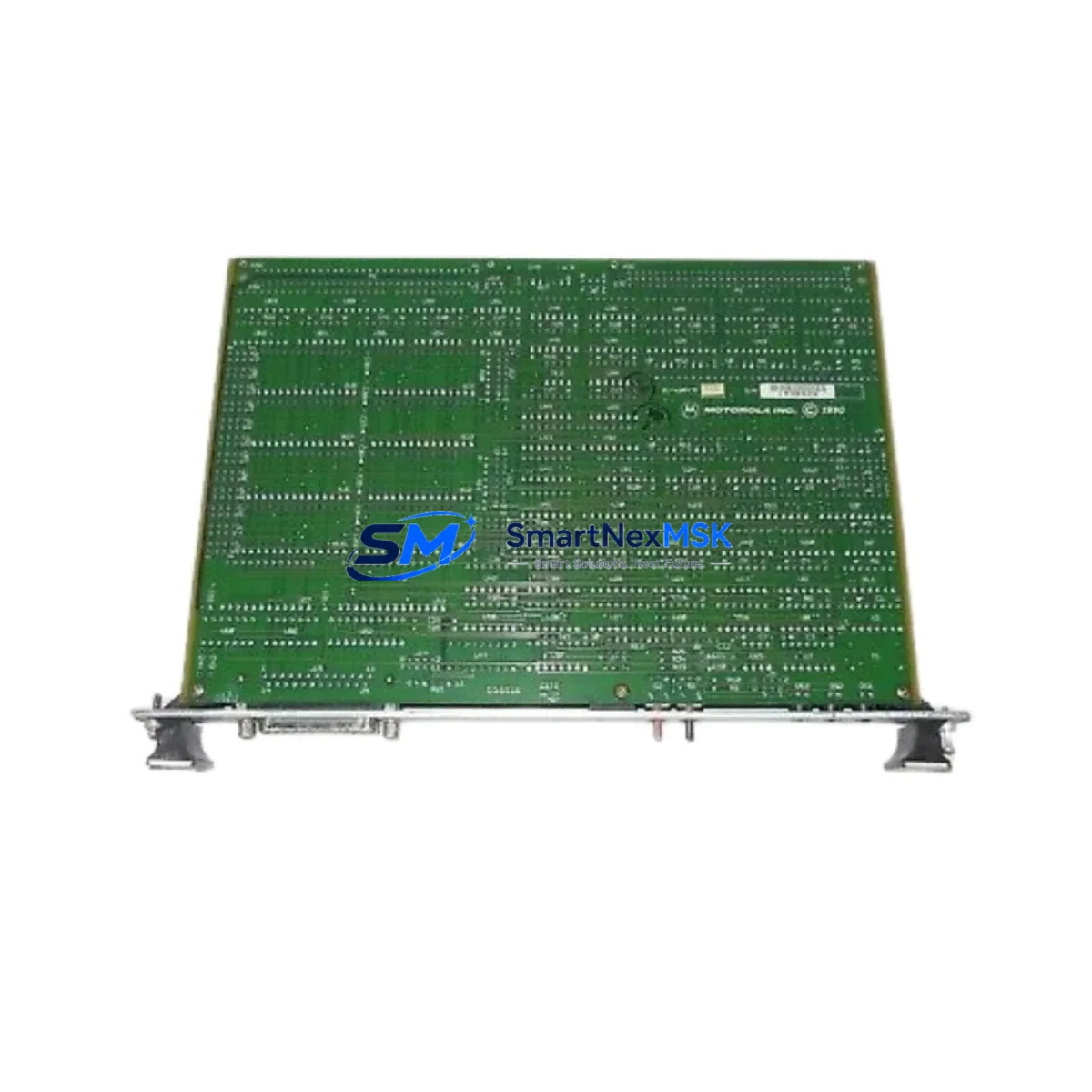
ABB MDO32BNS Maintenance-Ready Spare for AC500 Automation
The ABB MDO32BNS is a 32-channel 24 VDC transistor digital output module designed for the ABB AC500 PLC platform. As a maintenance-ready original spare, it is engineered to support rapid field replacement, minimize unplanned downtime, and sustain continuous operation in demanding industrial automation environments. Whether you are managing a scheduled shutdown, responding to an emergency fault, or building a proactive spare parts inventory, the MDO32BNS delivers the electrical compatibility and mechanical fit required for a direct drop-in replacement within any AC500 control cabinet.
Maintenance engineers and procurement teams working with ABB AC500 systems recognize that a failed digital output module can cascade into full line stoppages. Stocking the MDO32BNS as a certified spare eliminates the lead-time risk associated with last-minute sourcing. Each unit shipped by SMARTNEXMSK undergoes pre-shipment functional testing, is covered by a 12-month warranty, and is traceable to original ABB manufacturing standards.
Spare Maintenance Table
| Parameter | Specification |
|---|---|
| SKU / Part Number | MDO32BNS |
| Brand | ABB |
| Series | AC500 |
| Module Type | 32-Channel Transistor Digital Output |
| Output Voltage | 24 VDC |
| Output Current (per channel) | 0.5 A |
| Total Output Current | 4 A (per group) |
| Output Type | Sourcing (PNP) |
| Protection | Short-circuit and overload protected |
| Backplane Compatibility | AC500 CPU backplane (TB5xx series) |
| Installation | DIN rail, snap-on to AC500 backplane |
| Operating Temperature | -25 °C to +60 °C |
| Degree of Protection | IP20 |
| Country of Origin | Germany |
| Compatibility | AC500 V2 / V3 CPU modules (PM5xx, PM5xx-ETH series) |
| Maintenance Role | Direct replacement for failed or degraded DO modules |
| Pre-Shipment Test | Yes — functional output channel verification |
| Warranty | 12 Months |
Maintenance Planning for Continuous Operation
When replacing the MDO32BNS in the field, a thorough inspection of the surrounding control cabinet components is essential to prevent repeat failures and confirm system integrity. Maintenance engineers should begin by verifying the 24 VDC supply rail feeding the output module — a degraded or undersized power supply module such as the ABB CP604 or CP605 can cause premature output transistor failure. Check the terminal blocks and field wiring connected to the 32 output channels for signs of insulation breakdown, loose crimps, or corrosion, particularly in high-vibration or high-humidity environments.
The AC500 backplane (TB511, TB521, or TB541 depending on slot count) should be inspected for bent connector pins and oxidation before seating the replacement MDO32BNS. If the system uses a PM573-ETH or PM591 CPU module, confirm that the firmware version supports the module’s diagnostic reporting to ensure fault codes are correctly mapped after replacement. Where the control system includes communication modules such as the CM572-DP (PROFIBUS DP) or CM589-PNIO (PROFINET IO), verify that the output module’s slot address is correctly configured in the engineering tool (Automation Builder) to avoid address conflicts after hot-swap or cold restart.
For systems with mixed I/O architectures, also inspect adjacent digital input modules (MDI32B or MDI16B) and analog I/O modules (AIO08XSL or AIO08XSH) for shared power group issues. Signal isolators installed between the PLC output channels and field actuators — particularly in high-voltage or long-cable-run applications — should be tested for correct output signal levels after the module swap. Fuse holders and miniature circuit breakers protecting the 24 VDC output groups are frequently overlooked during emergency replacements; confirm that all protective devices are intact and correctly rated. If the cabinet includes an HMI panel (CP600 series), verify that the operator display correctly reflects the restored output states after the module is brought online.
Procurement engineers building a spare parts list for AC500-based systems should consider stocking the MDO32BNS alongside complementary modules to cover the most common failure scenarios in a single maintenance kit. A well-structured spare parts inventory reduces mean time to repair (MTTR) and supports the long-term extension of legacy AC500 system life beyond the standard product lifecycle.
Site Replacement Workflow
Step 1 — Fault Isolation: Use the AC500 CPU diagnostic LEDs or Automation Builder online monitoring to confirm the MDO32BNS as the faulty module. Record the slot number and channel fault map before powering down the affected output group.
Step 2 — Safe Isolation: De-energize the 24 VDC supply to the output module group using the dedicated MCB or fuse. Confirm zero voltage at the terminal block with a calibrated multimeter before touching field wiring.
Step 3 — Module Removal: Release the module locking tab on the AC500 backplane and slide the MDO32BNS out of its slot. Inspect the backplane connector for damage before inserting the replacement unit.
Step 4 — Replacement Installation: Align the new MDO32BNS with the backplane slot and press firmly until the locking tab engages. No re-parameterization is required — the CPU automatically recognizes the module upon power-up if the hardware configuration matches the project file.
Step 5 — Functional Verification: Restore 24 VDC supply and perform a channel-by-channel output test using the Automation Builder force function or a dedicated field test procedure. Confirm all 32 channels respond correctly before returning the system to automatic operation.
Step 6 — Documentation: Update the maintenance log with the replacement date, module serial number, and test results. Initiate a replenishment order for the consumed spare to maintain buffer stock levels.
This workflow is compatible with both hot-standby and simplex AC500 configurations and supports system compatibility with existing PLC program files without modification, preserving operational continuity and reducing total downtime to under 30 minutes for a prepared maintenance team.
Spare Parts Support FAQ
Q1: Is the MDO32BNS compatible with both AC500 V2 and V3 CPU generations?
Yes. The MDO32BNS is mechanically and electrically compatible with AC500 V2 and V3 backplanes. Confirm your CPU firmware version in Automation Builder to ensure diagnostic channel mapping is fully supported. No hardware modification is required for cross-generation replacement.
Q2: How do you verify the module is genuine and functional before shipment?
Each MDO32BNS unit supplied by SMARTNEXMSK is sourced from authorized distribution channels and undergoes a pre-shipment functional test covering output channel switching, short-circuit protection response, and backplane communication handshake. A test report is available upon request. All units are covered by a 12-month warranty from the date of shipment.
Q3: What is the recommended spare parts stocking strategy for AC500 digital output modules?
For production-critical AC500 systems, we recommend maintaining a minimum of one MDO32BNS per control cabinet as a cold standby spare. For multi-cabinet installations or systems with high output channel utilization, a ratio of one spare per three installed modules is a practical benchmark. Spares should be stored in anti-static packaging in a dry, temperature-controlled environment and inspected annually.
Q4: Can SMARTNEXMSK support long-term supply for discontinued or end-of-life AC500 modules?
Yes. SMARTNEXMSK specializes in long-term supply of original and compatible spare parts for ABB AC500 and related automation platforms. We maintain buffer stock for modules that have reached end-of-sale status and can provide supply continuity agreements for customers managing legacy system life extension programs. Contact our team at [email protected] or +86 18259474341 to discuss your requirements.
© 2026 SMARTNEXMSK. All rights reserved.
Original Source: https://smartnexmsk.com
Contact: [email protected] | +86 18259474341



