
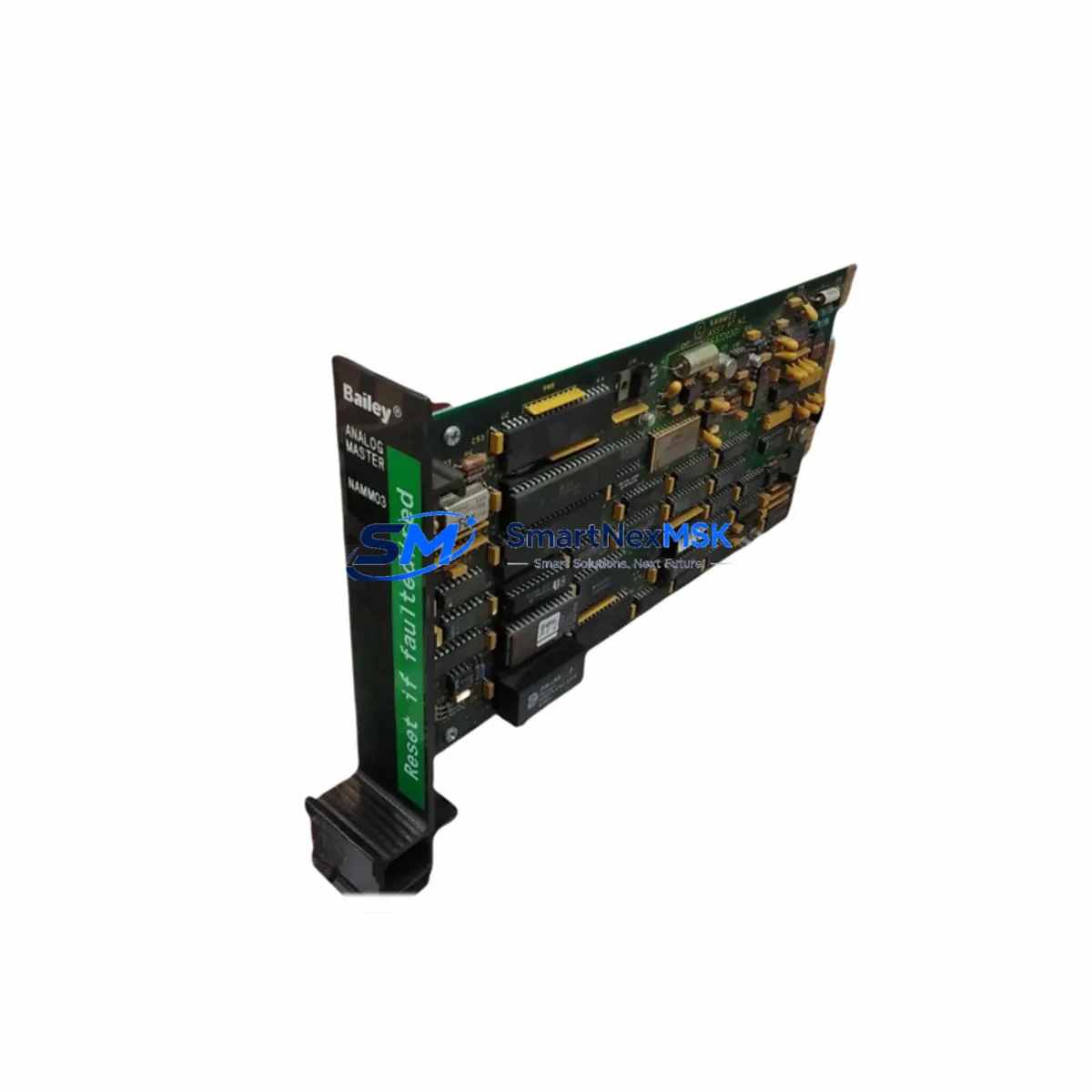
ABB NAMM03 Maintenance-Ready Spare for AC500 Automation
The ABB NAMM03 is an analog master module designed for the AC500 PLC platform — one of ABB’s most widely deployed programmable logic controller series in process automation, machine control, and industrial infrastructure. For maintenance engineers managing aging AC500 control systems, the NAMM03 represents a critical spare: its failure can disrupt analog signal acquisition across an entire control loop, triggering unplanned downtime in production lines, HVAC systems, water treatment plants, and energy management installations.
This listing supplies an original ABB NAMM03 module sourced through verified industrial channels, pre-shipment tested for electrical integrity, and backed by a 12-month warranty. Whether you are executing a planned replacement during a scheduled maintenance window or responding to an emergency fault, this unit is ready for immediate installation into your AC500 rack.
Spare Maintenance Table
| Parameter | Specification / Detail |
|---|---|
| Part Number / SKU | NAMM03 |
| Brand | ABB |
| Series | AC500 |
| Module Type | Analog Master Module (Analog I/O Expansion Interface) |
| Compatible Platform | ABB AC500 PLC family (PM5xx, PM5xx-ETH CPU modules) |
| Signal Type | Analog input/output master interface for NAMM/NIOM expansion |
| Mounting | DIN rail, AC500 backplane slot |
| Operating Temperature | -25°C to +60°C |
| Protection Class | IP20 |
| Origin | Germany (DE) |
| Weight | Approx. 1,260 g (packaged) |
| Compatibility Verification | Cross-reference with AC500 system catalog; confirm firmware version on host CPU |
| Pre-Shipment Test | Yes — electrical continuity and functional check performed |
| Warranty | 12 Months from date of shipment |
| Delivery | Express international shipping available; DHL / FedEx / TNT |
Maintenance Planning for Continuous Operation
When a maintenance or procurement engineer schedules replacement of the NAMM03, the surrounding system components should be inspected simultaneously to prevent repeat failures and maximize the value of the maintenance window. The NAMM03 interfaces directly with the AC500 backplane, so the TB5xx terminal base and its wiring connectors should be checked for oxidation, loose terminations, and mechanical wear before the new module is seated.
On the power side, the ABB CP-E 24VDC power supply feeding the AC500 rack should be load-tested; an aging or undersized power supply is a common root cause of analog module instability. The PM583-ETH or PM591 CPU module in the same rack should have its firmware version confirmed to ensure compatibility with the replacement NAMM03 hardware revision.
Analog signal integrity depends heavily on the quality of field wiring and signal conditioning. During the same maintenance visit, inspect the AI523 or AI531 analog input modules connected downstream of the NAMM03 for drift, offset errors, or damaged channel fuses. If the system uses NIOM02 or NIOM04 analog output modules, verify their calibration status and check for any alarm history indicating signal saturation or open-circuit faults.
For systems with communication-intensive architectures, the CM572-DP PROFIBUS master module or CM589-PNIO PROFINET interface installed in the same rack should be inspected for communication error counters and connector integrity. A failing communication module can mask analog faults and complicate fault isolation.
Control cabinet inspections should also cover the terminal blocks and DIN rail grounding bars adjacent to the AC500 rack. Loose ground connections introduce common-mode noise that degrades analog measurement accuracy. If the installation includes signal isolators or loop-powered transmitters on 4–20 mA circuits, verify their loop resistance and isolation barrier condition. Finally, check any miniature circuit breakers (MCBs) or fuse terminals protecting the 24 VDC supply rail — a marginal fuse can cause intermittent module resets that are difficult to diagnose without a spare on hand.
Stocking the NAMM03 alongside these associated components — particularly the TB5xx terminal base, a spare CPU module, and at least one analog I/O module per channel type — is recommended for facilities operating AC500-based systems in critical process environments where unplanned downtime carries significant operational cost.
Site Replacement Workflow
Step 1 — Preparation: Before entering the control cabinet, confirm the replacement NAMM03 hardware revision matches or is backward-compatible with the installed AC500 CPU firmware. Download the current PLC program backup from the CPU using ABB Automation Builder or PS501 Control Builder Plus. Label all field wiring on the terminal base before disconnection.
Step 2 — Safe Isolation: Place the AC500 CPU in STOP mode via the programming software or the physical RUN/STOP switch. De-energize the 24 VDC supply to the analog expansion bus. Do not remove the NAMM03 under power — hot-swap is not supported on this module type without specific firmware and hardware configuration.
Step 3 — Module Removal: Release the NAMM03 from the TB5xx terminal base by pressing the release lever and sliding the module upward. Inspect the backplane connector pins on both the module and the terminal base for damage or contamination.
Step 4 — Installation: Seat the replacement NAMM03 onto the terminal base, ensuring the connector engages fully. Restore 24 VDC power and return the CPU to RUN mode. Monitor the diagnostic LEDs on the NAMM03 — a steady green RUN LED confirms successful initialization.
Step 5 — Verification: In Automation Builder, perform a hardware configuration download if required by the firmware version. Verify all analog channel values are within expected engineering unit ranges. Compare live readings against the pre-fault baseline or process historian data to confirm correct operation before closing the cabinet.
This workflow minimizes downtime to under 30 minutes for a prepared maintenance team and eliminates the risk of configuration loss or wiring errors that extend outages unnecessarily.
Spare Parts Support FAQ
Q1: Is this NAMM03 an original ABB module or a compatible replacement?
This is an original ABB NAMM03 module sourced through verified industrial supply channels. It is not a third-party compatible or remanufactured unit. Each module undergoes pre-shipment electrical testing before dispatch.
Q2: How do I confirm compatibility with my existing AC500 system before ordering?
Provide your AC500 CPU model number (e.g., PM583, PM591, PM595) and the current firmware version from your Automation Builder project. Our technical team will cross-reference the NAMM03 hardware revision against your system configuration and confirm compatibility before shipment. Contact us at [email protected] with your system details.
Q3: What does the 12-month warranty cover, and how is a warranty claim handled?
The 12-month warranty covers manufacturing defects and functional failures under normal operating conditions. It does not cover damage caused by incorrect installation, overvoltage, or environmental conditions outside the module’s rated specifications. To initiate a warranty claim, contact [email protected] with your order number, a description of the fault, and diagnostic photos. Replacement or repair is processed within 5–10 business days of fault confirmation.
Q4: Can you supply multiple NAMM03 units for a long-term spare parts inventory program?
Yes. We support bulk spare parts procurement for facilities managing multiple AC500 installations or executing multi-site maintenance programs. Volume pricing is available for orders of 3 or more units. Long-term supply agreements with reserved stock allocation can be arranged for critical infrastructure operators. Contact us to discuss your inventory requirements and lead time expectations.
© 2026 SMARTNEXMSK. All rights reserved.
Original Source: https://smartnexmsk.com
Contact: [email protected] | +86 18259474341



