
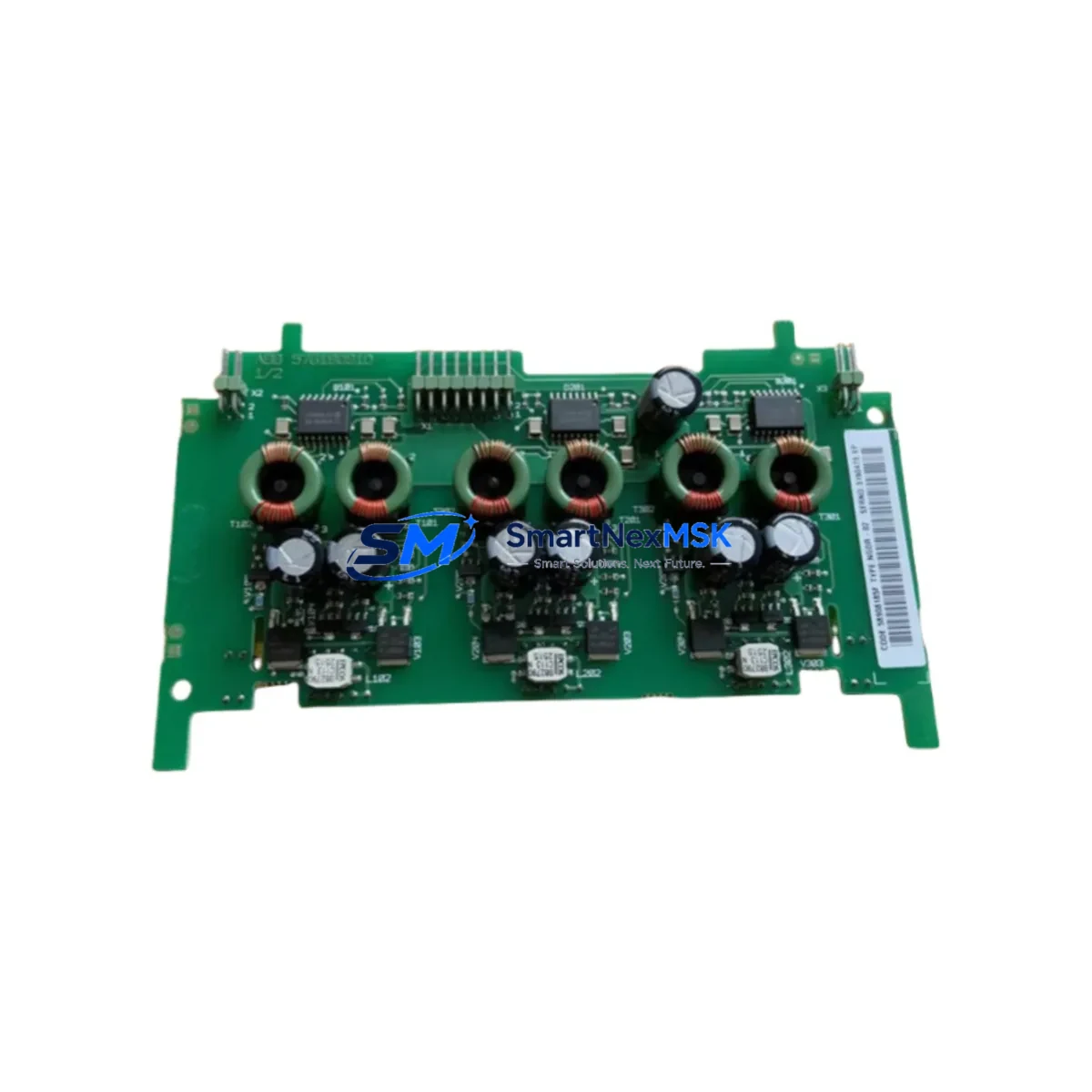
ABB NGDR-07B 68980135A Retrofit-Ready DCS Module for Advant & System 800xA Control Systems
The ABB NGDR-07B (68980135A) is a proven DCS control module engineered for seamless integration into ABB Advant OCS and System 800xA distributed control environments. As legacy Advant platforms approach end-of-life and spare parts become increasingly scarce, the NGDR-07B remains one of the most sought-after retrofit components for engineers tasked with sustaining or modernizing existing control architectures without full system replacement. SMARTNEXMSK maintains verified stock of this module, fully tested and backed by a 12-month warranty, ready for immediate dispatch to minimize your plant downtime.
Whether you are replacing a failed unit on a running production line, upgrading a control cabinet as part of a phased modernization program, or restoring a system after an unplanned outage, the NGDR-07B 68980135A delivers the electrical and functional compatibility your team needs to keep operations continuous.
Upgrade Compatibility Table
| Parameter | Details |
|---|---|
| Compatible Platforms | ABB Advant OCS, System 800xA (AC800M, AC800F) |
| Module Function | DCS Control / Node Communication Interface |
| Backplane Interface | Standard Advant S100 / S800 I/O bus |
| Communication Protocol | MasterBus 300, PROFIBUS DP, Ethernet (platform-dependent) |
| Power Supply Requirement | 24 VDC nominal; verify rack PSU capacity before installation |
| Terminal Wiring | Compatible with existing Advant field terminal blocks; no rewiring required in most configurations |
| Module Address Setting | DIP switch or software-configured; confirm node address against existing project configuration |
| Replacement Recommendation | Direct drop-in for failed or end-of-life NGDR-07B units; verify firmware revision compatibility |
| Commissioning Note | Download existing application program from backup before swapping; validate I/O mapping post-installation |
| Warranty | 12 Months — covers manufacturing defects and functional failure under normal operating conditions |
Retrofit Planning for Existing Automation Systems
Successful retrofit of the NGDR-07B 68980135A into an existing Advant or 800xA system requires careful pre-engineering to avoid configuration conflicts and unplanned downtime. Before removing the failed module, engineers should document the current rack slot assignment, verify the power budget of the S800 I/O station or Advant S100 rack, and confirm that the replacement unit carries a compatible hardware revision. In multi-node architectures, the module address must be set to match the original node configuration stored in the Control Builder M project or the legacy Advant Engineer workstation database.
Field wiring connected to associated terminal units — such as the TU810, TU830, or TU840 series — typically does not require modification, as the NGDR-07B interfaces through the standard backplane without direct field termination. However, if the retrofit is part of a broader I/O expansion, additional AI810, AO810, DI810, or DO810 I/O modules may need to be added to the rack to accommodate new signal points, and the corresponding channel assignments must be updated in the control application.
For systems migrating from older MasterBus 300 communication to PROFIBUS DP or Industrial Ethernet, the CI854 or CI857 communication interface modules serve as the protocol bridge, and their configuration must be aligned with the updated network topology before the NGDR-07B is brought online. In cabinet upgrades where the PM864 or PM866 controller processor is also being refreshed, the sequence of module initialization matters — the processor module should be powered last to allow all I/O nodes to enumerate correctly on the fieldbus.
Power supply modules such as the SD821 or SD822 should be checked for available headroom before adding modules to an existing rack. Overloaded power supplies are a common cause of intermittent faults in retrofitted systems and can produce symptoms that are easily misattributed to the replacement module itself. Where HMI screens built on ABB’s 800xA Operations or legacy Advant MM are in use, graphic objects tied to the replaced node may require re-linking after the module swap, particularly if the node address or aspect object path has changed.
Programming cables such as the TK212A or USB-to-serial adapters used with the Advant Engineer tool should be on hand during commissioning to allow direct connection to the module for diagnostics and firmware verification. All retrofit work should be completed with a full backup of the existing application program, and a cold-start test should be performed in a controlled window before returning the system to automatic operation.
Downtime Control During System Migration
Minimizing production interruption during a module swap requires a structured approach. Begin by scheduling the replacement during a planned maintenance window and preparing a rollback plan in case the new module does not initialize correctly. Before powering down the affected rack, export the current application program from Control Builder M or the Advant Engineer workstation and store it on an isolated backup medium — not on the engineering station’s primary drive.
Where the control system architecture permits, consider placing the affected control loop in manual mode at the DCS operator station before removing the module. This preserves field device states and prevents uncontrolled process excursions during the swap interval. For critical loops with no manual fallback, coordinate with the process team to establish safe hold conditions before proceeding.
After installing the NGDR-07B 68980135A, restore the application program, verify that all I/O channels report correctly in the diagnostic view, and confirm communication link status on the fieldbus segment. Bring loops back to automatic control one at a time, monitoring process variables for stability before releasing the system to normal operation. Document the as-found and as-left conditions for the maintenance record, including module serial number, firmware version, and any configuration changes made during the retrofit.
Retrofit Support FAQ
Q: Is the NGDR-07B 68980135A a direct replacement for all NGDR-07B variants?
A: The 68980135A is the primary hardware revision of the NGDR-07B. In most Advant and 800xA installations it is a direct functional replacement. However, you should verify the hardware revision label on the failed unit and cross-reference with your system’s compatibility matrix, as some early Advant OCS configurations may require a specific firmware version to be loaded after installation.
Q: What pre-shipment testing is performed on this module?
A: Every NGDR-07B 68980135A unit dispatched by SMARTNEXMSK undergoes functional power-on testing and communication interface verification before shipment. Modules are inspected for physical integrity, connector condition, and board-level anomalies. A test report is available upon request for critical applications.
Q: Can I reuse the existing field wiring and terminal blocks when replacing this module?
A: In the majority of Advant S800 I/O configurations, field wiring connects to the terminal unit (TU series) rather than directly to the module, so no rewiring is required. If your installation uses direct-wired configurations or non-standard terminal adapters, verify the wiring diagram against the NGDR-07B installation manual before proceeding.
Q: What does the 12-month warranty cover?
A: The 12-month warranty covers manufacturing defects and functional failure under normal operating conditions from the date of shipment. It does not cover damage resulting from incorrect installation, overvoltage events, or physical mishandling. Warranty claims are processed directly through SMARTNEXMSK with a target response time of 2 business days.
© 2026 SMARTNEXMSK. All rights reserved.
Original Source: https://smartnexmsk.com
Contact: [email protected] | +86 18259474341



