
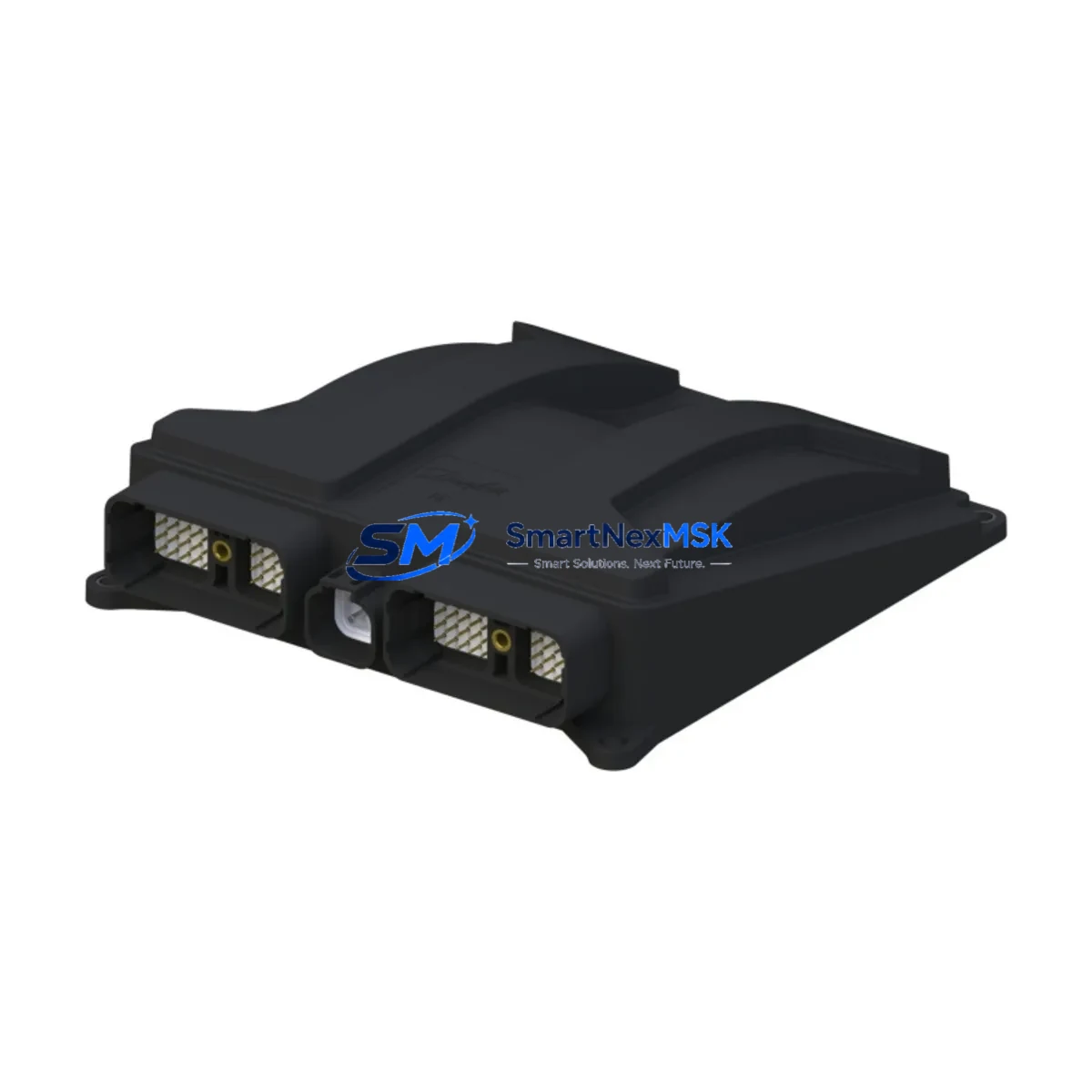
ABB NPBA-02 58976024G Spare for NPBA Automation: Fieldbus Adapter Replacement & Downtime Risk Control
The ABB NPBA-02 (part number 58976024G) is an original PROFIBUS DP fieldbus adapter module designed for integration with ABB ACS series variable frequency drives, including the ACS550, ACS800, and ACS880 families. In industrial automation environments where continuous process control is non-negotiable, maintaining a verified spare of the NPBA-02 in your MRO inventory is a frontline strategy against unplanned downtime. This module enables PROFIBUS DP communication between the drive and the host PLC or DCS, making it a critical node in any fieldbus-based control architecture.
For maintenance engineers managing aging drive systems or expanding automation infrastructure, the NPBA-02 represents a high-priority spare. Its failure — whether from electrical surge, connector wear, or firmware incompatibility after a network upgrade — can halt an entire production line. Sourcing a tested, original replacement unit with confirmed compatibility before failure occurs is the most cost-effective maintenance posture available.
Spare Maintenance Table
| Parameter | Specification |
|---|---|
| Part Number / SKU | NPBA-02 / 58976024G |
| Brand | ABB |
| Series | NPBA (Fieldbus Adapter Series) |
| Communication Protocol | PROFIBUS DP (EN 50170) |
| Compatible Drives | ACS550, ACS800, ACS880, ACS600 (with RDCO slot) |
| Mounting Interface | Drive option slot (slot 1 or slot 2 depending on drive model) |
| Supply Voltage | Powered via drive option slot (no external supply required) |
| Operating Temperature | 0°C to +55°C |
| Storage Temperature | -40°C to +70°C |
| Protection Class | IP20 (module only) |
| Weight | Approx. 500 g |
| Origin | Finland |
| Condition | Original, tested before shipment |
| Warranty | 12 Months |
| Application | Industrial automation, process control, MRO spare |
| Maintenance Recommendation | Inspect connector pins and firmware version at each scheduled drive service interval; replace if communication errors persist after parameter reset |
Maintenance Planning for Continuous Operation
When a PROFIBUS DP communication fault is traced to the NPBA-02 adapter, experienced maintenance engineers know that the fieldbus adapter is rarely the only component that warrants inspection. A systematic approach to spare parts management and cabinet-level inspection will significantly reduce the risk of repeat faults and secondary failures.
Begin with the PROFIBUS DP cable and termination resistors — a degraded cable shield or missing bus termination is frequently misdiagnosed as an adapter fault. Verify the 9-pin Sub-D connector on the NPBA-02 for pin corrosion or mechanical damage. Next, inspect the drive control board (RMIO or RDCO), which hosts the option slot; a damaged slot connector can cause intermittent communication loss even with a new adapter installed.
For drives integrated into a broader PLC or DCS network, check the PROFIBUS DP master module — such as an ABB CI854 or Siemens CP 342-5 — for GSD file version mismatches that may prevent the new NPBA-02 from being recognized after replacement. If the drive is part of a redundant control loop, also verify the ABB RDNA-01 (DeviceNet adapter) or NIBA-01 (BACnet adapter) if parallel communication paths are in use.
Within the control cabinet, inspect the 24 VDC auxiliary power supply feeding the PLC I/O rack and communication modules. Voltage sags during motor start can corrupt fieldbus frames and trigger false adapter faults. Check the terminal blocks and cable ferrules on the PROFIBUS segment for loose connections, particularly in high-vibration environments. If the installation includes signal isolators on the PROFIBUS line, verify their bandwidth and propagation delay specifications are within the segment’s baud rate tolerance.
For older ACS800 or ACS550 installations, it is also advisable to inspect the drive’s parameter backup (MFIO or DriveWindow backup file) before replacing the NPBA-02, as node address and baud rate settings stored in the adapter may need to be re-entered after module swap. Keeping a printed or digital parameter record as part of your site maintenance binder is a best practice that eliminates configuration errors during emergency replacements.
Finally, if the drive cabinet includes an ABB ACS-AP-I or ACS-AP-L control panel (HMI), confirm that the panel firmware is compatible with the drive firmware version post-replacement, as some firmware combinations affect fieldbus parameter visibility.
Site Replacement Workflow
Step 1 — Isolation & Safety: Follow LOTO (Lockout/Tagout) procedures. Confirm the drive is de-energized and the DC bus voltage has discharged below 50 VDC before opening the drive cabinet.
Step 2 — Document Current Configuration: Record the NPBA-02 node address (parameter 51.01 or equivalent), baud rate (51.02), and any active PROFIBUS profile settings. Take a photo of the wiring at the Sub-D connector.
Step 3 — Module Removal: Disconnect the PROFIBUS DP cable from the adapter. Release the module locking tab and slide the NPBA-02 out of the drive option slot. Inspect the slot connector on the drive for bent pins or debris.
Step 4 — Install Replacement Unit: Slide the new NPBA-02 (58976024G) into the option slot until it clicks. Reconnect the PROFIBUS DP cable. Restore power to the drive.
Step 5 — Parameter Restore & Commissioning: Re-enter the node address and baud rate parameters. Perform a PROFIBUS network scan from the master to confirm the drive is recognized. Run a test cycle at reduced load before returning to full production.
Step 6 — Documentation: Update the maintenance log with the replacement date, new module serial number, and any parameter changes. File the 12-month warranty documentation for the replacement unit.
This workflow minimizes commissioning time and ensures system compatibility is verified before the line returns to service — a critical discipline in high-availability process environments.
Spare Parts Support FAQ
Q1: Is the NPBA-02 (58976024G) compatible with all ACS series drives?
The NPBA-02 is compatible with ABB ACS550, ACS800, and ACS880 drives equipped with an option slot. Compatibility with ACS600 depends on the specific drive variant and RDCO board version. Always verify the drive’s option slot type and firmware version against the NPBA-02 hardware manual before installation. Our technical team can assist with compatibility confirmation prior to shipment.
Q2: What testing is performed before shipment?
Each NPBA-02 unit undergoes functional verification including power-on self-test, connector integrity check, and communication initialization test before dispatch. Units are shipped with anti-static packaging and include a test record. The 12-month warranty covers manufacturing defects and functional failures under normal operating conditions.
Q3: How should I manage NPBA-02 spare inventory for a multi-drive facility?
For facilities operating 5 or more ABB drives on a PROFIBUS network, maintaining a minimum of one NPBA-02 spare per 10 drives is a widely adopted MRO benchmark. Given the module’s role as a single point of communication failure, a zero-spare posture is not recommended for critical process lines. Long-term supply agreements are available for facilities requiring guaranteed stock allocation.
Q4: What is the lead time and can I request expedited shipment?
Standard lead time is 3–7 business days for in-stock units. Expedited shipment options are available for emergency maintenance situations. Contact our sales team with your site location and urgency level to arrange priority dispatch. All units ship with full documentation and are covered by a 12-month warranty from the date of delivery.
© 2026 SMARTNEXMSK. All rights reserved.
Original Source: https://smartnexmsk.com
Contact: [email protected] | +86 18259474341



