
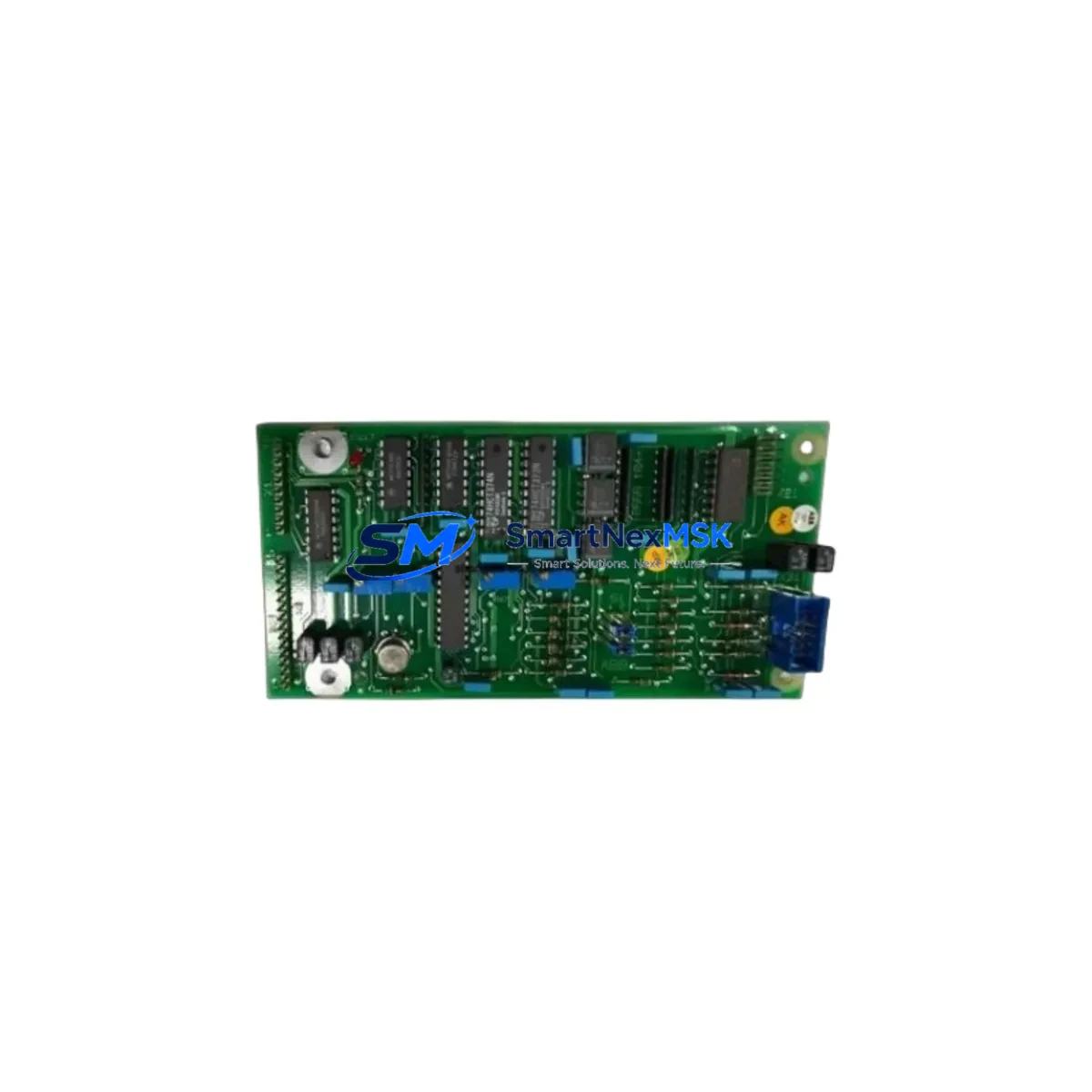
ABB PM106E YT204001-FN Maintenance-Ready Spare Advant MOD 300
The ABB PM106E (part number YT204001-FN) is a central processor module designed for the Advant MOD 300 Distributed Control System — one of ABB’s most widely deployed process automation platforms in the power generation, oil & gas, chemical, and pulp & paper industries. As installed base ages and OEM support windows close, maintaining a verified spare of the PM106E becomes a critical element of any plant’s downtime-prevention strategy. SMARTNEXMSK supplies original PM106E YT204001-FN units sourced from controlled channels, fully tested before shipment, and backed by a 12-month warranty — ensuring your Advant MOD 300 system stays operational without costly emergency procurement delays.
For maintenance engineers managing aging DCS infrastructure, the PM106E is the computational heart of the MOD 300 controller station. A failure of this module results in immediate loss of control loop execution, process data acquisition, and communication with field I/O. Having a tested replacement on the shelf — or a reliable supplier who can ship within 24–48 hours — is the difference between a planned 2-hour swap and an unplanned multi-day outage.
Spare Maintenance Table
| Parameter | Specification |
|---|---|
| Part Number | YT204001-FN |
| Model | PM106E |
| Brand | ABB |
| Series / Platform | Advant MOD 300 DCS |
| Module Type | Central Processor Module (CPU) |
| Origin | Germany (DE) |
| Compatibility | Advant MOD 300 controller stations; direct replacement for PM106, PM106E variants |
| Communication | MasterBus 300 / RCOM protocol support |
| Power Supply Requirement | 24 VDC via backplane (PS module required) |
| Installation | Rack-mount, hot-swap capable with system redundancy configuration |
| Operating Temperature | 0°C to +55°C |
| Application Environment | Industrial process control — power, chemical, oil & gas, pulp & paper |
| Condition | Original, tested before shipment |
| Warranty | 12 Months |
| Lead Time | In stock — ships within 24–48 hours |
Maintenance Planning for Continuous Operation
When a PM106E YT204001-FN is flagged for replacement during a scheduled outage or emergency fault isolation, experienced maintenance engineers know that the processor module rarely fails in isolation. A thorough site inspection and replacement workflow should encompass the entire controller station and associated electrical circuit.
Begin by verifying the PS107 or PS110 power supply module — the PM106E is sensitive to voltage ripple and under-voltage conditions on the 24 VDC backplane rail. A degraded power supply is frequently the root cause of intermittent processor faults and should be replaced or load-tested concurrently. Next, inspect the SM810 or SM811 communication modules seated in the same rack: MasterBus 300 communication errors often accompany processor instability and may indicate backplane connector wear or firmware incompatibility after a CPU swap.
On the I/O side, confirm that all AI810, AO810, DI810, and DO810 I/O modules are firmly seated and that their terminal blocks show no signs of thermal stress or loose wiring. A processor replacement that restores CPU function but leaves a marginal I/O module in place will result in a repeat fault within weeks. While the cabinet is open, inspect the TB820 or TB825 ModuleBus optical port modules — these are common wear items in high-cycle environments and are frequently overlooked during CPU-focused maintenance events.
For plants running redundant controller configurations, the RC410 redundancy controller module should be checked for synchronization status after the PM106E swap. Redundancy switchover events during the replacement can leave the backup controller in a degraded state if not properly re-initialized. Additionally, review the CI854 or CI858 fieldbus communication interface modules if the station interfaces with PROFIBUS DP or Foundation Fieldbus segments — a processor restart can trigger fieldbus re-initialization sequences that expose pre-existing communication faults.
Finally, verify the SD821 or SD822 24 VDC system power supply feeding the cabinet, check fuse condition on the distribution rail, and confirm that the OP516 or Panel 800 HMI operator station re-establishes full communication with the restored controller. A complete functional test — including analog loop checks, digital I/O verification, and alarm acknowledgment — should be performed before returning the unit to automatic control.
Site Replacement Workflow
Step 1 — Preparation: Obtain the PM106E YT204001-FN replacement unit and verify part number and firmware revision against the installed unit’s documentation. Download or print the current controller configuration backup before any hardware change.
Step 2 — Safe State: Place the process loop in manual control at the DCS operator station. Notify operations of the planned maintenance window. For non-redundant systems, coordinate a brief process hold.
Step 3 — Module Extraction: With the cabinet powered (hot-swap where system design permits) or after a controlled shutdown, release the PM106E locking lever, extract the module, and immediately insert the replacement unit. Ensure backplane connectors are fully engaged before releasing the locking lever.
Step 4 — Initialization: Monitor the module status LEDs during boot. The PM106E will perform a self-test sequence; confirm green RUN status before proceeding. For redundant systems, verify that the primary/backup role assignment is correct.
Step 5 — Configuration Restore: If the replacement module requires configuration download, use the ABB Advant Builder or MOD 300 engineering tool to restore the controller database. Verify all I/O assignments, loop parameters, and communication node addresses.
Step 6 — Functional Test: Return loops to automatic control one at a time. Confirm process values, alarm states, and historian data are updating correctly. Document the replacement in the plant maintenance management system (CMMS).
This workflow minimizes total downtime to under 2 hours for a prepared maintenance team and eliminates the risk of configuration errors that can extend outages unnecessarily.
Spare Parts Support FAQ
Q1: Is the PM106E YT204001-FN compatible with all Advant MOD 300 controller revisions?
The PM106E is the standard processor module for MOD 300 controller stations and is compatible across the primary hardware revisions of the platform. For systems running very early MOD 300 firmware, a firmware revision check is recommended before installation. Our technical team can assist with compatibility verification based on your system’s engineering documentation.
Q2: How is the unit tested before shipment?
Each PM106E YT204001-FN unit undergoes a power-on functional test and visual inspection for connector integrity, component condition, and LED response prior to packaging. Units that do not pass functional verification are not shipped. A test report is available upon request for critical applications.
Q3: What does the 12-month warranty cover?
The 12-month warranty covers hardware defects and functional failures under normal operating conditions. It does not cover damage resulting from incorrect installation, overvoltage events, or physical mishandling. Warranty claims are processed with return shipping support and priority replacement dispatch to minimize your system downtime.
Q4: Can you support long-term spare parts planning for our MOD 300 system?
Yes. SMARTNEXMSK maintains ongoing inventory of Advant MOD 300 components and can support multi-year spare parts agreements for plants committed to extending the operational life of their existing DCS infrastructure. Contact our team to discuss a tailored spare parts list based on your installed controller configuration.
© 2026 SMARTNEXMSK. All rights reserved.
Original Source: https://smartnexmsk.com
Contact: [email protected] | +86 18259474341



