
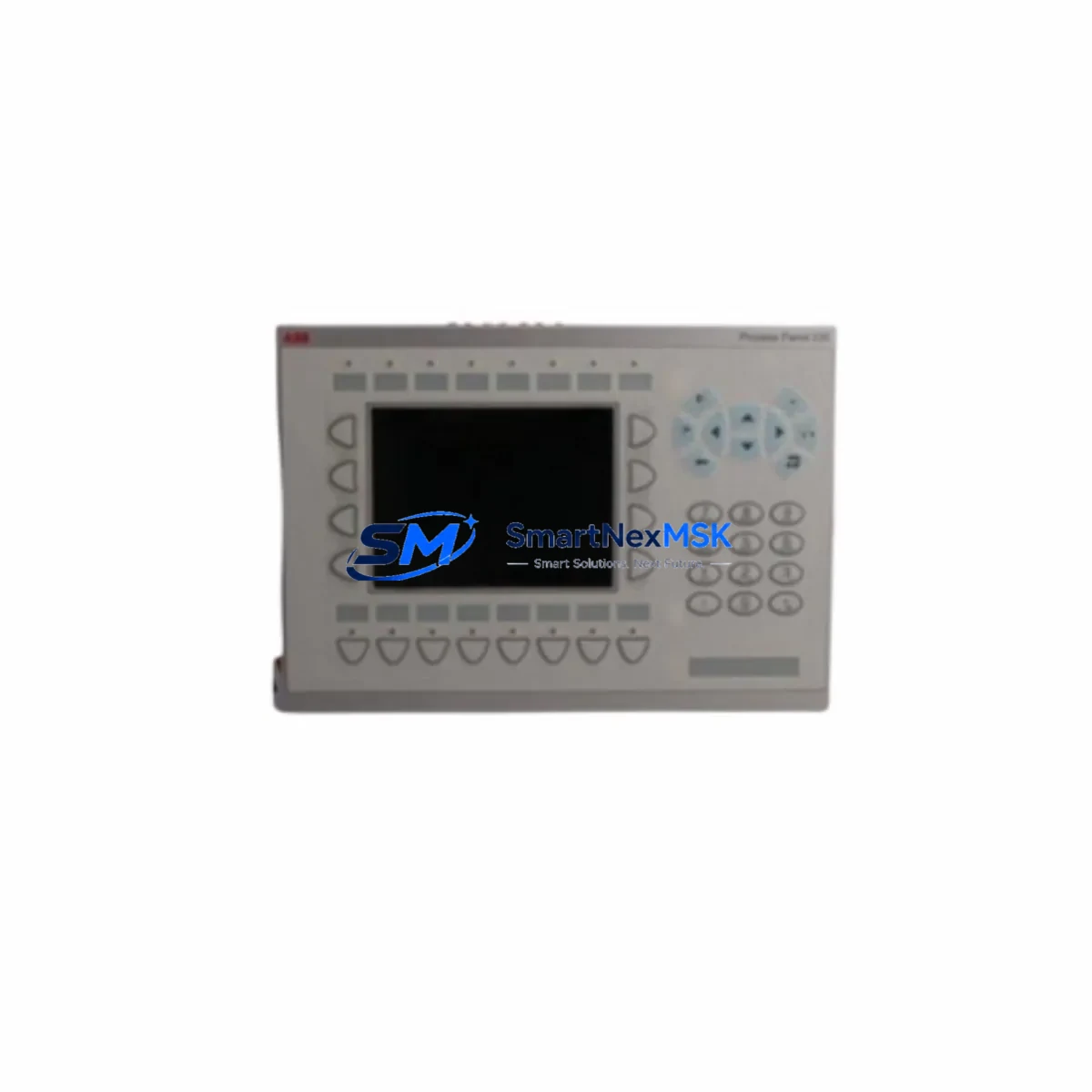
ABB PP245B 3BSC690126R2 Retrofit-Ready HMI for 800xA Control Systems
The ABB PP245B (part number 3BSC690126R2) is a high-performance operator interface panel engineered for seamless integration into ABB’s 800xA Distributed Control System architecture. Designed with legacy system modernization in mind, this unit serves as a direct retrofit replacement for aging or discontinued HMI panels across a wide range of industrial automation environments — including power generation, oil & gas processing, chemical manufacturing, and pulp & paper facilities.
When an existing 800xA installation requires panel replacement due to hardware failure, end-of-life status, or planned system upgrade, the PP245B 3BSC690126R2 provides a validated drop-in solution. Its compatibility with the AC800M controller family — including the PM864A and PM891 processor modules — means engineering teams can execute the swap without rewriting core PLC logic or restructuring the control network topology.
Upgrade Compatibility Table
| Parameter | Details |
|---|---|
| Compatible DCS Platform | ABB 800xA System (v5.x, v6.x) |
| Compatible Controllers | AC800M (PM864A, PM891, PM866) |
| Mounting Interface | Panel cutout mount; standard 800xA enclosure compatible |
| Communication Protocol | Ethernet/IP, PROFIBUS DP (via gateway) |
| Replacement Recommendation | Direct replacement for PP245 (3BSC690126R1) and equivalent legacy panels |
| Commissioning Notes | Verify IP address assignment, aspect object bindings, and OPC server connection post-swap |
| Warranty | 12 months from date of shipment |
Retrofit Planning for Existing Automation Systems
Successful integration of the PP245B 3BSC690126R2 into an existing control cabinet requires systematic pre-installation verification. Engineers should begin by auditing the existing backplane configuration — particularly if the installation includes an S800 I/O cluster connected via ModuleBus or an AF100 fieldbus segment. Confirm that the TB820V2 ModuleBus modem or CI854 PROFIBUS interface module is firmware-compatible with the replacement panel’s communication stack.
Terminal wiring must be mapped against the original panel’s I/O assignment sheet. In installations where the legacy panel shared a 24 VDC rail with adjacent SD821 or SD822 power supply modules, verify that the new panel’s inrush current profile does not exceed the rail’s rated capacity. If the control cabinet houses a CI801 or CI810B fieldbus communication interface, confirm that the panel’s Ethernet port is assigned to the correct VLAN segment within the 800xA network infrastructure.
For sites running older 800xA versions (v5.0 or earlier), it is advisable to export and archive all aspect objects, graphic displays, and alarm configurations from the existing system before removing the legacy panel. The PP245B supports the same aspect directory structure, but graphic elements built on older ActiveX components may require re-binding to the updated OPC DA or OPC UA server endpoints. Coordinate with the site’s DCS engineer to validate that all HMI faceplates — particularly those linked to motor control centers or valve positioner loops — render correctly after the swap.
In multi-panel installations, where the PP245B operates alongside additional operator stations or engineering workstations running 800xA Operations or 800xA Engineering, ensure that the replacement panel is registered in the system’s node configuration and that its aspect server subscription is active before going live.
Downtime Control During System Migration
Minimizing unplanned downtime is the primary operational concern during any HMI panel replacement. For the PP245B 3BSC690126R2, the recommended approach is a staged cutover: pre-configure the replacement panel offline using a mirrored 800xA engineering environment, validate all graphic displays and alarm thresholds in simulation mode, and only transfer the panel to the live network during a scheduled maintenance window.
Before disconnecting the legacy panel, capture a full backup of the 800xA system configuration using the System Configuration Utility (SCU). This backup preserves controller program logic resident in the AC800M, I/O module address assignments across the S800 cluster, and all operator graphic libraries. If the site uses a redundant controller pair (e.g., dual PM864A in hot-standby mode), the switchover to the secondary controller can be used to maintain process continuity while the primary panel is replaced.
Post-installation, perform a structured commissioning sequence: confirm network connectivity, validate OPC server tag subscriptions, cycle through all HMI faceplates under operator supervision, and verify that alarm annunciation and event logging are functioning correctly. Document the commissioning results and retain them as part of the site’s change management record. All units supplied by SMARTNEXMSK are pre-tested prior to shipment, reducing on-site commissioning risk and supporting faster return to normal operations.
Retrofit Support FAQ
Q: Is the PP245B 3BSC690126R2 a direct replacement for the PP245 3BSC690126R1?
A: Yes. The R2 revision is the current production variant and is backward-compatible with all 800xA installations that previously used the R1 panel. No hardware modification to the control cabinet is required.
Q: What commissioning steps are required after installation?
A: After mounting and connecting the panel, assign the correct IP address within the 800xA network range, register the node in the System Configuration Utility, verify OPC server subscriptions, and confirm that all graphic displays and alarm configurations load correctly. A full I/O loop check is recommended before returning the system to automatic control.
Q: Can the PP245B be used with PROFIBUS DP field devices?
A: The PP245B communicates with the AC800M controller via Ethernet. PROFIBUS DP connectivity to field devices is maintained through the existing CI854 or DP800 interface modules in the S800 I/O cluster — the panel replacement does not affect fieldbus wiring or device addressing.
Q: What does the 12-month warranty cover?
A: All PP245B 3BSC690126R2 units supplied by SMARTNEXMSK carry a 12-month warranty covering manufacturing defects and functional failures under normal operating conditions. Each unit undergoes pre-shipment functional testing. Warranty claims are supported with direct technical assistance and expedited replacement dispatch.
© 2026 SMARTNEXMSK. All rights reserved.
Original Source: https://smartnexmsk.com
Contact: [email protected] | +86 18259474341



