
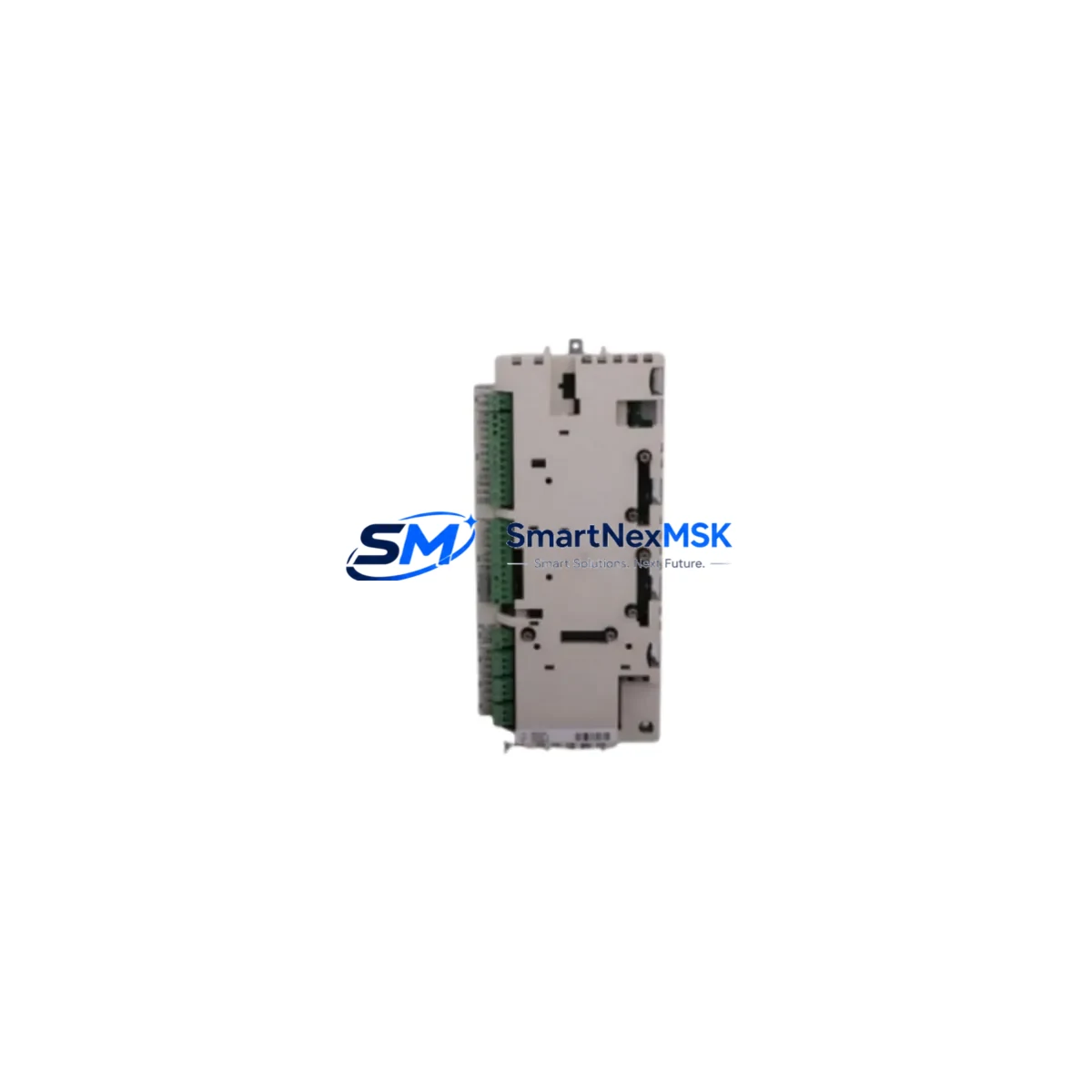
ABB RDCU-02C 64607901 F Retrofit-Ready Drive Control Unit for ACS800 Control Systems
The ABB RDCU-02C 64607901 F is a retrofit-ready drive control unit engineered for seamless integration into existing ACS800 series variable frequency drive platforms. As legacy ACS800 installations age and original control boards reach end-of-life, the RDCU-02C 64607901 F provides a verified drop-in replacement path that preserves existing wiring infrastructure, retains program logic compatibility, and eliminates the need for full drive replacement. This unit is sourced from authorized supply channels, undergoes pre-shipment functional testing, and is backed by a 12-month warranty covering both hardware integrity and firmware operability.
Industrial facilities running ACS800 drives in pump control, fan regulation, conveyor systems, compressor management, and crane hoist applications will find the RDCU-02C 64607901 F to be a cost-effective and operationally safe upgrade path. The control unit interfaces directly with the ACS800 drive’s internal backplane, maintaining compatibility with the DDCS fiber-optic communication protocol used across the ACS800 platform for master-follower configurations and external controller links.
Upgrade Compatibility Table
| Parameter | Details |
|---|---|
| Compatible Drive Series | ABB ACS800 (all frame sizes) |
| Replaces | RDCU-02C, RDCU-02, APBU-44C, legacy ACS800 control boards |
| Backplane Interface | Direct plug-in to ACS800 internal control slot — no adapter required |
| Communication Protocol | DDCS (Distributed Drives Communication System) fiber-optic; compatible with RDCO-01/02/03 adapters |
| Fieldbus Compatibility | Profibus-DP, Modbus RTU, DeviceNet, CANopen via RPBA/RMBA/RDNA/RCAN adapter modules |
| I/O Expansion | Supports RAIO-01 analog I/O extension and RDIO-01 digital I/O extension modules |
| Firmware | Pre-loaded; compatible with DriveWindow 2 and DriveStudio for parameter backup and restore |
| Installation Requirement | Power-off installation; ESD precautions required; no mechanical modification to drive cabinet |
| Commissioning Tool | DriveWindow 2 / DriveStudio via RUSB-02 USB adapter or RDCO fiber link |
| Retrofit Complexity | Low — direct swap with parameter restore from backup file |
| Warranty | 12 months from shipment date — covers hardware and firmware functionality |
Retrofit Planning for Existing Automation Systems
A successful RDCU-02C 64607901 F retrofit begins well before the physical swap. Engineers should first retrieve the full parameter backup from the existing control unit using DriveWindow 2 connected via a RUSB-02 USB-to-panel adapter or through the RDCO-02 fiber-optic communication module. This backup preserves all application-specific tuning, speed references, torque limits, and I/O assignments that have been configured over the drive’s operational life.
Before removing the old board, verify the power supply capacity of the ACS800 internal SMPS (Switch Mode Power Supply) section. The RDCU-02C draws its logic power from the drive’s internal 24 VDC rail; confirm that any co-installed option modules — such as the RAIO-01 analog I/O extension, RDIO-01 digital I/O extension, or an RPBA-01 Profibus adapter — do not collectively exceed the available power budget on the option module slots. Overloading the internal supply is a common cause of intermittent faults after retrofit.
Terminal wiring on the RDCU-02C 64607901 F follows the standard ACS800 control terminal layout (X1 through X4 terminal blocks), covering analog inputs AI1/AI2, analog outputs AO1/AO2, digital inputs DI1–DI6, relay outputs RO1–RO3, and the 24 VDC auxiliary power input. Cross-reference the existing wiring diagram against the RDCU-02C terminal map before disconnection to avoid miswiring during reinstallation. Pay particular attention to the Safe Torque Off (STO) circuit wiring if the original installation uses an AGPS-21C or AGPS-11C gate driver board with STO functionality enabled.
For systems where the ACS800 communicates upstream to a Siemens S7-300 or S7-400 PLC via Profibus-DP, the RPBA-01 Profibus adapter must remain installed in its original slot position. The GSD file and Profibus node address stored in the PLC’s hardware configuration do not need to change — the RDCU-02C will inherit the same node address after parameter restore. Similarly, installations using a Modbus RTU link to a Schneider Electric Modicon M340 or Premium PLC via an RMBA-01 adapter will find that the register map and baud rate settings are preserved through the parameter backup file.
In multi-drive systems using the ACS800’s master-follower functionality over DDCS fiber-optic links, confirm that the fiber-optic cables connecting the RDCO-02 or RDCO-03 modules between drives are undamaged and properly seated before powering up the retrofitted unit. The master drive’s DDCS channel configuration (parameters 70.01–70.10 in the ACS800 parameter set) should be verified post-restore to ensure follower drive addresses are correctly assigned.
HMI panels connected to the ACS800 — whether an ABB CDP312R control panel, a third-party Weintek or Proface HMI via RS-485, or a SCADA system reading drive status via OPC — will resume normal communication after the RDCU-02C is installed and parameters are restored, provided the communication port settings (baud rate, parity, stop bits) match the backup configuration. No HMI screen redesign is required for a like-for-like control board replacement.
Downtime Control During System Migration
Minimizing production downtime during an RDCU-02C 64607901 F retrofit requires a structured pre-outage preparation protocol. The most effective approach is to complete all preparatory steps — parameter backup, spare parts staging, wiring diagram review, and commissioning tool readiness — during normal production hours, so that the physical swap can be executed within a single planned maintenance window, typically 2–4 hours for a single drive.
Before initiating the outage, confirm that the replacement RDCU-02C 64607901 F unit has been bench-tested for power-on response and that the DriveWindow 2 parameter restore file is accessible on the commissioning laptop. Stage the RUSB-02 adapter, ESD wrist strap, and a copy of the ACS800 firmware manual at the cabinet location. If the drive controls a critical process — such as a boiler feed pump, cooling tower fan, or production line conveyor — coordinate with operations to arrange a manual bypass or standby drive if available.
During the swap, follow the ACS800 hardware manual procedure: isolate main power and auxiliary 24 VDC supply, wait for the DC bus to discharge (minimum 5 minutes after power-off), remove the option modules in reverse installation order, extract the old RDCU-02C, install the new unit, reinstall option modules, and restore power. After power-on, use DriveWindow 2 to restore the parameter backup, verify I/O signal states against the process control system, run a no-load motor test at low speed, and confirm fieldbus communication status before returning the drive to automatic control. This structured sequence protects the original program logic and maintains field control continuity throughout the migration.
Retrofit Support FAQ
Q1: Is the RDCU-02C 64607901 F a direct replacement for all ACS800 control board variants?
The RDCU-02C 64607901 F is compatible with the full ACS800 drive family across all frame sizes (R2–R8 and cabinet-mounted units). It replaces earlier RDCU-02 and RDCU-02C revisions. For ACS800-04, ACS800-07, and ACS800-11 multi-drive configurations, verify the option module slot count and DDCS channel assignments match your existing installation before ordering.
Q2: Can I restore my existing ACS800 parameters to the new RDCU-02C without re-commissioning from scratch?
Yes. If a full parameter backup was taken from the original unit using DriveWindow 2 or DriveStudio, the backup file can be restored directly to the RDCU-02C 64607901 F via the RUSB-02 USB adapter or RDCO fiber link. All application parameters, speed references, PID tuning values, and I/O configurations are preserved. A functional verification test at low speed is still recommended before returning to full production load.
Q3: What wiring changes are required when installing the RDCU-02C 64607901 F?
No wiring changes are required for a like-for-like replacement. The RDCU-02C 64607901 F uses the same X1–X4 terminal block layout as the original ACS800 control board. Reconnect all signal wires to their original terminal positions as documented in your site wiring diagram. If the original installation includes an RAIO-01 or RDIO-01 I/O extension module, these reconnect to the same option slots without modification.
Q4: What does the 12-month warranty cover, and what is the shipping lead time?
The 12-month warranty covers hardware defects and firmware functionality from the date of shipment. Units are pre-tested before dispatch to verify power-on response, communication port operation, and I/O signal integrity. Standard shipping lead time from our Xiamen warehouse is 3–7 business days for international express delivery. Expedited same-day dispatch is available for in-stock units confirmed before 14:00 CST.
© 2026 SMARTNEXMSK. All rights reserved.
Original Source: https://smartnexmsk.com
Contact: [email protected] | +86 18259474341



