
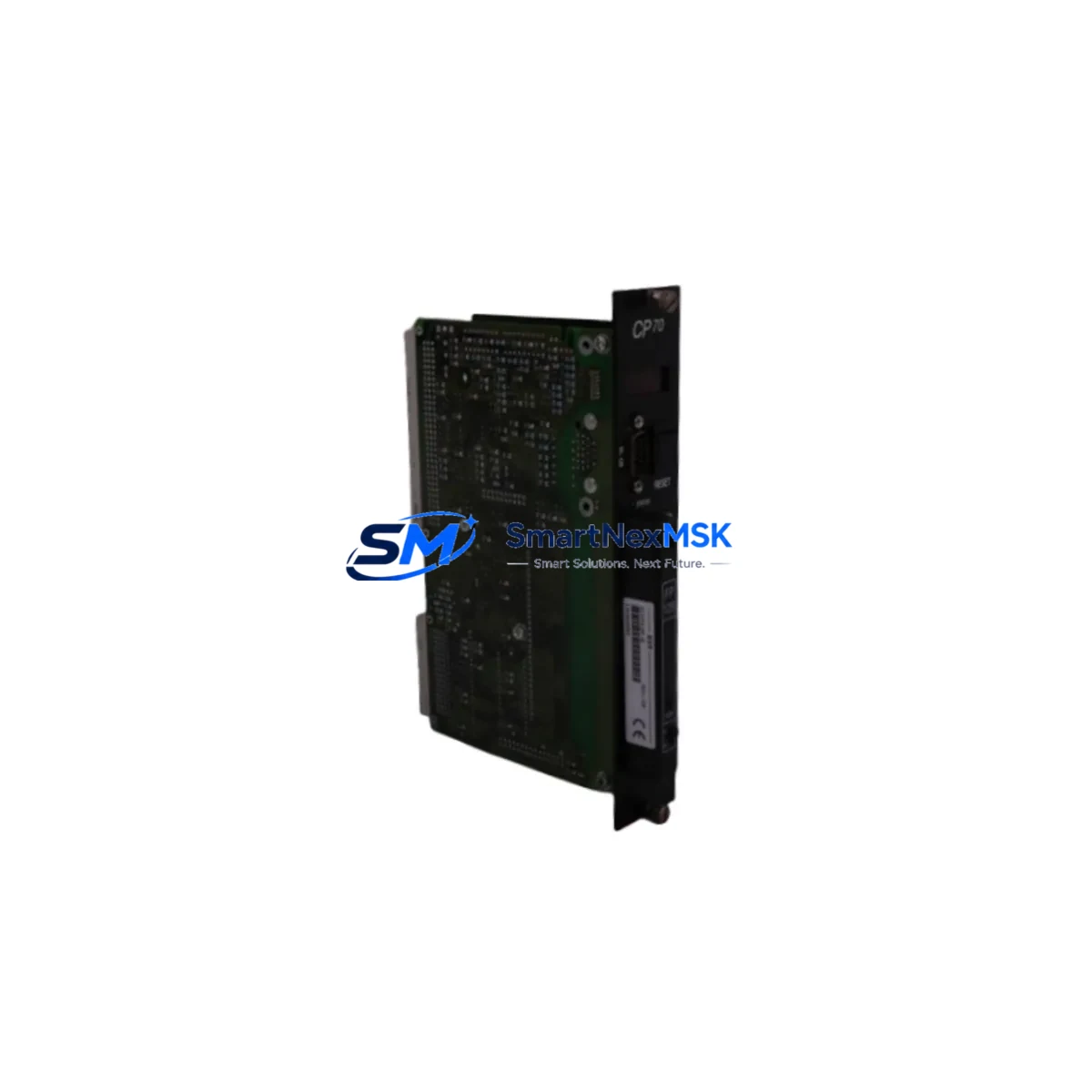
ABB SDV541-S33 Maintenance-Ready Spare S300 DCS Automation
The ABB SDV541-S33 is an original digital output module designed for the ABB S300 Distributed Control System (DCS). In industrial automation environments where unplanned downtime translates directly into production loss and safety risk, having a verified, maintenance-ready spare of the SDV541-S33 on hand is a fundamental element of any responsible spare parts strategy. This module provides reliable digital output signal control within the S300 system architecture, and its direct drop-in compatibility makes it the preferred choice for maintenance engineers managing aging control infrastructure, planned turnarounds, and emergency replacement scenarios alike.
Whether you are managing a continuous process plant, a batch manufacturing facility, or a utility control system built around ABB S300 hardware, the SDV541-S33 represents a critical node in your I/O layer. Failure of a digital output module can cascade into loss of actuator control, valve positioning errors, or motor drive faults — all of which demand immediate corrective action. Sourcing a pre-tested, original ABB SDV541-S33 spare eliminates the uncertainty of compatibility verification and reduces mean time to repair (MTTR) to the minimum possible.
Spare Maintenance Table
| Parameter | Specification / Detail |
|---|---|
| Part Number / SKU | SDV541-S33 |
| Manufacturer | ABB |
| Series | S300 DCS |
| Module Type | Digital Output Module |
| Origin | Germany (DE) |
| Compatibility | ABB S300 DCS backplane and rack system; direct replacement for SDV541-S33 installations |
| Output Type | Digital (discrete) output channels for field device control |
| Installation | Rack-mount, hot-swap capable per S300 system design; no special tools required |
| Application Environment | Process automation, utility control, batch manufacturing, continuous production |
| Maintenance Recommendation | Inspect signal wiring, terminal blocks, and backplane connector annually; replace on first sign of output fault or channel failure |
| Pre-shipment Testing | Functionally tested before dispatch; includes power-on verification and output channel check |
| Warranty | 12 Months from date of shipment |
| Condition | Original ABB, surplus new or refurbished to OEM specification |
| Lead Time | In-stock items ship within 1–3 business days; long-term supply available |
Maintenance Planning for Continuous Operation
When a maintenance or procurement engineer schedules replacement of the SDV541-S33, the inspection scope should extend beyond the module itself. The S300 DCS architecture integrates multiple interdependent components, and a thorough site assessment during the replacement window significantly reduces the risk of repeat failures and secondary faults.
Begin with the S300 power supply module feeding the rack — verify output voltage stability and check for capacitor aging or thermal stress indicators. Inspect the S300 backplane for connector wear, corrosion, or mechanical damage at the SDV541-S33 slot and adjacent positions. Review the SDI541 or SDI561 digital input modules in the same rack, as input/output pairs often share the same field loop and a fault in one direction may indicate wiring or field device issues affecting both.
Check all terminal blocks and field wiring connected to the SDV541-S33 output channels — loose terminations and insulation degradation are common root causes of intermittent output faults. If the system uses signal isolators or signal conditioners between the DCS output and field actuators, verify their operating range and isolation integrity. For installations with relay output expansion modules downstream of the digital output, inspect relay contact condition and coil resistance.
Review the S300 communication module (such as the SCI81 or equivalent fieldbus interface) for firmware version compatibility and communication error logs — a failing output module can sometimes generate spurious bus errors that mask the true fault source. If the control cabinet includes an ABB Panel 800 HMI or AC500 operator interface, confirm that alarm and status displays correctly reflect the new module’s I/O mapping after replacement. Finally, inspect cabinet ventilation, filter mats, and thermal management components — elevated operating temperatures accelerate module aging across the entire S300 rack and are a leading cause of premature spare consumption.
Procurement engineers should consider stocking at minimum one SDV541-S33 spare per critical production line, alongside companion spares such as the S300 CPU module and S300 analog input/output modules, to ensure a complete rapid-response kit for the most common DCS failure scenarios.
Site Replacement Workflow
Replacing the SDV541-S33 in an S300 DCS installation is a structured process that, when executed correctly, minimizes downtime and eliminates the risk of configuration errors or system instability.
Step 1 — Pre-replacement verification: Confirm the replacement module SKU matches SDV541-S33 exactly. Verify firmware or hardware revision compatibility with your S300 system version. Document the current output channel assignments and field device mapping before removal.
Step 2 — Safe isolation: Follow your site’s lockout/tagout (LOTO) procedure for the affected output channels. Place the associated field devices (valves, motors, actuators) in a safe state before de-energizing the module slot.
Step 3 — Module removal and inspection: Extract the SDV541-S33 from the rack. Inspect the backplane connector for bent pins or contamination. Clean the slot if necessary before inserting the replacement unit.
Step 4 — Installation and commissioning: Insert the new SDV541-S33 firmly into the rack slot. Restore power and verify that the DCS controller recognizes the module without fault codes. Confirm all output channels are active and correctly mapped to field devices.
Step 5 — Functional test: Perform a channel-by-channel output test from the engineering workstation or HMI. Verify field device response for each output. Log the replacement in your maintenance management system (CMMS) with date, module serial number, and test results.
This workflow applies equally to planned maintenance windows and emergency replacement scenarios. Having a pre-tested SDV541-S33 spare on site reduces the total replacement cycle — from fault identification to system restoration — to under two hours in most installations, compared to days or weeks when sourcing begins after the failure event.
Spare Parts Support FAQ
Q1: Is this SDV541-S33 an original ABB module or a third-party compatible replacement?
This is an original ABB SDV541-S33 module, sourced directly from ABB-authorized channels or verified surplus stock. It is not a third-party clone or compatible substitute. Original modules ensure full compatibility with S300 DCS firmware, backplane communication protocols, and ABB engineering workstation configuration tools.
Q2: How is the SDV541-S33 tested before shipment?
Every SDV541-S33 unit undergoes functional testing prior to dispatch, including power-on verification, output channel activation checks, and visual inspection for physical damage. A test report is available upon request. Units that do not pass all test criteria are not offered for sale.
Q3: Can I use the SDV541-S33 as a direct replacement for an existing failed module without reconfiguring the DCS?
In most S300 DCS installations, the SDV541-S33 is a direct slot-for-slot replacement that does not require DCS reconfiguration, provided the replacement module matches the hardware revision of the original. We recommend verifying the hardware revision with your ABB system documentation or engineering workstation before installation. Our technical team can assist with compatibility confirmation prior to purchase.
Q4: What does the 12-month warranty cover, and what is the support process if a fault occurs?
The 12-month warranty covers manufacturing defects and functional failures under normal operating conditions from the date of shipment. If a fault occurs within the warranty period, contact our support team with the order reference and a description of the fault. We will arrange priority replacement shipment or technical support as appropriate. Warranty claims resulting from incorrect installation, overvoltage events, or physical damage are assessed on a case-by-case basis.
© 2026 SMARTNEXMSK. All rights reserved.
Original Source: https://smartnexmsk.com
Contact: [email protected] | +86 18259474341



