
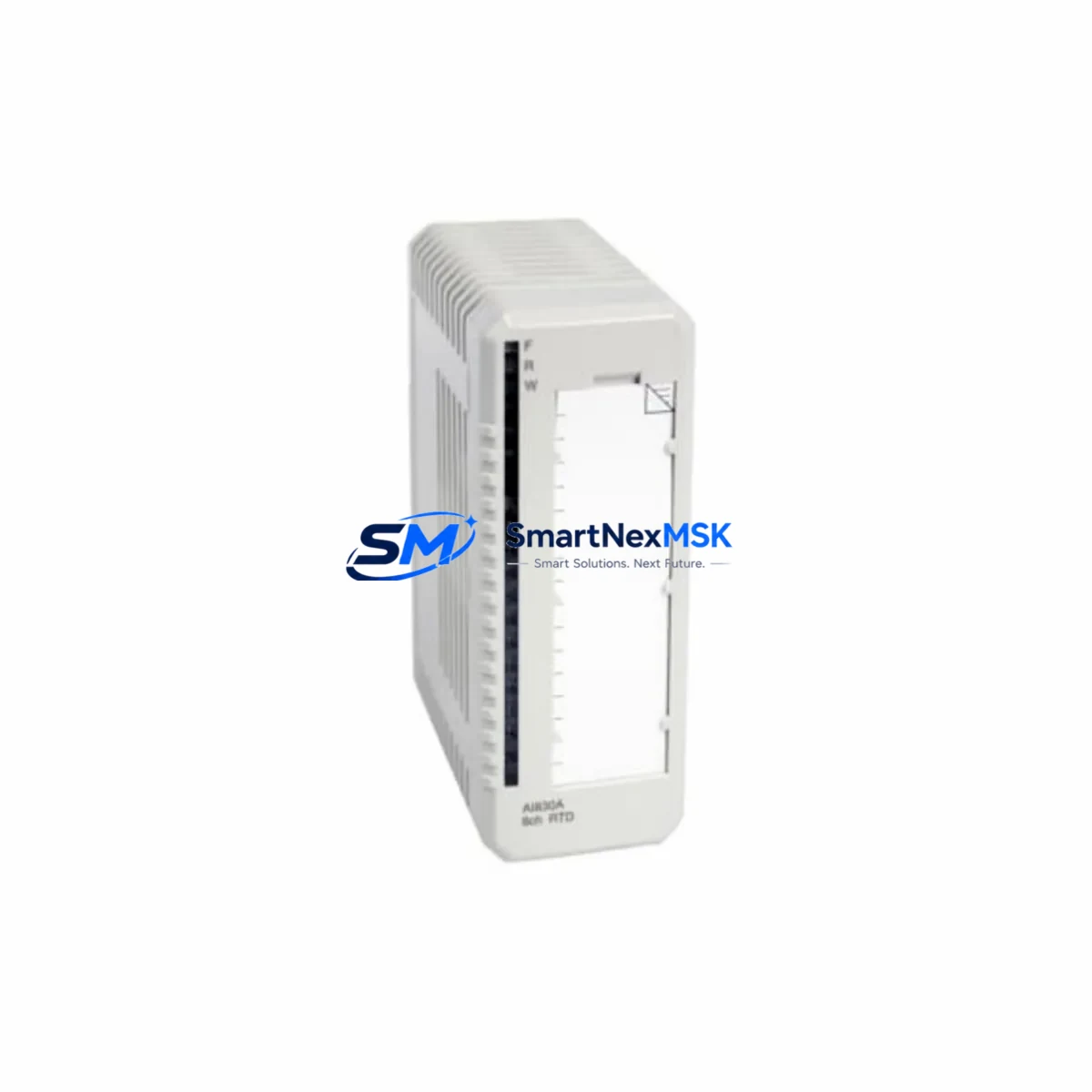
ABB SM812K01 Maintenance-Ready Spare for AC500-S Automation
The ABB SM812K01 is the central safety CPU module of the AC500-S Safety PLC platform, designed for functional safety applications up to SIL 3 (IEC 62061) and PLe / Category 4 (ISO 13849-1). In industrial maintenance environments — from automotive assembly lines and chemical process plants to power generation and material handling systems — the SM812K01 serves as the core decision-making unit for safety-critical control loops. When this module fails or reaches end-of-service life, rapid replacement is essential to restore safe machine operation and minimize unplanned downtime.
This listing provides a maintenance-ready, original ABB SM812K01 spare unit, sourced from authorized supply channels, fully tested prior to shipment, and backed by a 12-month warranty. Each unit is inspected for firmware compatibility, hardware revision alignment, and physical integrity before dispatch.
Spare Maintenance Table
| Parameter | Specification / Detail |
|---|---|
| Part Number / SKU | SM812K01 |
| Brand | ABB |
| Series | AC500-S Safety PLC |
| Module Type | Safety CPU Module |
| Safety Integrity Level | SIL 3 (IEC 62061) / PLe Cat. 4 (ISO 13849-1) |
| Communication Interface | PROFIBUS DP, CANopen, Modbus RTU/TCP (via CM modules) |
| Programming Standard | IEC 61131-3 (via Automation Builder / PS501) |
| Power Supply Voltage | 24 V DC (nominal), supplied via AC500-S backplane |
| Operating Temperature | 0 °C to +60 °C |
| Protection Rating | IP20 (panel-mount installation) |
| Country of Origin | Germany |
| Compatibility | AC500-S Safety PLC backplane; pairs with SM560-S, TU582-S terminal units |
| Installation | DIN rail via AC500-S backplane unit; no tools required for module swap |
| Maintenance Recommendation | Replace as matched pair with SM560-S standard CPU if dual-CPU safety architecture is in use; verify firmware revision before installation |
| Warranty | 12 Months — tested and verified before shipment |
Maintenance Planning for Continuous Operation
When a maintenance or reliability engineer schedules replacement of the SM812K01 Safety CPU, the scope of inspection should extend beyond the module itself. The AC500-S platform operates as an integrated safety system, and adjacent components directly affect the reliability and certification validity of the replacement.
Begin with the power supply module feeding the AC500-S rack — typically a CP-E 24/10.0 or equivalent 24 V DC unit. Verify output voltage stability under load, as undervoltage conditions are a leading cause of spurious safety CPU faults. Inspect the TU582-S terminal unit or relevant backplane connector for pin corrosion, mechanical wear, or contamination, since a degraded terminal unit can cause intermittent communication errors even with a new CPU installed.
Check all SM560-S standard CPU modules in dual-CPU configurations — the SM812K01 operates in conjunction with the standard CPU, and a firmware mismatch between the two will prevent the safety program from executing. Confirm that the SD card or onboard memory holding the safety application is intact and that the program checksum matches the validated version on record.
Inspect digital safety I/O modules such as the SM560-S-FD-1 or equivalent fail-safe I/O units connected to the safety bus. Faulty I/O modules can mask themselves as CPU faults during diagnostics. Review the PROFIBUS DP or CANopen communication modules (CM572-DP, CM577-ETHCAT) for error counters and bus termination integrity — communication faults at the fieldbus level are frequently misdiagnosed as CPU failures.
For installations with safety relays (e.g., ABB SR series or equivalent Pilz/Schmersal units) wired to the SM812K01’s safety outputs, verify relay coil resistance and contact wear. Aging safety relays with slow response times can cause the safety CPU to log output discrepancy faults. Similarly, inspect signal isolators and barriers on analog safety loops — degraded isolation can introduce ground loops that corrupt safety-critical sensor signals.
If the control cabinet includes an HMI panel (e.g., CP600 series or third-party Weintek/Siemens TP unit) communicating with the AC500-S via Modbus TCP or OPC UA, verify that the HMI program references the correct data block addresses after the CPU replacement, as address mapping may differ between firmware versions. Finally, check fuse holders and miniature circuit breakers on the 24 V DC distribution rail — a blown fuse on the I/O supply rail is a common secondary fault that appears after a CPU replacement if the root cause was an I/O short circuit.
Site Replacement Workflow
Replacing the SM812K01 on-site follows a structured sequence to minimize downtime and maintain safety system integrity:
1. Pre-replacement documentation: Export the current safety application from the existing CPU using ABB Automation Builder with PS501 Safety extension. Record the program checksum, firmware version, and hardware revision of the installed SM812K01. Photograph the wiring and terminal assignments on the TU582-S terminal unit before any disconnection.
2. Safe state initiation: Command the safety system to a defined safe state via the HMI or engineering workstation. Confirm all safety outputs are de-energized and the process is in a safe hold condition before proceeding.
3. Module extraction: The SM812K01 is hot-swappable at the mechanical level on the AC500-S backplane, but the safety application requires a controlled download after swap. Remove the module by releasing the locking lever and sliding it out of the terminal unit. Retain the SD card if the application is stored on it.
4. Replacement installation: Insert the new SM812K01 into the TU582-S terminal unit. If the replacement unit ships with a different firmware version, update firmware via Automation Builder before downloading the safety application. Download the validated safety program, perform a full safety function test per the machine’s safety validation plan, and confirm the CPU enters RUN mode without fault flags.
5. System recommissioning: Verify all safety I/O channels, communication links, and HMI data exchange are functioning correctly. Log the replacement in the maintenance record with the new module’s serial number and firmware version. Update the spare parts inventory to trigger reorder of a replacement SM812K01 for the next maintenance cycle.
This workflow is compatible with legacy AC500-S installations and supports system life extension without requiring a full platform migration, protecting the original safety validation investment.
Spare Parts Support FAQ
Q1: Is this SM812K01 an original ABB unit or a compatible replacement?
This is an original ABB SM812K01 module sourced from authorized supply channels. It is not a third-party compatible or remanufactured unit. Each module is tested for functionality and hardware integrity before shipment to ensure it meets ABB’s original performance specifications.
Q2: How do I verify compatibility with my existing AC500-S installation before ordering?
Confirm the hardware revision (HW Rev) and firmware version of your installed SM812K01 from the module label or Automation Builder device diagnostics. Share this information with our sales team at [email protected] — we will match the replacement unit to your revision requirements and advise on any firmware update steps needed prior to installation.
Q3: What does the 12-month warranty cover, and what pre-shipment testing is performed?
The 12-month warranty covers manufacturing defects and functional failures under normal operating conditions. Prior to shipment, each SM812K01 undergoes power-on functional testing, communication interface verification, and visual inspection for physical damage. A test report is available upon request. Warranty claims are processed via our direct support channel with replacement or refund options.
Q4: Can I stock multiple SM812K01 units for long-term supply continuity?
Yes — stocking 1–2 spare SM812K01 units is strongly recommended for facilities operating multiple AC500-S safety systems or running continuous processes where unplanned downtime carries high operational cost. We support blanket orders and scheduled delivery agreements for customers requiring long-term supply continuity. Contact [email protected] to discuss volume pricing and lead time commitments.
© 2026 SMARTNEXMSK. All rights reserved.
Original Source: https://smartnexmsk.com
Contact: [email protected] | +86 18259474341



