
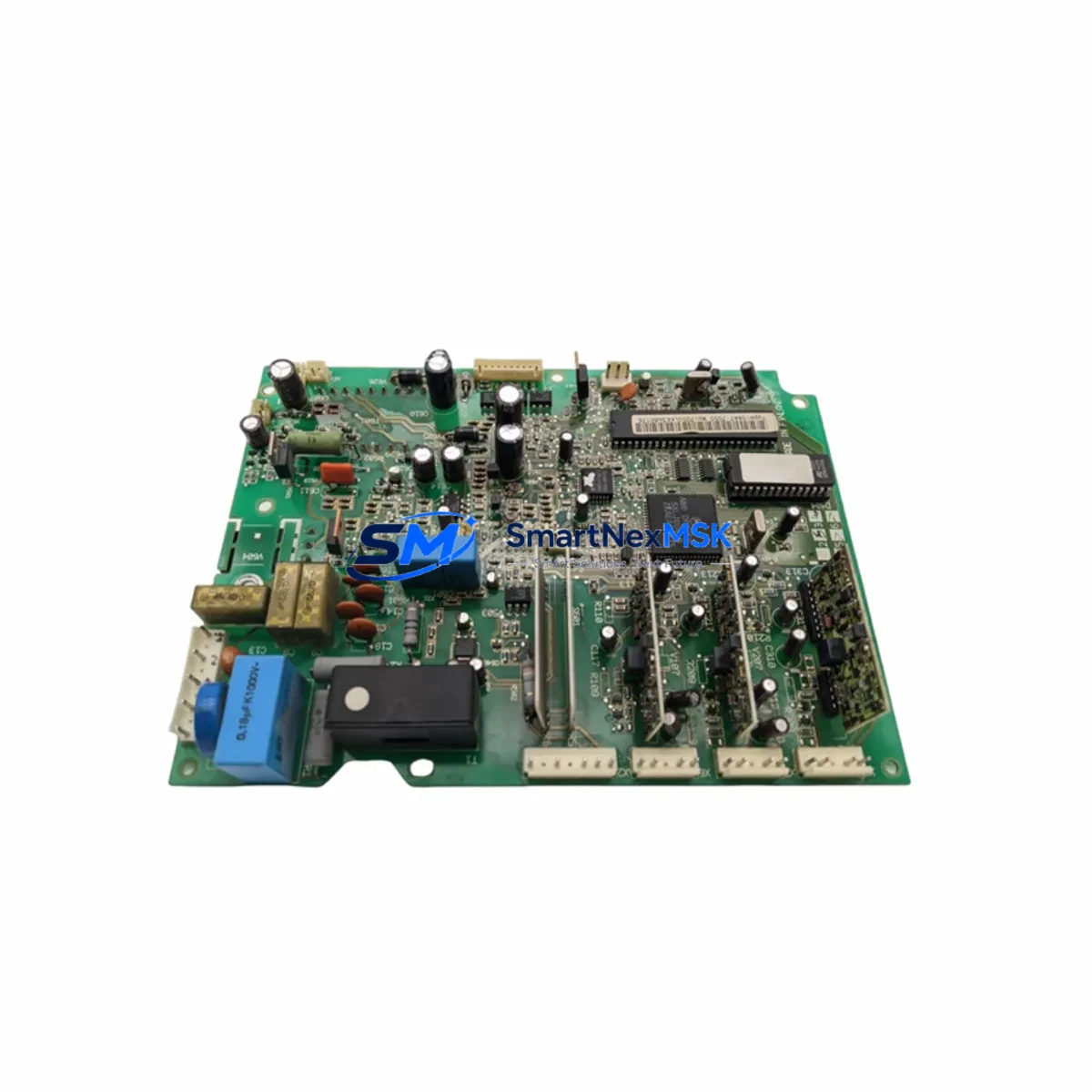
ABB SNAT-7600 Retrofit-Ready Drive Control for ACS600: Compatible Modernization & Smooth System Upgrade
The ABB SNAT-7600 (also referenced as SNAZ-7600D) is the core drive control board for the ACS600 series of AC drives, widely deployed across industrial motor control, pump and fan regulation, conveyor systems, and process automation lines. As the ACS600 platform ages and original spare parts become increasingly scarce, the SNAT-7600 has become one of the most sought-after retrofit and replacement components for engineers tasked with keeping legacy automation infrastructure operational without a full drive replacement.
This listing provides a verified, tested SNAT-7600 / SNAZ-7600D control board sourced from authorized channels, inspected prior to shipment, and backed by a 12-month warranty. Whether you are restoring a tripped drive, replacing a failed board after a power surge, or executing a planned upgrade of an aging ACS600 cabinet, this board is ready for direct installation into your existing hardware frame.
Upgrade Compatibility Table
| Parameter | Details |
|---|---|
| Compatible Drive Series | ABB ACS600 (all standard variants) |
| Replaces / Interchangeable With | SNAT-7600, SNAZ-7600D |
| Mounting Interface | Standard ACS600 backplane slot; no mechanical modification required |
| Communication Compatibility | Profibus-DP (via NPBA-12), DeviceNet (NDNA-02), Modbus RTU — existing fieldbus adapter modules retained |
| I/O Interface | Compatible with existing NAMC, NIOC, and NAIO I/O extension boards |
| Firmware / Parameter Backup | Parameters must be backed up via DriveWindow or CDP panel before board swap; restore after installation |
| HMI Compatibility | Compatible with CDP312 control panel; existing panel cable and connector retained |
| Power Supply Requirement | Supplied from internal APOW power supply board; verify APOW output rails before installation |
| Installation Requirement | ESD precautions required; torque terminal screws to spec; re-seat all ribbon connectors |
| Commissioning | Motor ID run recommended after board replacement; verify speed reference and fault history |
| Warranty | 12 months from date of shipment |
| Pre-shipment Testing | Powered bench test performed; fault-free operation confirmed before dispatch |
Retrofit Planning for Existing Automation Systems
A successful SNAT-7600 retrofit begins well before the board arrives on site. Engineers should start by pulling the existing drive’s parameter set using the CDP312 control panel or DriveWindow software, saving a full backup to a laptop or USB-connected programming tool. This backup preserves motor nameplate data, speed references, acceleration ramps, PID tuning, and all application-specific configurations that would otherwise need to be re-entered manually after the swap.
Next, verify the condition of the APOW power supply board inside the ACS600 cabinet. A degraded APOW can deliver marginal voltages that damage a new control board within hours of startup. If the APOW shows signs of capacitor bulge, discoloration, or voltage drift, replace it alongside the SNAT-7600 rather than risk a repeat failure. Similarly, inspect the AINT interface board and the AINP pulse encoder interface if encoder feedback is used in your application — these boards communicate directly with the SNAT-7600 and must be in good condition for the retrofit to succeed.
Terminal wiring on the NIOC I/O board should be photographed and documented before any disconnection. The NIOC carries all analog and digital I/O signals from the field — including start/stop commands, speed references from the DCS or PLC, and feedback signals to the SCADA system. Incorrect rewiring after a board swap is one of the most common causes of commissioning delays. If the site uses a Profibus-DP network, confirm that the NPBA-12 adapter is firmly seated and that the Profibus address matches the original configuration stored in the PLC’s hardware configuration file.
For sites running DeviceNet, the NDNA-02 adapter node address and baud rate must be verified against the network scanner configuration. In Modbus RTU environments, check the baud rate, parity, and station address parameters in the drive’s communication settings group before closing the cabinet door. Any mismatch will result in a communication fault at first power-up, which is easily corrected but adds unnecessary time to the commissioning window.
If the ACS600 is part of a larger control architecture — for example, receiving speed references from an AC500 PLC or a Symphony Plus DCS — coordinate the board swap with the control room team so that the drive can be placed in local manual mode during the replacement window. This prevents the upstream controller from generating fault alarms or initiating emergency stop sequences while the drive is offline. After the new SNAT-7600 is installed and parameters are restored, perform a motor identification run as recommended by ABB commissioning guidelines before returning the drive to automatic control.
Downtime Control During System Migration
Minimizing production downtime during a drive control board replacement requires a structured approach. The most effective strategy is to pre-stage the replacement SNAT-7600 with a parameter set loaded from the backup taken during the planning phase, so that the board arrives at the cabinet already configured. This reduces the on-site commissioning window to physical installation, connector re-seating, and a brief functional verification — typically achievable within a two-to-four hour planned maintenance window.
Where a hot spare strategy is in place, the replacement board can be kept on the shelf in the control room, pre-tested and parameter-loaded, ready for same-shift deployment the moment a fault is detected. This approach is particularly valuable in continuous process industries where an unplanned ACS600 trip can halt an entire production line. Pairing the SNAT-7600 spare with a pre-staged CDP312 panel and a known-good APOW board creates a complete rapid-response kit that covers the most common failure modes of the ACS600 platform.
During the swap, preserve the original program logic in the upstream PLC or DCS by placing the affected drive in bypass or manual mode before de-energizing the cabinet. After installation, bring the drive up in local mode first, verify rotation direction and speed response, then transfer back to remote automatic control. This sequence protects the integrity of the process control loop and prevents nuisance trips caused by reference signal mismatches during the transition.
Retrofit Support FAQ
Q1: Is the SNAT-7600 a direct drop-in replacement for the SNAZ-7600D?
Yes. The SNAT-7600 and SNAZ-7600D are functionally interchangeable control boards for the ACS600 series. Both use the same backplane connector, the same firmware architecture, and the same parameter structure. No hardware modification is required for substitution. Confirm the drive’s firmware version using the CDP312 panel before installation to ensure compatibility with any application-specific software features in use.
Q2: Do I need to re-enter all drive parameters after replacing the board?
Parameters are stored on the control board, not in the power section. A full parameter backup must be taken before removal and restored after the new board is installed. Use DriveWindow or the CDP312 panel’s parameter upload/download function. If no backup exists, parameters can be reconstructed from the motor nameplate data and the original commissioning report, though this requires additional on-site time.
Q3: What wiring checks are required before powering up after installation?
Verify that all ribbon cables between the SNAT-7600 and the AINT, NIOC, and APOW boards are fully seated and latched. Check that the Profibus or DeviceNet fieldbus adapter (NPBA-12 or NDNA-02) is firmly connected. Confirm that the CDP312 panel cable is secure. Inspect all terminal block connections on the NIOC for correct seating. Apply power in stages — control power first, then main power — and monitor the CDP312 display for any immediate fault codes before enabling the drive.
Q4: What does the 12-month warranty cover, and how is it claimed?
The 12-month warranty covers manufacturing defects and component failures under normal operating conditions from the date of shipment. It does not cover damage caused by incorrect installation, overvoltage events, or operation outside the drive’s rated parameters. To initiate a warranty claim, contact our sales team with the order reference number, a description of the fault, and any fault codes displayed on the CDP312 panel. Replacement or repair will be arranged promptly, with return shipping coordinated by our logistics team.
© 2026 SMARTNEXMSK. All rights reserved.
Original Source: https://smartnexmsk.com
Contact: [email protected] | +86 18259474341



