
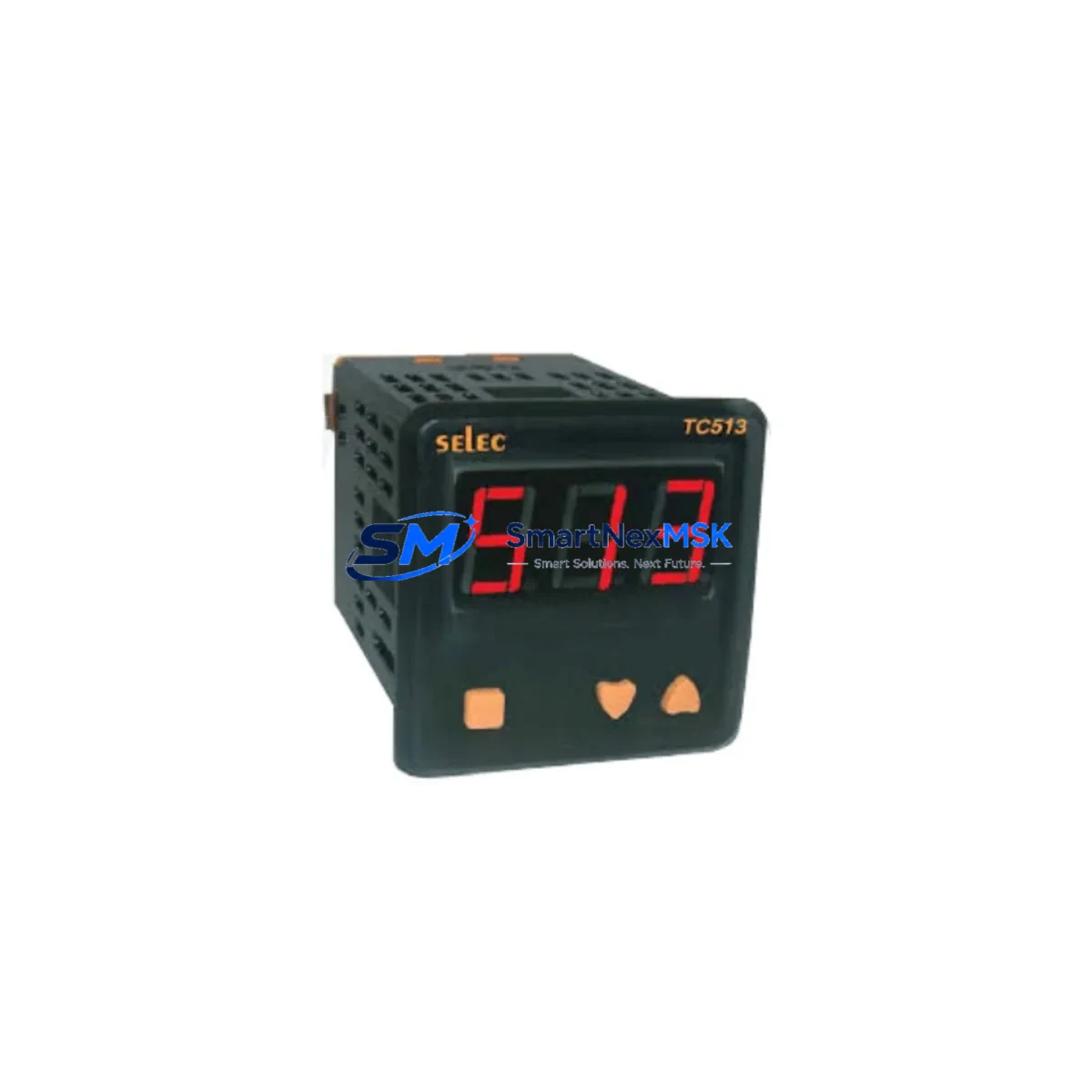
ABB TC570 Maintenance-Ready Spare for AC500 Automation
The ABB TC570 is an original fieldbus master communication module designed for the AC500 PLC platform — one of ABB’s most widely deployed modular automation controllers in process, manufacturing, and infrastructure applications. As a maintenance-ready spare, the TC570 is pre-tested, serialized, and shipped with full functional verification to support rapid site replacement and minimize unplanned downtime. Whether you are managing a scheduled overhaul, responding to a fieldbus communication fault, or building a strategic spare parts inventory for aging AC500 systems, the TC570 delivers the compatibility and reliability that maintenance engineers and procurement teams depend on.
The TC570 functions as a fieldbus master, enabling the AC500 CPU modules — including the PM571, PM572, PM581, PM582, PM591, and PM592 — to communicate with distributed I/O nodes, drives, and field devices over PROFIBUS DP, CANopen, or DeviceNet networks depending on the variant. In industrial environments where fieldbus integrity is critical to production continuity, a verified spare TC570 on the shelf is the single most effective measure against extended communication-related shutdowns.
Spare Maintenance Table
| Parameter | Specification / Detail |
|---|---|
| Part Number / SKU | TC570 |
| Brand | ABB |
| Series | AC500 |
| Module Type | Fieldbus Master Communication Module |
| Compatible CPUs | PM571, PM572, PM581, PM582, PM591, PM592 |
| Fieldbus Protocol | PROFIBUS DP / CANopen / DeviceNet (variant-dependent) |
| Installation | Mounts directly on AC500 CPU or expansion rack backplane |
| Power Supply | Supplied via AC500 backplane (no external power required) |
| Operating Temperature | -25°C to +60°C |
| Protection Rating | IP20 (panel-mount installation) |
| Country of Origin | Germany |
| Condition | Original New / Surplus New |
| Pre-Shipment Testing | Full functional verification before dispatch |
| Warranty | 12 Months from date of shipment |
| Typical Lead Time | In-stock: ships within 2–5 business days |
| Maintenance Recommendation | Inspect fieldbus wiring, termination resistors, and CPU firmware version before replacement |
Maintenance Planning for Continuous Operation
When a TC570 fieldbus master module fails or degrades, the fault rarely exists in isolation. Experienced maintenance engineers know that a thorough site inspection and component audit should accompany any fieldbus module replacement to prevent repeat failures and ensure full system restoration.
Before installing a replacement TC570, verify the condition of the AC500 CPU module (PM571–PM592) itself — firmware version compatibility and backplane connector integrity are the two most common causes of post-replacement communication errors. Inspect the TB521 or TB541 terminal base that the TC570 mounts onto; damaged or corroded contacts on the terminal base will cause intermittent faults even with a new module installed.
On the fieldbus network side, check the PROFIBUS DP cable shielding and termination resistors at both ends of the segment. A missing or failed termination resistor is a frequent root cause of fieldbus instability that gets misdiagnosed as a module fault. If the system uses DeviceNet or CANopen variants, inspect the network trunk cable, drop lines, and node connectors for mechanical damage or moisture ingress.
For the power infrastructure, confirm that the AC500 power supply module (PS501, PS502, or PS560) is delivering stable 24 VDC within tolerance. Voltage sag or ripple on the backplane supply is a known cause of communication module resets and should be measured with a calibrated meter during the maintenance window. If the control cabinet houses a 24 VDC DIN rail power supply feeding the PLC rack, verify its output under load before closing the cabinet.
Inspect all I/O expansion modules connected downstream of the TC570 — particularly digital input modules (DI524, DI572) and digital output modules (DO524, DO572) — for blown fuses, tripped protection circuits, or wiring faults that may have contributed to the original fieldbus fault. Check analog I/O modules (AI523, AO523) for signal drift or calibration issues if the process involves precision measurement.
If the AC500 system communicates upstream to a SCADA or DCS via an Ethernet communication module (CM572-DP or CM589-PNIO), verify that the Ethernet link is stable and that the IP configuration has not been corrupted. For systems with HMI panels connected via serial or Ethernet, confirm that the HMI communication parameters match the restored PLC configuration after the TC570 replacement.
Finally, review the relay output modules and signal isolators in the same control cabinet. Fieldbus faults caused by ground loops or common-mode noise often originate in poorly isolated analog signal circuits. Adding or verifying signal isolation barriers between field instruments and the AC500 I/O modules is a best practice that reduces future fieldbus interference.
Site Replacement Workflow
Step 1 — Preparation: Download and archive the current PLC program from the AC500 CPU using ABB Automation Builder or PS501 Control Builder Plus before any hardware change. Confirm the TC570 firmware version required by the project and verify that the replacement module matches.
Step 2 — Safe Isolation: Follow site LOTO (Lockout/Tagout) procedures. De-energize the AC500 rack via the main disconnect. Allow capacitors in the power supply module to discharge (minimum 30 seconds) before handling modules.
Step 3 — Module Removal: Release the TC570 from the terminal base by pressing the release lever and sliding the module upward. Inspect the terminal base connector for damage before installing the replacement.
Step 4 — Installation: Align the replacement TC570 with the terminal base guide rails and press firmly until the locking lever clicks. Do not force the module — misalignment will damage the backplane connector.
Step 5 — Restoration and Test: Re-energize the rack. Confirm that the TC570 status LED indicates normal operation (green steady or as defined in the project documentation). Verify fieldbus node communication in the Automation Builder diagnostics view. Perform a full I/O scan and confirm process values are within expected ranges before returning the system to automatic operation.
Step 6 — Documentation: Record the replacement date, module serial number, and post-replacement test results in the site maintenance log. Update the spare parts inventory to trigger reorder of a replacement TC570 for the next maintenance cycle.
Spare Parts Support FAQ
Q1: Is this TC570 an original ABB module or a third-party compatible replacement?
This is an original ABB TC570 module — not a clone, copy, or third-party compatible. All units are sourced from authorized ABB distribution channels or verified surplus stock and are subject to pre-shipment functional testing. The 12-month warranty covers manufacturing defects and functional failures under normal operating conditions.
Q2: How do I verify compatibility with my existing AC500 system before ordering?
The TC570 is compatible with all AC500 CPU modules in the PM5xx family (PM571 through PM592). Confirm your CPU model, the fieldbus protocol in use (PROFIBUS DP, CANopen, or DeviceNet), and the terminal base type (TB521 or TB541) currently installed. If you are unsure, provide your existing module part number or a photo of the installed module and our technical team will confirm compatibility before shipment.
Q3: What does pre-shipment testing include, and how is the module packaged?
Each TC570 undergoes power-on functional verification, communication port integrity check, and visual inspection for physical damage before dispatch. Modules are packed in anti-static ESD bags with foam cushioning inside a rigid outer carton. A test report is available upon request for critical infrastructure applications.
Q4: What is the recommended spare parts strategy for AC500 systems with TC570 modules?
For production-critical AC500 installations, we recommend maintaining at least one TC570 spare per site, with a second unit held at a regional warehouse for multi-site operations. Given that ABB has transitioned the AC500 platform to the AC500 V3 generation, sourcing and stocking TC570 spares now is advisable to avoid extended lead times as original stock becomes scarcer. Our long-term supply program offers reserved inventory allocation for customers with ongoing maintenance contracts.
© 2026 SMARTNEXMSK. All rights reserved.
Original Source: https://smartnexmsk.com
Contact: [email protected] | +86 18259474341



