
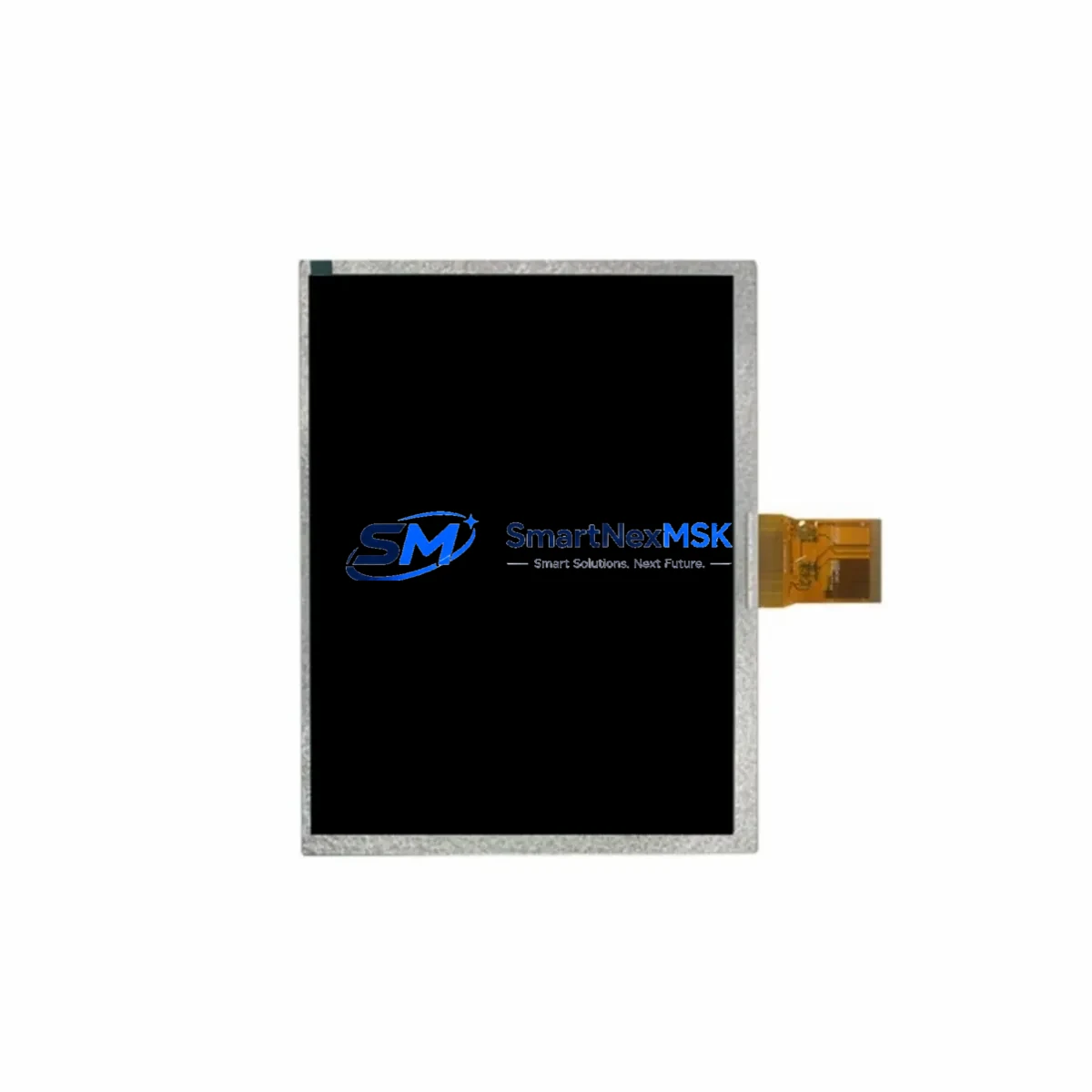
ABB TCG057VGLBA-G00 Retrofit-Ready HMI Panel for CP600 Control Systems
The ABB TCG057VGLBA-G00 is a 5.7-inch TFT LCD Human-Machine Interface (HMI) panel engineered for seamless compatibility with ABB’s CP600 control platform. As legacy CP600 units reach end-of-life and original spare parts become increasingly scarce, the TCG057VGLBA-G00 serves as the definitive retrofit-ready replacement — enabling industrial facilities to restore full HMI functionality without redesigning the control cabinet or rewriting PLC logic from scratch.
SMARTNEXMSK maintains verified in-stock inventory of the TCG057VGLBA-G00, sourced through established industrial supply channels. Every unit undergoes pre-shipment functional testing and ships with a 12-month warranty, ensuring your retrofit project proceeds with confidence from procurement through commissioning.
Upgrade Compatibility Table
| Parameter | Details |
|---|---|
| Replacement Target | ABB CP600 series HMI panels (CP604, CP607, CP610, CP615, CP620, CP630) |
| Display | 5.7″ TFT LCD, 320×240 (QVGA) resolution |
| Interface / Backplane | Compatible with CP600 standard backplane mounting; direct drop-in form factor |
| Communication Protocols | PROFIBUS DP, Modbus RTU/TCP, CANopen, EtherNet/IP (firmware-dependent) |
| Power Supply Compatibility | 24 VDC nominal; verify existing PSU capacity before installation |
| Terminal Wiring | Matches CP600 standard terminal layout; confirm pin-out against original wiring diagram |
| Installation Requirement | DIN rail or panel-mount; no additional adapter bracket required for standard CP600 enclosures |
| Retrofit Recommendation | Back up existing HMI project file before replacement; re-download via ABB Automation Builder or Panel Builder 600 |
| Commissioning Focus | Verify module address, communication link, and HMI screen tag mapping post-installation |
| Warranty | 12 months from date of shipment — covers manufacturing defects and functional failures |
Retrofit Planning for Existing Automation Systems
Replacing an end-of-life HMI in a live production environment requires careful pre-planning across multiple system layers. When integrating the TCG057VGLBA-G00 into an existing CP600-based control cabinet, engineers must first audit the 24 VDC power supply module — such as the ABB CP-E 24/5.0 or equivalent — to confirm it can sustain the additional load introduced by the new panel without voltage sag during startup.
Terminal wiring is the next critical checkpoint. The TCG057VGLBA-G00 follows the CP600 standard terminal block layout, but field wiring should be verified against the original as-built drawings before disconnecting the legacy unit. In many retrofit scenarios, the existing ABB TB526 or TB527 terminal base can be reused, reducing rewiring time significantly.
For facilities running PROFIBUS DP networks, the TCG057VGLBA-G00 integrates directly with the existing bus segment. However, if the legacy panel was configured as a PROFIBUS master, the GSD file and station address must be re-assigned in the network configuration tool. Sites migrating from older serial Modbus RTU links to Modbus TCP should plan for an ABB EL6731 or compatible PROFIBUS gateway if the upstream PLC — such as an ABB AC500 PM573 or PM583 CPU module — does not natively support the target protocol.
I/O expansion is a common driver for CP600 HMI retrofits. When the replacement project coincides with an I/O upgrade, engineers frequently add ABB DC532 digital I/O modules or AX522 analog I/O modules to the existing S500 I/O rack. These modules communicate with the AC500 CPU over the internal I/O bus and do not require changes to the HMI project, provided the tag database is updated to reflect new channel addresses.
Backplane and rack integrity should be inspected during any HMI swap. The ABB TB5600 backplane used in CP600 installations has a defined slot capacity; adding modules beyond the rated slot count requires an extension rack. Confirm rack addressing before finalizing the hardware configuration in Automation Builder.
Programming cable access is essential during commissioning. The ABB TK501 USB programming cable or equivalent is required to connect a laptop running Panel Builder 600 to the TCG057VGLBA-G00 for project download and screen verification. Ensure the cable driver is pre-installed on the commissioning laptop before the maintenance window begins.
Finally, if the control system includes an ABB CP635 or CP650 touch panel at a supervisory level, verify that the HMI-to-HMI communication link (typically via Ethernet or serial bridge) remains intact after the panel swap. Screen navigation logic and alarm acknowledgment paths that traverse multiple HMI nodes must be re-validated end-to-end.
Downtime Control During System Migration
Minimizing unplanned downtime is the primary operational concern during any HMI retrofit. The TCG057VGLBA-G00 replacement process is designed to be executed within a single planned maintenance window when the following preparation steps are completed in advance.
Step 1 — Project Backup: Export the complete HMI project from the existing CP600 panel using Panel Builder 600. Store the backup on a local drive and a network share. Confirm the backup opens correctly on the commissioning laptop before the maintenance window.
Step 2 — PLC Program Snapshot: Save the current PLC program from the AC500 CPU (PM573, PM583, or equivalent) using Automation Builder. This preserves the original logic, variable table, and communication configuration as a rollback reference.
Step 3 — Communication Link Documentation: Record all active PROFIBUS DP station addresses, Modbus TCP IP assignments, and EtherNet/IP node configurations. A communication topology diagram reduces troubleshooting time if a link fails to re-establish after the swap.
Step 4 — Physical Swap: Power down the control cabinet following the site’s lockout/tagout (LOTO) procedure. Remove the legacy HMI panel, install the TCG057VGLBA-G00, and reconnect all terminal wiring per the verified wiring diagram. Restore power and confirm the panel boots to the startup screen.
Step 5 — Project Download and Verification: Connect the TK501 programming cable and download the backed-up HMI project to the TCG057VGLBA-G00. Navigate all screen pages, verify tag values against live PLC data, and confirm alarm display and acknowledgment functions correctly.
Step 6 — Communication Re-validation: Confirm all communication links — PROFIBUS DP, Modbus, or Ethernet — are active and error-free. Check the PLC diagnostic buffer for any new faults introduced by the panel replacement. Clear acknowledged faults and return the system to automatic mode.
With thorough pre-planning, most TCG057VGLBA-G00 retrofit installations are completed within a 2–4 hour maintenance window, preserving original program logic and maintaining field control continuity throughout the process.
Retrofit Support FAQ
Q1: Is the TCG057VGLBA-G00 a direct drop-in replacement for all CP600 series HMI panels?
The TCG057VGLBA-G00 is dimensionally and electrically compatible with the CP600 standard form factor, making it a direct replacement for CP604, CP607, and CP610 models in most installations. For CP615, CP620, and CP630 variants, verify the backplane connector pinout and firmware version compatibility before ordering. SMARTNEXMSK’s technical team can assist with compatibility confirmation prior to shipment.
Q2: What pre-shipment testing does SMARTNEXMSK perform on the TCG057VGLBA-G00?
Every TCG057VGLBA-G00 unit is powered on and subjected to a functional display test, communication port verification, and visual inspection before shipment. Units that do not pass all test criteria are quarantined and not shipped. A test report is available upon request. All shipped units are covered by a 12-month warranty against manufacturing defects and functional failures.
Q3: Can the existing HMI project file be reused without modification after installing the TCG057VGLBA-G00?
In most cases, yes. If the replacement panel uses the same firmware version as the original, the Panel Builder 600 project file can be downloaded directly without modification. If the firmware version differs, Panel Builder 600 will prompt for a project conversion — review the conversion log carefully and re-test all screen navigation and tag bindings before returning the system to production.
Q4: What is the warranty coverage and return process?
The TCG057VGLBA-G00 carries a 12-month warranty from the date of shipment. Warranty claims are handled directly by SMARTNEXMSK. To initiate a claim, contact [email protected] with the order number, unit serial number, and a description of the fault. Confirmed warranty units are replaced or refunded within the agreed lead time. Units damaged by incorrect wiring, overvoltage, or unauthorized modification are not covered under warranty.
© 2026 SMARTNEXMSK. All rights reserved.
Original Source: https://smartnexmsk.com
Contact: [email protected] | +86 18259474341



