
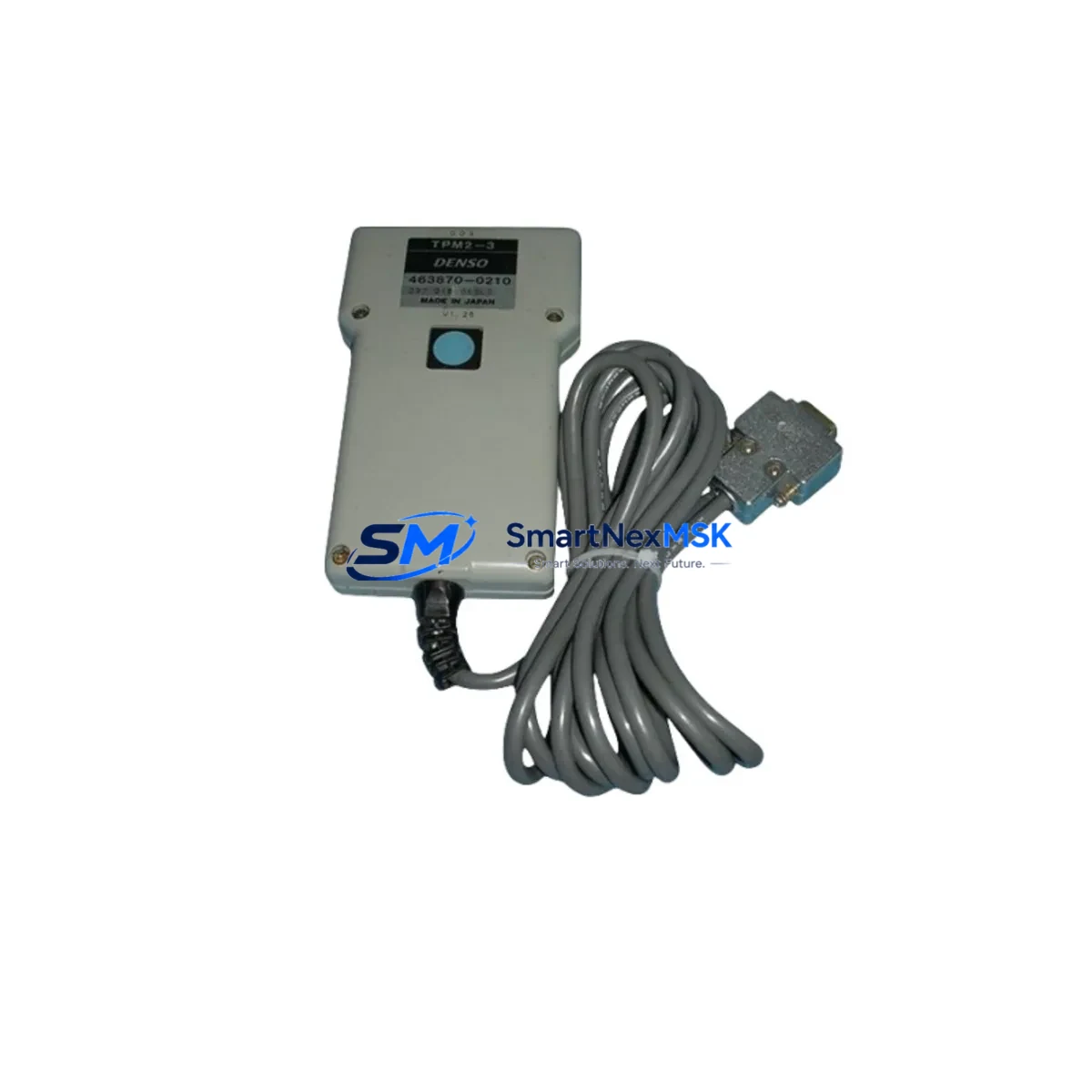
ABB TPM810 Maintenance-Ready Spare for Symphony Plus Automation
The ABB TPM810 Turbine Protection Module is a critical safety and control component deployed in Symphony Plus distributed control systems and AC 800M controller architectures. Designed for continuous turbine monitoring and protection, the TPM810 executes overspeed detection, vibration threshold logic, and emergency shutdown sequencing in real time. For maintenance engineers managing aging turbine control infrastructure, having a verified, tested TPM810 spare on the shelf is not optional — it is the difference between a planned swap and an unplanned multi-day outage.
At SMARTNEXMSK, every ABB TPM810 unit is sourced from authorized supply channels, inspected against ABB factory specifications, and function-tested prior to dispatch. We supply original hardware — not refurbished, not cloned — with full traceability and a 12-month replacement warranty. Units ship within 24–72 hours of order confirmation, with export documentation available for international destinations.
Spare Maintenance Table
| Parameter | Specification |
|---|---|
| Part Number / SKU | TPM810 |
| Manufacturer | ABB |
| Series | Symphony Plus / AC 800M |
| Module Type | Turbine Protection Module |
| Country of Origin | Germany (DE) |
| Mounting | DIN rail / backplane slot, Symphony Plus rack |
| Communication Interface | Modulebus / S800 I/O bus |
| Protection Functions | Overspeed, vibration, differential expansion, ESD |
| Operating Temperature | 0°C to +55°C (standard industrial enclosure) |
| Power Supply Compatibility | 24 VDC via backplane (SS822 / SS823 power supply modules) |
| Compatible Controllers | AC 800M (PM861, PM864, PM866 series) |
| Firmware Compatibility | Symphony Plus R5.x and above; confirm with site revision |
| Weight | 570 g |
| Condition | Original, new / tested surplus |
| Warranty | 12 months from date of shipment |
| Lead Time | 24–72 hours (in-stock); 2–4 weeks (sourced) |
| Export Documentation | Available (commercial invoice, packing list, COO) |
Maintenance Planning for Continuous Operation
When a TPM810 is flagged during a scheduled turbine control cabinet inspection or triggers a diagnostic fault in the Symphony Plus engineering station, the replacement workflow must extend beyond the module itself. Experienced maintenance engineers treat a TPM810 swap as an opportunity to audit the entire protection loop.
Begin with the SS822 or SS823 redundant power supply modules feeding the Symphony Plus rack — a degraded power rail is a common root cause of spurious TPM810 faults and should be load-tested before the new module is commissioned. Next, verify the TB820 Modulebus Modem and associated fiber or copper communication links; a marginal TB820 can cause intermittent loss of protection data that mimics a failed TPM810. Check the AI810 or AI830A analog input modules connected to vibration probes, speed sensors, and thermocouple inputs — signal drift at the I/O level will produce false protection trips even with a healthy TPM810 installed.
For the speed measurement circuit, inspect the pulse input wiring and proximity probe signal conditioners (such as the Bently Nevada 3500 series interface or equivalent ABB-compatible signal isolators) to confirm clean, noise-free tachometer signals. Review the DO810 or DO814 digital output modules that drive ESD solenoids and trip relays — contact wear and coil resistance should be verified with a multimeter before the new TPM810 is placed in service. If the site uses a CI854 or CI858 PROFIBUS DP communication interface for supervisory integration, confirm that the DP address and baud rate settings are intact after the module replacement.
For sites running extended turbine campaigns, consider stocking a PM864 or PM866 controller module alongside the TPM810 — controller and protection module failures often occur in proximity due to shared environmental stressors such as vibration, humidity ingress, and power transients. An OP516 or Panel 800 HMI terminal should also be checked for alarm history and event logs that may reveal pre-fault conditions preceding the TPM810 failure. Finally, inspect all terminal blocks, cable shields, and grounding straps within the turbine control cabinet; poor grounding is a leading cause of protection module degradation in high-vibration environments.
Site Replacement Workflow
Step 1 — Pre-replacement verification: Download the current TPM810 configuration from the Symphony Plus engineering tool (Control Builder M or Symphony Plus Engineering). Record all protection setpoints, speed thresholds, and I/O assignments. Confirm the firmware revision of the replacement unit matches or is compatible with the site’s AC 800M controller firmware baseline.
Step 2 — Safe isolation: Follow site-specific LOTO (Lockout/Tagout) procedures. Place the turbine protection system in bypass mode per the approved maintenance procedure. Do not remove the TPM810 while the turbine is at speed or the ESD system is armed without bypass authorization.
Step 3 — Module swap: Remove the faulty TPM810 from the backplane slot. Inspect the backplane connector for bent pins or corrosion. Seat the replacement TPM810 firmly and verify the module LED status sequence on power-up (green RUN, no ERR indication).
Step 4 — Configuration restore: Load the saved configuration to the new module via Control Builder M. Verify all protection channels are active and reading correctly against known-good sensor inputs. Perform a functional test of the ESD output circuit before releasing the bypass.
Step 5 — Return to service: Remove bypass, confirm normal turbine protection status on the HMI, and log the replacement in the site maintenance management system (CMMS). Retain the removed TPM810 for failure analysis if required.
This workflow minimizes turbine downtime to a planned maintenance window — typically 2–4 hours for a prepared team — versus an unplanned outage that can extend to days when spare parts are not pre-positioned.
Spare Parts Support FAQ
Q1: Is the TPM810 supplied by SMARTNEXMSK an original ABB module or a compatible replacement?
All TPM810 units we supply are original ABB hardware sourced from authorized channels or verified surplus stock. We do not supply clones, copies, or third-party compatible substitutes. Each unit is inspected and function-tested before shipment.
Q2: How do I confirm firmware and hardware revision compatibility before ordering?
Provide your AC 800M controller firmware version and Symphony Plus revision level when placing your inquiry. Our technical team will cross-reference the TPM810 hardware revision against your system baseline and confirm compatibility before the order is processed. We can also supply the ABB product revision history document on request.
Q3: What does the 12-month warranty cover, and what is the replacement process?
The 12-month warranty covers manufacturing defects and functional failure under normal operating conditions. If a unit fails within the warranty period, contact [email protected] with the order reference and fault description. We will arrange a replacement shipment — typically within 72 hours — and provide a return shipping label for the defective unit for failure analysis.
Q4: Can SMARTNEXMSK support long-term or blanket purchase agreements for TPM810 and related Symphony Plus spare parts?
Yes. We support annual blanket orders, consignment stock arrangements, and priority allocation agreements for critical spare parts including TPM810, SS822/SS823 power supplies, TB820 Modulebus Modems, AI810/AI830A I/O modules, and PM864/PM866 controller modules. Contact our sales team to discuss a customized spare parts support program aligned with your plant’s maintenance schedule.
© 2026 SMARTNEXMSK. All rights reserved.
Original Source: https://smartnexmsk.com
Contact: [email protected] | +86 18259474341



