
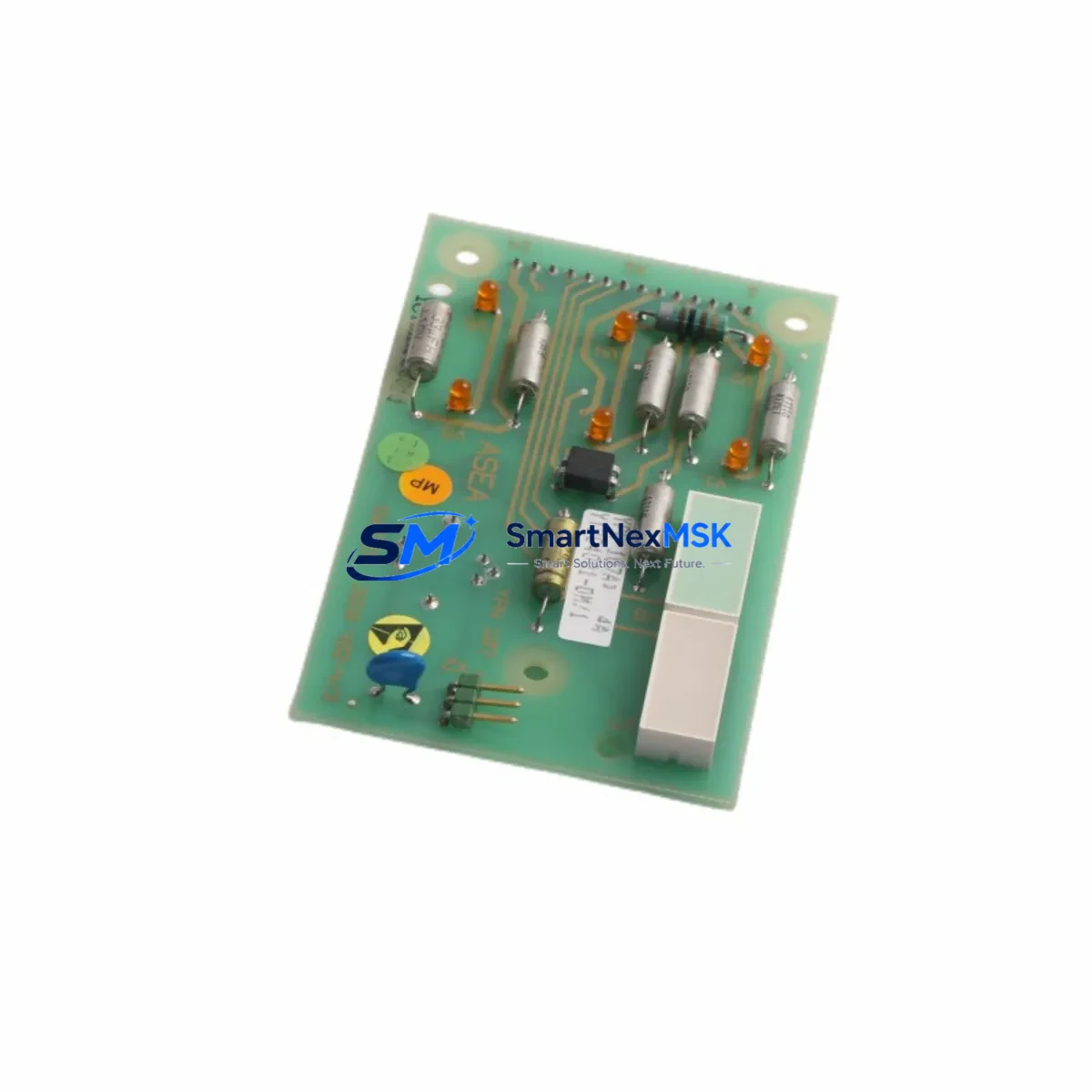
ABB YPN107A Retrofit-Ready DCS Indication Board: Compatible Upgrade for Symphony Plus Control Systems
The ABB YPN107A is a DCS Indication Board engineered for seamless integration into ABB Symphony Plus distributed control system architectures. As legacy Symphony Harmony and Symphony Plus installations approach end-of-life support cycles, the YPN107A has become a critical retrofit component for engineers tasked with modernizing control cabinets, extending system lifespan, and maintaining process continuity without full platform migration. Whether you are replacing a failed indication board, upgrading an aging control loop, or consolidating spare parts inventory for a multi-unit plant, the YPN107A delivers the compatibility and reliability that industrial automation teams demand.
Upgrade Compatibility Table
| Parameter | Details |
|---|---|
| Compatible Series | ABB Symphony Plus, Symphony Harmony |
| Module Function | DCS Indication Board – process variable display and signal conditioning |
| Communication Protocol | PROFIBUS DP compatible; integrates with existing fieldbus segments |
| Backplane Interface | Standard Symphony Plus rack backplane; no adapter required for direct-slot replacement |
| Terminal Wiring | Wiring-compatible with original YPN107A pinout; no rewiring required in most installations |
| Power Supply Requirement | 24 VDC nominal; verify rack power module (e.g., ABB PXAH401 or equivalent) capacity before installation |
| Module Address Configuration | DIP switch or software-configurable via System 800xA / Composer engineering tools |
| Replacement Scope | Direct drop-in for failed or end-of-life YPN107A units; also suitable for cold-standby spare |
| Retrofit Recommendation | Verify firmware revision compatibility with existing controller baseline before commissioning |
| Commissioning Note | Confirm HMI faceplates and alarm tags in System 800xA after module swap |
| Warranty | 12-Month Warranty – functional test report available on request |
Retrofit Planning for Existing Automation Systems
Successful integration of the YPN107A into an existing Symphony Plus or Symphony Harmony system requires a structured pre-installation review. Begin by auditing the target rack assembly: confirm that the ABB DSBC 176 or compatible backplane has an available slot and that the rack’s power budget — typically supplied by an ABB PXAH401 power supply module — can accommodate the additional load of the indication board without triggering overcurrent protection on the 24 VDC rail.
Next, review the terminal block wiring against the original YPN107A field wiring diagram. In most Symphony Plus cabinets, the field termination is handled through a marshalling panel connected via a prefabricated cable harness to the I/O module slot. If the original module used a specific cable assembly, confirm the connector type matches before insertion. For installations where the original module has been removed and the wiring documentation is incomplete, cross-reference the ABB PXAH101 or PXAH102 I/O termination unit drawings to reconstruct the signal mapping.
Module address assignment is the next critical step. In Symphony Plus, each I/O module is assigned a logical address within the control network topology. Use ABB Composer or System 800xA Control Builder to verify that the replacement YPN107A is assigned the same node address as the failed unit. Mismatched addresses will cause the controller — typically an ABB AC800M or PM866 processor module — to report a hardware fault and prevent the control loop from resuming normal operation.
For plants running PROFIBUS DP fieldbus segments, confirm that the GSD file version loaded in the PROFIBUS master configuration matches the firmware revision of the replacement YPN107A. If the replacement unit carries a newer firmware baseline, update the GSD file in the engineering station and perform a full download to the PROFIBUS DP master — often an ABB CI854 or CI858 communication interface module — before bringing the segment back online.
HMI screen validation is frequently overlooked during module replacement. After the YPN107A is installed and the controller has acknowledged the module, navigate to the relevant process graphic in System 800xA and confirm that all analog indication tags are displaying live values. Check alarm limits, engineering unit scaling, and any calculated tags that reference the indication board’s output. If the plant uses a standalone HMI panel connected via OPC DA or OPC UA, verify the tag subscription is active and that the data quality flag has returned to “Good.”
Finally, document the as-installed configuration: record the module serial number, firmware version, slot position, rack ID, and commissioning date. This information is essential for future spare parts planning and supports the 12-month warranty claim process if a defect is identified after installation.
Downtime Control During System Migration
Minimizing unplanned downtime is the primary concern for any control system retrofit. When replacing the YPN107A in a live production environment, coordinate the module swap during a scheduled maintenance window and prepare a rollback plan in case the replacement unit does not initialize correctly. Before removing the failed module, export a backup of the current controller configuration from System 800xA or Composer, including the full I/O map, alarm configuration, and PROFIBUS segment topology. Store this backup on an offline engineering workstation so it can be restored immediately if the new module introduces unexpected behavior.
Where process safety permits, consider placing the affected control loop in manual mode at the DCS operator station before physically removing the module. This prevents the controller from generating spurious output signals during the hot-swap procedure and protects downstream field devices — such as control valves, variable frequency drives, or interlock relays — from responding to invalid process variable readings during the transition.
After inserting the replacement YPN107A, allow the module to complete its self-diagnostic cycle — typically 15 to 30 seconds — before returning the control loop to automatic mode. Monitor the controller’s diagnostic display and the System 800xA event log for any hardware fault messages. If the module passes self-diagnostics and the process variable reading matches the expected field value, the loop can be returned to automatic control. Total downtime for a prepared, single-module replacement is typically under 30 minutes when all pre-commissioning steps have been completed in advance.
For multi-module retrofits — such as replacing an entire rack of indication boards across a Symphony Harmony to Symphony Plus migration — consider a phased approach: replace one module per maintenance window, validate each loop before proceeding to the next, and maintain a parallel hot-standby rack if the process criticality demands continuous availability.
Retrofit Support FAQ
Q1: Is the YPN107A a direct drop-in replacement for the original ABB Symphony Plus indication board?
In the majority of installations, yes. The YPN107A is designed to occupy the same backplane slot, use the same terminal wiring, and communicate over the same PROFIBUS DP segment as the original unit. However, always verify the firmware revision and module address configuration before commissioning to ensure full compatibility with your specific controller baseline and System 800xA version.
Q2: What commissioning steps are required after installing the replacement module?
After physical installation, confirm module address assignment in Composer or Control Builder, validate PROFIBUS DP GSD file compatibility, check HMI tag display and alarm limits in System 800xA, and perform a functional loop test by comparing the indication board output against a calibrated reference signal. Document the commissioning result and retain the test report for warranty records.
Q3: Can the YPN107A be used in a Symphony Harmony rack, or is it exclusive to Symphony Plus?
The YPN107A is primarily specified for Symphony Plus architectures. For Symphony Harmony installations, verify the backplane connector and power rail compatibility before ordering. In some Harmony-to-Plus migration projects, the YPN107A is used as part of a rack-level upgrade where the backplane and power supply are also replaced. Consult the ABB module compatibility matrix or contact our technical team for site-specific guidance.
Q4: What does the 12-month warranty cover, and how is a claim initiated?
The 12-month warranty covers manufacturing defects and functional failures under normal operating conditions. Each unit undergoes a pre-shipment functional test, and a test report is available on request. To initiate a warranty claim, provide the module serial number, installation date, site description, and a brief fault description to our sales team. Replacement or repair will be coordinated within the warranty period at no additional cost.
© 2026 SMARTNEXMSK. All rights reserved.
Original Source: https://smartnexmsk.com
Contact: [email protected] | +86 18259474341



