
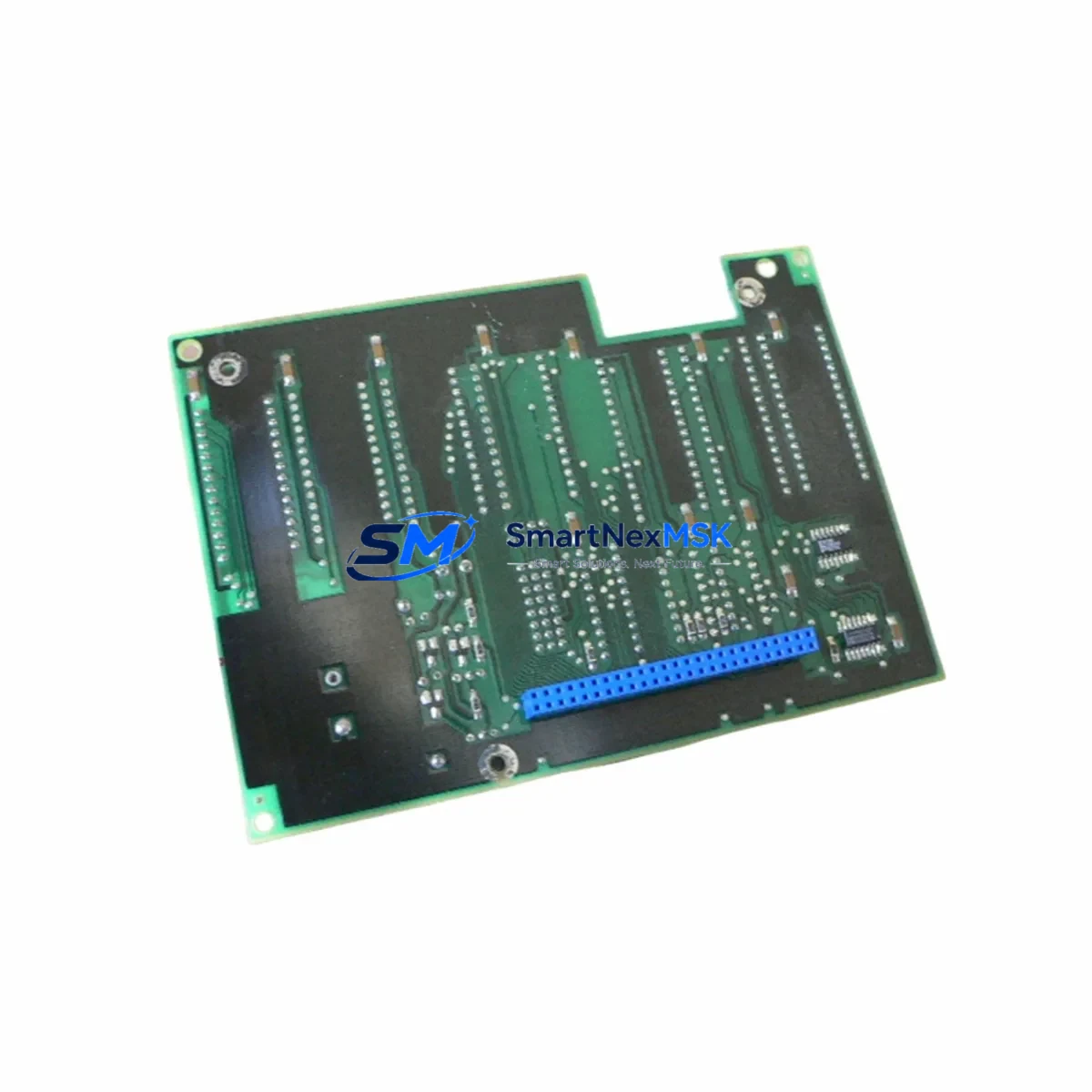
ABB YPP105F YT204001-JN IRC5 Retrofit-Ready Controller Module: Compatible Upgrade for Legacy Robot Control Systems
The ABB YPP105F (part number YT204001-JN) is a controller module designed for use within the ABB IRC5 robot controller platform — one of the most widely deployed industrial robot control architectures in automotive, electronics, and general manufacturing environments. As ABB continues to evolve its robotics portfolio, many facilities operating legacy IRC5 cabinets face the challenge of sourcing reliable replacement modules for aging or failed hardware. The YPP105F addresses this need directly, offering a retrofit-ready solution that integrates into existing IRC5 controller cabinets without requiring full system replacement.
Whether your facility is managing a planned upgrade cycle or responding to an unplanned module failure, the YPP105F provides a verified-compatible path to restoring robot controller functionality while preserving your existing program logic, HMI configurations, and communication links.
Upgrade Compatibility Table
| Parameter | Details |
|---|---|
| Compatible Controller Series | ABB IRC5 (Single Cabinet, Dual Cabinet, Panel Mounted) |
| Part Number | YPP105F / YT204001-JN |
| Module Function | Robot Controller Processing / Drive Interface Module |
| Backplane Interface | IRC5 internal backplane — standard slot installation |
| Communication Compatibility | DeviceNet, PROFIBUS, EtherNet/IP (via IRC5 communication modules) |
| Power Supply Requirement | Supplied via IRC5 internal power distribution — verify DSQC661 or DSQC662 PSU capacity |
| Installation Type | Direct slot replacement — no mechanical modification required |
| Retrofit Recommendation | Suitable for direct swap in IRC5 cabinets; backup robot configuration before installation |
| Commissioning Notes | Restore system parameters via RobotStudio or FlexPendant after module swap |
| Warranty | 12 Months — covers manufacturing defects and functional failure under normal operating conditions |
Retrofit Planning for Existing Automation Systems
Integrating the YPP105F into an existing IRC5 installation requires careful pre-swap planning to ensure continuity of robot operations. Before removing the failed or aging module, engineers should document the current system configuration using RobotStudio, capturing all task programs, I/O signal mappings, and safety configurations stored on the DSQC1000 main computer or its predecessor, the DSQC600.
Power capacity verification is a critical first step. The IRC5 cabinet’s internal power supply — typically a DSQC661 or DSQC662 unit — must be confirmed to provide adequate capacity for the replacement module. In multi-robot or expanded I/O configurations, additional DSQC608 I/O expansion modules or DSQC652 digital I/O boards may be drawing from the same power rail, and total load must be assessed before installation.
Terminal wiring and backplane slot assignment should be verified against the original IRC5 wiring diagram. The YPP105F installs into a defined backplane slot; incorrect slot placement can cause address conflicts with adjacent modules such as the DSQC643 axis computer or DSQC646 drive units. Module address configuration, where applicable, must match the original hardware addressing scheme to ensure the IRC5 system recognizes the replacement without requiring full re-parameterization.
For facilities running DeviceNet or PROFIBUS fieldbus topologies, communication link integrity must be validated after module installation. The IRC5 communication interface — often managed through a DSQC688 DeviceNet adapter or DSQC679 PROFIBUS adapter — should be tested for node recognition and data exchange before resuming production. EtherNet/IP users should verify IP address assignments and confirm that the robot controller appears correctly on the plant network.
HMI screen configurations on the FlexPendant (IRC5 teach pendant) are stored independently of the controller module and should remain intact following a module swap. However, it is recommended to verify all operator screens, alarm displays, and jog panel functions after commissioning to confirm that no signal mapping changes have affected the HMI interface.
All units are pre-tested prior to shipment, with functional verification performed under simulated load conditions. Each YPP105F is supplied with a 12-month warranty covering manufacturing defects and operational failures under standard industrial use conditions.
Downtime Control During System Migration
Minimizing production downtime during an IRC5 module replacement requires a structured approach. The recommended sequence begins with a full system backup — using RobotStudio’s backup function or the FlexPendant’s built-in backup utility — to capture all programs, configurations, and calibration data stored on the DSQC1000 or DSQC600 main computer. This backup should be stored on an external USB drive and verified before any hardware is disturbed.
With the backup confirmed, the IRC5 cabinet should be powered down following the standard ABB shutdown procedure, with all drives confirmed in a safe state and the main circuit breaker locked out. The YPP105F can then be removed and the replacement module installed in the same backplane slot. Upon power restoration, the IRC5 system will perform its standard boot sequence; if the module is correctly seated and addressed, the system should recognize the new hardware without requiring manual re-configuration.
In cases where program logic or I/O mapping must be restored from backup, the FlexPendant restore function or RobotStudio remote restore can be used to reload the full system configuration. Communication links — including DeviceNet node assignments and EtherNet/IP connections — should be verified at the network level before releasing the robot for production. A controlled test cycle, running the robot through its programmed path at reduced speed, is recommended before returning to full production speed.
For facilities with strict uptime requirements, maintaining a spare YPP105F in inventory alongside other high-wear IRC5 components — such as the DSQC661 power supply, DSQC652 I/O board, and FlexPendant cable assembly — provides the fastest possible recovery path in the event of an unplanned failure.
Retrofit Support FAQ
Q: Is the YPP105F YT204001-JN a direct replacement for the original ABB part?
A: Yes. The YPP105F with part number YT204001-JN is a compatible replacement module for IRC5 series robot controllers. It is designed to install in the same backplane slot as the original module and is compatible with the IRC5 single cabinet, dual cabinet, and panel-mounted configurations. No mechanical modification to the cabinet is required.
Q: What commissioning steps are required after installing the replacement module?
A: After physical installation, power up the IRC5 cabinet and allow the system to complete its boot sequence. Verify that the DSQC1000 main computer recognizes the new module. Restore system parameters from your pre-swap backup using RobotStudio or the FlexPendant. Validate all I/O signal assignments, communication links, and HMI screens before running a test cycle.
Q: How do I verify wiring and terminal compatibility before installation?
A: Cross-reference the IRC5 wiring diagram for your specific cabinet configuration. The YPP105F connects via the IRC5 internal backplane — no external terminal wiring changes are required for a like-for-like module swap. If your installation includes external I/O wiring to a DSQC652 or DSQC608 expansion module, those connections are independent of the YPP105F and do not need to be disturbed.
Q: What does the 12-month warranty cover?
A: The 12-month warranty covers manufacturing defects and functional failures under normal industrial operating conditions. Units are pre-tested prior to shipment. Warranty claims are supported by our technical team; contact [email protected] with your order reference and a description of the fault for rapid resolution.
© 2026 SMARTNEXMSK. All rights reserved.
Original Source: https://smartnexmsk.com
Contact: [email protected] | +86 18259474341



