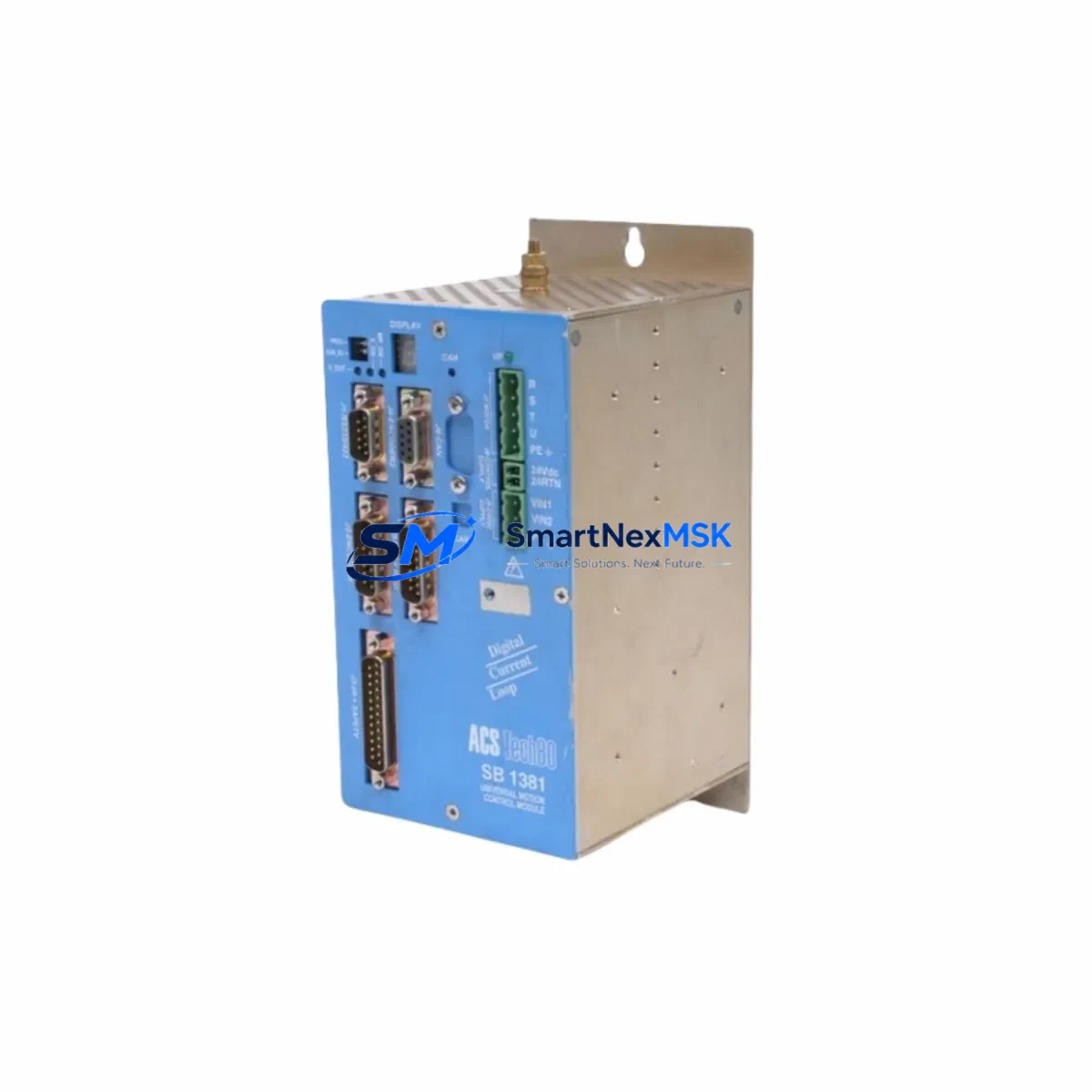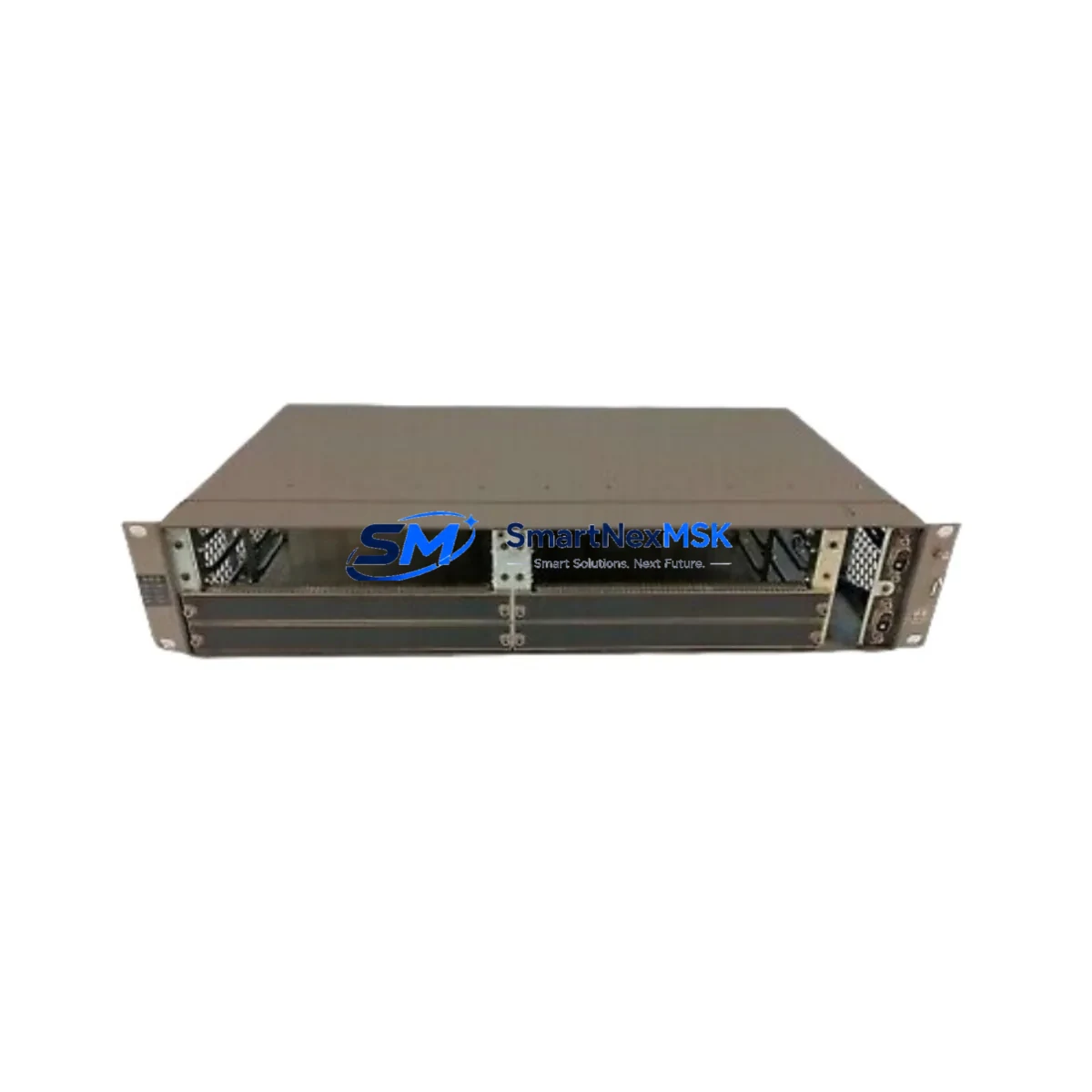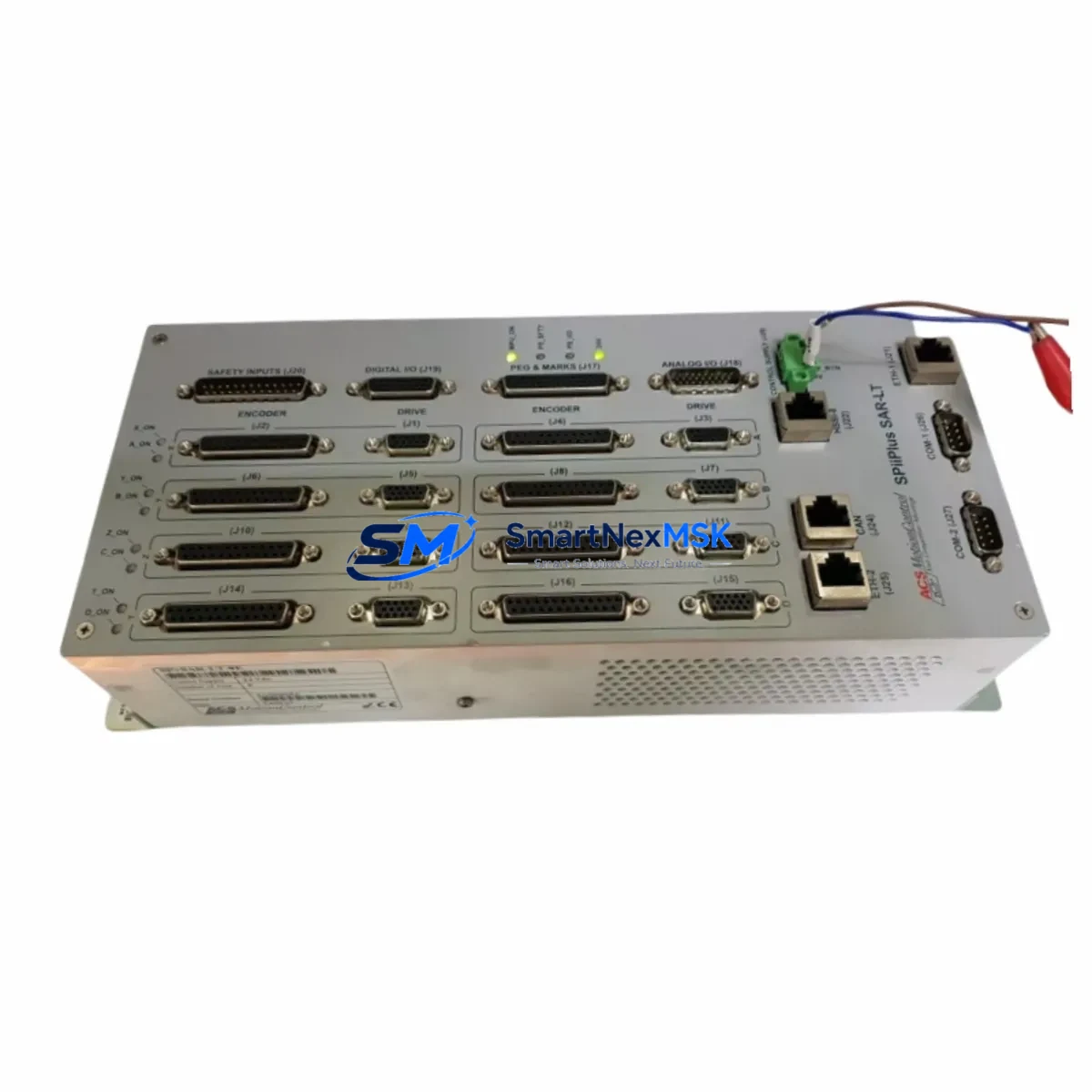
ACS SP+SAR-LT-4E Maintenance-Ready Spare for SP+ Automation
The ACS SP+SAR-LT-4E is a high-performance 4-axis EtherCAT motion controller and servo drive module from ACS Motion Control’s SP+ series, widely deployed in precision industrial automation systems including semiconductor equipment, medical devices, laser processing, and advanced motion platforms. When this module fails or reaches end-of-service life, unplanned downtime can cascade across an entire production line. Sourcing a verified, original spare unit — tested, warranted, and ready for immediate installation — is the fastest path to restoring full system operation.
At SMARTNEXMSK, every SP+SAR-LT-4E unit is sourced as an original ACS Motion Control component, subjected to pre-shipment functional verification, and backed by a 12-month warranty. Whether you are executing a planned maintenance swap, responding to an emergency fault, or building a strategic spare parts inventory for long-term system support, this module ships promptly with full documentation support.
Spare Maintenance Table
| Parameter | Specification / Detail |
|---|---|
| Part Number / SKU | SP+SAR-LT-4E |
| Brand | ACS Motion Control |
| Series | SP+ (SPiiPlus) |
| Product Type | 4-Axis EtherCAT Motion Controller & Servo Drive |
| Communication Interface | EtherCAT (IEC 61158) |
| Axes Supported | 4 Axes (LT = Low-profile / compact form factor) |
| Compatible Systems | ACS SP+ / SPiiPlus EtherCAT-based motion platforms |
| Typical Applications | Semiconductor fab, laser cutting, medical robotics, precision XY stages |
| Origin | Israel (ACS Motion Control) |
| Installation Environment | Industrial control cabinet, DIN rail or rack mount |
| Operating Temperature | 0°C to 45°C (typical ACS SP+ range) |
| Firmware Compatibility | Compatible with ACS SPiiPlus MMI / ACSPL+ runtime |
| Replacement Scope | Direct drop-in for failed or end-of-life SP+SAR-LT-4E units |
| Pre-Shipment Testing | Functional verification performed before dispatch |
| Warranty | 12 Months from date of shipment |
| Lead Time | In-stock units ship within 1–3 business days |
| Support | [email protected] | +86 18259474341 |
Maintenance Planning for Continuous Operation
For maintenance engineers managing ACS SP+-based motion systems, the SP+SAR-LT-4E sits at the heart of multi-axis coordinated motion. When planning a replacement or responding to a fault, a thorough inspection of the surrounding electrical environment is essential to prevent repeat failures and ensure a clean restoration.
Begin with the EtherCAT network topology: verify that the EtherCAT master (typically an ACS SPiiPlus EC or UDMnt controller) is communicating correctly with all slave nodes before and after the swap. Check the EtherCAT patch cables (Cat5e/Cat6 shielded) connecting the SP+SAR-LT-4E to adjacent nodes — cable degradation or connector oxidation is a common secondary fault source that goes undetected during emergency replacements.
Inspect the 24VDC logic power supply feeding the SP+ backplane or module bus. A marginal power supply that caused the original module failure will damage the replacement unit if not addressed. Similarly, verify the DC bus voltage for the servo drive section — overvoltage or undervoltage conditions should be logged and cleared before commissioning the new module.
Review the I/O wiring harness connected to the SP+SAR-LT-4E’s encoder feedback ports and digital I/O terminals. Damaged encoder cables or shorted I/O lines can immediately fault the replacement module. If the system uses ACS HSSI (High-Speed Serial Interface) encoder connections, inspect the HSSI cables and termination resistors as part of the swap procedure.
For systems with an ACS SPiiPlus MMI application running on an industrial PC or HMI panel, confirm that the ACSPL+ firmware version on the replacement SP+SAR-LT-4E is compatible with the host application version. Firmware mismatches can cause initialization failures that mimic hardware faults. Keep a copy of the project’s ACS application backup (.prj file) and parameter set on a local USB drive as part of your maintenance kit.
In control cabinets housing multiple SP+ modules — such as the SP+SAR-LT-8E (8-axis variant) or SP+D digital I/O expansion modules — inspect adjacent modules for thermal stress, loose DIN rail clips, or bus connector wear. A failing neighbor module can generate bus errors that are misdiagnosed as SP+SAR-LT-4E faults. Also check terminal blocks, fuse holders, and 24V distribution rails for signs of overheating or intermittent contact.
If the system includes signal isolators on analog command outputs or encoder simulation lines, verify isolation integrity — ground loops introduced through degraded isolators are a known cause of erratic servo behavior and premature drive module failure. For systems with safety relay modules or STO (Safe Torque Off) wiring connected to the SP+SAR-LT-4E, test the STO circuit continuity and confirm the safety relay (e.g., Pilz PNOZ or equivalent) is functioning correctly before re-enabling the drive.
Maintaining one spare SP+SAR-LT-4E unit on-site — alongside spares for the EtherCAT cables, 24VDC PSU, and encoder feedback cables — reduces mean time to repair (MTTR) from days to hours and protects production continuity in high-value automation environments.
Site Replacement Workflow
Step 1 — Safe Isolation: Disable the EtherCAT master and remove power from the SP+ module bus. Follow LOTO (Lockout/Tagout) procedures. Allow the DC bus capacitors to discharge fully before handling the module.
Step 2 — Document Current Configuration: Before removal, use the ACS SPiiPlus MMI or ACSPL+ terminal to export the current axis parameters, PID tuning values, and I/O mapping. Save the project backup. Note the firmware version displayed in the system information screen.
Step 3 — Physical Swap: Disconnect EtherCAT cables, encoder feedback connectors, motor power leads, and I/O wiring from the faulty SP+SAR-LT-4E. Remove the module from the DIN rail or rack. Install the replacement unit, reconnecting all cables in reverse order. Verify connector seating and cable strain relief.
Step 4 — Firmware & Parameter Restore: Power up the system and confirm the replacement module is detected by the EtherCAT master. If the firmware version differs, update using the ACS firmware update utility. Restore axis parameters from the saved backup. Verify encoder feedback signals and I/O states before enabling motion.
Step 5 — Commissioning & Test: Run a low-speed jog test on each axis to confirm encoder direction, limit switch response, and servo loop stability. Gradually increase speed to operational levels. Log any fault codes and clear them after root cause verification. Return the system to production only after all axes pass the commissioning checklist.
This structured workflow minimizes re-work, prevents secondary damage to the new module, and ensures the replaced system meets its original performance specification — keeping your automation line running with minimal disruption.
Spare Parts Support FAQ
Q1: Is the SP+SAR-LT-4E you supply an original ACS Motion Control component?
Yes. Every unit we supply is sourced as an original ACS Motion Control SP+SAR-LT-4E. We do not supply counterfeit, rebranded, or third-party substitute modules. Each unit undergoes pre-shipment functional verification and ships with a 12-month warranty from SMARTNEXMSK.
Q2: How do I confirm compatibility with my existing SP+ system before ordering?
The SP+SAR-LT-4E is designed for ACS SPiiPlus EtherCAT-based motion systems. Confirm your system’s EtherCAT master model, firmware version, and axis count. If you are unsure, send your system configuration details to [email protected] and our technical team will verify compatibility before shipment.
Q3: What does the 12-month warranty cover, and what is the claims process?
The 12-month warranty covers manufacturing defects and functional failures under normal operating conditions. It does not cover damage caused by incorrect installation, overvoltage, or physical mishandling. To initiate a warranty claim, contact [email protected] with your order number, fault description, and photos of the installation. We will arrange return, inspection, and replacement or repair within the warranty period.
Q4: Can you support long-term spare parts supply for legacy SP+ systems?
Yes. SMARTNEXMSK specializes in long-term spare parts support for industrial automation systems, including legacy and discontinued ACS Motion Control products. We maintain stock of SP+ series modules and can establish a scheduled supply agreement to support your planned maintenance cycles and emergency inventory requirements. Contact us to discuss a tailored spare parts support plan.
© 2026 SMARTNEXMSK. All rights reserved.
Original Source: https://smartnexmsk.com
Contact: [email protected] | +86 18259474341