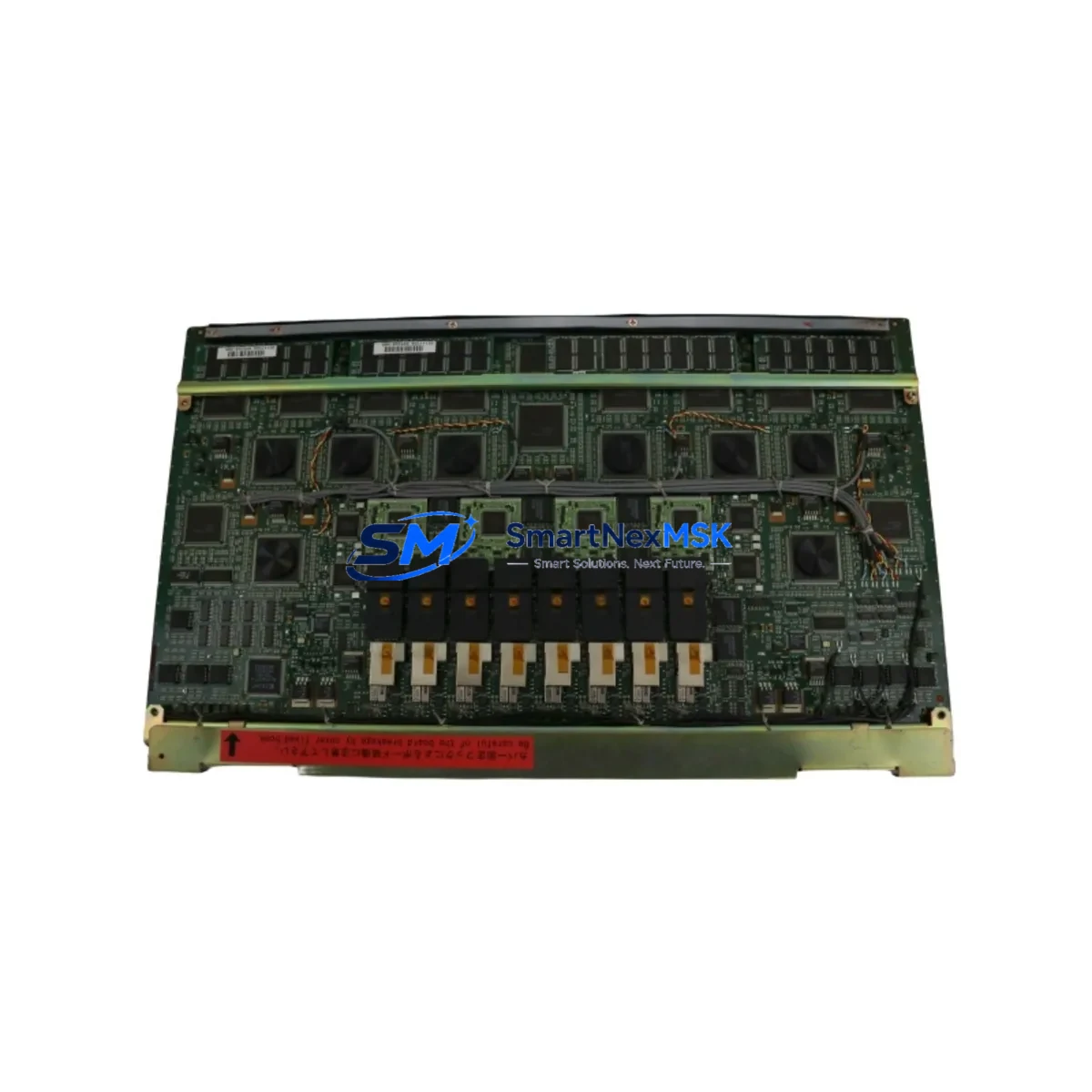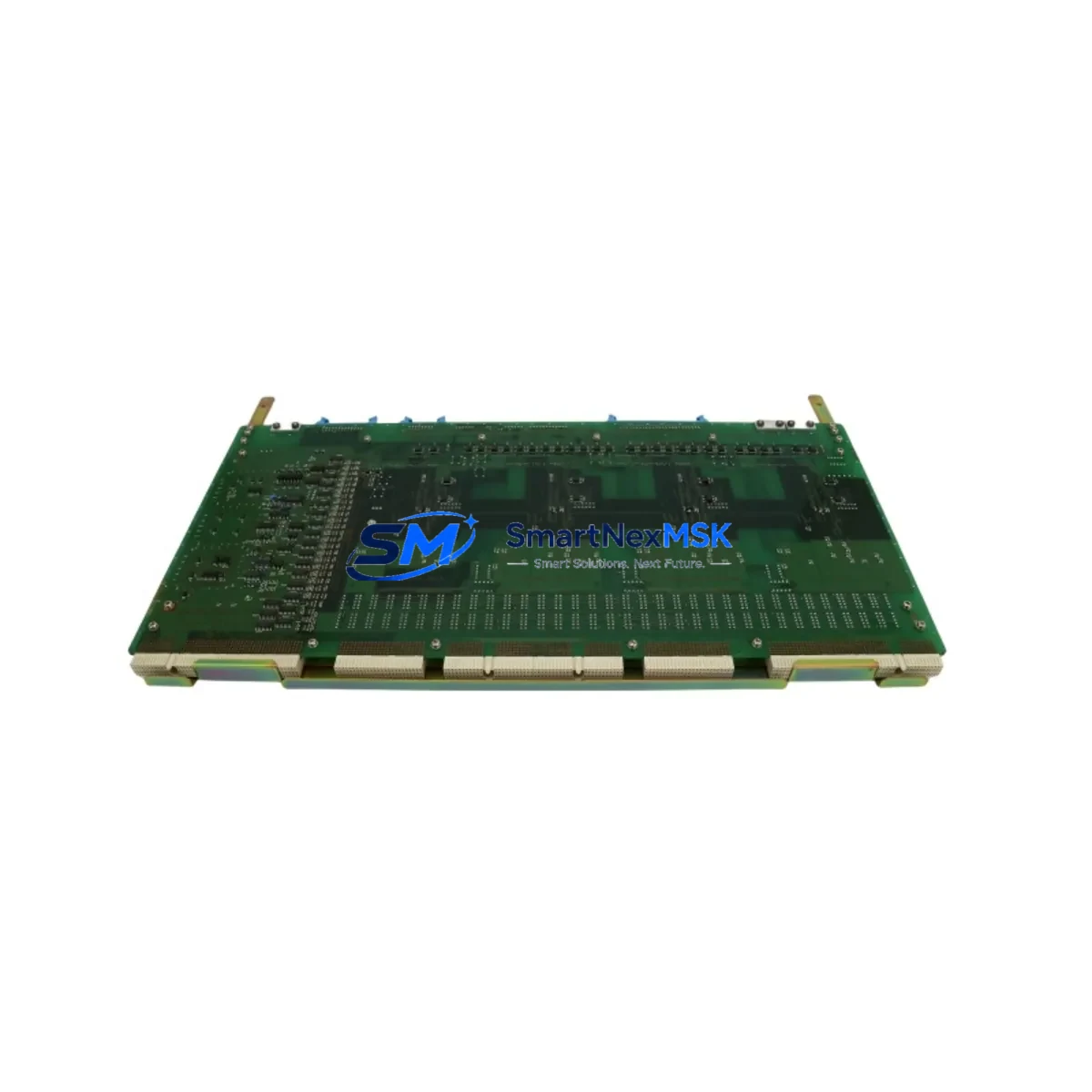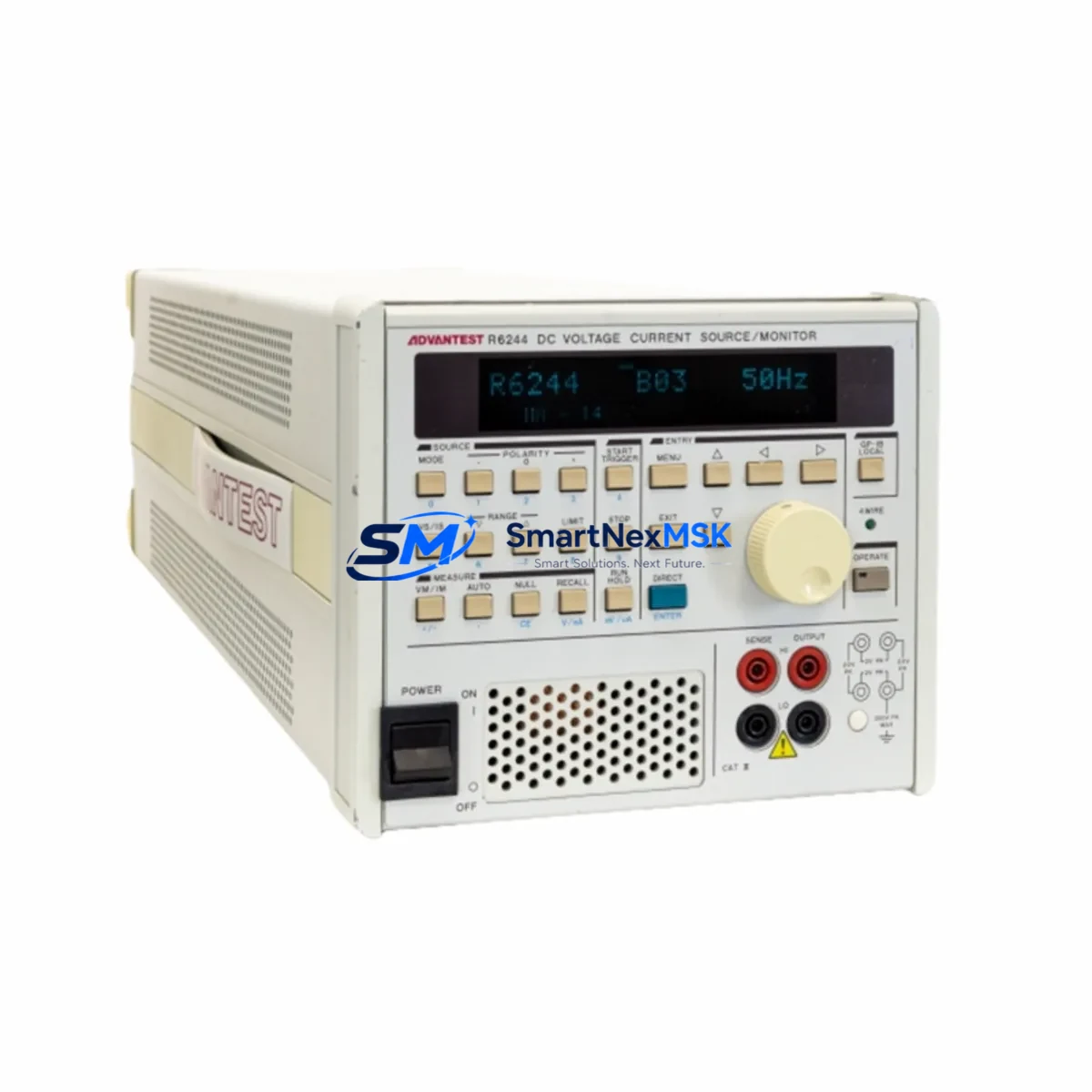
ADVANTEST R6244 Retrofit-Ready DC Source Monitor for R6200 Control Systems
The ADVANTEST R6244 is a precision DC voltage/current source monitor engineered for seamless integration into existing R6200 series test and measurement platforms. Whether you are replacing an end-of-life R6241, R6242, or R6243 unit, or upgrading a legacy automated test equipment (ATE) rack to meet current production demands, the R6244 delivers verified electrical compatibility, reduced commissioning time, and a 12-month warranty — making it the preferred retrofit solution for industrial and semiconductor test environments.
When planning a retrofit around the R6244, engineers must first audit the existing rack’s power budget. The R6244 draws from the mainframe’s internal DC bus, and any shared chassis — such as the R6240 or R6241 mainframe — must be confirmed to have sufficient headroom before the new module is seated. Terminal wiring on the rear panel follows the same 4-wire Kelvin sense configuration used across the R6200 family, so existing cable harnesses typically require no modification. However, connector torque specifications should be re-verified after any module swap to prevent contact resistance errors during high-accuracy sourcing operations.
Backplane interface compatibility is a critical checkpoint. The R6244 uses the same proprietary bus connector as earlier R6200 modules, but slot addressing must be re-confirmed in the system controller software — particularly if the replacement unit occupies a different physical slot than the original. GPIB address settings, stored in non-volatile memory on the module, should be recorded before removal of the legacy unit and re-applied to the R6244 during initial power-on. For systems using an R6271 or R6272 scanner card in the same chassis, the channel-to-module mapping in the test program must be reviewed to avoid address conflicts.
Program compatibility is another area requiring careful validation. Test sequences written for the R6241 or R6242 using SCPI command sets are generally portable to the R6244 with minimal modification, but output range boundaries and compliance limit syntax may differ between firmware revisions. A controlled bench verification — running the legacy test program against the R6244 in a non-production environment — is strongly recommended before live deployment. If the system includes an HMI panel or operator interface linked to the ATE controller, screen layouts referencing the old module’s status registers should be updated to reflect the R6244’s response format.
Communication link integrity must be maintained throughout the migration. Systems relying on IEEE-488 (GPIB) bus topology should verify that total bus cable length and device count remain within specification after the module change. For installations that have already migrated to LAN-based control via an R6293 or equivalent GPIB-to-LAN converter, the R6244’s GPIB address must be correctly mapped in the network configuration to avoid dropped commands during automated test sequences.
Upgrade Compatibility Table
| Parameter | Legacy Unit (R6241/R6242/R6243) | R6244 Retrofit Module |
|---|---|---|
| Chassis / Backplane | R6200 Series Mainframe | Direct fit — same backplane connector |
| Terminal Wiring | 4-wire Kelvin sense, rear panel | Identical pinout — no rewiring required |
| Communication Protocol | IEEE-488 / GPIB | IEEE-488 / GPIB — address re-confirmation required |
| SCPI Command Set | R6200 SCPI subset | Compatible — range/compliance syntax review advised |
| HMI / Software Interface | Legacy ATE controller mapping | Status register format update may be required |
| Installation Requirement | Slot-specific address configuration | Re-confirm slot address in system controller |
| Commissioning | Full calibration cycle | Bench verification + field calibration recommended |
| Warranty | OEM — typically expired | 12-Month Warranty included |
Retrofit Planning for Existing Automation Systems
A successful R6244 retrofit begins with a complete inventory of the existing test rack. In a typical R6200-based ATE system, the chassis may house a combination of source-monitor modules, scanner cards such as the R6271 or R6272, a system controller interface, and a shared power supply module. Before removing the legacy unit, document the current GPIB address, output range configuration, and any custom calibration offsets stored in the module’s non-volatile memory. These values will serve as the baseline for post-installation verification.
The R6244 is physically interchangeable with earlier R6200 series modules, but the installation sequence matters. Power down the mainframe completely before seating the new module — hot-swap is not supported on this platform. After physical installation, restore power and allow the module to complete its self-test routine before issuing any SCPI commands. If the system uses an R6293 GPIB-to-LAN gateway or a dedicated ATE PC running proprietary test executive software, confirm that the software’s device driver version supports the R6244’s firmware revision to avoid communication timeouts.
For facilities managing multiple test stations, a staged rollout is advisable: retrofit one station, run a full production test cycle, and validate measurement correlation against the legacy baseline before proceeding to remaining units. This approach minimizes risk and provides documented evidence of measurement continuity — a requirement in ISO-certified test environments.
Downtime Control During System Migration
Minimizing production downtime during an R6244 retrofit requires preparation before the maintenance window opens. Pre-stage the replacement module with its GPIB address pre-configured and its self-test verified on a bench setup. Back up the existing test program and any custom calibration files from the legacy controller before the swap. During the physical exchange, the actual module replacement takes under 15 minutes; the majority of downtime risk lies in software re-validation and calibration confirmation.
To protect original program logic, avoid modifying the master test sequence during the retrofit window. Instead, run the existing program against the R6244 in a shadow mode — logging outputs without triggering pass/fail decisions — until measurement correlation is confirmed. Once correlation is established, the system can be returned to production with full confidence. For facilities with redundant test capacity, routing production to a backup station during the retrofit window eliminates downtime entirely.
All R6244 units supplied by SMARTNEXMSK are pre-tested prior to shipment, with functional verification records available upon request. This pre-shipment testing significantly reduces the risk of DOA units and shortens the on-site commissioning cycle.
Retrofit Support FAQ
Q: Is the R6244 a direct drop-in replacement for the R6241 and R6242?
A: Yes, the R6244 uses the same backplane connector and rear-panel terminal layout as the R6241 and R6242. GPIB address re-confirmation and a SCPI command compatibility review are required, but no mechanical or wiring modifications are needed in most installations.
Q: What commissioning steps are required after installation?
A: After seating the module and powering on the mainframe, confirm the self-test passes, re-enter the GPIB address, and run a bench verification of the test program against known reference standards. A full calibration cycle is recommended if the system is used in a certified metrology environment.
Q: How is wiring compatibility handled during the retrofit?
A: The R6244 retains the 4-wire Kelvin sense terminal configuration standard across the R6200 series. Existing cable harnesses are reusable in the vast majority of installations. Re-torque all terminal connections after module installation to ensure contact integrity.
Q: What does the 12-month warranty cover?
A: The 12-month warranty covers manufacturing defects and functional failures under normal operating conditions. All units are functionally tested before shipment. Warranty claims are processed directly through SMARTNEXMSK with priority turnaround support.
© 2026 SMARTNEXMSK. All rights reserved.
Original Source: https://smartnexmsk.com
Contact: [email protected] | +86 18259474341