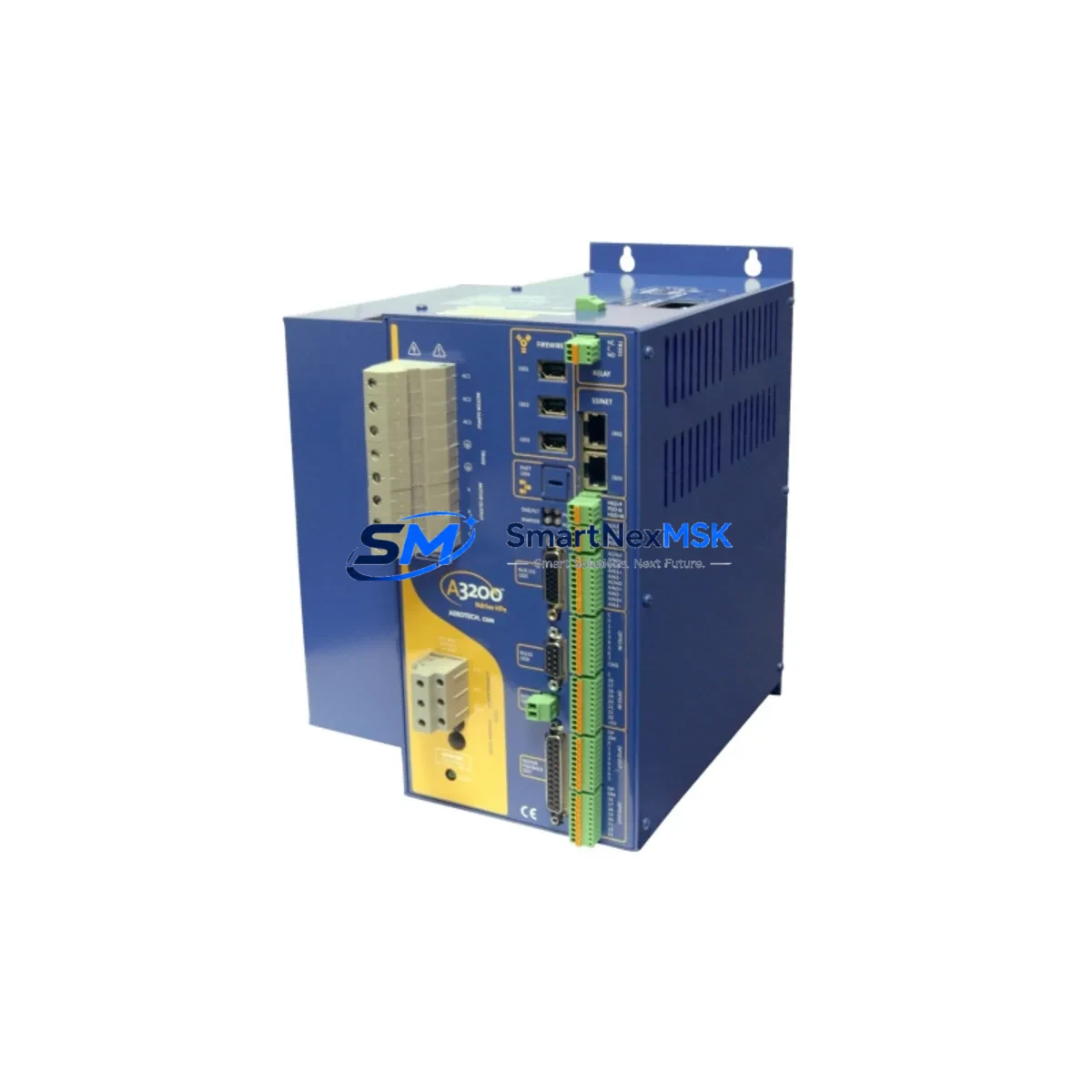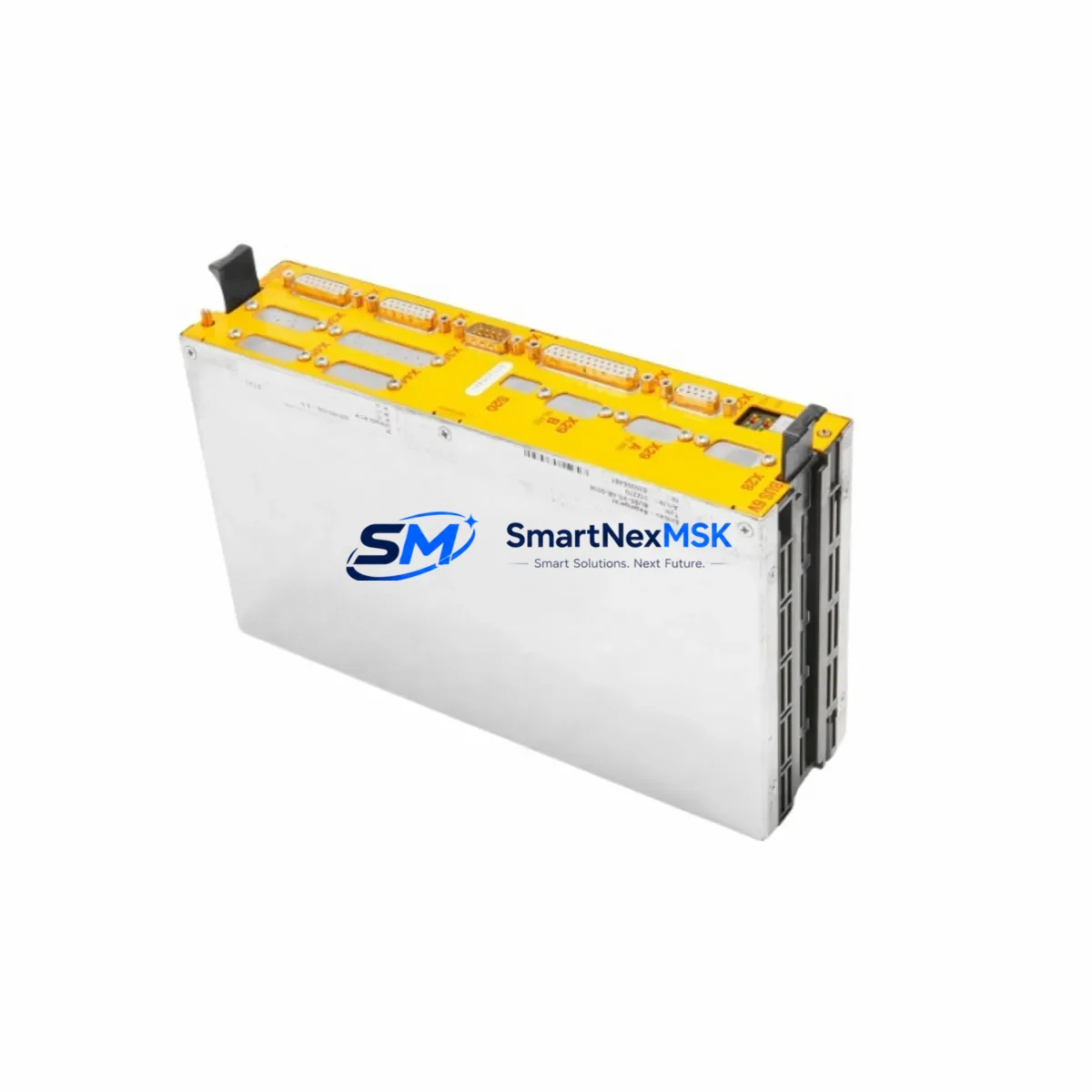
Aerotech NDRIVEHP10-ENET-IO Maintenance-Ready Spare Ndrive HP
The Aerotech NDRIVEHP10-ENET-IO is a high-performance Ethernet-enabled servo drive from the Ndrive HP series, engineered for precision motion control in demanding industrial automation environments. As a maintenance-ready original spare, this unit is sourced, inspected, and dispatched to support rapid replacement workflows — minimizing unplanned downtime and protecting production continuity in servo-driven systems.
For maintenance engineers managing multi-axis motion platforms, CNC machining centers, semiconductor handling equipment, or laser processing systems, the NDRIVEHP10-ENET-IO represents a critical node in the control architecture. Its integrated Ethernet I/O interface enables seamless communication with host controllers, and its compatibility with the broader Ndrive HP ecosystem ensures drop-in replacement without reconfiguration overhead. Procurement engineers can rely on our verified stock, pre-shipment functional testing, and 12-month warranty to justify inventory investment and reduce lead-time risk.
Spare Maintenance Table
| Parameter | Specification / Detail |
|---|---|
| Part Number / SKU | NDRIVEHP10-ENET-IO |
| Brand | Aerotech |
| Series | Ndrive HP |
| Product Type | Ethernet Servo Drive with I/O |
| Communication Interface | Ethernet (EtherCAT / Aerotech A3200 network compatible) |
| Continuous Output Current | 10 A (peak rating per HP series specification) |
| Supply Voltage | AC 100–240 V, 50/60 Hz (typical Ndrive HP range) |
| I/O | Integrated digital I/O for limit switches, home, and fault signals |
| Compatibility | Aerotech A3200, Ensemble, and Ndrive HP multi-axis systems |
| Mounting | DIN rail / panel mount (per Ndrive HP mechanical spec) |
| Operating Temperature | 0 °C to 45 °C |
| Origin | USA |
| Condition | Original, new or refurbished-to-spec; tested before shipment |
| Warranty | 12 Months |
| Maintenance Recommendation | Inspect bus capacitors, cooling fan, and firmware version at each planned maintenance interval |
| Replacement Scenario | Drive fault, overcurrent trip, Ethernet link loss, I/O failure, aging capacitor bank |
Maintenance Planning for Continuous Operation
When a maintenance or procurement engineer schedules replacement of the NDRIVEHP10-ENET-IO, a thorough inspection of the surrounding control cabinet is essential to prevent repeat failures and ensure system stability after the drive is restored to service.
Begin with the DC bus power supply feeding the Ndrive HP drive rail — verify output voltage stability and ripple under load, as a degraded power supply is a common root cause of nuisance drive faults. Check the 24 VDC logic supply that powers the drive’s control board and I/O circuits; voltage sag on this rail can cause spurious Ethernet disconnects or I/O misreads. Inspect all motor power cables and encoder feedback cables for insulation damage, connector corrosion, or intermittent continuity — these are frequent culprits in servo drive overcurrent and following-error faults.
Review the Ethernet switch or hub connecting the NDRIVEHP10-ENET-IO to the A3200 controller or host PC; a failing switch port can mimic drive communication faults. Examine I/O terminal blocks and wiring for the limit switch, home, and fault signal circuits — loose terminations cause erratic axis behavior that is often misdiagnosed as a drive failure. If the system uses an Aerotech NDRIVECP or NDRIVEHP20 on adjacent axes, cross-check their fault logs to identify whether the failure is isolated or systemic.
For systems integrated with an Aerotech A3200 motion controller, confirm that the controller firmware and drive firmware versions remain compatible after replacement. Check the regenerative resistor or braking resistor connected to the drive’s regen terminal — an open or degraded regen resistor causes DC bus overvoltage faults during deceleration. Inspect cabinet cooling fans and air filters; thermal stress is a primary aging mechanism for servo drive capacitor banks and IGBT modules. Finally, verify the safety relay or STO (Safe Torque Off) circuit wiring, as incorrect STO signal levels will prevent the replacement drive from enabling.
Maintaining a cabinet-level spare kit that includes the NDRIVEHP10-ENET-IO alongside a spare Ndrive HP power supply module, a set of motor feedback connectors, and a spare Ethernet patch cable reduces mean time to repair (MTTR) significantly and supports a proactive maintenance posture rather than a reactive one.
Site Replacement Workflow
Step 1 — Isolation: De-energize the servo drive by removing AC mains and waiting for the DC bus capacitors to discharge (minimum 5 minutes; verify with a voltmeter at the bus terminals before touching internal wiring).
Step 2 — Documentation: Photograph all cable connections, label each connector with axis designation, and record the current firmware version from the A3200 controller’s drive configuration screen before disconnecting the faulty unit.
Step 3 — Mechanical Removal: Disconnect the motor power connector, encoder feedback connector, I/O terminal block, Ethernet cable, and DC bus connections in sequence. Remove the drive from the DIN rail or panel mount.
Step 4 — Replacement Installation: Mount the NDRIVEHP10-ENET-IO replacement unit, reconnect all cables in reverse order, and verify connector seating. Confirm that the drive’s rotary address switch (if applicable) matches the original axis address.
Step 5 — Firmware and Configuration: Using Aerotech’s Motion Composer or A3200 Configuration Manager, upload the saved axis parameter file to the replacement drive. Verify that drive firmware is compatible with the controller version; update if required.
Step 6 — Commissioning: Enable the drive in a low-speed jog mode, verify encoder feedback direction and scaling, confirm I/O signal states, and perform a short motion profile test before returning the axis to full production speed. Log the replacement date and unit serial number in the maintenance record.
This structured workflow reduces replacement time to under two hours for experienced technicians and eliminates the most common commissioning errors that extend downtime unnecessarily.
Spare Parts Support FAQ
Q1: Is the NDRIVEHP10-ENET-IO a direct drop-in replacement for older Ndrive HP units?
Yes, the NDRIVEHP10-ENET-IO is designed as a form-fit-function replacement within the Ndrive HP series. Axis address configuration and firmware upload via the A3200 controller are required after installation, but no mechanical or wiring modifications are needed for standard Ndrive HP cabinet layouts. Always verify the firmware compatibility matrix in Aerotech’s release notes before updating.
Q2: What pre-shipment testing is performed on this spare?
Each unit undergoes functional power-on verification, Ethernet communication link testing, and I/O signal integrity checks before dispatch. Units sourced as new-in-box are shipped in original or equivalent protective packaging. Refurbished-to-spec units are tested to the same electrical performance criteria and carry the same 12-month warranty.
Q3: How should I manage long-term spare inventory for Ndrive HP drives?
For facilities operating three or more Ndrive HP axes, we recommend maintaining at least one NDRIVEHP10-ENET-IO as a cold spare in a climate-controlled cabinet. Store the unit in its anti-static bag, away from moisture and vibration. Rotate spares into service every 3–5 years to prevent electrolytic capacitor aging in storage. Document the spare’s firmware version and update it to match your production system during planned maintenance windows.
Q4: What is the warranty coverage and claims process?
All units are covered by a 12-month warranty from the date of shipment, covering manufacturing defects and functional failures under normal operating conditions. Warranty claims are processed via email with a fault description and photographic evidence of the installation. Replacement or repair is dispatched within 5 business days of claim approval. Contact [email protected] to initiate a warranty claim.
© 2026 SMARTNEXMSK. All rights reserved.
Original Source: https://smartnexmsk.com
Contact: [email protected] | +86 18259474341