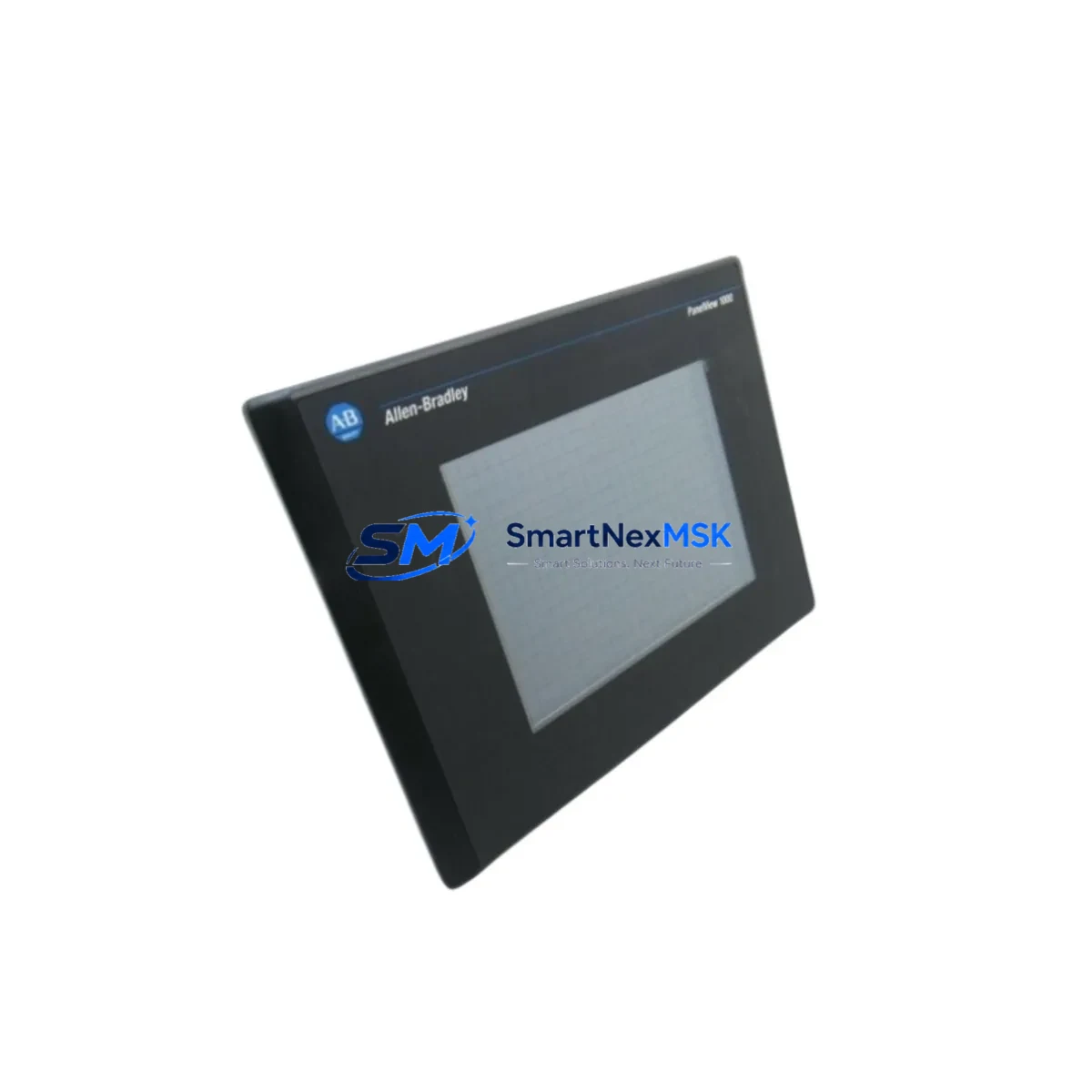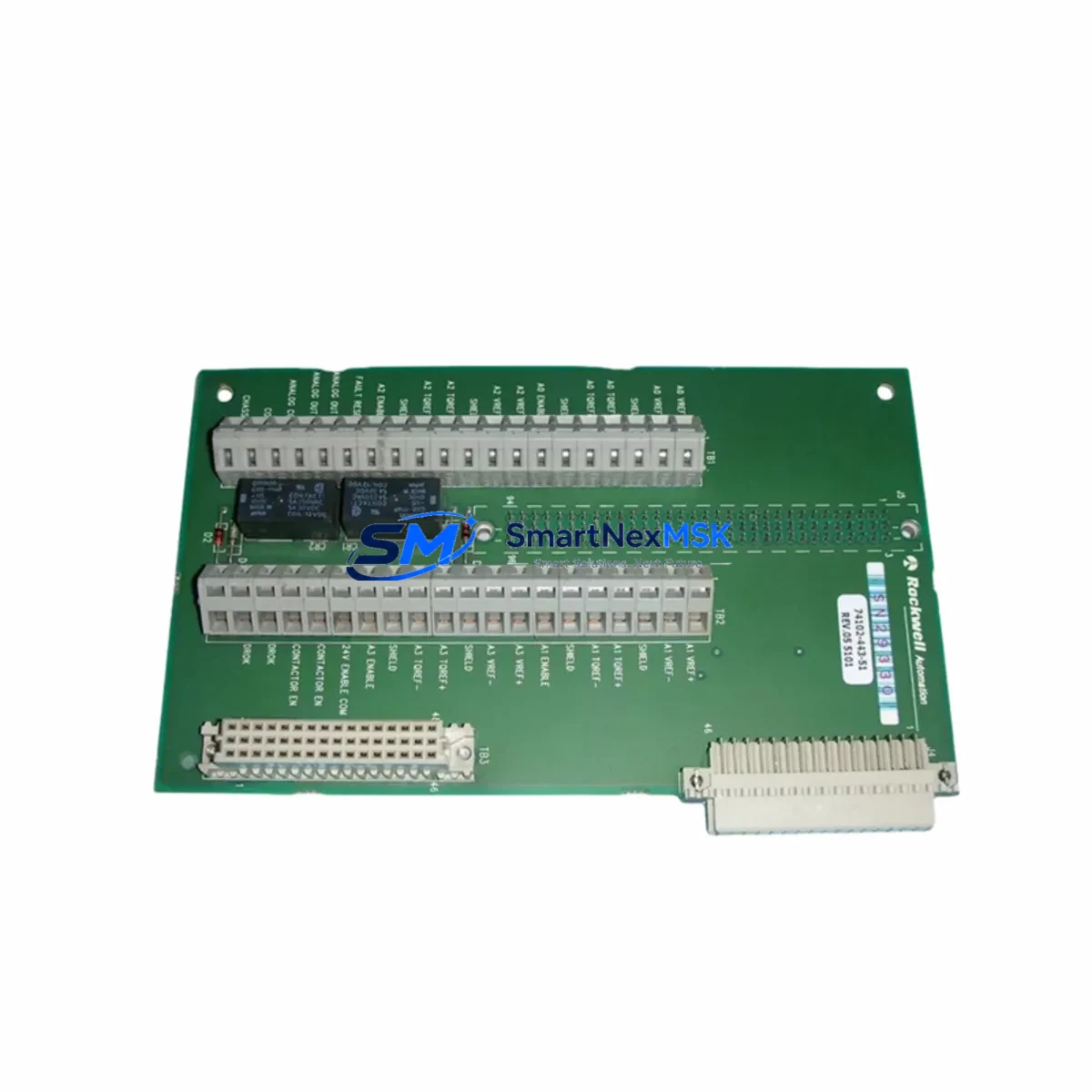
Allen-Bradley 74102-443-51 Maintenance-Ready Spare: Spare Replacement & Industrial Downtime Risk Control
The Allen-Bradley 74102-443-51 is an original PLC interface module manufactured by Rockwell Automation, designed for integration within legacy and current-generation control architectures. For maintenance engineers managing aging automation infrastructure, sourcing a verified, tested spare of this module is a critical step in minimizing unplanned downtime and sustaining continuous production. Whether you are executing a planned shutdown, responding to a fault alarm, or building a strategic spare parts inventory, the 74102-443-51 represents a high-priority line item in any Rockwell-based control cabinet.
Industrial facilities running Allen-Bradley PLC platforms — including the PLC-5, SLC 500, and ControlLogix families — depend on interface modules like the 74102-443-51 to maintain reliable I/O communication, signal routing, and backplane integrity. When this module fails or degrades, the downstream impact can cascade across multiple control loops, triggering process shutdowns, safety interlocks, and costly production losses. Stocking a pre-tested replacement ensures your maintenance team can execute a swap within a single shift window rather than waiting days or weeks for procurement.
This spare is sourced as an original Rockwell Automation component, inspected for physical integrity, and functionally tested prior to shipment. It is supplied with a 12-month warranty covering manufacturing defects and operational failures under normal industrial use conditions.
Spare Maintenance Table
| Parameter | Specification / Detail |
|---|---|
| Part Number / SKU | 74102-443-51 |
| Brand | Allen-Bradley (Rockwell Automation) |
| Product Type | PLC Interface Module |
| Series Compatibility | PLC-5 / SLC 500 / Legacy Rockwell Control Systems |
| Origin | United States (Original OEM Component) |
| Mounting | Backplane / Rack-mount (standard Rockwell chassis) |
| Application Environment | Industrial automation, process control, discrete manufacturing |
| Operating Temperature | 0°C to 60°C (typical industrial panel range) |
| Compatibility Verification | Confirm chassis slot type, backplane revision, and firmware version before installation |
| Maintenance Recommendation | Inspect connector pins, backplane seating, and indicator LEDs during scheduled PM cycles |
| Pre-shipment Testing | Functionally tested and inspected before dispatch |
| Warranty | 12 Months — covers manufacturing defects and operational failure under normal use |
| Lead Time | In-stock; typically ships within 1–3 business days |
Maintenance Planning for Continuous Operation
When replacing the 74102-443-51 in a Rockwell Automation control cabinet, a thorough maintenance engineer will not stop at the module itself. A systematic inspection of the surrounding electrical environment is essential to prevent repeat failures and confirm root cause. Begin by verifying the 24VDC or 120VAC power supply feeding the rack — a degraded Allen-Bradley 1746-P4 or 1771-P4S power supply can cause intermittent module faults that mimic hardware failure. Check the power supply output voltage under load before committing to a module swap.
Next, inspect the I/O wiring terminations on adjacent modules. Loose or corroded terminals on 1746-IB16 digital input modules or 1746-OB16 digital output modules can introduce ground loops or signal noise that stresses the interface module. Review the terminal block assemblies and tighten any suspect connections. If the cabinet includes analog I/O, verify the 1746-NI4 or equivalent analog input module for drift or calibration errors that may have contributed to the fault condition.
For systems using remote I/O or DeviceNet communication, inspect the 1747-SDN scanner module and associated network cabling. A failing communication module can generate fault codes that are incorrectly attributed to the interface module. Similarly, if the system uses a 1747-L553 or similar SLC 5/05 processor, confirm that the processor firmware and I/O configuration table are intact after any power cycle.
Relay output modules such as the 1746-OW16 should be checked for contact wear, especially in high-cycle applications. Fuse holders and DIN-rail mounted fuse blocks protecting individual I/O circuits are frequently overlooked during fault isolation — verify continuity on all branch circuits. If the control cabinet includes a signal isolator or loop-powered transmitter interface, inspect those components for proper 4–20 mA signal integrity.
Finally, if an HMI panel such as a PanelView 600 or PanelView Plus is connected to the same control network, verify that communication parameters and node addresses have not shifted following the fault event. A complete cabinet inspection at the time of module replacement is the most cost-effective way to prevent a second unplanned outage within the same maintenance cycle.
Site Replacement Workflow
Replacing the 74102-443-51 on-site follows a structured sequence designed to minimize downtime and protect system integrity. Before beginning, obtain a copy of the current I/O configuration and processor program backup. If the system is running, coordinate with operations to schedule a controlled shutdown rather than performing a hot-swap on an energized backplane.
Power down the rack and discharge any residual voltage. Remove the faulty module by releasing the locking tab and sliding it clear of the backplane connector. Inspect the backplane slot for bent pins, debris, or corrosion. Insert the replacement 74102-443-51, ensuring full seating against the backplane. Restore power and observe the module status LEDs — a solid green RUN indicator confirms successful initialization.
If the module does not initialize, verify that the chassis slot assignment matches the original I/O configuration in the processor. For older PLC-5 systems, confirm that the rack address switches on the module are set identically to the removed unit. Once the module is confirmed online, perform a functional test of all associated I/O points before returning the system to automatic operation.
This replacement workflow is compatible with both like-for-like substitution of the 74102-443-51 and cross-reference substitution from discontinued catalog numbers. Our technical team can assist with compatibility verification for non-standard configurations prior to shipment.
Spare Parts Support FAQ
Q1: Is the 74102-443-51 an original Allen-Bradley component or a third-party replacement?
This is an original Allen-Bradley (Rockwell Automation) component, not an aftermarket or clone. Each unit is inspected for OEM markings, physical condition, and functional performance before shipment. A certificate of conformance is available upon request.
Q2: How do I verify compatibility with my existing Rockwell chassis before ordering?
Compatibility depends on your chassis model, backplane revision, and processor firmware version. Provide your full system configuration — including processor catalog number, chassis model, and existing I/O map — and our engineering team will confirm fit before you commit to the order. We recommend this step for any legacy system where the original documentation may be incomplete.
Q3: What does the 12-month warranty cover, and what is the claims process?
The 12-month warranty covers manufacturing defects and operational failure under normal industrial operating conditions. It does not cover damage resulting from incorrect installation, overvoltage events, or physical mishandling. To initiate a warranty claim, contact our sales team with the order number and a description of the fault. We will arrange return shipping and provide a replacement or refund within the agreed service window.
Q4: Can you support long-term or blanket purchase orders for ongoing spare parts inventory?
Yes. We support scheduled release orders, blanket POs, and consignment stocking arrangements for maintenance teams managing multi-site Rockwell Automation installations. Long-term supply agreements include priority allocation, fixed pricing for the contract period, and dedicated account management. Contact our sales team to discuss your annual consumption requirements and preferred replenishment schedule.
—
© 2026 SMARTNEXMSK. All rights reserved.
Original Source: https://smartnexmsk.com
Contact: [email protected] | +86 18259474341