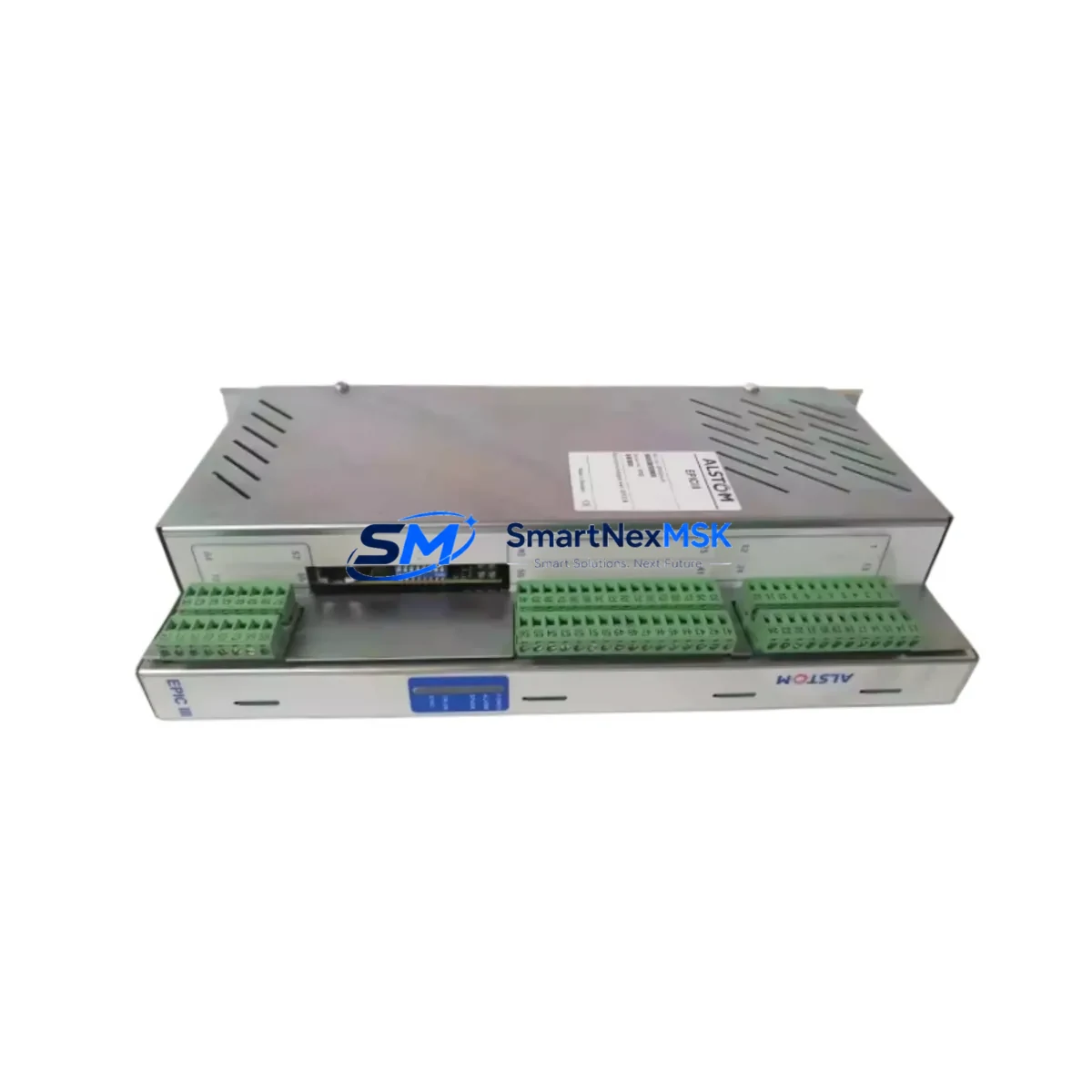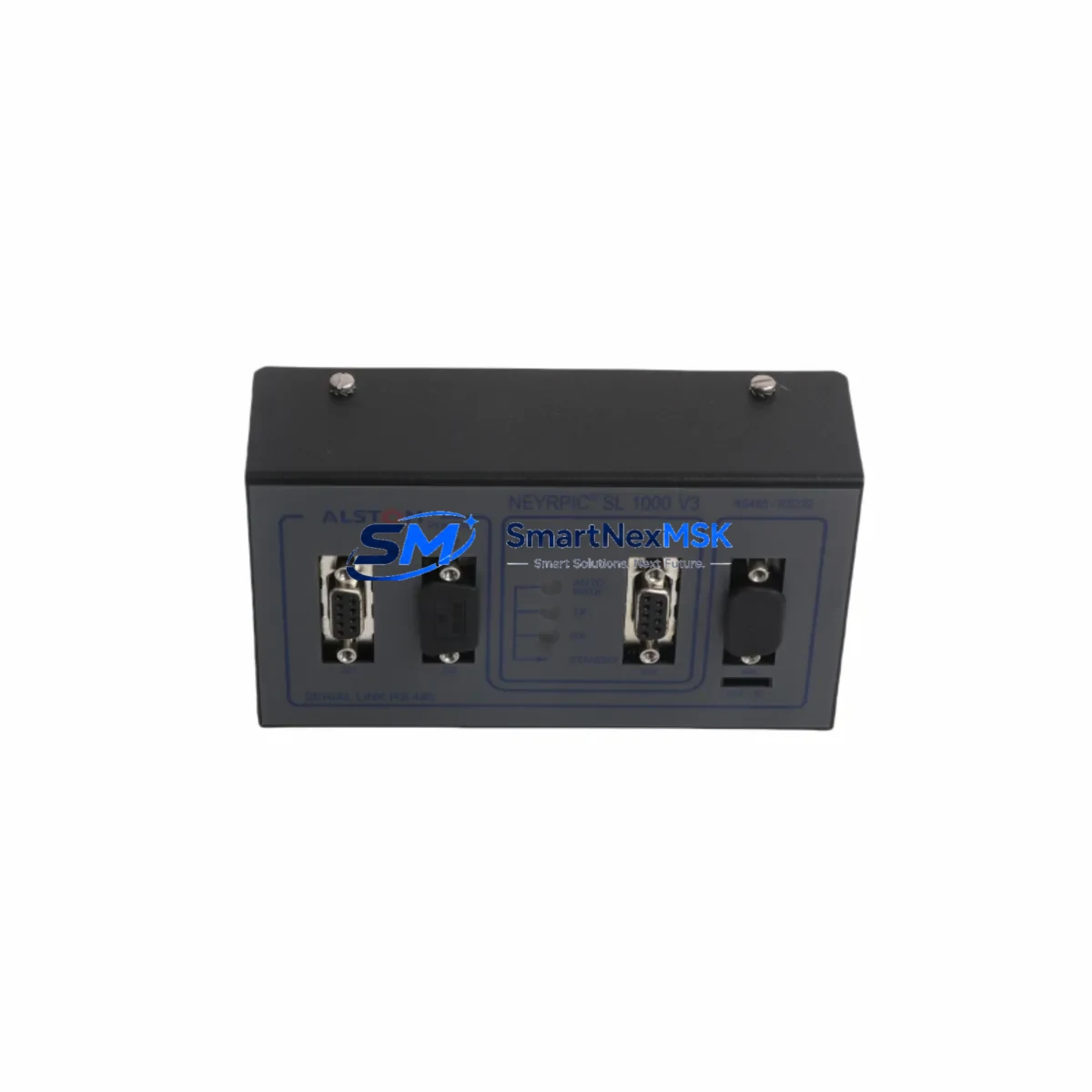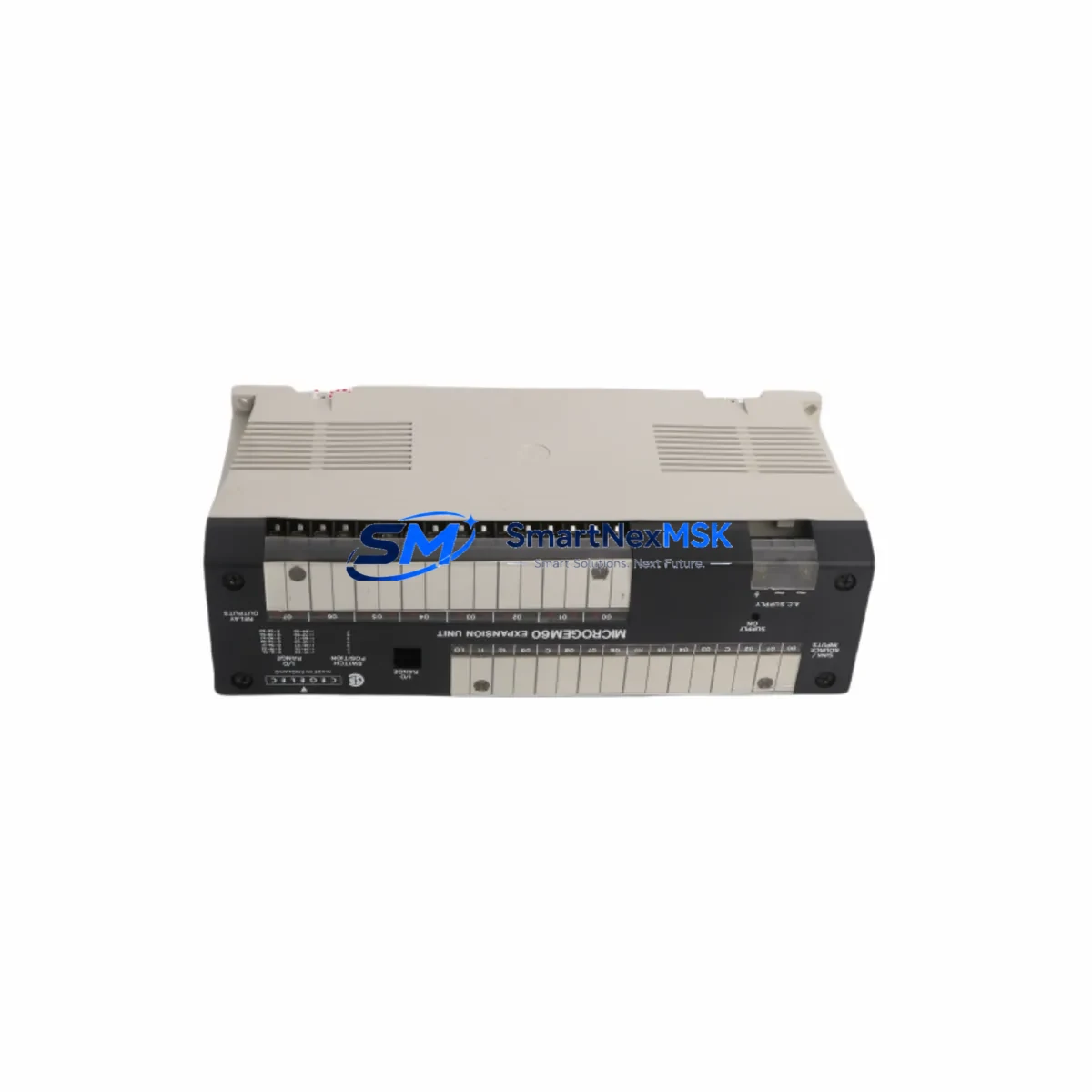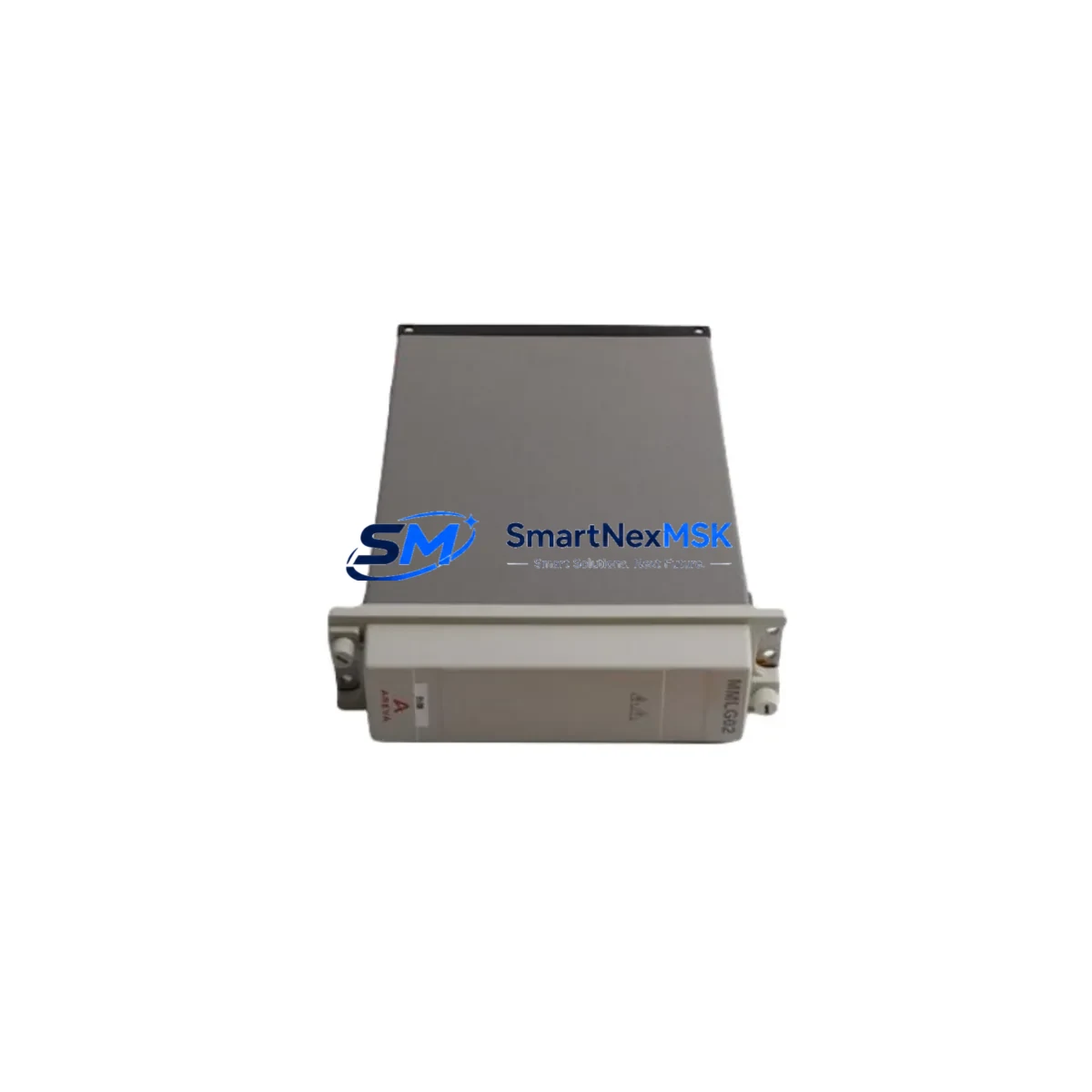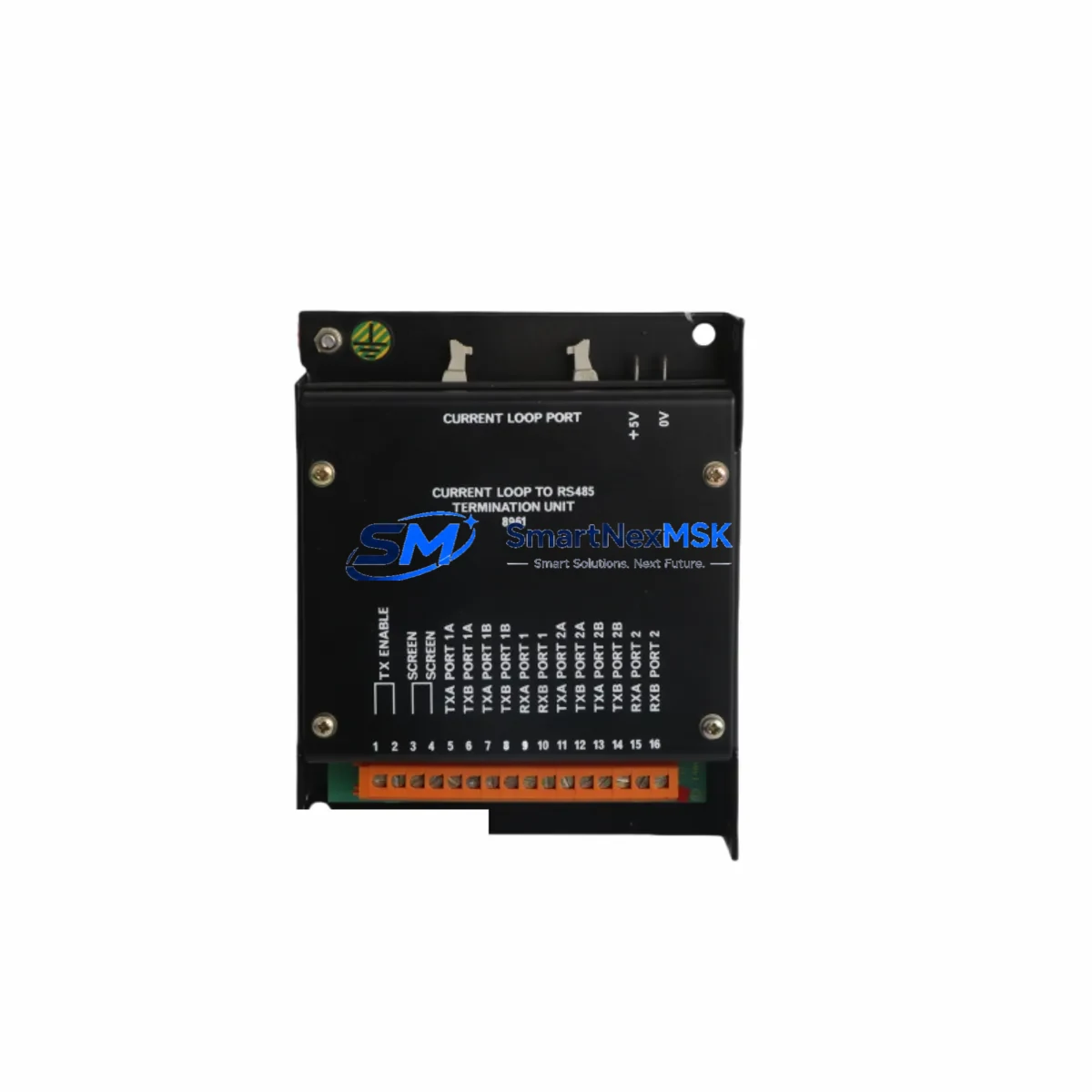
ALSTOM 8961-4001 Retrofit-Ready Converter Module: Compatible Modernization for Legacy Control Systems
The ALSTOM 8961-4001 is a retrofit-ready converter module engineered for seamless integration into aging traction control and industrial automation architectures. As original ALSTOM control platforms reach end-of-life and spare parts become increasingly scarce, the 8961-4001 serves as a verified drop-in replacement and upgrade solution for engineers managing legacy system continuity, planned modernization projects, and emergency breakdown recovery. With a 12-month warranty, pre-shipment functional testing, and in-stock availability, this module is a reliable choice for minimizing unplanned downtime across rail, power, and process automation environments.
Whether you are replacing a failed unit in an existing ALSTOM drive cabinet, upgrading a legacy converter rack to extend operational life, or migrating a control platform to a more maintainable architecture, the 8961-4001 is designed to reduce engineering risk and accelerate commissioning. Its compatibility with established ALSTOM backplane interfaces and terminal wiring conventions means that experienced field engineers can complete a swap with minimal rework to existing cable harnesses and control logic.
Upgrade Compatibility Table
| Parameter | Details |
|---|---|
| SKU / Part Number | 8961-4001 |
| Brand | ALSTOM |
| Product Type | Converter Module |
| Compatible Series | ALSTOM ONIX, PRIMA, and legacy traction/industrial converter platforms |
| Backplane Interface | Compatible with standard ALSTOM rack backplane connectors; verify slot addressing before installation |
| Terminal Wiring | Matches OEM terminal layout; no rewiring required for direct replacement in most configurations |
| Communication Compatibility | Supports legacy ALSTOM inter-module communication protocols; verify firmware revision compatibility with host controller |
| Power Supply Requirement | Confirm cabinet DC bus voltage and module power draw against existing PSU capacity before installation |
| Replacement Recommendation | Direct replacement for failed or end-of-life 8961-4001 units; suitable for like-for-like swap or controlled upgrade |
| Commissioning Notes | Verify module address configuration, I/O mapping, and HMI screen bindings after installation |
| Pre-Shipment Testing | Full functional test performed before dispatch |
| Warranty | 12 Months |
| Origin | China (CN) |
| Shipping | Global express shipping available; DHL / FedEx / UPS |
Retrofit Planning for Existing Automation Systems
Successful retrofit of the ALSTOM 8961-4001 begins well before the module arrives on site. Engineers should conduct a thorough audit of the existing control cabinet, documenting the current power supply module output capacity, available backplane slots, and the wiring schedule for all terminal connections associated with the converter function. In many legacy ALSTOM installations, the converter module shares a rack with companion components such as the ALSTOM gate drive board, the DC link capacitor bank interface card, and the fiber optic communication module that links the converter to the main traction controller. Each of these components must be verified as functional before the 8961-4001 is powered up in the replacement slot.
For systems where the original ALSTOM CPU module or sequence controller is still in service, it is essential to confirm that the firmware version running on the host controller is compatible with the 8961-4001 hardware revision. In some upgrade scenarios, engineers have found it necessary to also replace the ALSTOM I/O expansion module to resolve address conflicts introduced when a newer converter module revision is installed alongside older rack hardware. Similarly, if the installation includes an ALSTOM HMI panel or operator workstation, the display configuration and alarm bindings associated with the converter channel should be reviewed and updated to reflect any parameter changes introduced by the replacement module.
Communication link integrity is another critical checkpoint. Where the 8961-4001 interfaces with a fieldbus network — whether a legacy proprietary ALSTOM serial link, a CANopen segment, or a Profibus DP drop — the network configuration tool should be used to verify that the module’s node address and baud rate settings match the master controller’s expectations. In multi-axis drive systems, the ALSTOM axis controller card and the associated encoder interface module should also be checked for compatibility, as firmware mismatches between the converter and the axis controller have been known to cause initialization faults that delay commissioning.
Where the retrofit involves a broader control cabinet upgrade — for example, replacing an aging ALSTOM power supply unit alongside the converter module — it is advisable to sequence the work so that the new PSU is commissioned and verified before the 8961-4001 is installed. This ensures that the module receives clean, stable DC power from the first power-on, reducing the risk of initialization errors caused by voltage transients from an aging or undersized supply.
Downtime Control During System Migration
Minimizing production or operational downtime during a converter module replacement requires careful pre-planning and a structured commissioning sequence. Before the maintenance window begins, the existing ALSTOM 8961-4001 configuration should be fully documented: capture all parameter settings from the host controller’s configuration tool, export the PLC program or ladder logic associated with the converter channel, and photograph the terminal wiring and backplane slot position of the original module. This documentation package serves as the baseline for restoring the system to its pre-maintenance state if any unexpected issues arise during the swap.
During the replacement, the module should be installed in the same backplane slot as the original unit to preserve the hardware address mapping recognized by the host controller. Once the module is seated and the terminal connections are verified against the wiring schedule, the system should be powered up in a controlled sequence: energize the control power supply first, confirm that the ALSTOM CPU module and communication modules initialize without fault, and then enable the converter channel. Monitor the HMI panel or engineering workstation for any fault codes or parameter mismatch alarms during the first power-on cycle.
If the installation is part of a planned upgrade rather than an emergency replacement, consider scheduling a parallel test period where the new 8961-4001 is validated in a bench environment or a non-critical system before being deployed in the primary production line. This approach allows the engineering team to resolve any firmware compatibility or parameter configuration issues without impacting live operations. All modules supplied by SMARTNEXMSK undergo pre-shipment functional testing to reduce the risk of DOA units, and the 12-month warranty provides additional assurance for the post-installation period.
Retrofit Support FAQ
Q1: Is the ALSTOM 8961-4001 a direct drop-in replacement for the original OEM unit?
In most standard ALSTOM rack configurations, the 8961-4001 is a like-for-like replacement that fits the original backplane slot and matches the OEM terminal wiring layout. However, engineers should verify the hardware revision and firmware compatibility with the host controller before installation, particularly in systems where the controller firmware has been updated since the original module was commissioned.
Q2: What commissioning steps are required after installing the replacement module?
After physical installation, verify the module’s backplane address configuration, confirm I/O channel mapping in the host controller’s configuration tool, check communication link status on any connected fieldbus segment, and review HMI alarm and display bindings associated with the converter channel. A controlled power-on sequence — control power first, then converter enable — is recommended to allow the system to initialize cleanly.
Q3: How is the module tested before shipment, and what does the 12-month warranty cover?
Every ALSTOM 8961-4001 unit supplied by SMARTNEXMSK undergoes a full functional test prior to dispatch, verifying power conversion performance, communication interface integrity, and I/O channel operation. The 12-month warranty covers manufacturing defects and functional failures under normal operating conditions. Units that fail within the warranty period are replaced or repaired at no additional cost.
Q4: Can this module be used in a system where other ALSTOM components have already been upgraded to newer revisions?
Yes, in most cases. The 8961-4001 is designed to operate within mixed-revision ALSTOM rack environments. However, if the host CPU module or axis controller has been updated to a significantly newer firmware version, a compatibility check against the converter module’s hardware revision is recommended. Our technical team can assist with compatibility verification based on your system’s existing component list and firmware versions.
© 2026 SMARTNEXMSK. All rights reserved.
Original Source: https://smartnexmsk.com
Contact: [email protected] | +86 18259474341