
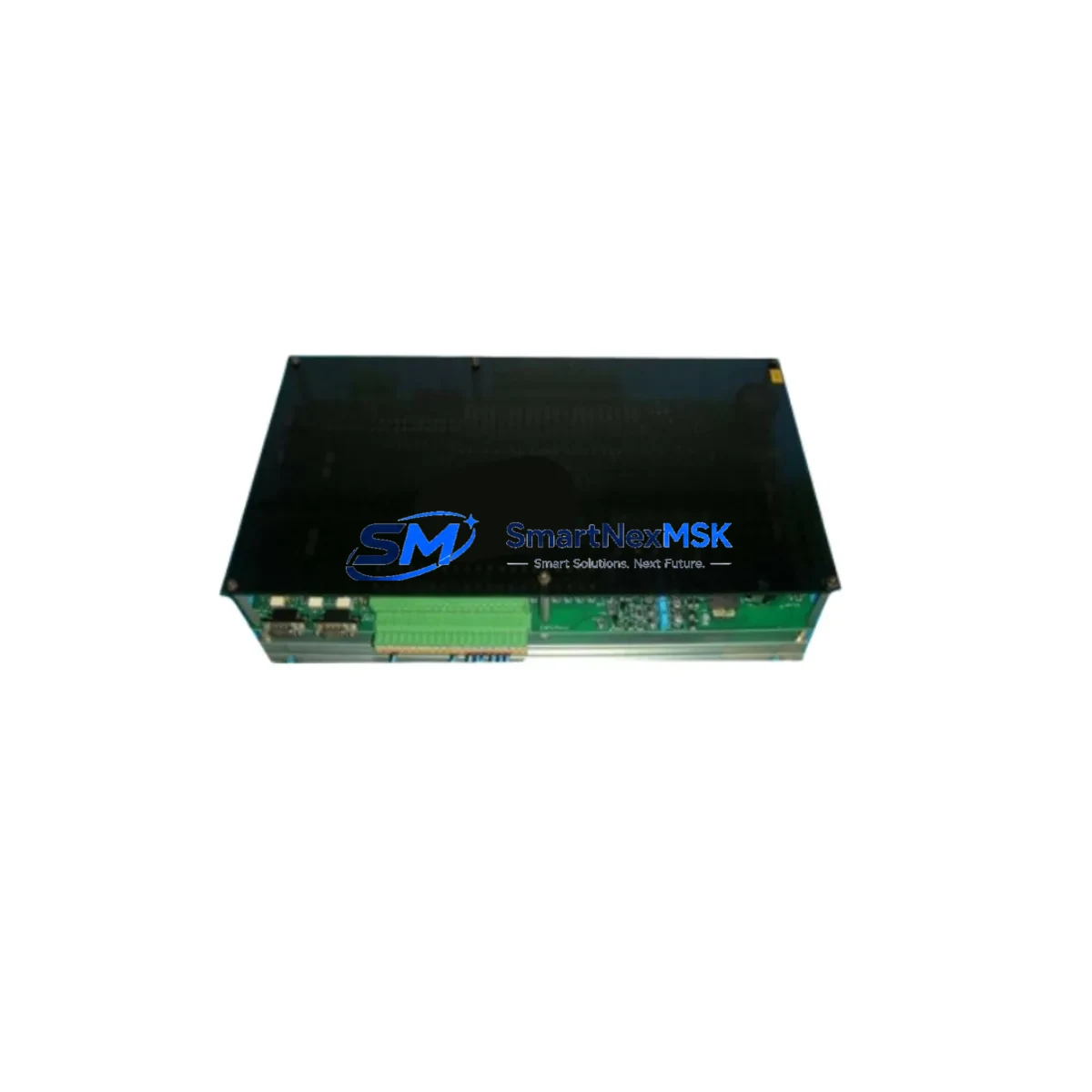
ALUBOARD N/CS044-7 Maintenance-Ready Spare for N/CS044 Automation
The ALUBOARD N/CS044-7 is an original PLC control board engineered for the N/CS044 automation series. In industrial environments where unplanned downtime translates directly into production loss, having a verified, tested spare of this board on-site is a fundamental element of any responsible maintenance strategy. Whether you are managing a continuous process line, a discrete manufacturing cell, or a legacy control cabinet that has been in service for over a decade, the N/CS044-7 delivers the electrical reliability and compatibility that maintenance engineers and procurement teams demand.
This board serves as the central processing and I/O coordination unit within the N/CS044 control architecture. Its role spans routine point-check cycles, fault isolation during unplanned shutdowns, scheduled overhaul windows, and emergency replacement scenarios where every minute of downtime carries measurable cost. Sourced directly from ALUBOARD’s authorized supply chain, each unit undergoes functional verification and burn-in testing before dispatch, ensuring it arrives ready for immediate installation.
Spare Maintenance Table
| Parameter | Specification |
|---|---|
| Part Number / SKU | ALUBOARD/N/CS044-7 |
| Brand | ALUBOARD |
| Series Compatibility | N/CS044 Automation Series |
| Module Type | PLC Control Board |
| Supply Voltage | 24 VDC (nominal, per N/CS044 system spec) |
| I/O Interface | Compatible with N/CS044 backplane and I/O bus |
| Communication | Supports standard N/CS044 fieldbus and serial protocols |
| Operating Temperature | 0°C to +55°C (industrial panel environment) |
| Mounting | DIN rail / panel-mount per N/CS044 cabinet standard |
| Origin | China (CN) |
| Condition | Original, new — pre-shipment functional test passed |
| Warranty | 12 Months from date of dispatch |
| Lead Time | In-stock: same-day or next-business-day dispatch |
| Maintenance Recommendation | Inspect board connectors and backplane contacts every 6 months; replace on first sign of communication fault or thermal discoloration |
Maintenance Planning for Continuous Operation
When the N/CS044-7 control board is flagged during a fault isolation routine or a scheduled cabinet inspection, experienced maintenance engineers know that replacing the board alone is rarely sufficient to restore full system confidence. A thorough replacement workflow must account for the entire electrical environment in which this board operates.
Begin by verifying the 24 VDC power supply module feeding the N/CS044 rack — a degraded power supply is one of the most common root causes of control board failure and will damage a replacement unit if left unchecked. Inspect the backplane bus connector for oxidation, bent pins, or thermal stress marks, as poor backplane contact causes intermittent faults that are difficult to diagnose after the board swap. Check all I/O terminal blocks and wiring harnesses connected to the N/CS044 system; loose or corroded terminals introduce signal noise that can trigger false fault codes on the new board.
If the N/CS044 system includes digital or analog I/O expansion modules, verify their status codes and LED indicators before closing the cabinet — a failed I/O module can mask itself as a control board fault. Inspect any relay output modules in the same control loop; relay contacts degrade over switching cycles and should be part of the same maintenance window. For systems using signal isolators or signal conditioners between field sensors and the PLC input cards, confirm isolation resistance and output signal levels are within specification.
Communication-dependent installations should verify the RS-485 or fieldbus communication module (such as a PROFIBUS DP or Modbus RTU adapter card) for correct termination resistance and cable shielding continuity. Where an HMI panel is connected to the N/CS044 system, confirm the HMI communication link re-establishes correctly after the board replacement and that all screen tags are mapping to the correct PLC addresses. Finally, check fuse holders and circuit protection devices on the 24 VDC distribution rail — a blown fuse upstream of the control board is a common finding during post-fault inspections and should be replaced with the correct rated fuse rather than a higher-value substitute.
Maintaining a minimum stock of one N/CS044-7 board alongside a spare power supply module, a set of I/O terminal fuses, and a communication module ensures that your maintenance team can execute a complete cabinet recovery within a single shift, regardless of which component has failed.
Site Replacement Workflow
Step 1 — Isolate and document: Before removing the N/CS044-7, record all active fault codes from the HMI or programming terminal and photograph the wiring layout. This documentation is critical for verifying correct restoration after the swap.
Step 2 — Power down safely: Follow the N/CS044 system’s lockout/tagout procedure. Confirm 24 VDC supply is de-energized at the distribution terminal before touching the control board or backplane connectors.
Step 3 — Remove and inspect: Extract the faulty N/CS044-7 board and inspect the backplane slot for debris, corrosion, or damaged connector pins. Clean the slot with dry compressed air before installing the replacement unit.
Step 4 — Install the replacement: Seat the new ALUBOARD N/CS044-7 firmly into the backplane slot, ensuring the board locks into the guide rails. Reconnect all I/O wiring harnesses and communication cables to their original positions as documented in Step 1.
Step 5 — Power-up and verify: Restore 24 VDC supply and observe the board’s status LEDs during initialization. Confirm the HMI communication link is re-established and all I/O points are responding correctly. Clear any residual fault codes and run a short functional test cycle before returning the system to production.
Step 6 — Update maintenance records: Log the replacement date, the serial number of the removed board, and the batch number of the installed unit. This record supports warranty claims and future fault trend analysis.
This workflow is designed to minimize total downtime to under two hours for a trained maintenance technician, preserving system compatibility and eliminating the risk of re-commissioning errors that arise from undocumented replacements.
Spare Parts Support FAQ
Q1: What is the warranty coverage for the ALUBOARD N/CS044-7?
Every unit carries a 12-month warranty from the date of dispatch. The warranty covers manufacturing defects and functional failures under normal operating conditions. Units that fail within the warranty period are replaced or refunded after a brief technical review. Contact [email protected] to initiate a warranty claim.
Q2: How do I confirm compatibility before ordering?
The N/CS044-7 is designed for the ALUBOARD N/CS044 automation series. To confirm compatibility, provide your existing board’s part number, the system’s rack or backplane model, and the firmware version currently running on your N/CS044 controller. Our technical team will verify fit before shipment.
Q3: What pre-shipment testing is performed on each unit?
Each ALUBOARD N/CS044-7 undergoes a functional power-on test, I/O bus communication check, and visual inspection for physical defects before packaging. A test report is available on request. Units are packed in anti-static ESD bags with foam cushioning to prevent transit damage.
Q4: Can I stock multiple units for long-term system support?
Yes, and it is strongly recommended for facilities running multiple N/CS044 systems or operating in remote locations where expedited shipping is not reliable. Volume pricing is available for orders of 3 or more units. Long-term supply agreements can be arranged to guarantee stock availability for legacy N/CS044 installations over a multi-year horizon.
© 2026 SMARTNEXMSK. All rights reserved.
Original Source: https://smartnexmsk.com
Contact: [email protected] | +86 18259474341