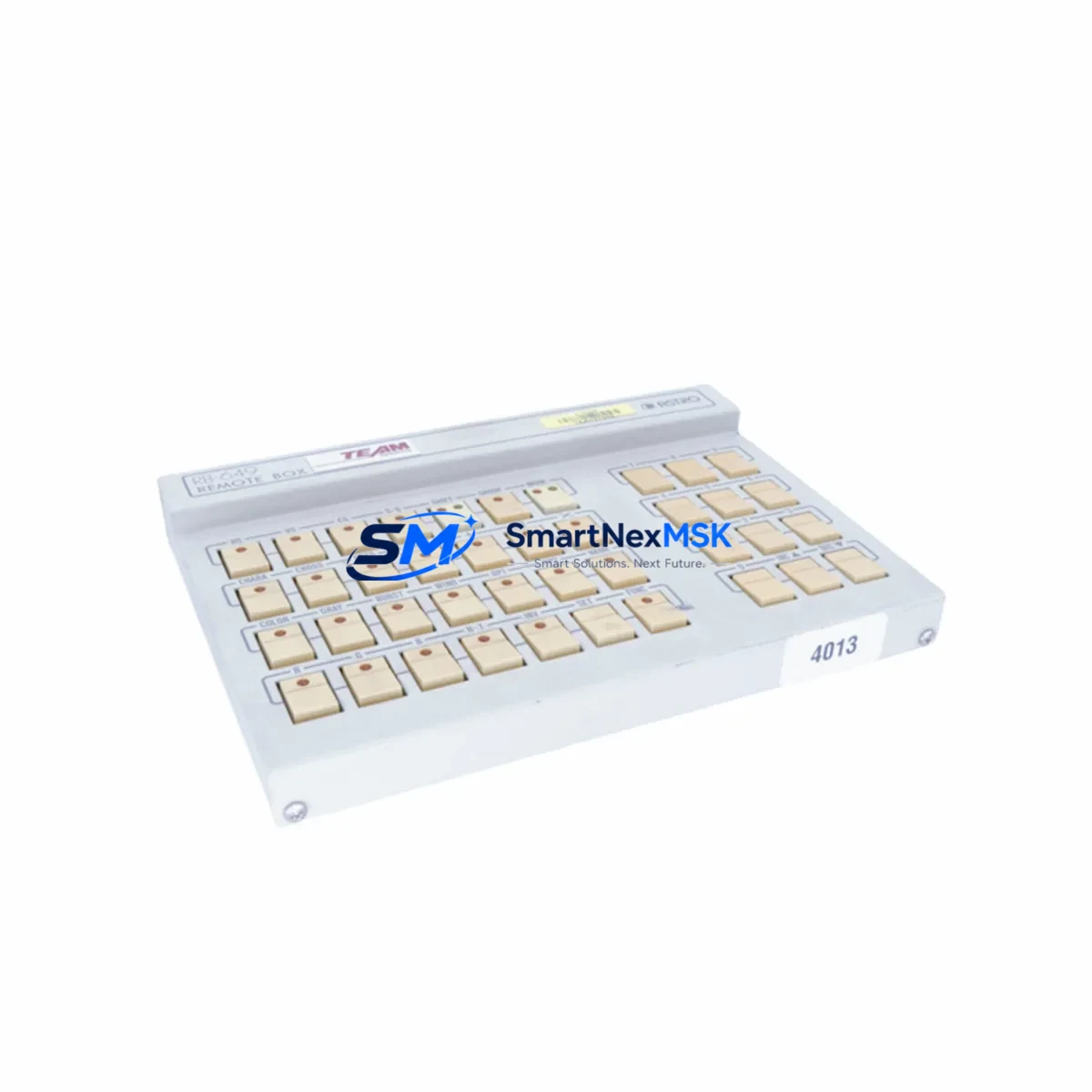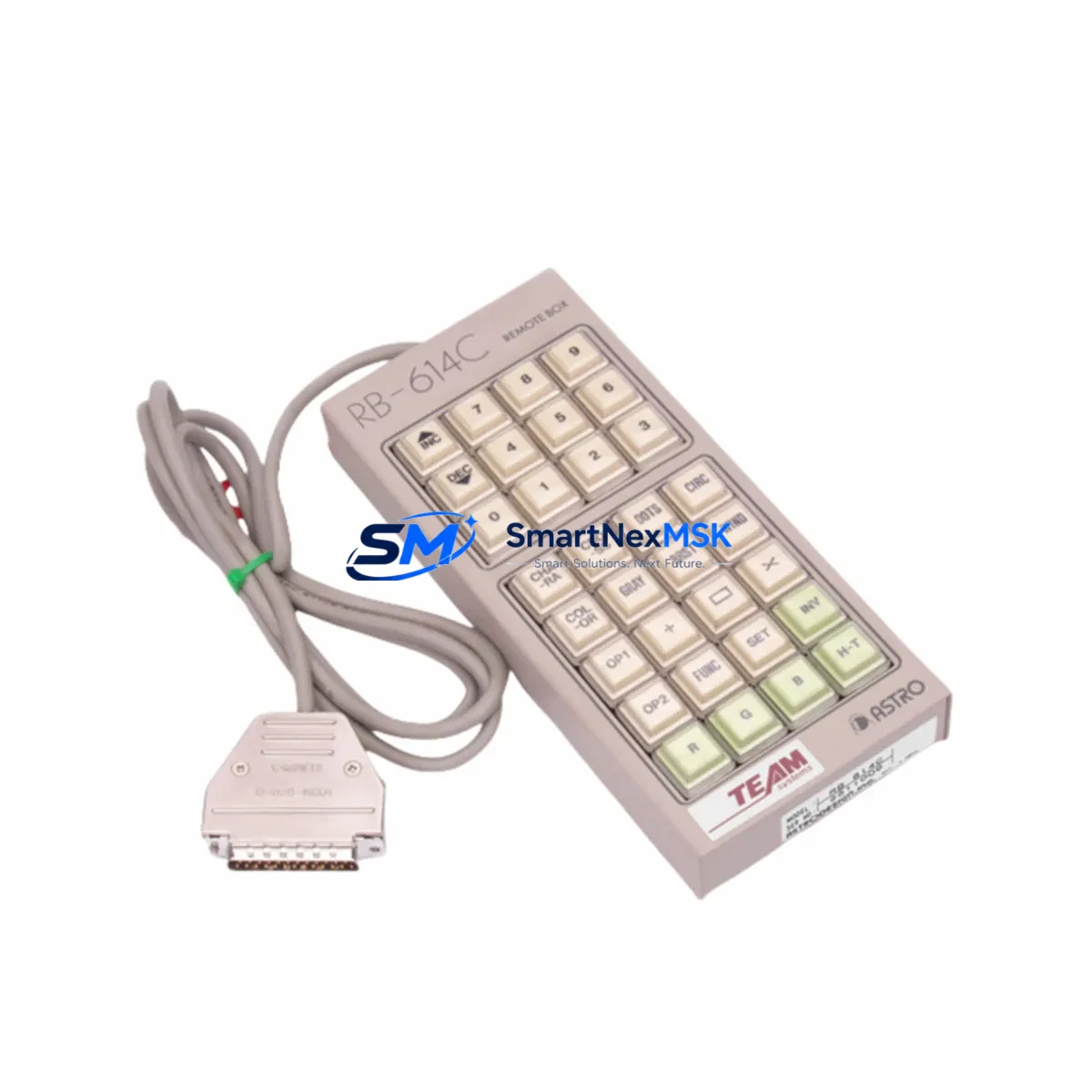
ASTRO RB-614C Retrofit-Ready HMI for RB Series Control Systems: Compatible Modernization & Smooth Legacy Upgrade
The ASTRO RB-614C is a retrofit-ready Human-Machine Interface (HMI) operator panel engineered for seamless integration into existing RB Series control architectures. As legacy RB Series HMI units reach end-of-life or become increasingly difficult to source, the RB-614C provides a validated drop-in replacement path that preserves your existing wiring topology, communication links, and operator screen logic — minimizing engineering rework and unplanned downtime.
Whether you are managing a planned control cabinet upgrade, responding to an unexpected panel failure, or executing a phased modernization of an aging production line, the RB-614C delivers the compatibility, reliability, and supply assurance that industrial maintenance teams require. All units are pre-tested prior to shipment and backed by a 12-month warranty.
Upgrade Compatibility Table
| Parameter | Legacy RB Series HMI | ASTRO RB-614C | Retrofit Notes |
|---|---|---|---|
| Display Interface | Proprietary RB panel | Compatible RB-614C panel | Verify screen resolution and tag mapping before go-live |
| Communication Protocol | RS-232 / RS-485 / Ethernet | RS-232 / RS-485 / Ethernet | Confirm baud rate and station address settings match existing PLC configuration |
| Rack / Backplane Interface | RB Series backplane slot | RB Series backplane compatible | Check backplane connector pinout; no mechanical modification required in standard configurations |
| Power Supply Requirement | 24 VDC nominal | 24 VDC nominal | Verify power rail capacity in control cabinet before installation |
| Terminal Wiring | Existing field wiring | Compatible terminal layout | Review terminal block assignments against original wiring diagram |
| Program / Project Compatibility | Legacy HMI project files | Supports re-upload of existing project | Backup original project file; re-compile and download to RB-614C before commissioning |
| Module Address | Fixed or DIP-switch set | Configurable | Match module address to original setting to avoid communication conflicts |
| Installation Form Factor | Panel-mount cutout | Same cutout dimensions | No panel re-cutting required in standard RB Series enclosures |
| Warranty | N/A (discontinued) | 12 Months | Covers manufacturing defects; DOA replacement within 30 days |
| Pre-Shipment Testing | N/A | Full functional test | Each unit powered on and verified before dispatch |
Retrofit Planning for Existing Automation Systems
A successful RB-614C retrofit begins well before the unit arrives on-site. Maintenance engineers should start by auditing the existing control cabinet to confirm available 24 VDC power rail capacity — particularly in cabinets where additional I/O expansion modules such as ASTRO RB-I/O-16DI digital input modules or RB-I/O-8DO digital output modules have been added over time. Overloaded power rails are a common cause of intermittent HMI faults that are misdiagnosed as panel failures.
Next, document the existing terminal block wiring using the original cabinet drawings. In many RB Series installations, field signal cables are landed directly on the HMI terminal strip, so a clear wiring record is essential before removing the old panel. Cross-reference each terminal against the I/O tag list to ensure no signal is left unconnected during the swap.
The backplane interface should be inspected for bent pins or corrosion, especially in installations that have been in service for more than a decade. If the system uses an ASTRO RB-RACK-8 or similar multi-slot rack, confirm that the slot assignment for the HMI module has not been changed from the original configuration, as the module address must match the address stored in the PLC program to maintain correct communication mapping.
Communication link verification is critical. Many RB Series systems use RS-485 multi-drop networks connecting the HMI to one or more ASTRO RB-CPU controller modules. Before powering down, record the baud rate, parity, stop bits, and station address from the existing HMI configuration menu. These parameters must be re-entered identically on the RB-614C to restore communication with the controller and any downstream ASTRO RB-COMM communication modules.
For sites that have migrated or are planning to migrate from serial to Ethernet-based communication, the RB-614C supports Ethernet connectivity, enabling a phased protocol migration without replacing the entire control platform. This is particularly relevant in facilities where ASTRO RB-ETH Ethernet interface modules have already been installed on the rack to support SCADA or MES integration.
HMI screen logic should be backed up from the original panel using the appropriate programming cable — typically an ASTRO RB-CABLE-USB or RS-232 programming cable — before the old unit is removed. The project file should be re-compiled in the compatible HMI configuration software and downloaded to the RB-614C. Verify all screen pages, alarm displays, trend views, and recipe tables load correctly before closing the cabinet.
Finally, confirm that any ASTRO RB-PSU-24V power supply modules in the cabinet are within their rated output capacity after the new HMI is connected. A clamp meter check of the 24 VDC bus current under normal operating load is a simple but effective final verification step before returning the system to production.
Downtime Control During System Migration
Minimizing production downtime during an HMI replacement requires a structured pre-outage preparation process. The goal is to reduce the actual panel-swap window to the shortest possible interval — ideally under two hours for a straightforward RB-614C installation.
Begin by staging all replacement materials before the planned outage: the RB-614C unit, the pre-loaded HMI project file on a USB drive or laptop, the programming cable, a copy of the wiring diagram, and any required hand tools. Confirm with the operations team that the outage window is sufficient and that the process can be safely held in a controlled state during the migration.
During the outage, follow a disciplined sequence: isolate power, photograph the existing wiring, remove the old panel, inspect the backplane and terminal block, install the RB-614C, reconnect all field wiring per the documented terminal assignments, restore power, download the HMI project, and verify communication with the PLC controller. Do not skip the communication verification step — a confirmed link between the RB-614C and the ASTRO RB-CPU controller before resuming production is non-negotiable.
For critical processes where even a brief outage is unacceptable, consider a parallel commissioning approach: install and configure the RB-614C in a test rack alongside the live system, verify all screen logic and communication parameters offline, then execute the physical swap during a scheduled maintenance window. This approach protects the original program logic and eliminates the risk of configuration errors during a live cutover.
All units supplied by SMARTNEXMSK are pre-tested and shipped with a 12-month warranty, reducing the risk of receiving a defective unit that could extend your downtime window. In-stock units are typically dispatched within 1–3 business days, supporting urgent replacement scenarios.
Retrofit Support FAQ
Q1: Is the ASTRO RB-614C a direct drop-in replacement for my existing RB Series HMI panel?
In the majority of standard RB Series installations, the RB-614C is a direct mechanical and electrical replacement. The panel cutout dimensions, backplane connector, and terminal layout are compatible with the original RB Series design. However, we recommend verifying the specific revision of your existing rack and backplane before installation, as minor hardware revisions across production years may affect connector alignment. Contact our technical team with your existing panel’s nameplate information for confirmation.
Q2: Can I re-use my existing HMI project files on the RB-614C without rewriting the screens?
Yes, in most cases existing RB Series HMI project files can be re-compiled and downloaded to the RB-614C without requiring a full screen redesign. Back up the original project file before removing the old panel. Re-open the project in the compatible HMI configuration software, verify the target model is set to RB-614C, re-compile, and download via the programming cable. Test all screen pages, alarm triggers, and data links before returning to production.
Q3: What communication parameters do I need to record before replacing the old HMI?
Record the following from the existing HMI configuration menu before powering down: communication port type (RS-232, RS-485, or Ethernet), baud rate, data bits, parity, stop bits, station address, and PLC driver type. For Ethernet configurations, also record the IP address, subnet mask, and gateway. These parameters must be re-entered on the RB-614C to restore communication with the ASTRO RB-CPU controller and any connected communication modules.
Q4: What warranty and post-shipment support does SMARTNEXMSK provide for the RB-614C?
All ASTRO RB-614C units supplied by SMARTNEXMSK are covered by a 12-month warranty against manufacturing defects from the date of shipment. Units that are dead-on-arrival (DOA) are eligible for priority replacement within 30 days. Pre-shipment functional testing is performed on every unit before dispatch. For technical commissioning support, wiring verification, or compatibility questions, contact our team directly at [email protected] or +86 18259474341.
© 2026 SMARTNEXMSK. All rights reserved.
Original Source: https://smartnexmsk.com
Contact: [email protected] | +86 18259474341