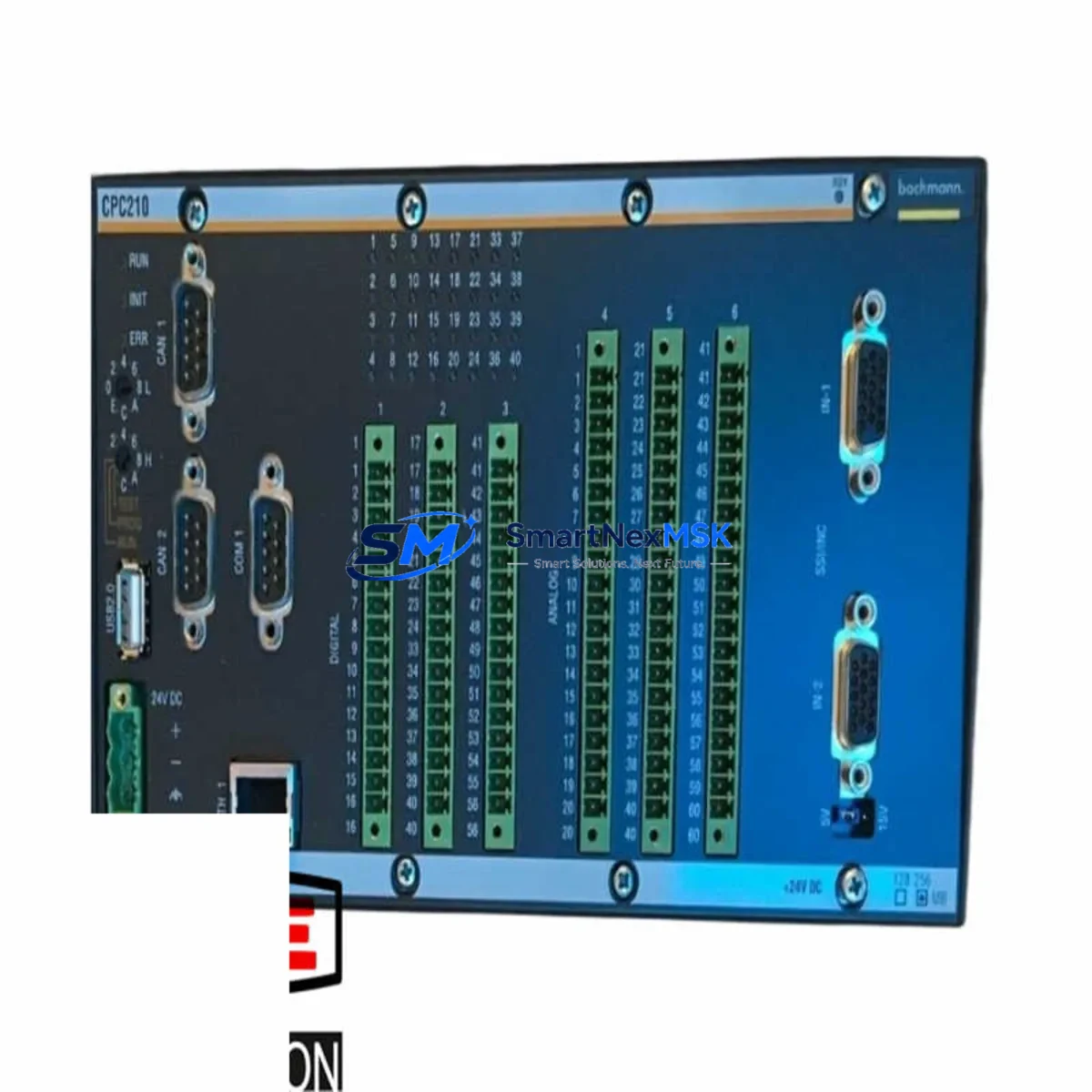
BACHMANN CPC210 Retrofit-Ready CPU Module for M1 Series Control Systems
The BACHMANN CPC210 is a high-performance CPU module engineered for seamless integration into BACHMANN M1 Series modular automation systems. As legacy control infrastructure ages and original equipment manufacturers discontinue older processor variants, the CPC210 stands as the definitive retrofit-ready replacement — purpose-built to restore full system functionality while preserving existing program logic, I/O mapping, and communication architecture. Whether you are upgrading a deteriorating control cabinet, recovering from an unplanned CPU failure, or executing a planned modernization of a production line, the CPC210 delivers the processing power, protocol compatibility, and physical form factor required for a controlled, low-risk migration.
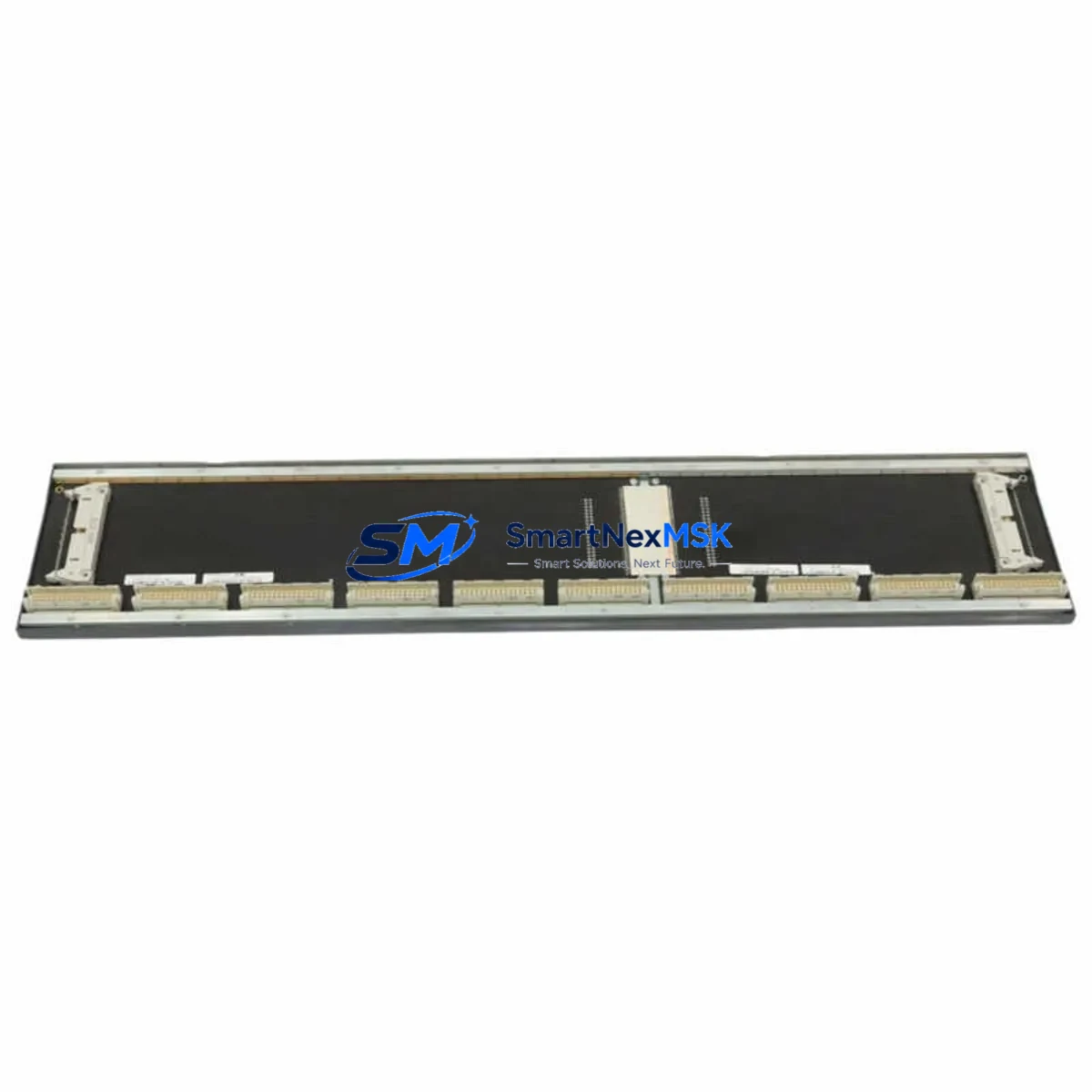
Industrial facilities running BACHMANN M1 rack-based systems frequently encounter the challenge of sourcing discontinued CPU modules. The CPC210 addresses this directly: it mounts into the standard M1 backplane without mechanical modification, accepts the same 24 VDC power rail supplied by the MPC240 or MPC210 power supply modules already installed in the control cabinet, and communicates natively over PROFIBUS-DP and Ethernet TCP/IP — the same protocol stack used by the original processor. This means your existing HMI screens, SCADA tags, and field device addressing remain intact from day one of commissioning.
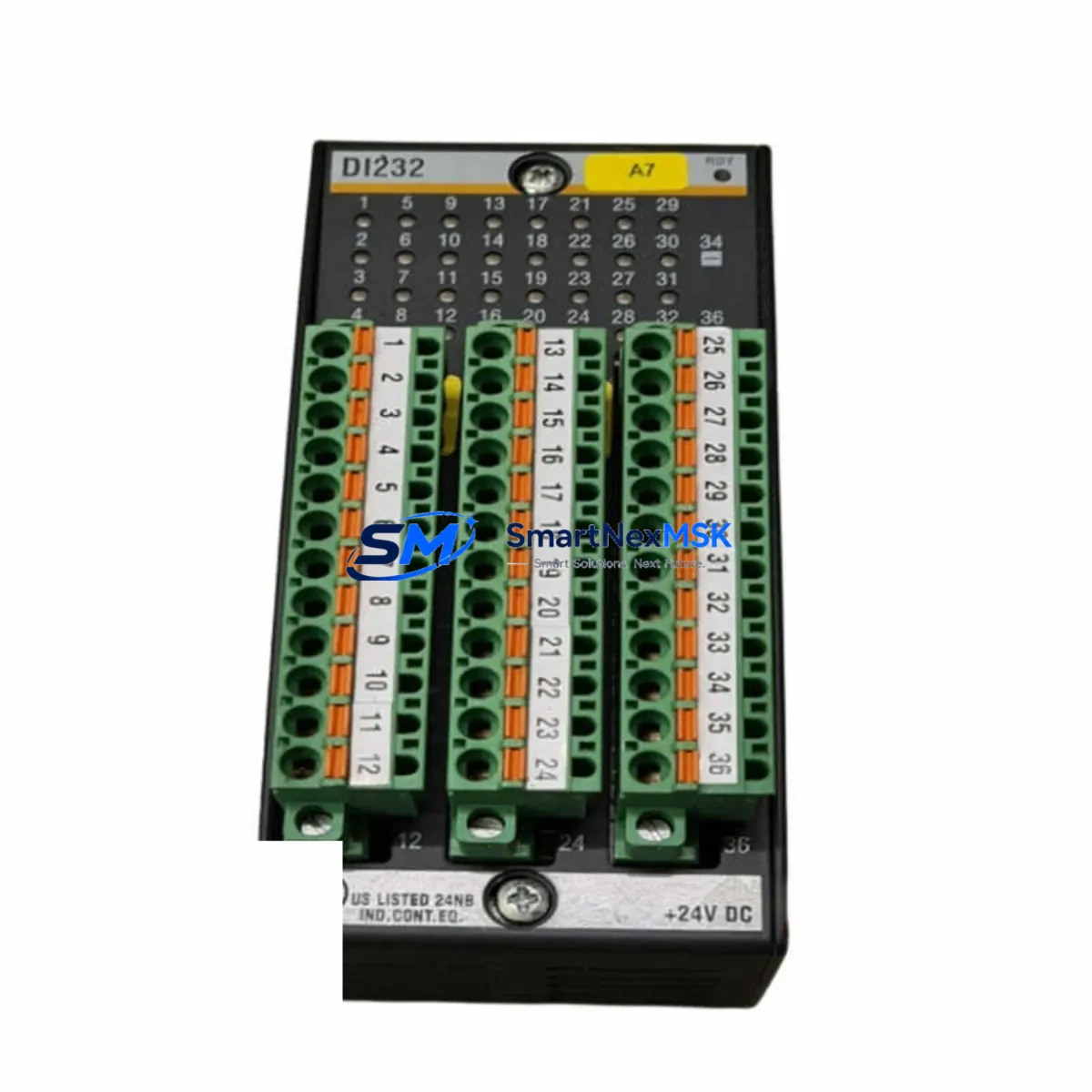
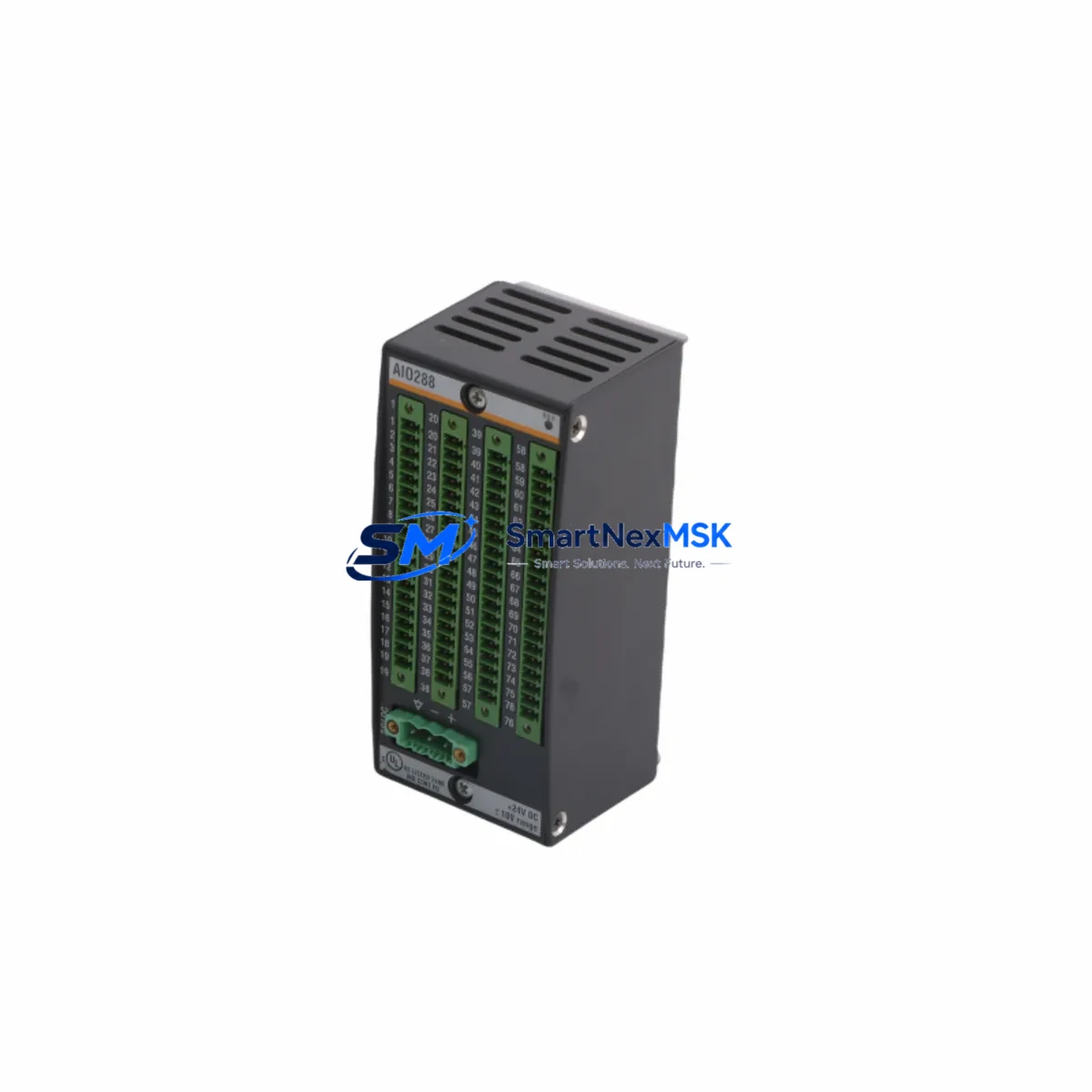
Before beginning the physical swap, engineers should verify several critical parameters. First, confirm that the backplane slot assignment and module address configuration in the M1 rack match the addressing scheme expected by the replacement CPC210 — mismatched slot addressing is the most common source of startup faults during CPU retrofits. Second, review the power budget of the installed MPC-series power supply: the CPC210 draws a defined current from the backplane bus, and any additional I/O modules such as the DIO216 digital I/O module or AIO288 analog I/O module added during the upgrade must remain within the supply’s rated output capacity. Third, back up the complete application program from the original CPU using BACHMANN’s SolutionCenter engineering software before removing the old module — this protects against data loss and provides the baseline for post-swap verification testing.
Upgrade Compatibility Table
| Parameter | Detail |
|---|---|
| Compatible Rack / Backplane | BACHMANN M1 Series standard backplane (all slot widths) |
| Replaces / Supersedes | CPC210 legacy variants; compatible migration path from older M1 CPU generations |
| Power Supply Compatibility | MPC240, MPC210 — 24 VDC backplane rail |
| Communication Protocols | PROFIBUS-DP (master/slave), Ethernet TCP/IP, CANopen (optional) |
| I/O Module Compatibility | DIO216, AIO288, and all standard M1 Series I/O modules |
| Engineering Software | BACHMANN SolutionCenter (IEC 61131-3 compliant) |
| HMI / SCADA Integration | Retains existing tag structure; no HMI screen rebuild required |
| Installation Type | Direct backplane insertion — no mechanical modification required |
| Commissioning Requirement | Module address verification, program download, I/O force test |
| Warranty | 12 Months — covers manufacturing defects and functional failure |
Retrofit Planning for Existing Automation Systems
A successful CPC210 retrofit begins well before the maintenance window opens. The engineering team should produce a complete inventory of every module installed in the M1 rack: this typically includes the MPC240 power supply, the CPC210 CPU itself, one or more DIO216 digital I/O modules handling discrete field signals, AIO288 analog input/output modules connected to pressure transmitters and flow meters, and a CM202 or CM206 communication module managing the PROFIBUS-DP segment to remote I/O stations or variable frequency drives. If the system includes a GMP module for motion control or a redundant CPU configuration, those modules must be accounted for in the migration plan as well.
Terminal wiring on the M1 I/O modules is field-wired and does not need to be disturbed during a CPU swap — the backplane handles all inter-module communication internally. However, if the retrofit scope includes replacing aging I/O modules alongside the CPU, engineers should photograph all terminal assignments and cross-reference them against the original wiring diagrams before disconnecting any field cables. The MTC200 terminal connector system used across the M1 I/O range is keyed by module type, reducing the risk of incorrect reconnection, but physical verification remains mandatory per IEC 60204-1 safe working practice.
Communication link integrity must be validated after the CPC210 is installed and the application program is downloaded. For systems using PROFIBUS-DP, run a bus diagnostic from SolutionCenter to confirm that all slave devices — including remote I/O racks, servo drives, and smart field instruments — are responding at the correct baud rate and station address. For Ethernet-connected HMI panels or SCADA servers, verify that the CPC210’s IP address, subnet mask, and gateway settings match the network configuration documented in the original system design. Any deviation will prevent the supervisory layer from establishing communication and will appear as a loss-of-communication alarm on the operator interface.
Downtime Control During System Migration
Minimizing unplanned downtime is the primary operational constraint in any CPU retrofit project. The recommended approach is to pre-configure and bench-test the replacement CPC210 before the scheduled maintenance window. Using a spare M1 rack or a portable test bench equipped with a MPC240 power supply and representative I/O modules, load the backed-up application program into the new CPC210 and execute a full I/O force test to confirm that all output channels respond correctly and all input channels read within expected ranges. This offline validation step typically takes two to four hours and eliminates the most common causes of extended downtime: incorrect program versions, corrupted configuration files, and undetected hardware faults in the replacement module.
During the live cutover, follow a structured sequence: isolate the control cabinet from field power, remove the failed or end-of-life CPU module, insert the pre-tested CPC210 into the same backplane slot, restore power, and confirm that the module status LEDs indicate normal operation before re-enabling field outputs. The entire physical swap can be completed in under 30 minutes when the replacement module has been pre-configured. Retain the original CPU module — even if it is non-functional — until the replacement has completed a full production cycle without fault, as it may contain configuration data or firmware versions that are needed for reference during post-commissioning troubleshooting.
For facilities that cannot tolerate any interruption to the control loop, a hot-standby redundancy configuration using a second CPC210 in a redundant M1 rack provides bumpless switchover. In this architecture, the standby CPU mirrors the active CPU’s program state in real time over a dedicated synchronization link, and switchover occurs in milliseconds without disrupting field I/O or communication links.
Retrofit Support FAQ
Q: Is the CPC210 a direct drop-in replacement for older BACHMANN M1 CPU modules?
A: Yes. The CPC210 is physically and electrically compatible with the standard M1 backplane. It occupies the same slot width, connects to the same 24 VDC power rail, and uses the same backplane communication bus as previous M1 CPU generations. Application programs developed under IEC 61131-3 in SolutionCenter are fully portable to the CPC210 without rewriting.
Q: What wiring changes are required when installing the CPC210?
A: No field wiring changes are required for a like-for-like CPU replacement. All field signals remain connected to the existing I/O modules. If the retrofit scope includes adding new I/O modules such as a DIO216 or AIO288, new terminal connections will be required for those modules only. Always verify terminal assignments against the original wiring diagrams before energizing.
Q: How is the CPC210 tested before shipment?
A: Every CPC210 unit undergoes functional power-on testing, backplane communication verification, and firmware integrity check prior to dispatch. Units are shipped with a test report confirming pass status. The 12-month warranty covers manufacturing defects and functional failure under normal operating conditions from the date of invoice.
Q: What support is available during commissioning?
A: Our technical team provides pre-sales compatibility verification, program backup guidance, and post-installation commissioning support via email and phone. We can assist with module address configuration, PROFIBUS-DP diagnostic interpretation, and SolutionCenter program download procedures. Contact us at [email protected] or +86 18259474341 before beginning the retrofit to confirm compatibility with your specific system configuration.
© 2026 SMARTNEXMSK. All rights reserved.
Original Source: https://smartnexmsk.com
Contact: [email protected] | +86 18259474341