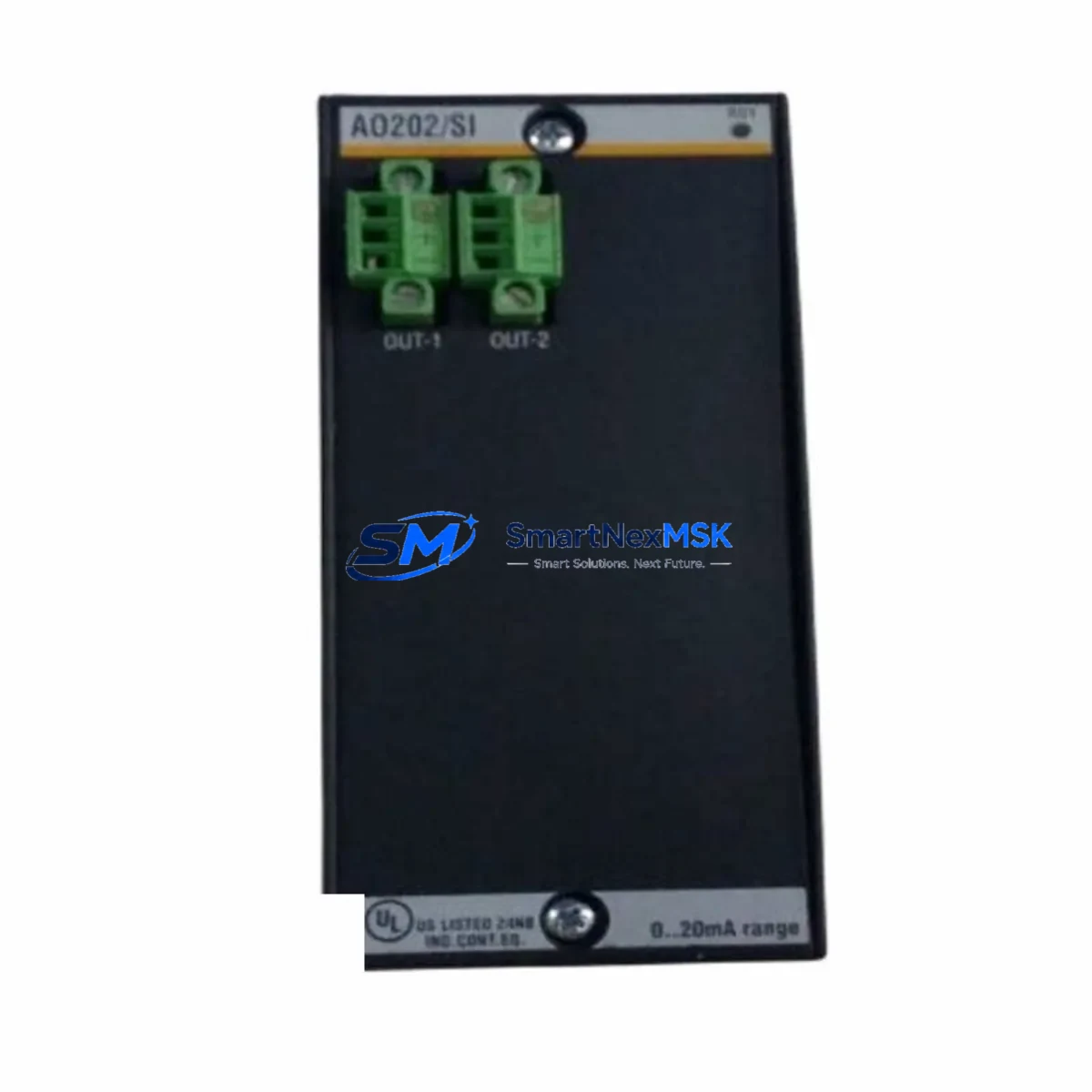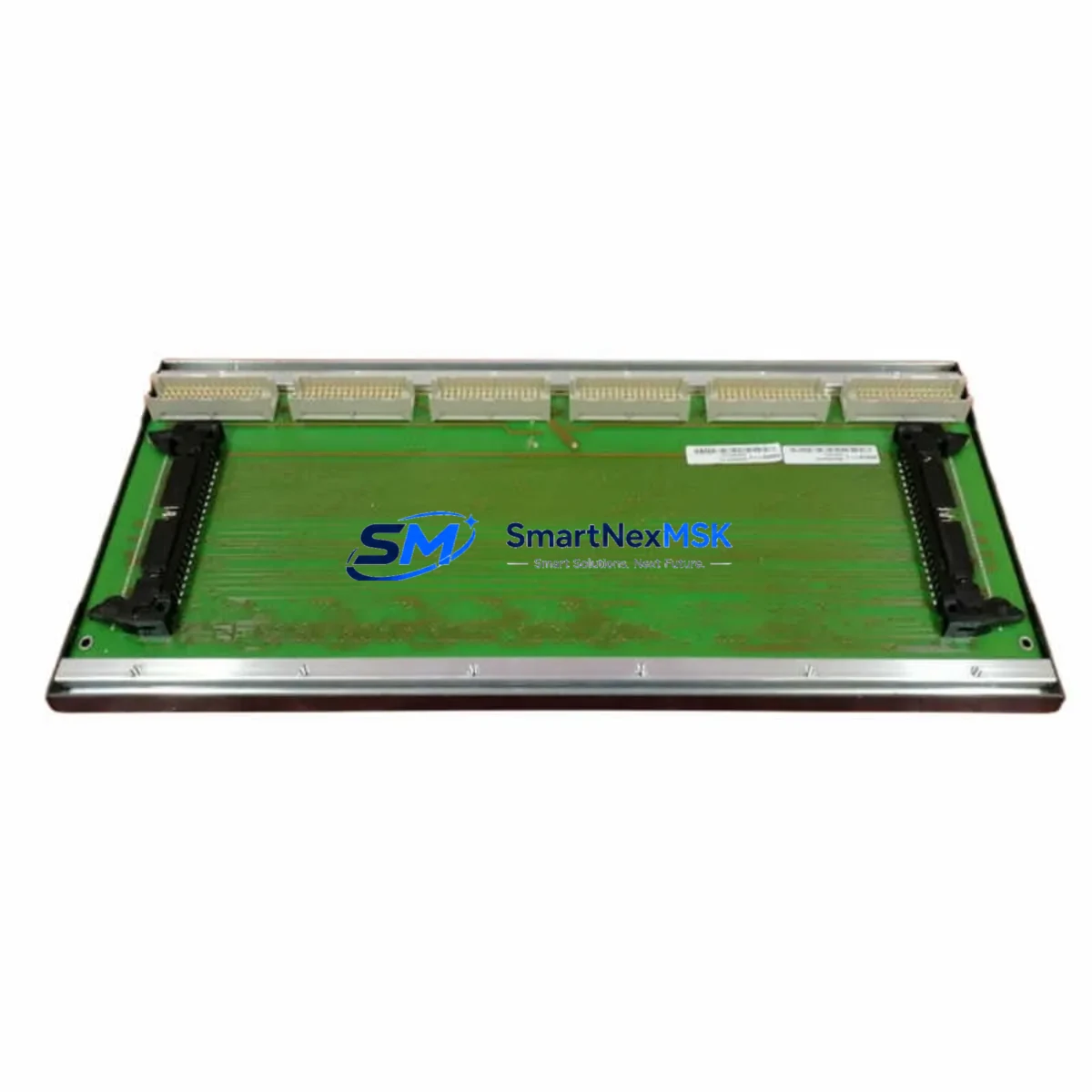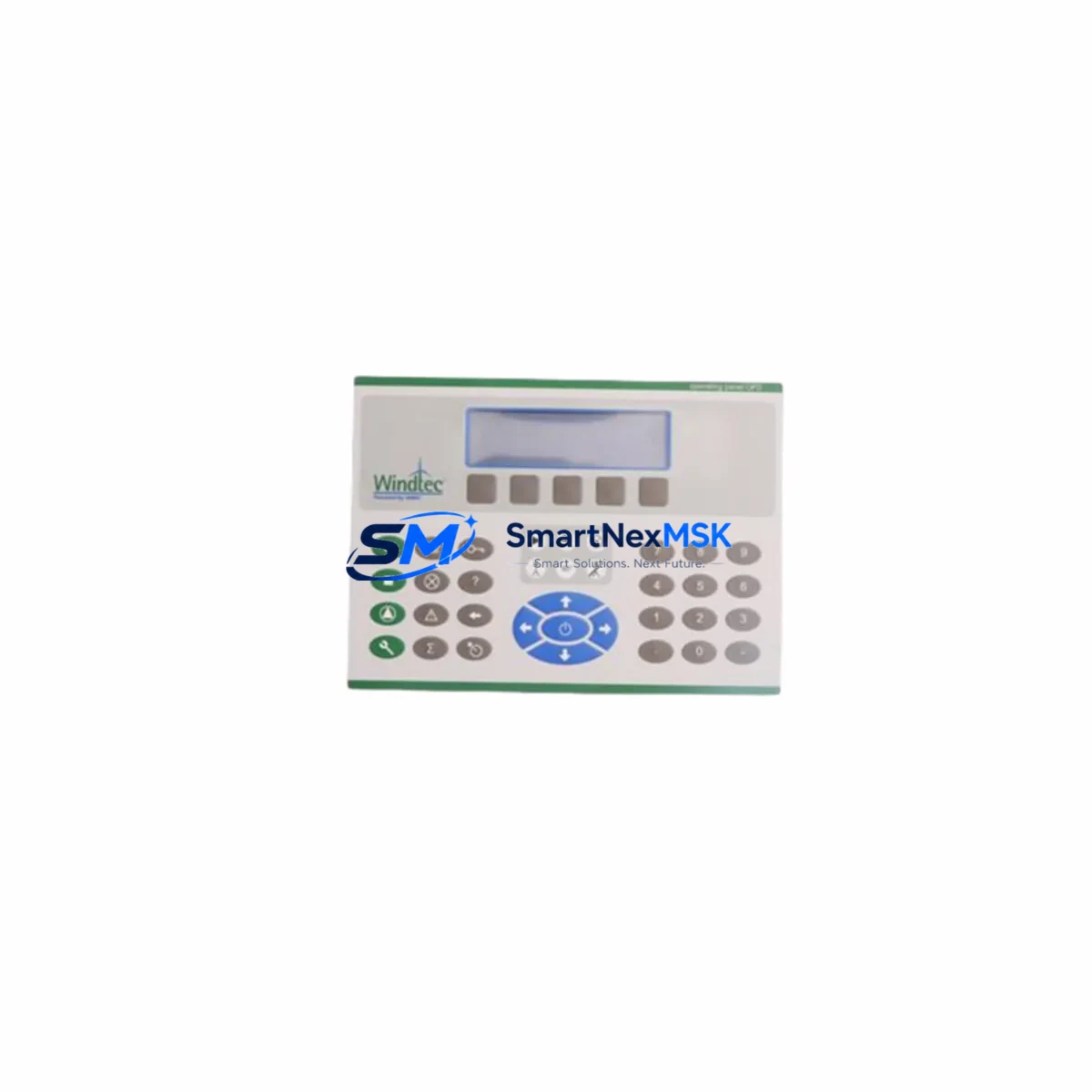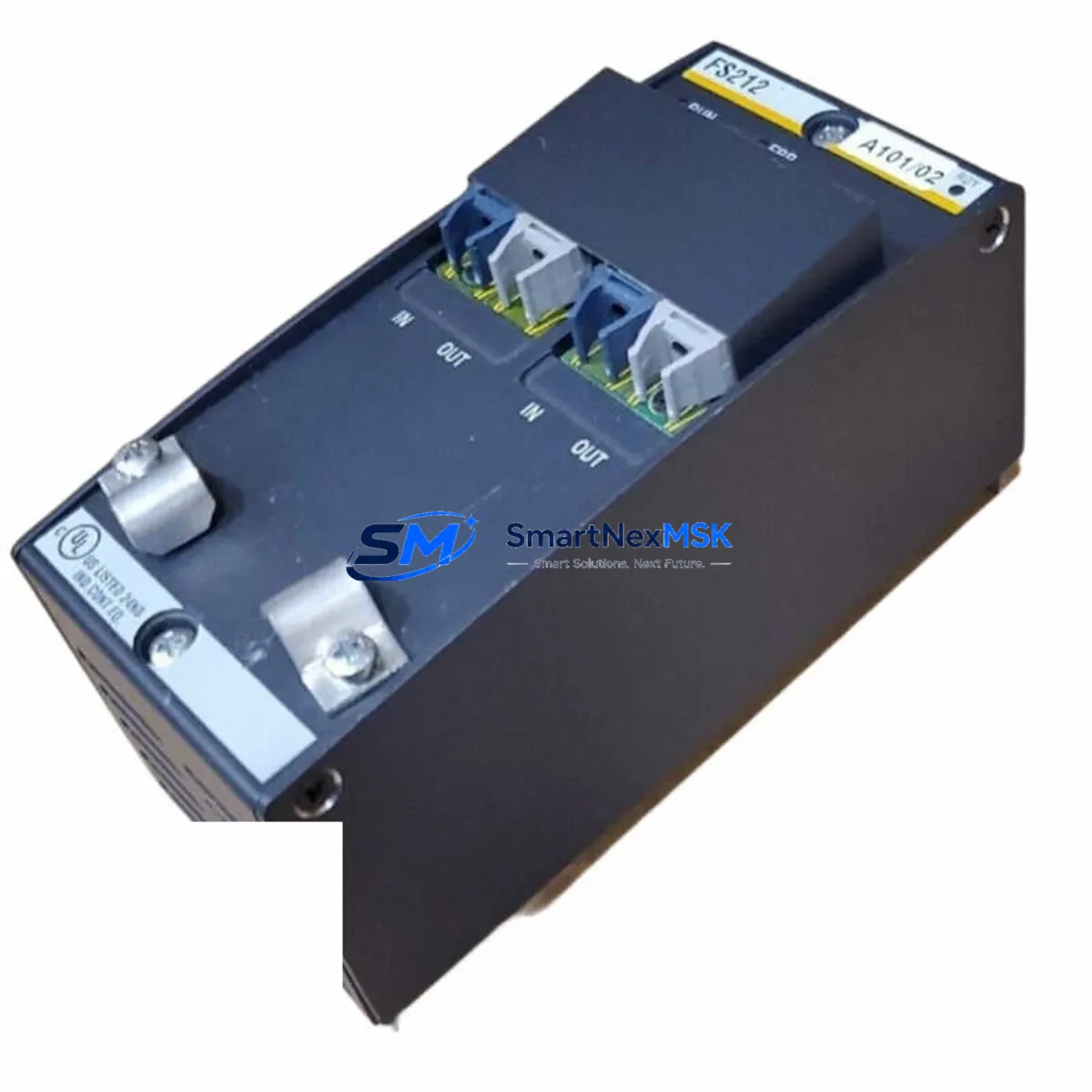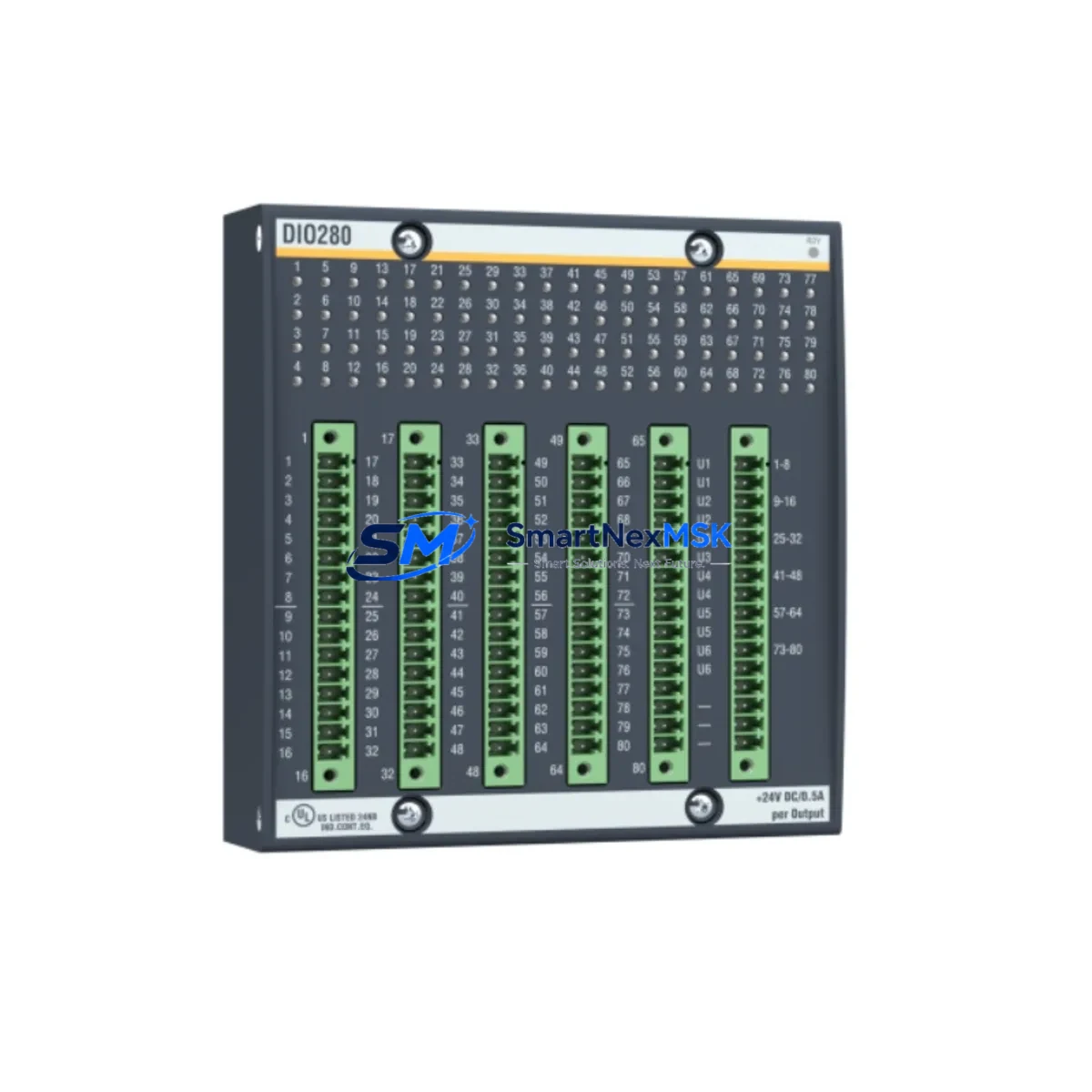
BACHMANN DIO280 Maintenance-Ready Spare for M1 Automation
The BACHMANN DIO280 is a digital I/O module designed for the BACHMANN M1 Series automation platform — one of the most widely deployed modular control architectures in power generation, wind energy, and industrial process automation. For maintenance engineers managing aging M1 control cabinets, securing a verified DIO280 spare is a direct line of defense against unplanned downtime. This listing provides an original, tested DIO280 module, backed by a 12-month warranty and pre-shipment functional verification, ready for immediate field replacement.
Whether you are executing a planned shutdown inspection, responding to a fault alarm, or building a strategic spare parts inventory for a remote site, the DIO280 is a critical component that should be on your shelf before the system demands it.
Spare Maintenance Table
| Parameter | Specification / Detail |
|---|---|
| Part Number / SKU | DIO280 |
| Brand | BACHMANN |
| Series | M1 Automation System |
| Module Type | Digital I/O Module |
| Country of Origin | Germany (DE) |
| Compatible Platform | BACHMANN M1 Series (MPC240, MPC265, MPC270 controllers) |
| I/O Configuration | Mixed digital inputs and outputs, configurable via M1 engineering tool |
| Signal Level | 24 VDC nominal (typical M1 Series field wiring standard) |
| Backplane Interface | M1 Series proprietary backplane bus |
| Installation | DIN rail / M1 rack slot insertion, no tools required for module swap |
| Application Environment | Industrial control cabinets, wind turbine controllers, power plant DCS panels |
| Operating Temperature | 0°C to +55°C (standard industrial range) |
| Maintenance Recommendation | Inspect field wiring terminals, verify 24 VDC supply rail, test I/O channel mapping after replacement |
| Warranty | 12 Months — functional warranty covering module defects under normal operating conditions |
| Pre-Shipment Test | Yes — each unit tested for channel integrity and backplane communication before dispatch |
| Long-Term Supply | Available for legacy M1 system support and multi-unit procurement |
Maintenance Planning for Continuous Operation
When a DIO280 module is flagged for replacement during a scheduled inspection or fault event, experienced maintenance engineers know that the module itself is rarely the only component requiring attention. A thorough cabinet audit at the time of DIO280 replacement should include the following checks:
Begin with the 24 VDC power supply module feeding the I/O rack — a degraded PSU can cause intermittent I/O faults that mimic module failure. Verify output voltage under load and inspect capacitor condition if the unit has accumulated significant operating hours. Next, examine the M1 backplane and rack assembly: connector pins, slot guides, and bus termination resistors should be inspected for oxidation or mechanical wear, particularly in high-vibration environments such as wind turbine nacelles.
Field wiring connected to the DIO280’s terminal blocks deserves close attention. Check terminal strip connections for loose screws, corroded ferrules, and cable insulation fatigue. In systems where the DIO280 handles safety-relevant signals, verify that signal isolators or galvanic isolation barriers upstream of the module inputs are functioning within specification — a failed isolator can expose the module to transient voltages that accelerate hardware degradation.
If the DIO280 interfaces with field sensors through relay output modules or intermediate relay boards, inspect relay contact condition and coil resistance. Relay contacts in high-cycle applications often reach end-of-life before the I/O module itself. Similarly, review any fuse protection on the 24 VDC output channels — blown fuses on individual output circuits are a common first indicator of field wiring faults that may have contributed to the original module failure.
For systems using BACHMANN MPC240 or MPC265 CPU modules in the same rack, confirm that firmware versions remain compatible with the replacement DIO280 hardware revision. In older M1 installations, a communication module such as an ETH200 or CAN interface card may also require a firmware check if the system has been running without updates for an extended period.
Finally, if the control cabinet includes an HMI panel or operator terminal connected to the M1 system, verify that I/O tag mappings and alarm configurations reflect the restored channel assignments after the DIO280 swap. Documenting the replacement in the site maintenance log — including module serial number, slot position, and post-replacement I/O test results — is essential for lifecycle tracking and future spare parts planning.
Site Replacement Workflow
Step 1 — Pre-Replacement Preparation: Download the current M1 project configuration backup before any hardware change. Confirm the DIO280 slot address and I/O channel assignments in the engineering tool. Prepare the replacement module, ESD wrist strap, and terminal labeling materials.
Step 2 — Safe Isolation: Follow site lockout/tagout (LOTO) procedures. De-energize the 24 VDC supply to the affected I/O rack segment. Do not remove the module under live bus conditions unless the M1 system is certified for hot-swap operation at your firmware revision.
Step 3 — Module Swap: Release the DIO280 from the backplane slot using the module ejector lever. Insert the replacement DIO280 into the same slot position. Ensure the backplane connector is fully seated. Re-energize the rack supply.
Step 4 — System Verification: Power up the M1 controller and confirm the DIO280 is recognized without fault codes. Verify all digital input and output channels against the I/O test list. Check field device responses — sensors, actuators, and interlock circuits — before returning the system to automatic operation.
Step 5 — Documentation: Record the replacement in the site CMMS or maintenance log. Update the spare parts inventory to trigger reorder of a replacement DIO280 for the next event. This closed-loop process is the foundation of a resilient spare parts strategy for long-running M1 installations.
Spare Parts Support FAQ
Q1: Is this DIO280 an original BACHMANN module or a third-party compatible replacement?
This is an original BACHMANN DIO280 module sourced from verified industrial supply channels. Each unit is inspected and tested before shipment. We do not supply counterfeit or reverse-engineered substitutes.
Q2: What does the 12-month warranty cover?
The 12-month warranty covers functional defects in the module under normal operating conditions consistent with BACHMANN M1 Series installation guidelines. It does not cover damage resulting from incorrect installation, overvoltage events, or physical mishandling. Warranty claims are processed with return shipment and replacement dispatch within agreed lead times.
Q3: How do I confirm compatibility with my specific M1 rack and firmware version?
Provide your M1 controller model (e.g., MPC240, MPC265, MPC270), current firmware version, and rack configuration when placing your order. Our technical team will verify hardware revision compatibility before shipment to eliminate field installation risk.
Q4: Can I order multiple DIO280 units for a strategic spare parts inventory?
Yes. Multi-unit procurement is supported and recommended for sites operating multiple M1 racks or managing extended maintenance intervals. Volume pricing and priority allocation are available for long-term supply agreements. Contact us to discuss your site’s spare parts coverage requirements.
© 2026 SMARTNEXMSK. All rights reserved.
Original Source: https://smartnexmsk.com
Contact: [email protected] | +86 18259474341