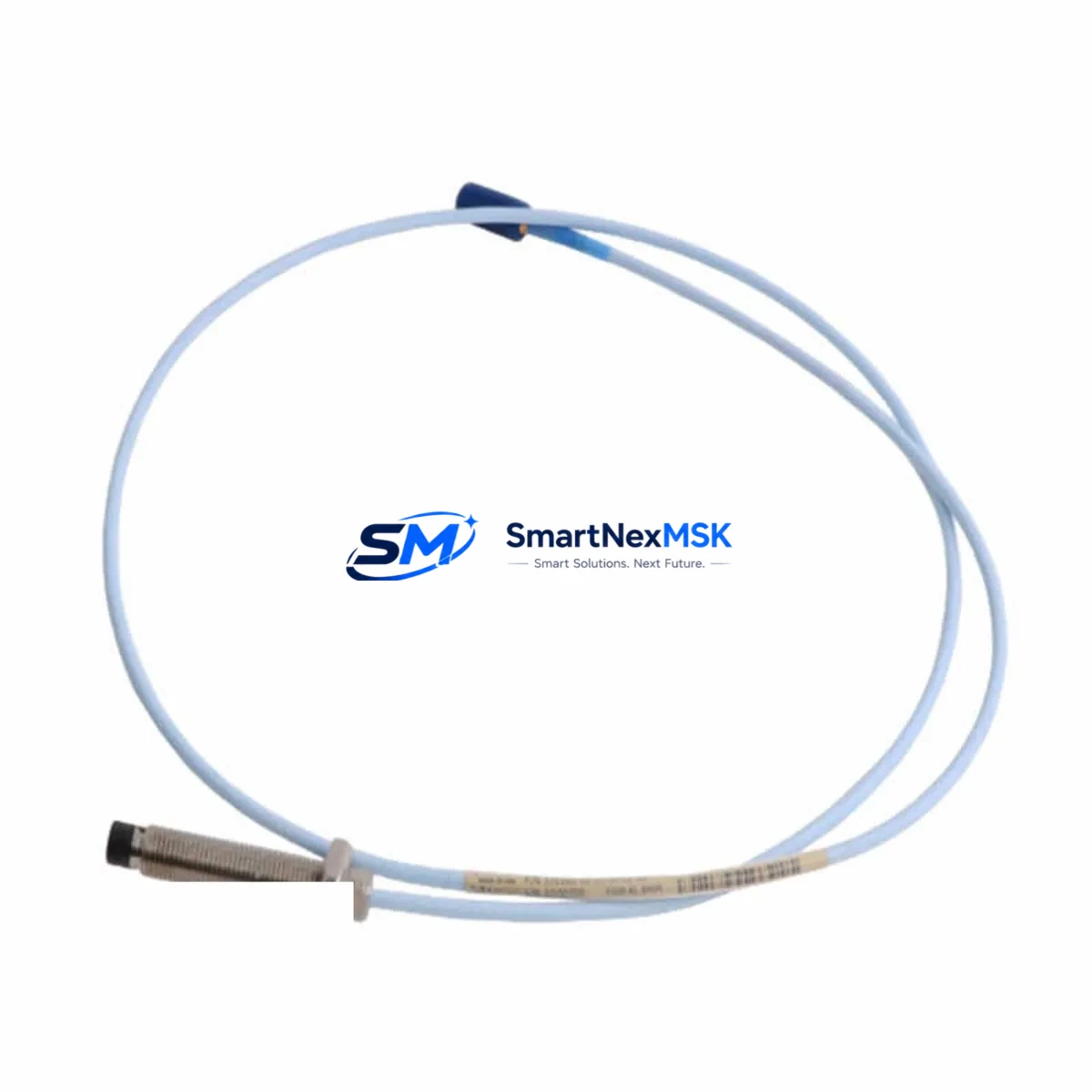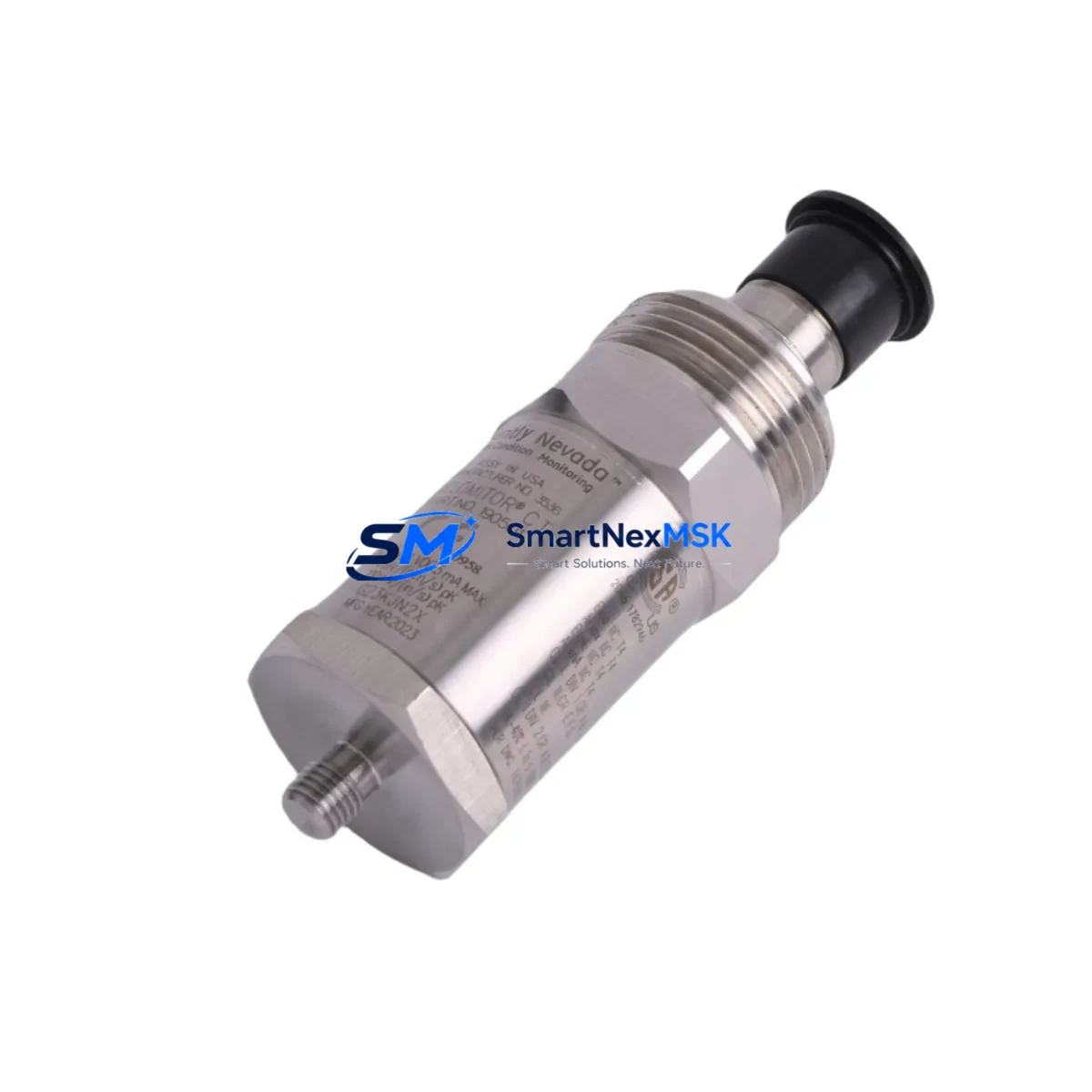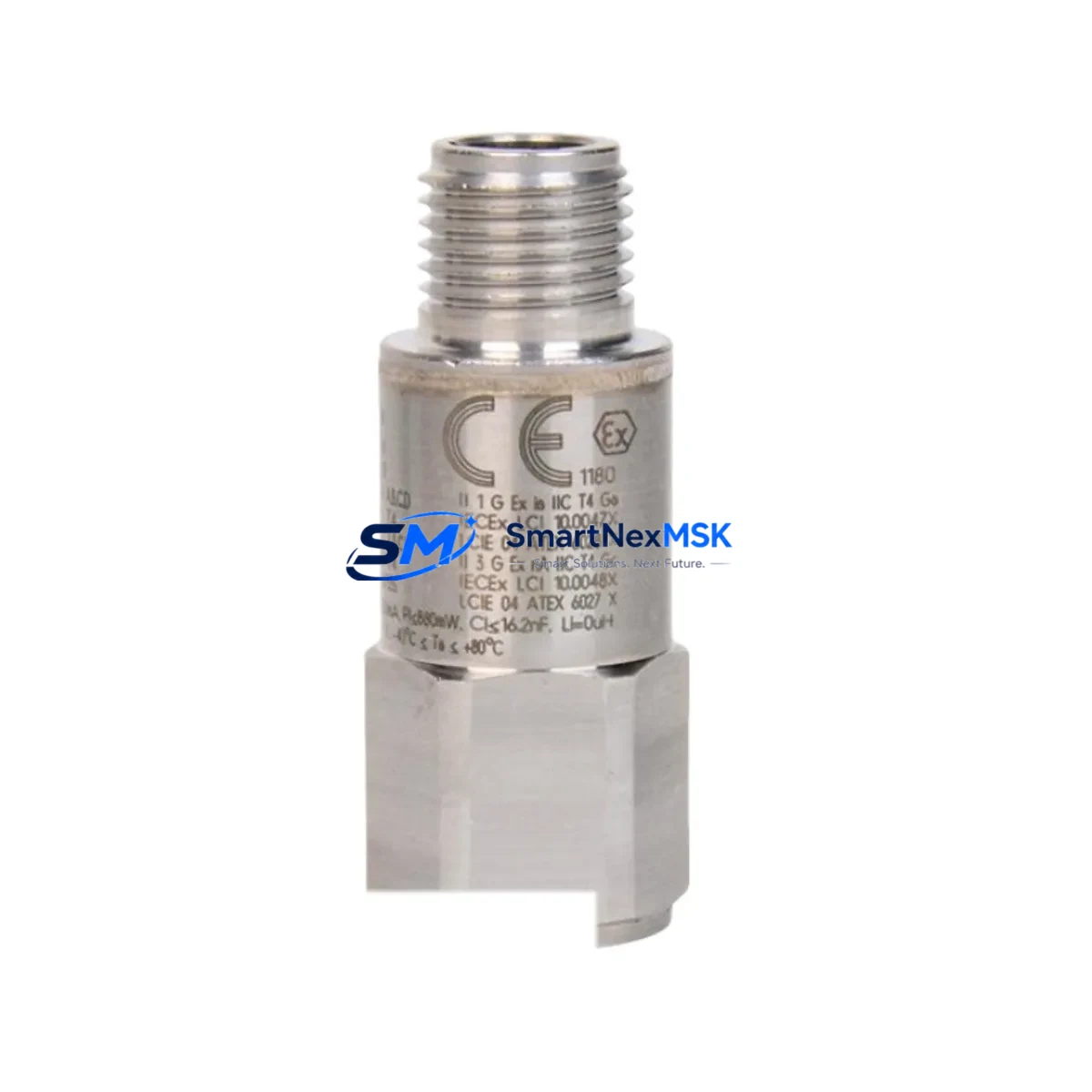
Bently Nevada 200155-12-05 Spare for TrendMaster Pro Automation
The Bently Nevada 200155-12-05 is an original low-frequency vibration accelerometer engineered for continuous machinery health monitoring within the TrendMaster Pro condition monitoring system. For maintenance engineers managing rotating equipment — compressors, turbines, pumps, fans, and gearboxes — this accelerometer is a critical field-replaceable unit. Unplanned downtime caused by a failed or degraded vibration sensor can cascade into missed fault detection, false alarms, and ultimately unplanned shutdowns. Stocking a verified original 200155-12-05 spare ensures your TrendMaster Pro system remains fully operational and your predictive maintenance program stays intact.
This unit is sourced as an original Bently Nevada component, fully tested prior to shipment, and backed by a 12-month warranty. It is compatible with TrendMaster Pro data acquisition modules and is designed for direct drop-in replacement without reconfiguration of the host system. Whether you are executing a planned outage, responding to a sensor fault alarm, or building out your critical spare inventory, the 200155-12-05 is a reliable, specification-matched replacement that minimizes engineering risk on site.
Spare Maintenance Table
| Parameter | Specification |
|---|---|
| Part Number | 200155-12-05 |
| Brand | Bently Nevada |
| Series | TrendMaster Pro |
| Product Type | Low-Frequency Vibration Accelerometer |
| Measurement Type | Absolute Vibration (Acceleration) |
| Frequency Range | Low-frequency, suitable for slow-speed machinery |
| Output Signal | Analog (mV/g) |
| Connector Type | Integral cable with Bently Nevada standard connector |
| Mounting | Stud or adhesive mount per installation standard |
| Operating Environment | Industrial — suitable for high-vibration, high-temperature plant environments |
| Compatibility | TrendMaster Pro DAM, TrendMaster Pro I/O modules |
| Origin | USA (Original Bently Nevada) |
| Weight | Approx. 400 g (packaged) |
| Pre-shipment Testing | Full functional and signal output test |
| Warranty | 12 Months |
Maintenance Planning for Continuous Operation
When replacing the 200155-12-05 accelerometer during a planned or emergency maintenance event, a thorough inspection of the surrounding signal chain is essential to prevent repeat failures and ensure data integrity across the TrendMaster Pro system.
Begin by verifying the integrity of the accelerometer signal cable and its termination at the TrendMaster Pro I/O module. Cable damage, connector corrosion, or loose terminations are common root causes of intermittent sensor faults that are often misdiagnosed as accelerometer failure. Inspect the associated TrendMaster Pro Dynamic Measurement Module (DMM) for firmware version compatibility and check that channel configuration matches the replacement sensor’s sensitivity rating.
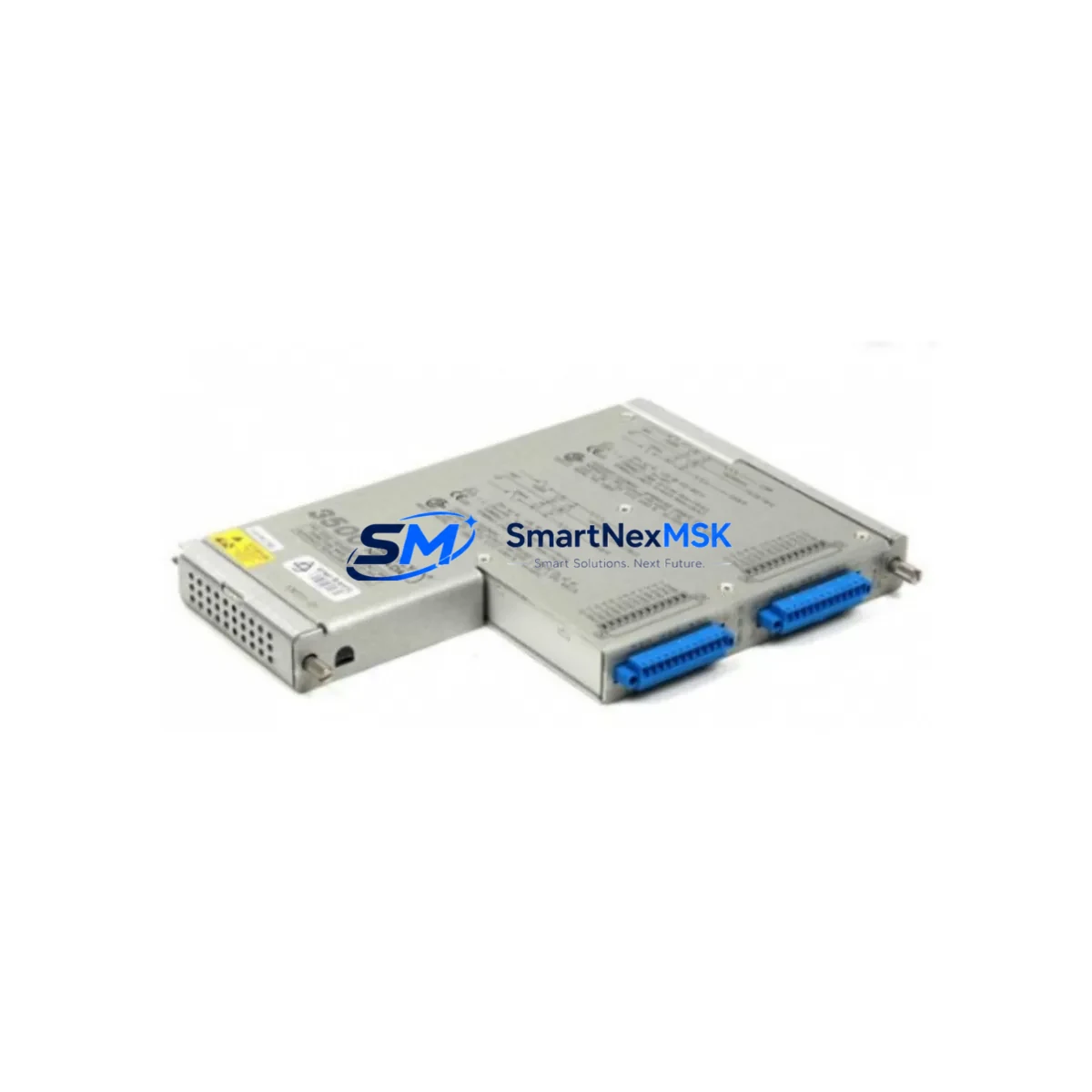
Simultaneously, inspect the TrendMaster Pro Power Supply Module — an unstable or degraded power supply can introduce noise into accelerometer signals and shorten sensor service life. If the cabinet houses a Bently Nevada 3500 Series rack alongside TrendMaster Pro components, verify that the 3500/15 Power Supply and 3500/20 Rack Interface Module are within their service intervals, as shared power infrastructure affects the entire monitoring system.
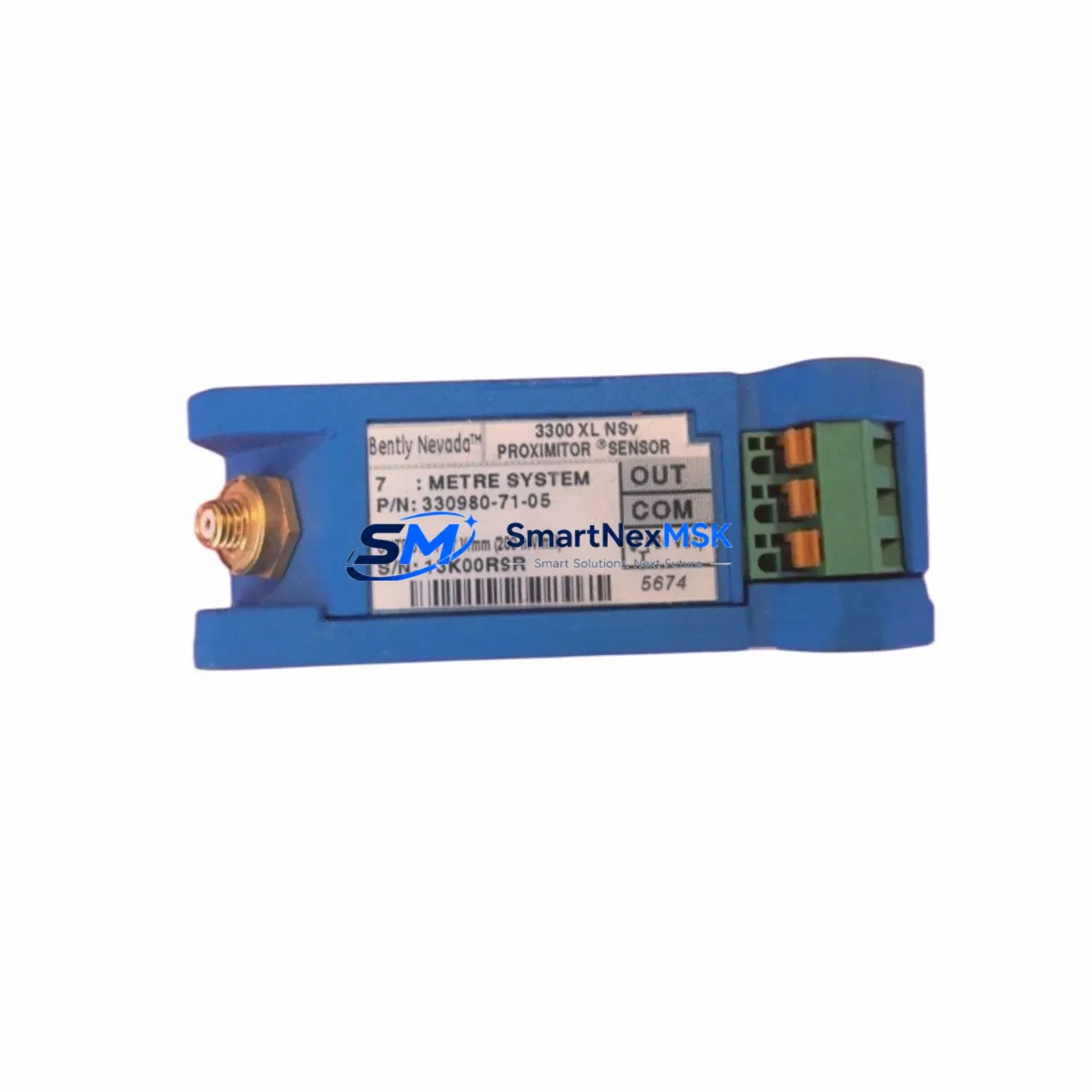
For sites running mixed monitoring architectures, check the Bently Nevada 3300 XL proximity transducer system if installed on the same machine train — proximity probes monitoring shaft displacement should be verified for gap voltage and sensitivity concurrently with accelerometer replacement. Review the Keyphasor module signal as well, since phase reference data is critical for accurate vibration analysis after sensor replacement.
On the I/O side, inspect terminal blocks and field wiring barriers within the junction box for signs of corrosion, loose screws, or insulation breakdown. If the system uses Galvanic isolation barriers or signal conditioners between field sensors and the DAM, verify their output ranges are within specification. For plants with intrinsically safe zone requirements, confirm that associated Zener barriers or galvanic isolators are rated for the replacement sensor’s electrical parameters.
Finally, after installation, perform a full channel verification through the TrendMaster Pro software interface — confirm live vibration readings, alarm setpoints, and trend data continuity before returning the machine to service. Document the replacement in your CMMS with the new sensor serial number and installation date to support future lifecycle planning.
Site Replacement Workflow
Step 1 — Isolate and Identify: Confirm the faulted channel in TrendMaster Pro software. Note the sensor location, cable routing, and connector type before removing the old 200155-12-05 unit. Photograph the installation for reference.
Step 2 — Remove and Inspect: Disconnect the sensor cable at the junction box first, then unmount the accelerometer from the machinery surface. Inspect the mounting surface for corrosion, thread damage, or contamination. Clean and prepare the surface before installing the replacement.
Step 3 — Install Replacement: Mount the new 200155-12-05 to the specified torque value. Reconnect the cable, ensuring the connector is fully seated and the cable is routed away from heat sources and mechanical contact points. Verify cable continuity with a multimeter before powering the channel.
Step 4 — Commission and Verify: Power the channel and confirm signal output in TrendMaster Pro. Check that the live vibration reading is within expected baseline range for the machine at its normal operating speed. Verify alarm setpoints are active and correctly configured for the replacement sensor’s sensitivity.
Step 5 — Document and Close: Record the replacement in your maintenance management system. Update the spare parts inventory and initiate a reorder for the consumed 200155-12-05 unit to maintain your critical spare stock level.
Spare Parts Support FAQ
Q1: Is the 200155-12-05 a direct drop-in replacement for the original Bently Nevada unit?
Yes. The 200155-12-05 is an original Bently Nevada component that matches the mechanical, electrical, and signal specifications of the factory-installed unit. No reconfiguration of the TrendMaster Pro system is required for a like-for-like replacement.
Q2: What testing is performed before shipment?
Every 200155-12-05 unit undergoes full functional testing including signal output verification prior to dispatch. A test report is available upon request. Units are packaged in anti-static, shock-protected packaging to ensure safe transit to site.
Q3: How should I manage my spare inventory for TrendMaster Pro accelerometers?
For critical rotating equipment, we recommend maintaining a minimum of one 200155-12-05 spare per machine train monitored. For plants with multiple TrendMaster Pro systems, a pooled spare strategy with a 2–4 week replenishment lead time is advisable. Contact our team to discuss consignment or blanket order arrangements for high-volume sites.
Q4: What is covered under the 12-month warranty?
The 12-month warranty covers manufacturing defects and functional failures under normal operating conditions. It does not cover damage resulting from incorrect installation, overvoltage, mechanical impact, or use outside the specified environmental ratings. Warranty claims are supported with direct technical assistance and expedited replacement dispatch.
© 2026 SMARTNEXMSK. All rights reserved.
Original Source: https://smartnexmsk.com
Contact: [email protected] | +86 18259474341