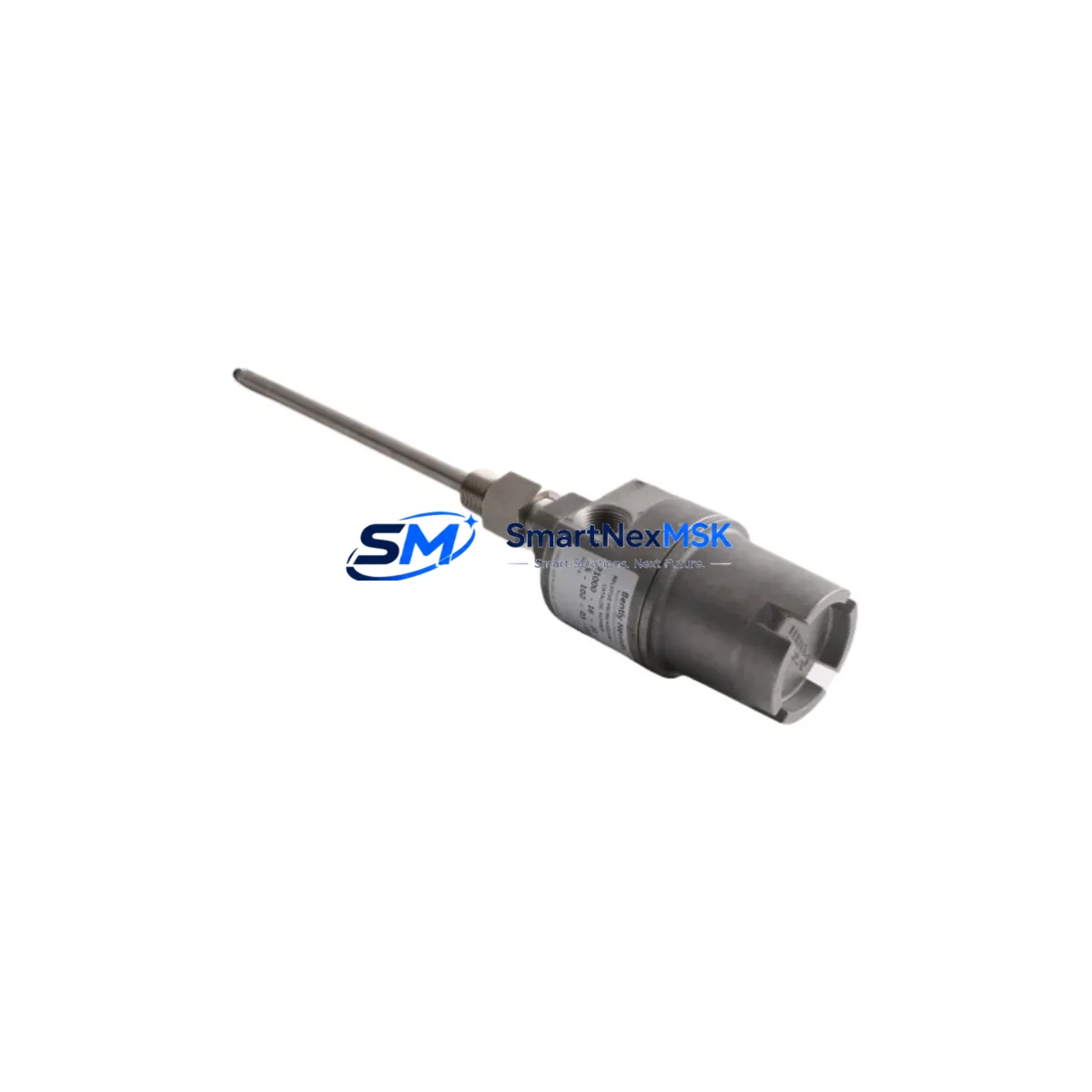
Bently Nevada 21000-16-05-15-098-03-02 Retrofit-Ready Dual-Channel Vibration Monitor for 21000 Series Control Systems
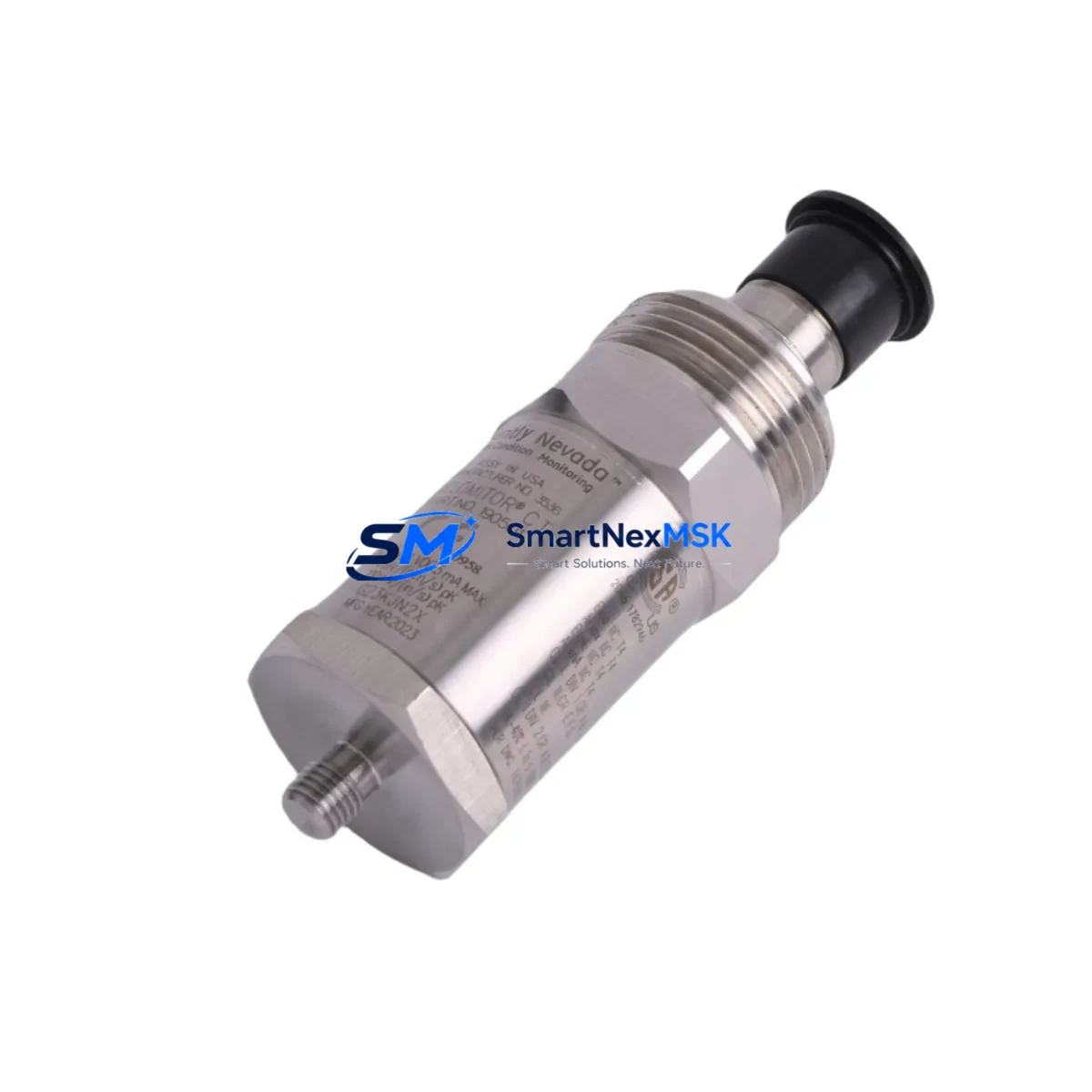
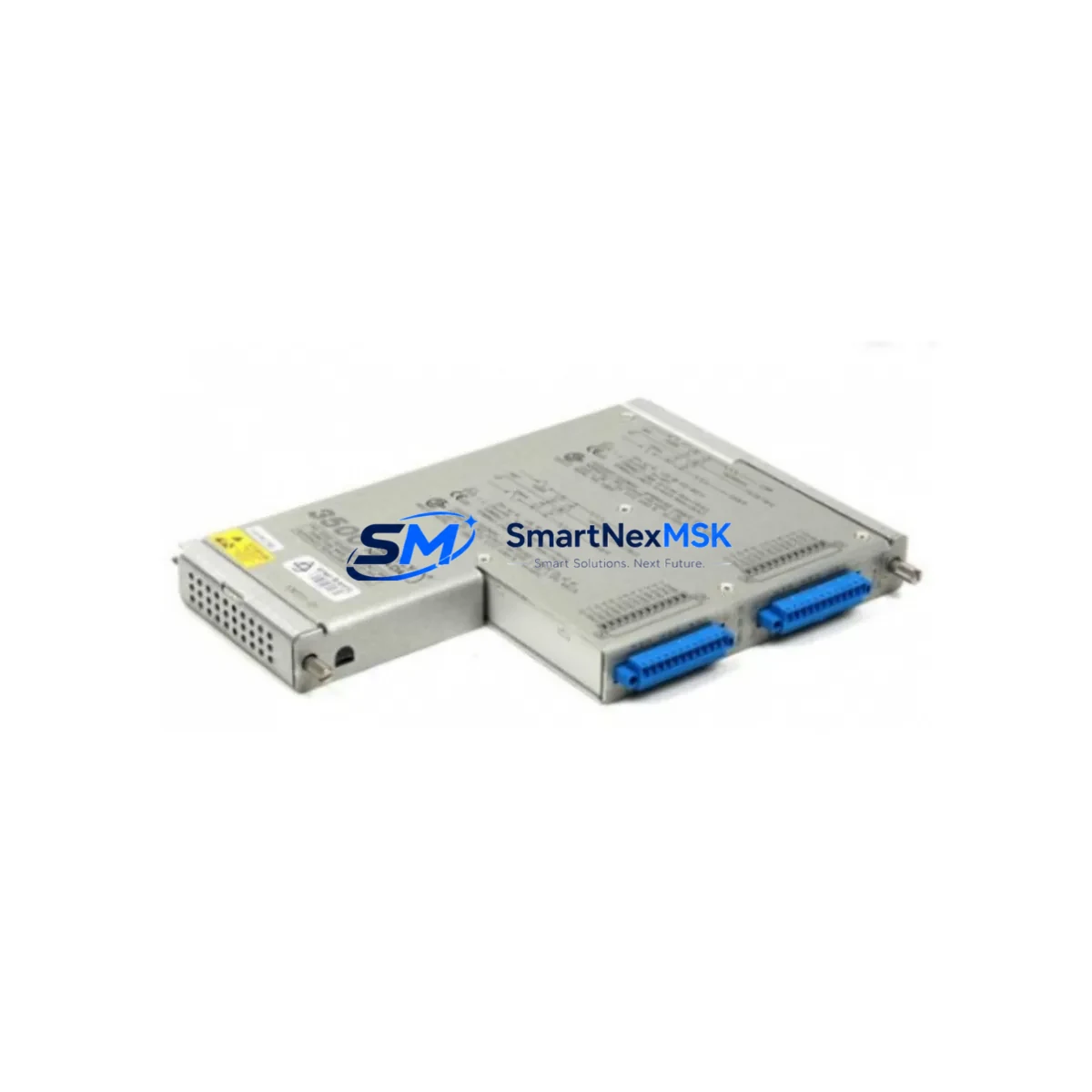
The Bently Nevada 21000-16-05-15-098-03-02 is a dual-channel vibration monitor engineered for seamless integration into legacy 21000 Series machinery protection systems. As industrial facilities face increasing pressure to extend the operational life of existing control infrastructure while meeting modern reliability standards, this module provides a direct, retrofit-ready replacement path that minimizes engineering risk and eliminates the need for full-system overhauls. Whether you are replacing a failed unit on a critical rotating machine, upgrading an aging vibration monitoring rack, or migrating from an obsolete platform, the 21000-16-05-15-098-03-02 delivers the compatibility, signal integrity, and diagnostic capability required for continuous plant protection.
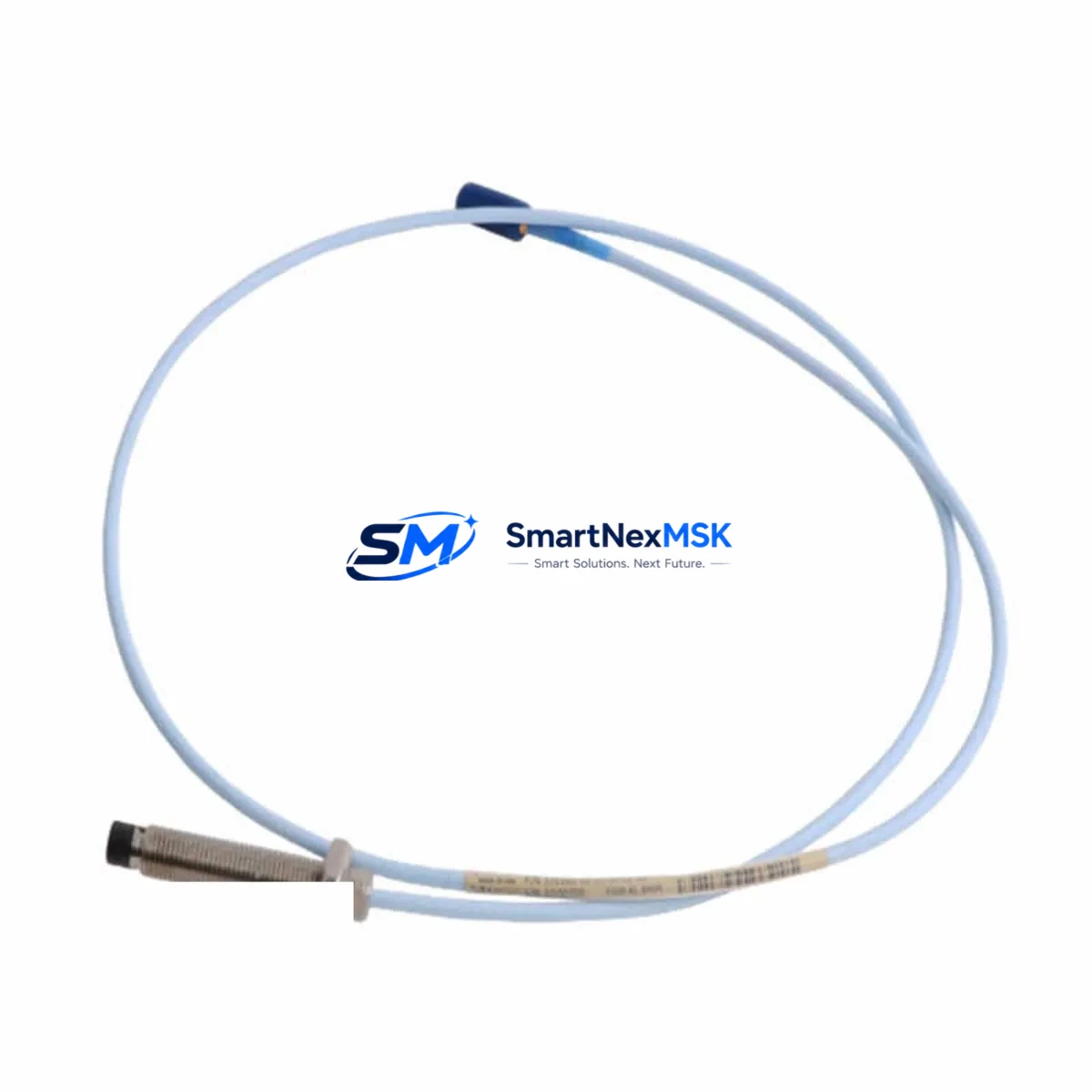
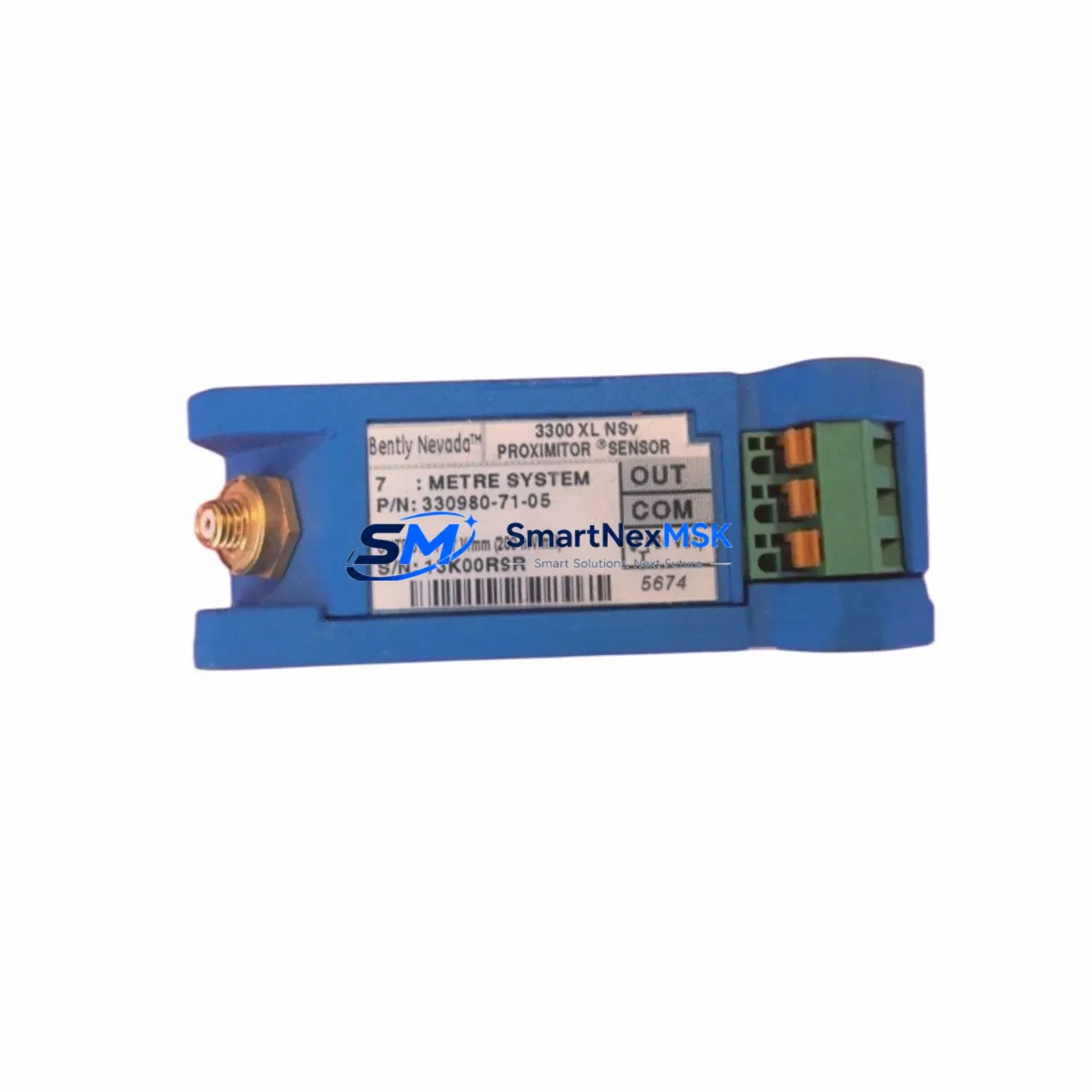
Designed to mount directly into the standard 21000 Series rack and backplane, this monitor accepts industry-standard proximity probe inputs — typically paired with Bently Nevada 3300 XL 8mm or 3300 XL 11mm proximity transducer systems — and processes raw vibration signals into conditioned outputs compatible with existing DCS and safety logic controllers. The module’s terminal wiring layout mirrors the original 21000 Series pinout, allowing field technicians to reconnect existing cable harnesses without rewiring the junction box or modifying the marshalling cabinet. Before installation, engineers should verify the power supply module within the rack — commonly a Bently Nevada 21000-01 or equivalent — is rated to support the additional channel load introduced by the replacement unit.
Upgrade Compatibility Table
| Parameter | Detail |
|---|---|
| SKU / Part Number | 21000-16-05-15-098-03-02 |
| Brand | Bently Nevada |
| Series | 21000 Series Machinery Protection System |
| Function | Dual-Channel Vibration Monitor |
| Rack / Backplane Interface | 21000 Series standard backplane — direct drop-in fit |
| Input Compatibility | Bently Nevada 3300 XL 8mm / 11mm proximity transducers; eddy-current probe systems |
| Terminal Wiring | Matches original 21000 Series pinout — no rewiring required |
| Communication Compatibility | Compatible with existing 4–20 mA analog output loops and relay contact outputs to DCS/SIS |
| Power Supply Requirement | Verify rack power module (e.g., 21000-01) capacity before installation |
| Replacement / Upgrade Path | Direct replacement for discontinued 21000 Series dual-channel vibration monitors |
| Commissioning Notes | Confirm module address, gap voltage, and alarm setpoints after installation; validate via System 1 or equivalent condition monitoring software |
| Warranty | 12-Month Warranty included |
Retrofit Planning for Existing Automation Systems
Successful integration of the 21000-16-05-15-098-03-02 into an existing machinery protection rack requires a structured pre-installation review. Begin by auditing the full rack assembly: confirm the number of occupied slots, identify any adjacent I/O modules or communication interface cards, and document the current module address assignments to avoid address conflicts after the swap. In multi-rack configurations, the rack interconnect cables and the system gateway module — often a Bently Nevada 3500/92 or equivalent communication interface — must be verified for firmware compatibility with the replacement monitor.
For facilities running a hybrid protection architecture that combines the 21000 Series with newer Bently Nevada 3500 Series modules, the retrofit plan should account for signal routing differences between the two platforms. The 3500 Series uses a different backplane bus and terminal block standard, so any cross-platform migration requires careful mapping of probe cable routing, barrier isolator assignments, and relay output wiring to the safety instrumented system (SIS) or emergency shutdown (ESD) logic solver.
During the physical installation, technicians should also inspect the condition of the existing Bently Nevada 3300 XL proximity probes, extension cables, and Proximitor sensors. Worn or damaged probe cables are a common source of false alarms and gap voltage drift after a monitor replacement. If the existing probes are approaching end-of-life, replacing them concurrently with the monitor module eliminates a second maintenance window and reduces the risk of nuisance trips during the commissioning phase.
Where the control system interfaces with a DCS — such as a Honeywell Experion PKS, Emerson DeltaV, or ABB 800xA — the analog output signals from the vibration monitor feed into the DCS I/O cards via 4–20 mA loops. Verify that the DCS I/O channel scaling, engineering unit conversion, and alarm threshold configuration in the DCS controller match the output range of the replacement module. If the facility uses a Modbus RTU or HART communication link for condition monitoring data, confirm that the replacement module’s communication parameters — baud rate, parity, and device address — are correctly configured before going live.
HMI faceplate updates are often overlooked during vibration monitor replacements. If the plant HMI — whether a Wonderware InTouch, FactoryTalk View SE, or Ignition SCADA screen — displays live vibration trend data sourced from the 21000 Series monitor, the tag mapping and data source configuration must be validated after the module swap to ensure the HMI continues to display accurate real-time values and does not generate spurious alarms during the transition.
Downtime Control During System Migration
Minimizing unplanned downtime is the primary operational constraint in any vibration monitor replacement project. The recommended approach is to pre-configure and bench-test the 21000-16-05-15-098-03-02 before the scheduled maintenance window. This includes verifying the module powers up correctly, confirming the gap voltage output is within the specified range for the connected probe system, and validating the relay output contacts operate at the correct setpoints using a signal simulator.
During the live swap, the sequence should follow a defined isolation procedure: notify the control room, inhibit the vibration alarm outputs at the SIS or DCS level to prevent spurious trips, remove the failed module, install the replacement, restore power, and verify gap voltage and signal levels before re-enabling the alarm outputs. The entire hot-swap sequence on a well-prepared system can typically be completed within a single shift, provided the replacement module has been pre-tested and all wiring documentation is current.
To protect the original program logic and alarm configuration, export and archive the current monitor configuration — including alarm setpoints, time delays, and relay assignments — from the condition monitoring software before beginning the replacement. This archived configuration serves as the baseline for post-installation verification and provides a recovery reference if the commissioning reveals unexpected signal behavior. Maintaining control continuity throughout the migration protects both the rotating equipment and the facility’s safety case documentation.
Retrofit Support FAQ
Q: Is the 21000-16-05-15-098-03-02 a direct drop-in replacement for the original 21000 Series dual-channel vibration monitor?
A: Yes. The module is designed to fit the standard 21000 Series rack backplane and matches the original terminal wiring pinout, allowing replacement without rewiring the field cable harness. Confirm the rack power supply capacity and module address assignment before installation.
Q: What commissioning steps are required after installing the replacement module?
A: After physical installation, verify the proximity probe gap voltage is within the specified range (typically –10 to –18 VDC for Bently Nevada 3300 XL probes), confirm the module address matches the system configuration, validate alarm setpoints and time delays, and test relay output contacts before re-enabling alarm outputs at the DCS or SIS level.
Q: Can this module be used alongside Bently Nevada 3500 Series modules in the same control cabinet?
A: The 21000 Series and 3500 Series use different backplane architectures and cannot share the same rack. However, both systems can coexist in the same control cabinet as separate rack assemblies, provided the cabinet has sufficient space and power distribution capacity. A communication gateway may be required to consolidate condition monitoring data from both platforms into a single DCS or SCADA system.
Q: What warranty and pre-shipment testing does this unit include?
A: Every 21000-16-05-15-098-03-02 unit is covered by a 12-month warranty from the date of shipment. Prior to dispatch, each module undergoes functional testing to verify power-up behavior, signal output integrity, and relay contact operation. A test report is available upon request.
© 2026 SMARTNEXMSK. All rights reserved.
Original Source: https://smartnexmsk.com
Contact: [email protected] | +86 18259474341