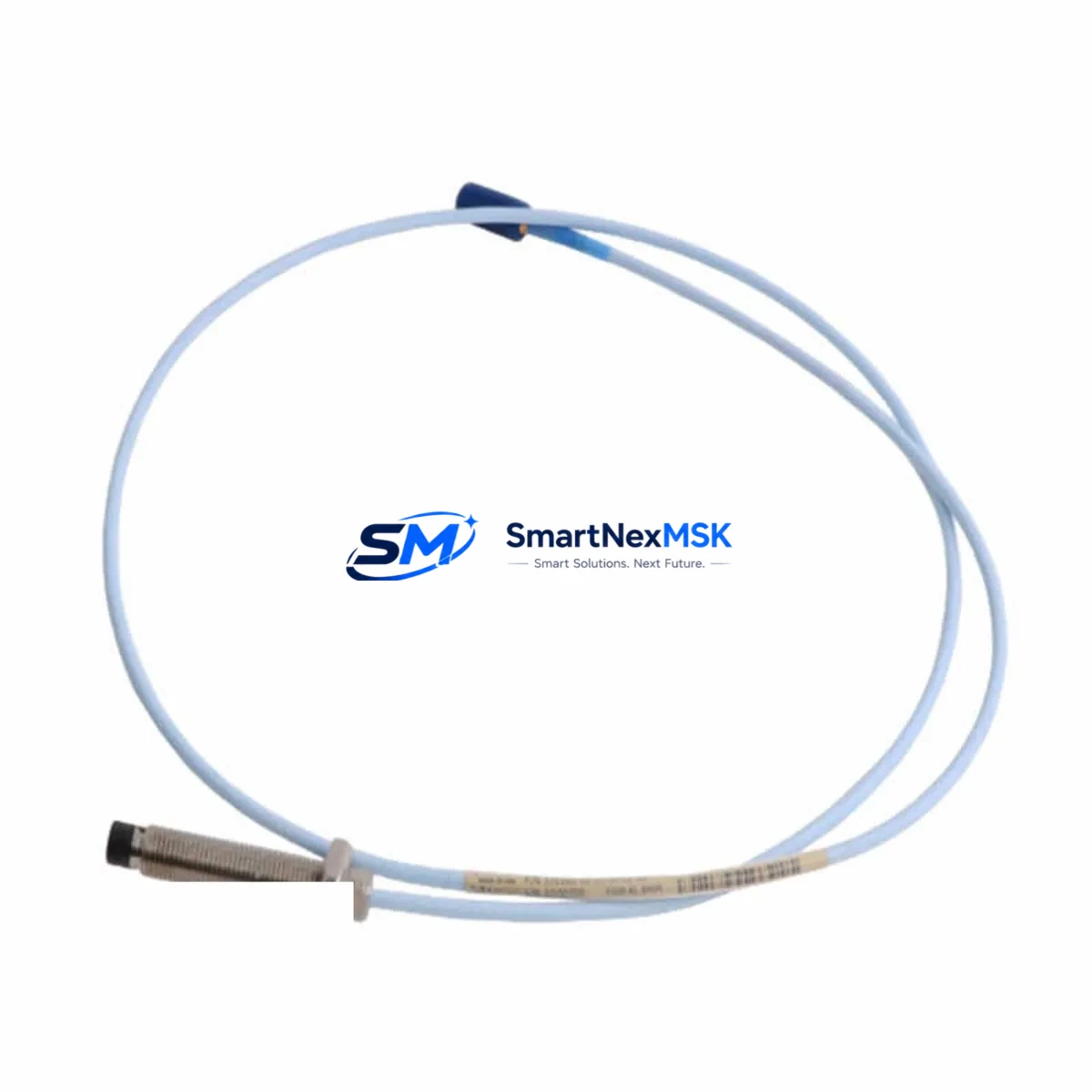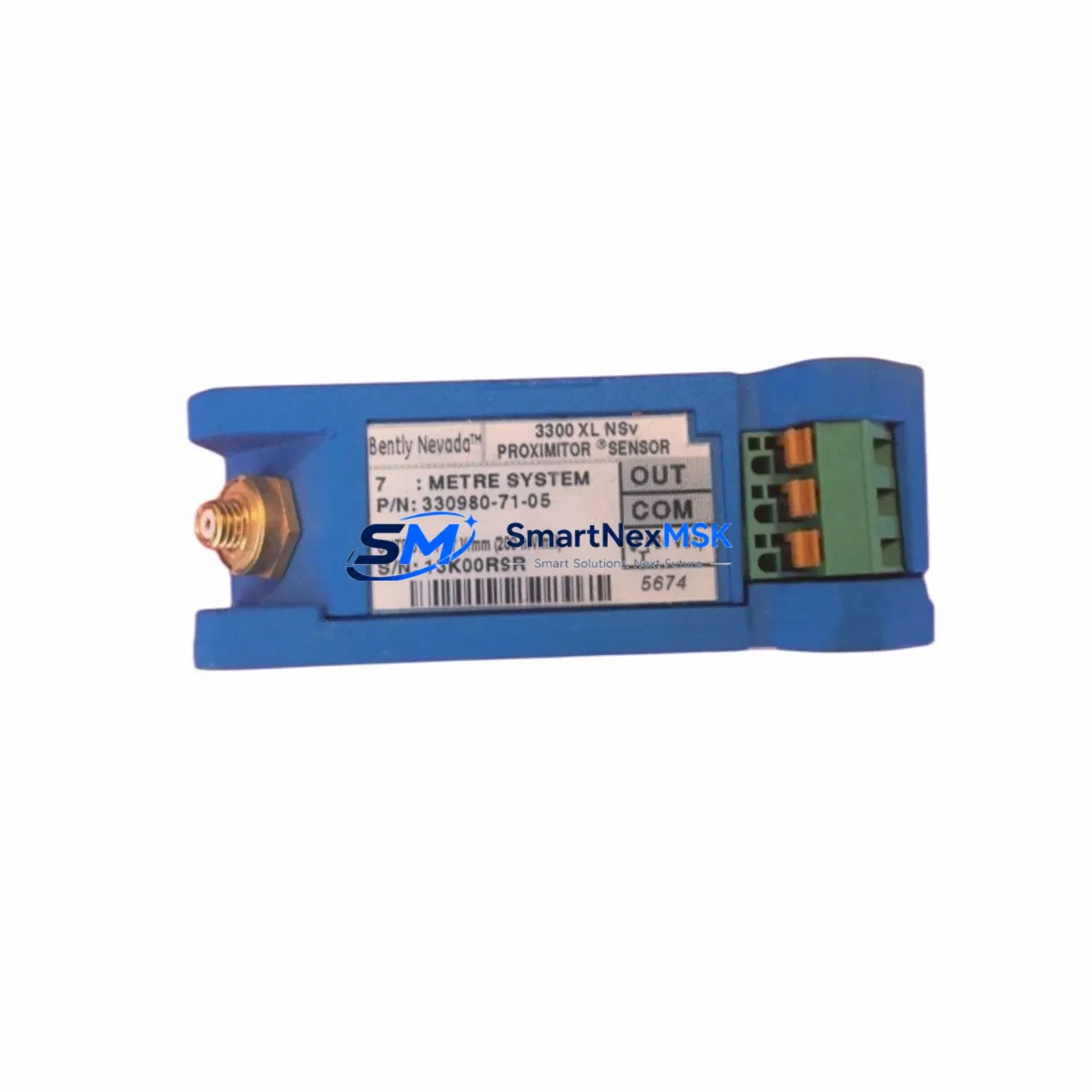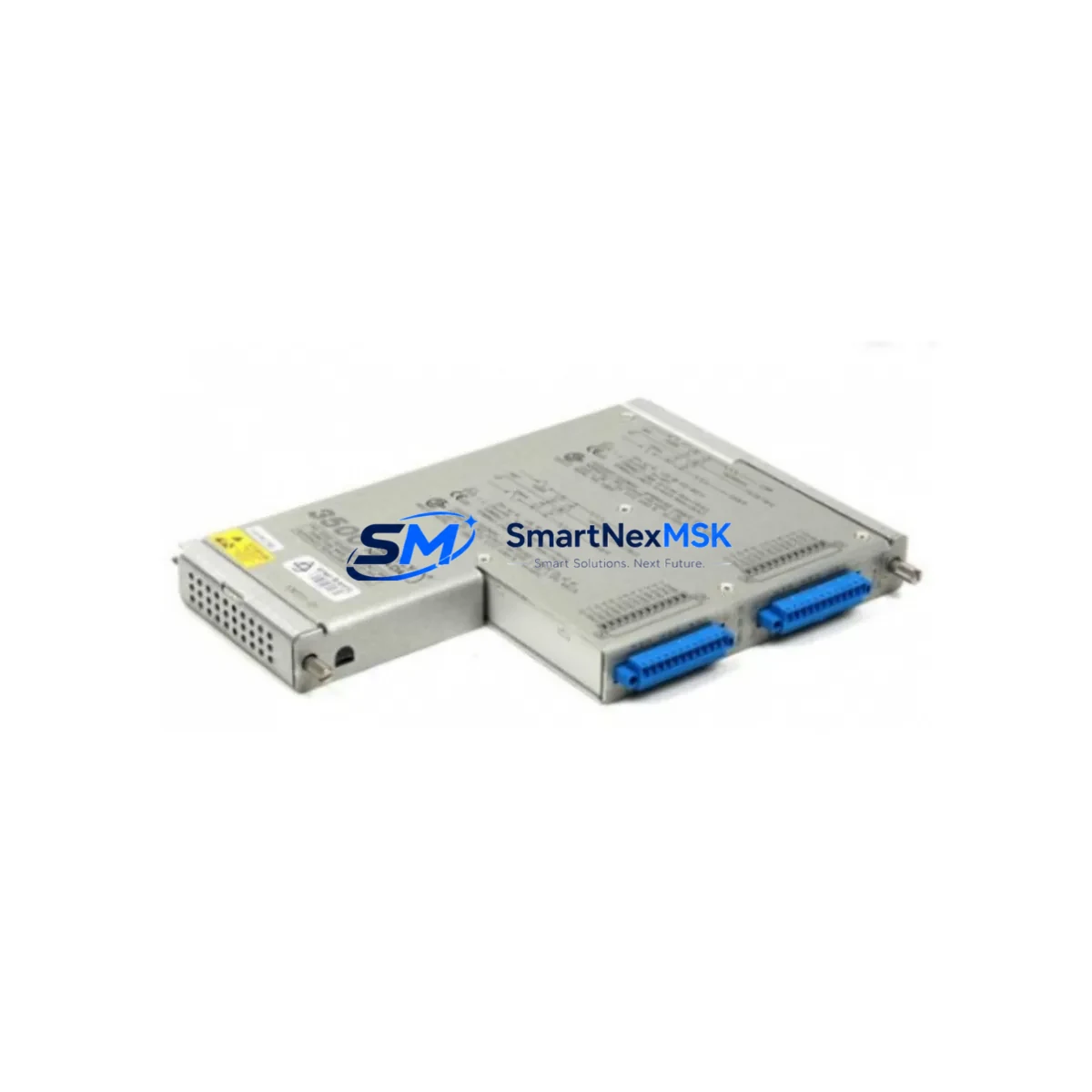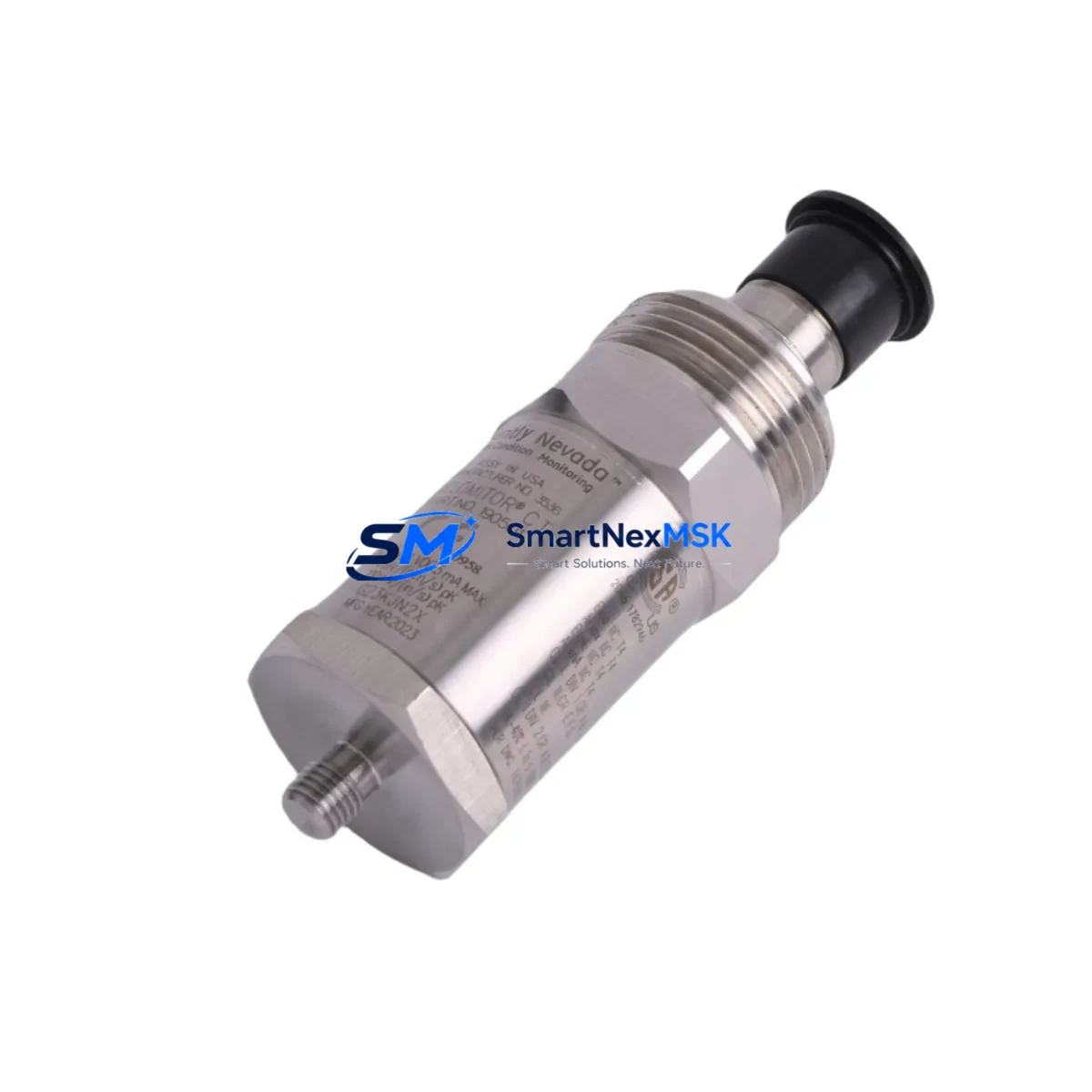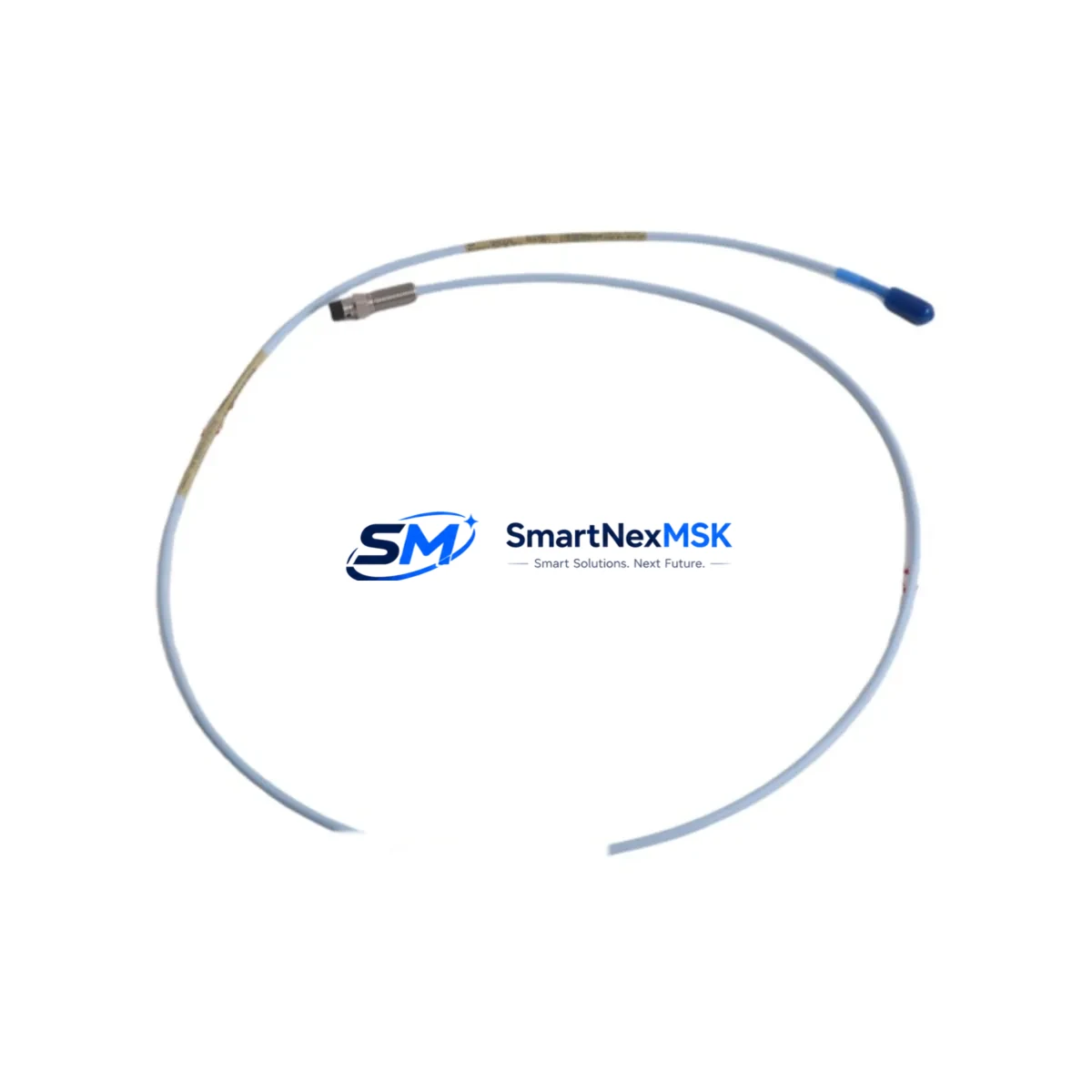
Bently Nevada 330105-02-12-10-12-00 3300 XL Retrofit Sensor: Compatible Modernization for Legacy Vibration Monitoring Systems
The Bently Nevada 330105-02-12-10-12-00 is an eddy current proximity sensor designed for the 3300 XL Series vibration monitoring platform. As legacy rotating machinery protection systems age and original Bently Nevada components reach end-of-life or become difficult to source, this retrofit-ready replacement provides a direct, wiring-compatible solution for engineers managing turbine, compressor, pump, and generator protection systems. Whether you are executing a planned control system upgrade, responding to an unplanned sensor failure, or consolidating spare parts inventory for a critical production line, the 330105-02-12-10-12-00 is engineered to restore system integrity with minimal downtime.
This sensor operates within the 3300 XL eddy current measurement chain, which typically includes a matched extension cable such as the 330130-080-00-00 and a signal conditioning driver such as the 3300 XL 8mm Proximitor Sensor (330180-X1-05). The complete measurement chain must be calibrated as a matched set to ensure accurate gap voltage output and alarm threshold compliance. When replacing only the probe tip, engineers should verify that the existing extension cable and Proximitor driver remain within their rated service life and have not drifted from factory calibration.
Upgrade Compatibility Table
| Parameter | Detail |
|---|---|
| SKU / Part Number | 330105-02-12-10-12-00 |
| Series Compatibility | Bently Nevada 3300 XL Series |
| Sensor Type | Eddy Current Proximity Sensor (8mm) |
| Tip Diameter | 8 mm |
| Cable Length (Probe) | 1.0 m (matched with 330130 extension cable) |
| Connector Interface | Standard 3300 XL coaxial connector, drop-in compatible |
| Installation Requirement | Matched measurement chain: probe + extension cable + Proximitor driver |
| Communication / Signal | Analog DC voltage output (–24 VDC bias supply via Proximitor) |
| Replacement Recommendation | Direct drop-in for 330105-02-12-10-12-00; verify gap voltage after installation |
| Commissioning Focus | Gap voltage calibration, alarm setpoint verification, OK relay status check |
| Warranty | 12-Month Warranty — covers manufacturing defects and signal output conformance |
Retrofit Planning for Existing Automation Systems
Replacing a proximity sensor in an operating plant requires careful pre-outage planning. Before removing the existing 330105-02-12-10-12-00 probe, engineers should document the current gap voltage reading at the 3300 XL Proximitor driver output, typically measured at the OK relay terminal or the monitor rack front panel. The 3300 XL 16-channel monitor rack (3500/42M or equivalent) should be placed in bypass mode for the affected channel to prevent a spurious trip during the swap.
The replacement probe must be installed to the same mechanical gap as the original — typically 1.0 mm to 2.0 mm from the shaft surface, depending on the target material and calibration range. After installation, the gap voltage should be re-measured and compared against the calibration curve supplied with the matched measurement chain. If the existing 330130-080-00-00 extension cable shows signs of jacket damage, connector corrosion, or impedance drift, it should be replaced simultaneously to avoid introducing measurement error into the new probe.
For plants running the 3500 Series machinery protection system alongside the 3300 XL platform, the channel configuration in System 1 Evolution software or the legacy System 1 database should be reviewed to confirm that the transducer type, scale factor, and OK limit settings remain consistent with the replacement sensor’s output characteristics. If the plant is migrating from the 3300 XL platform to the 3500/40M proximitor monitor or the 3500/42M four-channel monitor, the new rack will require a fresh calibration record and updated I/O mapping in the DCS or safety system.
In multi-machine protection architectures, the 3300 XL system may share a common –24 VDC power supply module with other Proximitor channels. Before the outage, verify that the power supply capacity is sufficient to support all active channels after the replacement. The 3300 XL power supply (such as the 3300/20 or equivalent) should be checked for output voltage stability under full channel load. If the plant is also upgrading the rack backplane or migrating to a 3500 Series rack, the 3500/05 power supply module and 3500/01 rack should be staged in advance.
For plants using Modbus RTU or FOUNDATION Fieldbus communication between the machinery protection system and the DCS, the communication link should be verified after the replacement to confirm that the channel data is being correctly transmitted to the operator workstation. If the plant is using a 3500/92 communication gateway module, the gateway configuration should be reviewed to ensure that the channel address mapping is consistent with the new sensor installation.
Downtime Control During System Migration
Minimizing unplanned downtime during a proximity sensor replacement requires a structured pre-outage checklist and a clear restoration sequence. The following approach is recommended for plants replacing the 330105-02-12-10-12-00 in a live rotating machinery protection system.
First, place the affected monitor channel in bypass mode at the 3300 XL monitor rack or the 3500 Series rack front panel. This prevents a spurious trip signal from reaching the emergency shutdown system (ESD) or the DCS during the mechanical swap. Confirm with the control room operator that the bypass is active and that the machine is being monitored by redundant channels or alternative protection logic during the outage window.
Second, remove the existing probe and extension cable assembly. Inspect the probe mounting boss, the cable conduit, and the connector junction for corrosion, mechanical damage, or contamination. If the mounting thread is damaged, it should be repaired before installing the replacement probe to ensure correct gap setting and mechanical stability.
Third, install the replacement 330105-02-12-10-12-00 probe and reconnect the extension cable. Set the mechanical gap using a feeler gauge or a calibrated gap-setting tool, targeting the gap voltage specified in the calibration record. Power up the Proximitor driver and measure the output voltage at the monitor rack terminal. Confirm that the OK relay is energized and that the channel is reading within the normal vibration range for the machine at rest.
Fourth, remove the bypass and restore the channel to active monitoring. Confirm with the control room operator that the channel is displaying correctly in the DCS or the System 1 operator interface. Log the as-found and as-left gap voltage readings in the plant maintenance management system (CMMS) for future reference.
This structured approach typically allows a single-channel proximity sensor replacement to be completed within a two-to-four hour planned outage window, preserving the original program logic, alarm setpoints, and HMI display configuration without requiring a full system reconfiguration.
Retrofit Support FAQ
Q1: Is the 330105-02-12-10-12-00 a direct drop-in replacement for the original Bently Nevada part?
Yes. This sensor is manufactured to the same dimensional and electrical specifications as the original 330105-02-12-10-12-00 and is designed for direct installation in the existing probe mounting boss. The connector interface is compatible with the standard 3300 XL extension cable. After installation, a gap voltage verification is required to confirm correct calibration within the matched measurement chain.
Q2: Do I need to recalibrate the entire measurement chain after replacing only the probe?
If the existing extension cable (e.g., 330130-080-00-00) and Proximitor driver are within their rated service life and have not drifted from factory calibration, a full chain recalibration is not required. However, the gap voltage must be verified at the Proximitor output after installation, and the OK relay status must be confirmed. If the gap voltage is outside the expected range, a full chain calibration should be performed.
Q3: What wiring checks should be performed before and after the replacement?
Before removal, document the existing gap voltage and confirm the –24 VDC bias supply is stable at the Proximitor driver. After installation, verify the coaxial connector is fully seated and the cable jacket is undamaged along its full run. Check the terminal block connections at the monitor rack for tightness and correct polarity. Confirm that the shield drain wire is grounded at one end only to avoid ground loops.
Q4: What does the 12-month warranty cover, and how is it claimed?
The 12-month warranty covers manufacturing defects and signal output non-conformance under normal operating conditions. It does not cover damage resulting from incorrect installation, mechanical impact, or operation outside the rated environmental specifications. To initiate a warranty claim, contact [email protected] with the order reference, installation date, and a description of the observed fault. Replacement or repair will be arranged within the warranty period.
© 2026 SMARTNEXMSK. All rights reserved.
Original Source: https://smartnexmsk.com
Contact: [email protected] | +86 18259474341