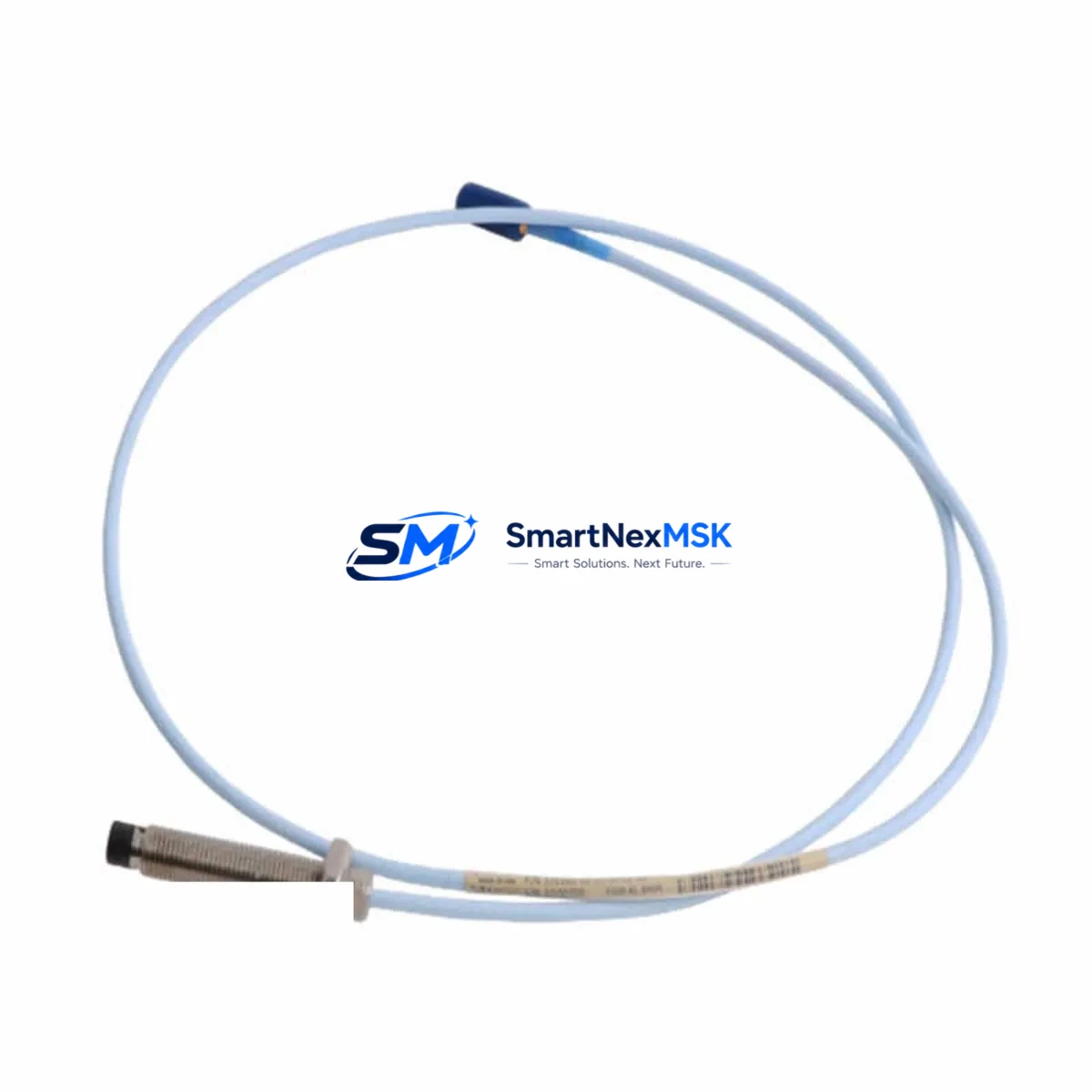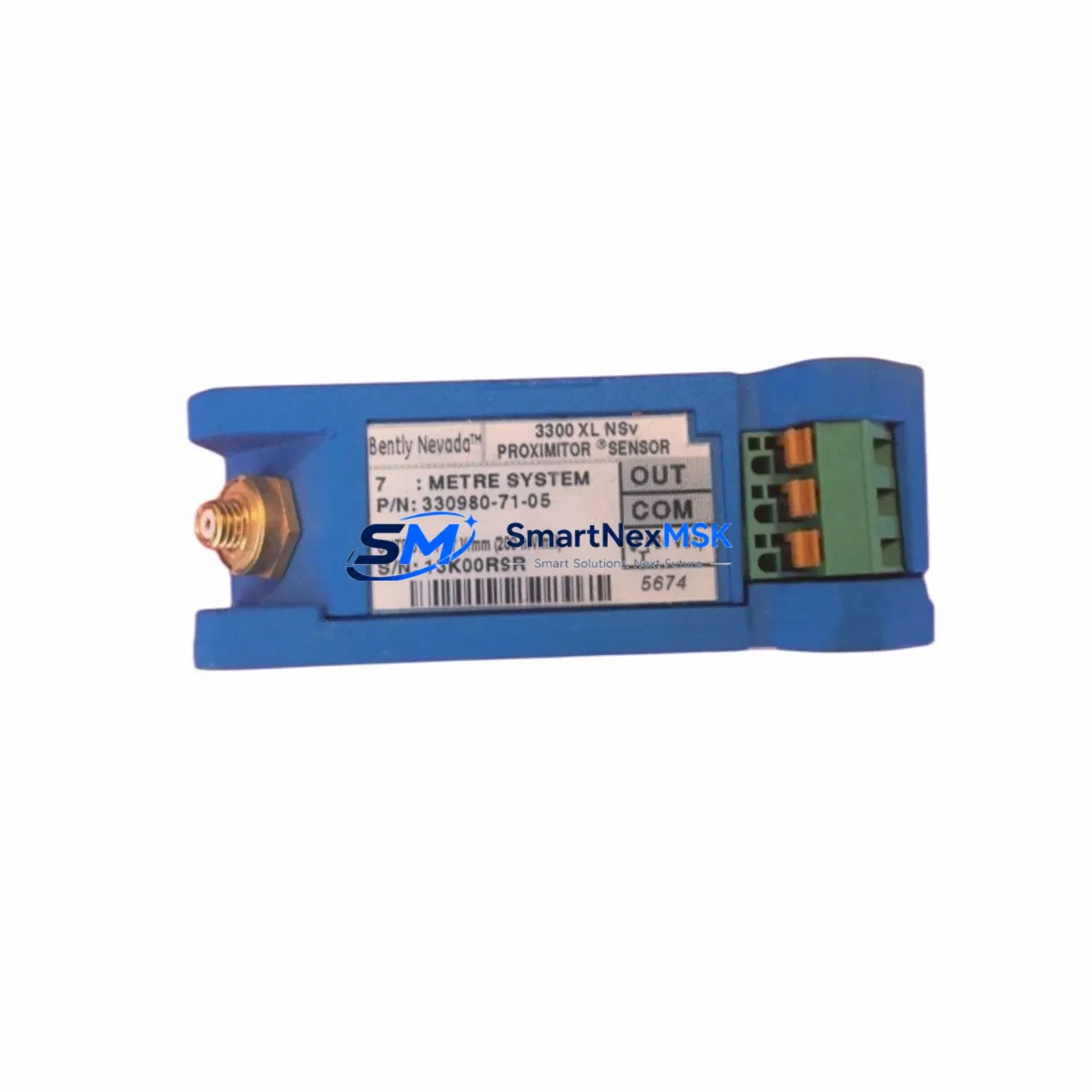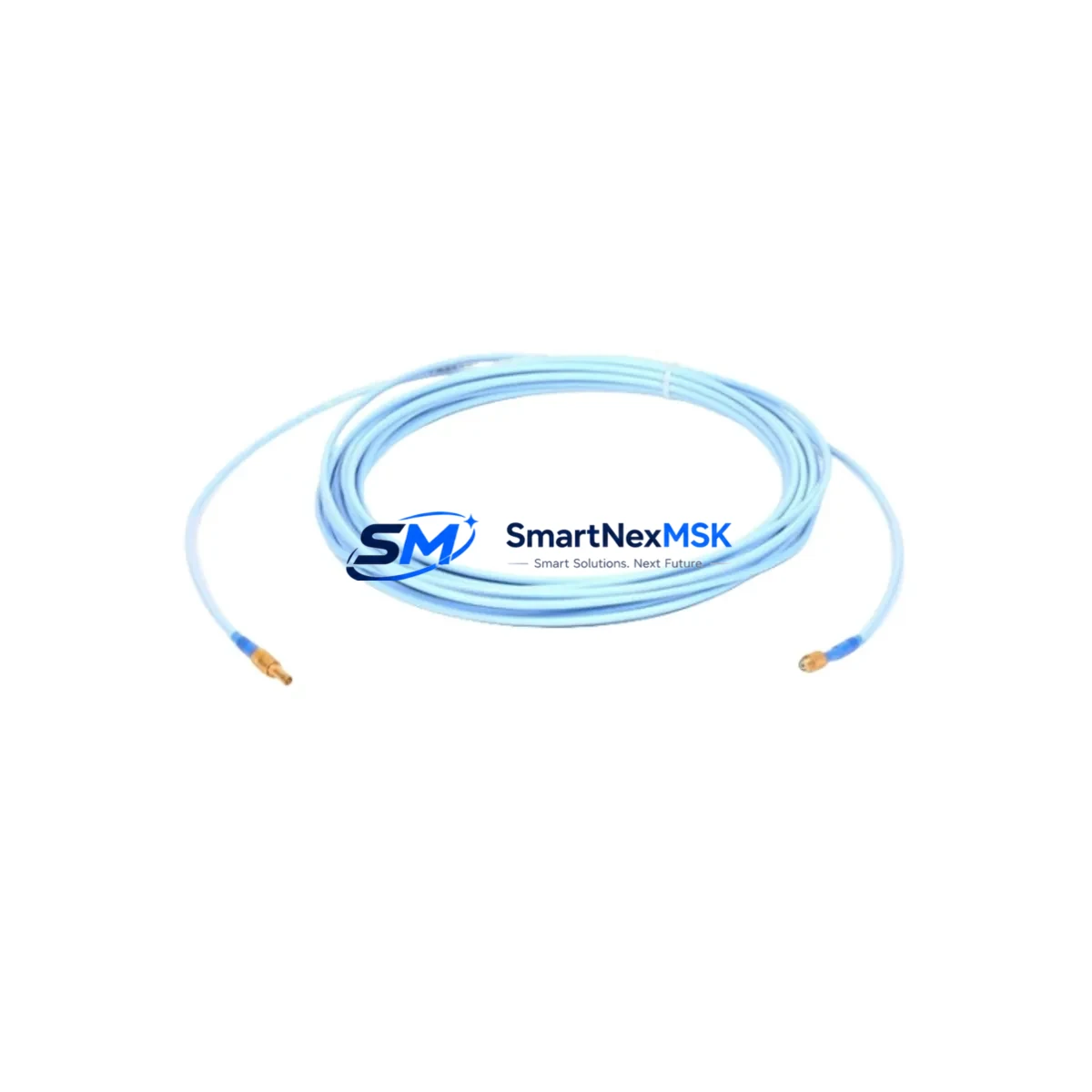
Bently Nevada 330130-085-03-00 Spare for 3300 Automation: Precision Replacement for Vibration Monitoring Systems
The Bently Nevada 330130-085-03-00 is an original 8.5-metre proximity extension cable engineered for the 3300 Series eddy-current proximity measurement system — one of the most widely deployed vibration and position monitoring platforms in rotating machinery protection worldwide. When this cable degrades, is damaged during maintenance, or reaches end-of-service life, unplanned downtime on turbines, compressors, pumps, and gearboxes becomes an immediate risk. Stocking a verified OEM spare is the single most effective way to eliminate that risk.
This cable serves as the critical signal path between the 3300 XL proximity transducer (probe) and the 3300 XL proximitor sensor (driver), carrying the raw eddy-current signal that the monitoring system converts into gap voltage, vibration amplitude, and shaft position data. Signal integrity across this cable directly determines measurement accuracy — a degraded or incorrect cable introduces noise, offset errors, and false alarms that can trigger unnecessary shutdowns or, worse, mask real machinery faults.
Every unit shipped from our inventory undergoes pre-shipment electrical continuity and insulation resistance verification. Packaging is anti-static and moisture-sealed for long-term storage in spare parts rooms or control cabinets. Lead time is typically 1–3 business days from stock, with express options available for emergency maintenance windows.
Spare Maintenance Table
| Parameter | Specification |
|---|---|
| Part Number / SKU | 330130-085-03-00 |
| Brand | Bently Nevada |
| Series | 3300 Series (3300 XL) |
| Product Type | Proximity Extension Cable |
| Cable Length | 8.5 m (27.9 ft) |
| Connector Type | Coaxial, armoured, field-grade |
| System Compatibility | 3300 XL Proximitor Sensor / 3300 XL Probe; 7200 Series (verify gap) |
| Signal Type | Eddy-current proximity (analogue DC voltage) |
| Operating Temperature | –40 °C to +85 °C (cable); consult probe/driver specs for system limits |
| Application Environment | Turbines, compressors, pumps, gearboxes, rotating machinery |
| Installation | Direct replacement; no re-calibration required when replacing like-for-like |
| Origin | USA (OEM) |
| Warranty | 12 Months from date of shipment |
| Pre-shipment Test | Continuity check, insulation resistance verification |
| Packaging | Anti-static, moisture-sealed, labelled with SKU and batch |
Maintenance Planning for Continuous Operation
Replacing the 330130-085-03-00 extension cable is rarely an isolated task. In a well-structured planned maintenance or emergency corrective action, the maintenance engineer should treat this replacement as an opportunity to inspect and verify the entire proximity measurement loop. Begin with the 3300 XL proximitor sensor (driver) — confirm supply voltage (typically –24 VDC), output gap voltage within the linear range, and that the driver housing shows no signs of moisture ingress or connector corrosion. The driver is the active component most likely to fail in tandem with cable degradation caused by vibration fatigue or chemical exposure.
Next, inspect the 3300 XL proximity probe at the machine end. Check the probe tip for wear, pitting, or contamination from shaft material. A worn probe tip shifts the sensitivity constant and invalidates calibration even with a new cable installed. If the probe body shows mechanical damage or the armour braid is compromised, replace the probe assembly alongside this cable.
At the junction box or terminal strip, verify that coaxial cable connectors are torqued correctly and that the shield drain wire is grounded at one end only — a double-grounded shield is a common source of 50/60 Hz noise that appears as vibration signal contamination. Inspect terminal blocks for loose screws, oxidation, and correct wire ferrule crimping. In high-vibration environments, self-loosening terminals are a recurring fault mode.
Within the monitoring rack, confirm that the 3300/16 or 3300/20 monitor card receiving the signal shows no fault LEDs and that the OK relay output is energised. If the monitor card has been in service for more than five years, consider scheduling a bench calibration or swap with a spare card. Check the rack power supply module — dual-redundant supplies should both be healthy; a single-supply fault left unaddressed is a latent risk to the entire monitoring system.
For sites running integrated machinery protection, also verify the communication gateway or Modbus/PROFIBUS interface module that transmits vibration data to the DCS or SCADA. A cable replacement that restores correct gap voltage but leaves a misconfigured alarm setpoint in the monitoring system provides false confidence. Confirm alarm and danger setpoints against the original machinery OEM specification.
Finally, if the control cabinet houses signal isolators or barriers for intrinsically safe installations, verify that the barrier model is rated for the 3300 Series signal range and that the barrier has not drifted out of calibration. Replacing the cable without checking the barrier is a common oversight that leads to repeat fault calls within weeks.
Site Replacement Workflow
Step 1 — Isolation and permit: Obtain a permit to work. Isolate the monitoring channel at the rack (bypass or inhibit the channel to prevent a spurious trip during cable swap). Do not de-energise the proximitor driver unless required — maintaining power allows you to measure gap voltage before and after replacement for immediate verification.
Step 2 — Document baseline: Record the existing gap voltage (DC mV) at the monitor card input or at the driver output connector. This is your reference for post-installation verification. Photograph connector routing and cable tie positions before removal.
Step 3 — Remove old cable: Disconnect at both the probe end and the driver end. Inspect both connectors for corrosion, bent centre pins, or damaged dielectric. If the driver-end connector is corroded, clean or replace the driver connector before installing the new cable.
Step 4 — Install 330130-085-03-00: Route the new cable following the original path. Avoid sharp bends below the minimum bend radius. Secure with cable ties at the same intervals as the original. Torque connectors finger-tight plus one-quarter turn — do not over-torque coaxial connectors.
Step 5 — Verify gap voltage: Re-energise and measure gap voltage. Compare to the baseline recorded in Step 2. A deviation greater than ±0.5 VDC at the same physical gap indicates a probe, driver, or connector issue — not a cable issue. Investigate before returning the channel to service.
Step 6 — Release and document: Remove the channel inhibit. Confirm OK relay is energised and alarm/danger setpoints are active. Update the maintenance record with the replacement date, new cable serial/batch number, and post-installation gap voltage reading.
Spare Parts Support FAQ
Q1: Is the 330130-085-03-00 a direct drop-in replacement for older 330130 series cables?
Yes. The 330130 family uses a standardised coaxial connector and impedance specification. The -085 suffix denotes 8.5 m length. As long as the replacement cable length matches the original (probe + extension cable total system length must match the proximitor calibration), it is a direct replacement requiring no recalibration. If you are replacing a cable of a different length, a system recalibration or gap voltage re-verification is required.
Q2: What is the recommended spare parts stocking strategy for 3300 Series proximity systems?
For critical rotating machinery (turbines, compressors), the industry standard is to hold a minimum of one spare extension cable per monitored shaft, plus one spare probe and one spare proximitor driver per machine train. For large installations with 8+ channels, a ratio of one spare set per four channels is common. Extension cables are the highest-turnover consumable in the proximity measurement loop due to mechanical fatigue and connector wear.
Q3: How do you verify the cable is functioning correctly after installation without specialist equipment?
The simplest field verification is gap voltage measurement using a standard digital multimeter at the monitor card input terminals. With the shaft stationary at the normal operating gap, the DC voltage should fall within the linear range specified on the proximitor driver label (typically –10 VDC at 2.0 mm gap for standard 5 mm probes). A reading outside this range, or an unstable reading, indicates a wiring, connector, or component fault. No oscilloscope or specialist calibrator is required for a basic go/no-go check.
Q4: What does the 12-month warranty cover, and what is the claims process?
The 12-month warranty covers manufacturing defects, connector integrity, and cable continuity from the date of shipment. It does not cover damage caused by incorrect installation, over-torqued connectors, chemical exposure beyond rated limits, or mechanical impact. To initiate a warranty claim, contact our sales team with the order number, SKU, batch label photograph, and a description of the fault. Replacement units are dispatched within 3 business days of claim approval. Return shipping of the defective unit is required for claims above a minimum order value.
© 2026 SMARTNEXMSK. All rights reserved.
Original Source: https://smartnexmsk.com
Contact: [email protected] | +86 18259474341