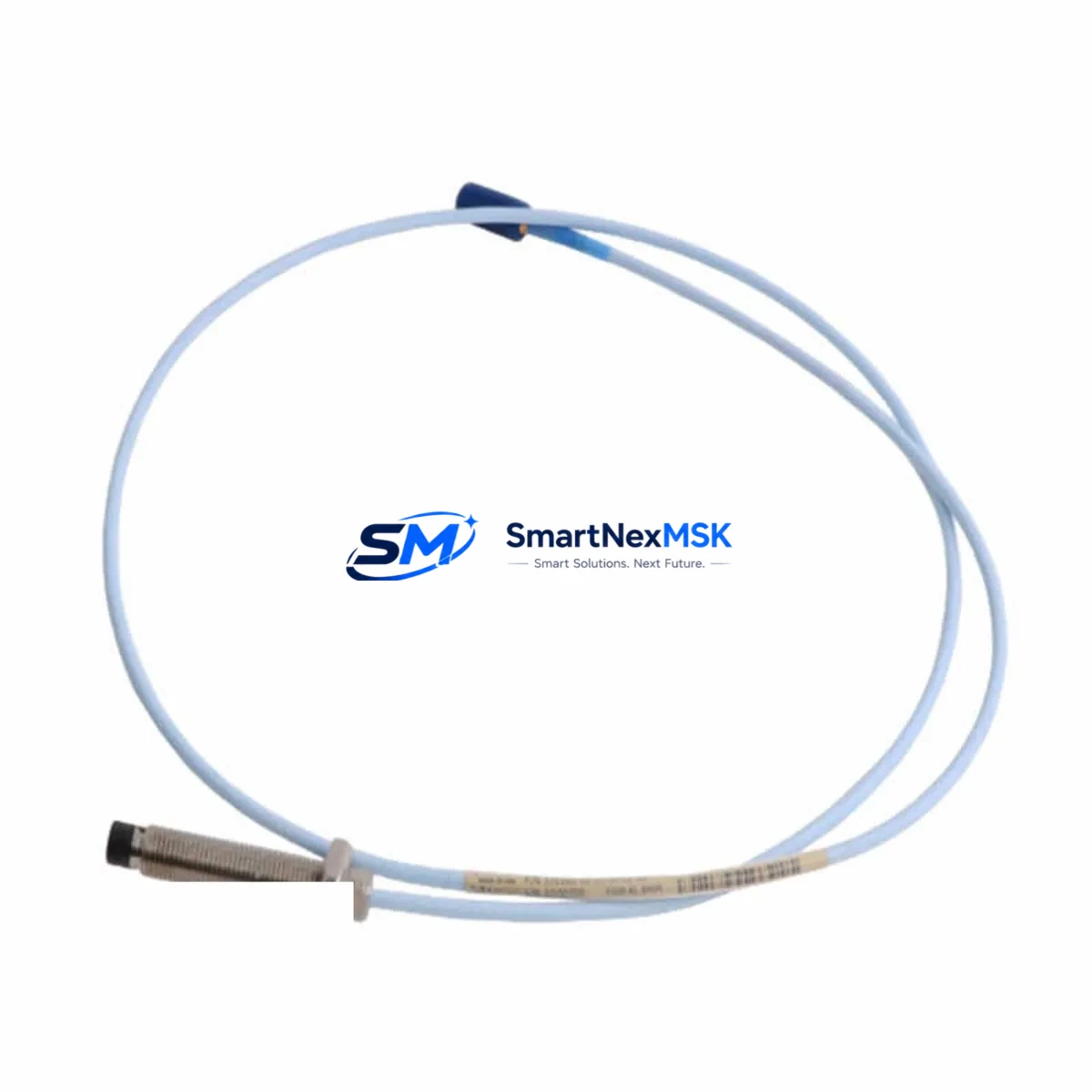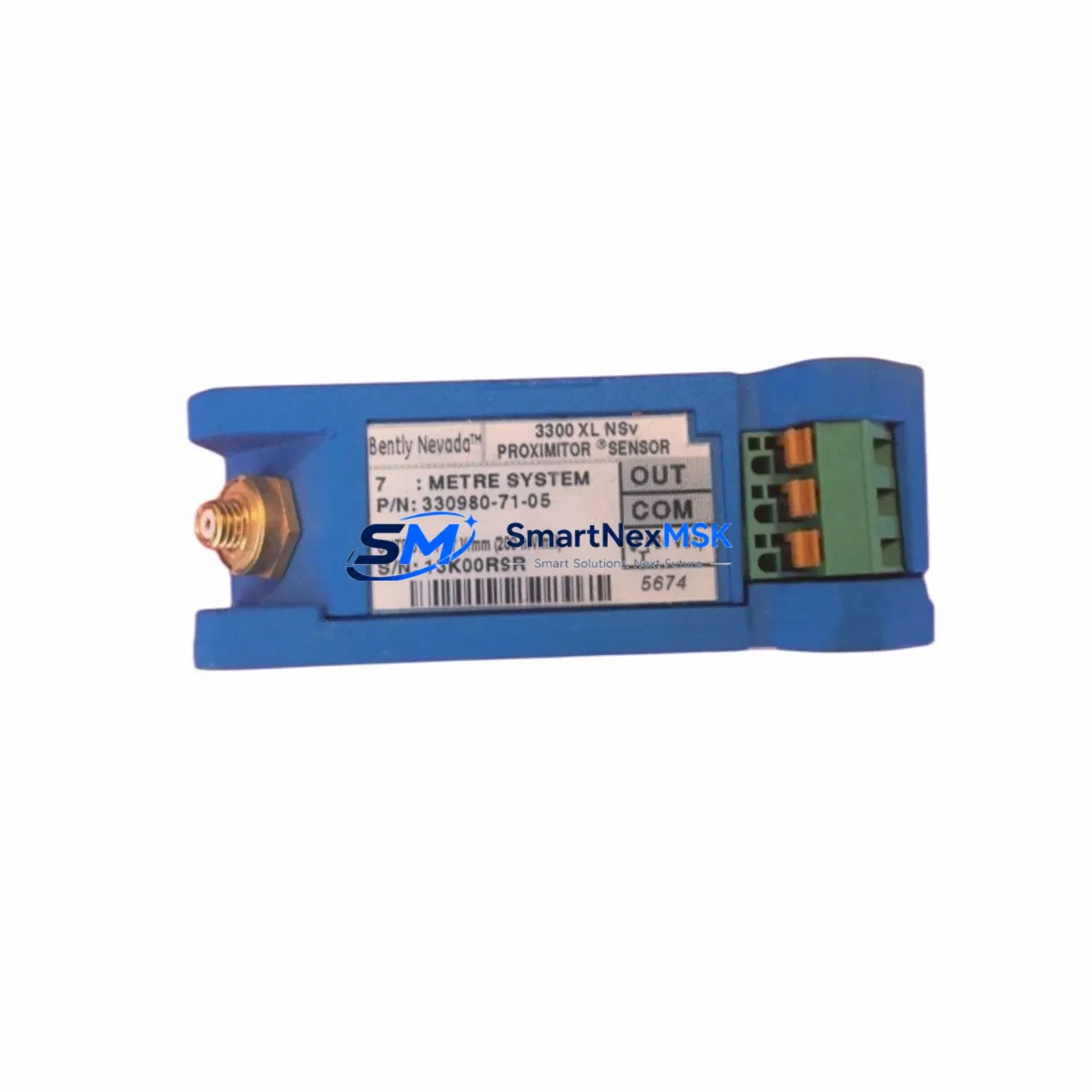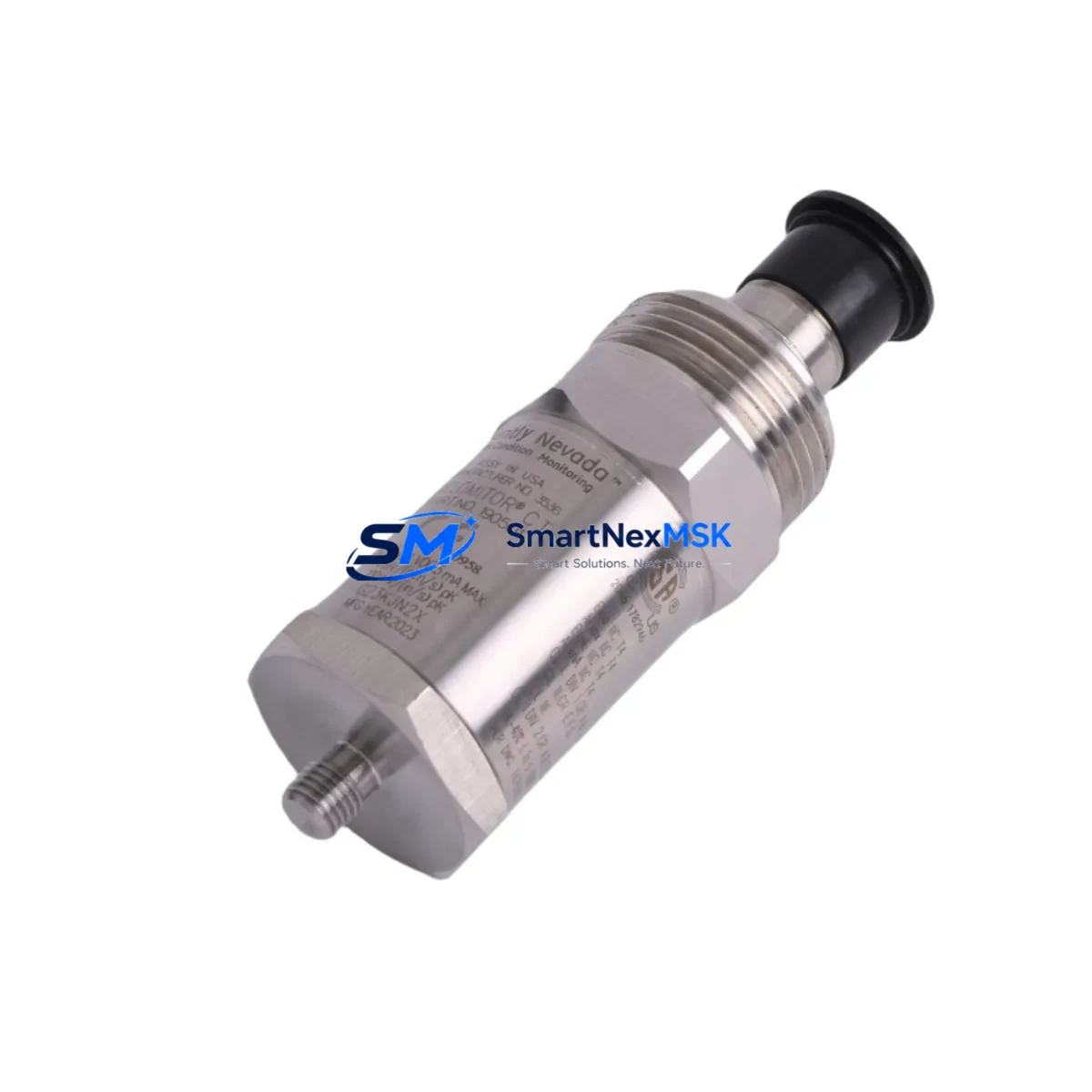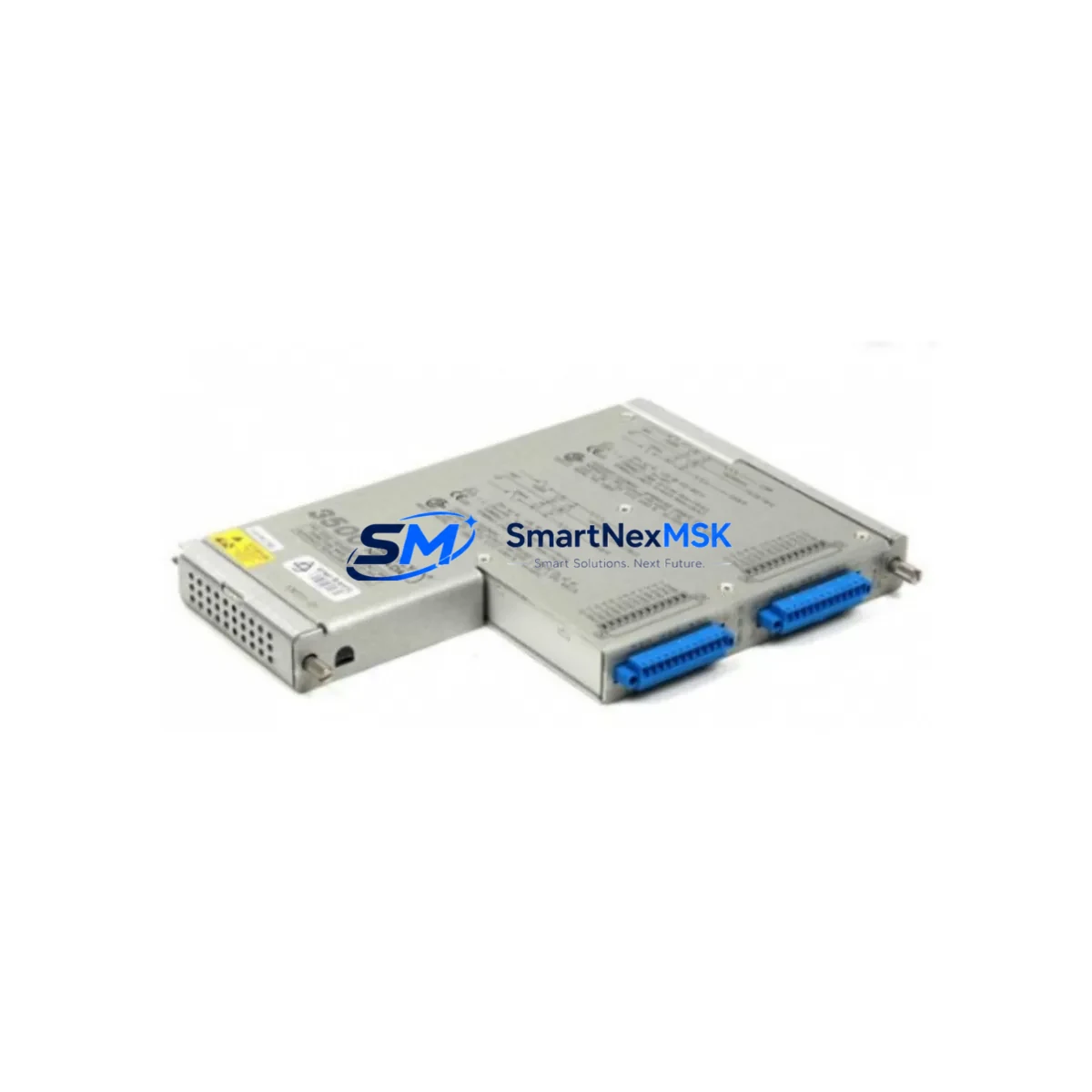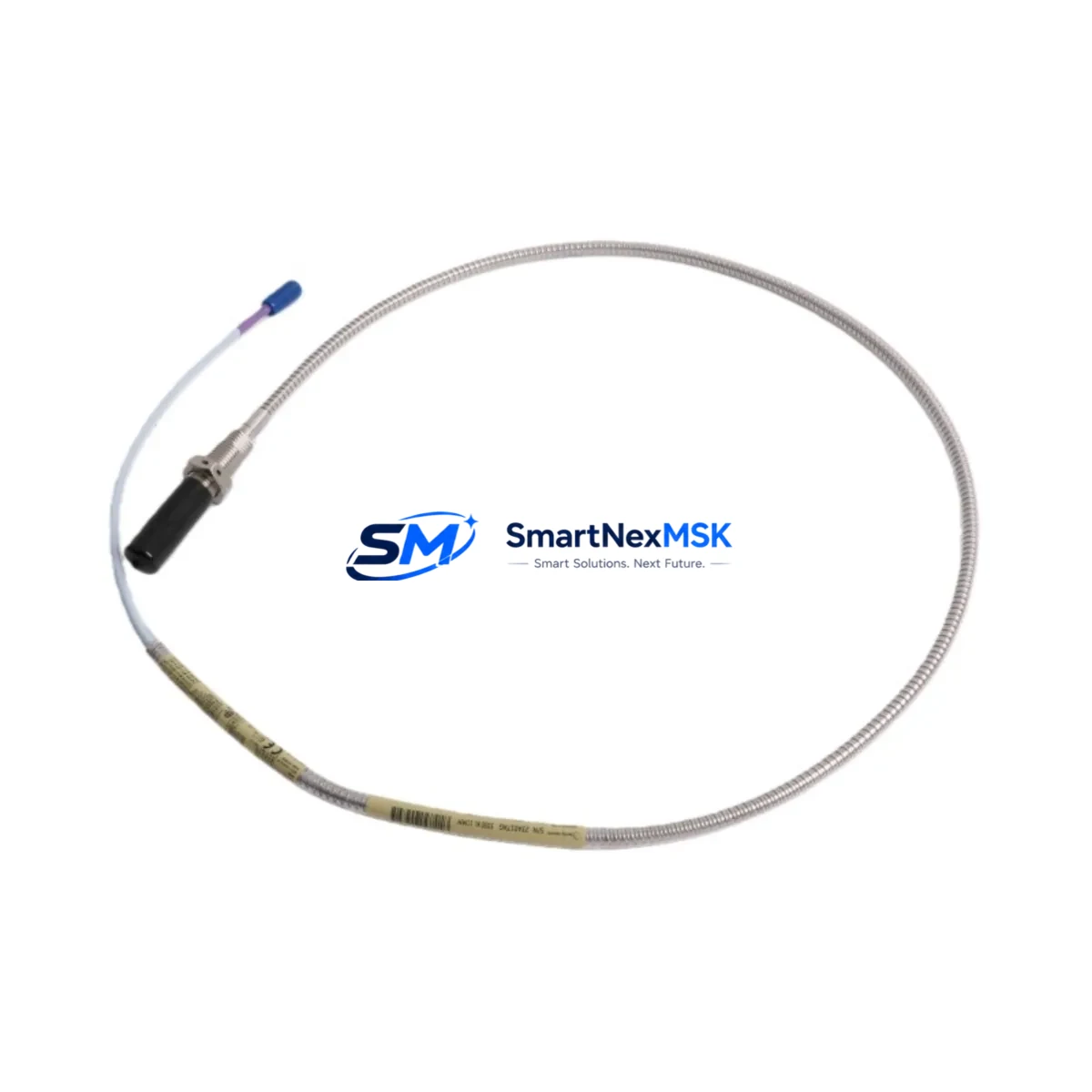
Bently Nevada 330704-000-050-10-02-CN 3300 XL Maintenance-Ready Spare for 3300 XL Automation
The Bently Nevada 330704-000-050-10-02-CN is an original 8mm eddy-current proximity probe engineered for the 3300 XL Series continuous vibration monitoring system. Designed for rotating machinery protection in turbines, compressors, pumps, and motors, this probe delivers precise radial and axial shaft displacement measurements critical to predictive maintenance programs and unplanned downtime prevention. As a maintenance-ready spare, it is tested, serialized, and shipped with full traceability to support rapid field replacement and system restoration.
For maintenance engineers managing aging turbomachinery or DCS-integrated protection systems, having a verified spare of the 330704-000-050-10-02-CN on the shelf is a fundamental risk-control measure. A failed proximity probe can trigger false shutdowns, mask real vibration anomalies, or leave critical assets unprotected — all scenarios with severe operational and safety consequences. Stocking this probe as part of a structured spare parts inventory eliminates the lead-time risk associated with OEM procurement and keeps your 3300 XL system fully operational.
Spare Maintenance Table
| Parameter | Specification |
|---|---|
| Part Number | 330704-000-050-10-02-CN |
| Brand | Bently Nevada |
| Series | 3300 XL |
| Probe Type | 8mm Eddy-Current Proximity Probe |
| Cable Length | 5.0 m (standard) |
| Extension Cable | 330130 Series (compatible) |
| Driver / Proximitor | 3300 XL 8mm Proximitor (330180 Series) |
| Output Signal | -18 VDC nominal (linear range) |
| Frequency Response | DC to 10,000 Hz |
| Target Material | AISI 4140 steel (standard) |
| Operating Temperature | -35°C to +177°C |
| Ingress Protection | IP67 |
| Connector Type | CN (metric, standard) |
| Application | Radial vibration, axial position, differential expansion |
| Compatibility | 3300 XL Monitoring System, 3500 Series (with adapter) |
| Origin | USA |
| Warranty | 12 Months |
| Condition | Original, New-in-Box / Tested |
Maintenance Planning for Continuous Operation
When replacing the 330704-000-050-10-02-CN in the field, a disciplined maintenance engineer will treat the probe swap as an opportunity to audit the entire vibration monitoring loop. The probe does not operate in isolation — its accuracy and reliability depend on the integrity of every upstream and downstream component in the signal chain.
Begin with the 330130 Series extension cable: inspect for jacket abrasion, connector corrosion, and continuity. A degraded extension cable is the most common cause of erratic gap voltage readings that are incorrectly attributed to probe failure. Next, verify the 330180 Series 3300 XL 8mm Proximitor — the signal conditioning module that converts the probe’s oscillator output into a calibrated DC voltage. If the Proximitor has been in service for more than five years or shows signs of thermal stress, replace it concurrently to avoid a repeat outage.
At the rack level, inspect the 3300/16 or 3300/20 monitor module for alarm setpoint integrity and channel configuration. Confirm that the 3500/42M Proximitor I/O Module (if the system has been partially migrated to 3500 Series) is correctly mapped and that no channel has been inadvertently disabled. Check the 3300/55 Power Supply output voltage — an under-voltage condition will shift the probe’s linear range and produce false readings without triggering a hardware fault.
For control cabinet inspections, verify terminal block torque on the 3300 Series field wiring termination assemblies, check for moisture ingress around cable glands, and confirm that the signal isolator (if installed between the Proximitor output and the DCS analog input card) is within calibration. Where the vibration signal feeds a safety instrumented system (SIS), coordinate the replacement with the SIS engineer to maintain proof-test compliance during the maintenance window.
Finally, after installation, perform a static gap check using a calibrated gap tool and verify the dynamic output against a known reference before returning the machine to service. Document the as-found and as-left gap voltage in the maintenance management system to support trend analysis and future predictive maintenance decisions.
Site Replacement Workflow
Step 1 — Isolation & Permit: Obtain a work permit and isolate the monitoring channel at the rack. Do not de-energize the entire monitoring system unless required — most 3300 XL racks support hot-swap of individual channels.
Step 2 — As-Found Documentation: Record the existing gap voltage, alarm setpoints, and any active alerts. Photograph the probe tip condition and cable routing before removal.
Step 3 — Probe Removal: Loosen the probe locknut and back the probe out carefully. Inspect the probe tip for impact damage or contamination that may indicate a shaft or bearing problem requiring further investigation.
Step 4 — Installation of 330704-000-050-10-02-CN: Thread the replacement probe to the correct gap distance (typically 1.0–1.5 mm for 8mm probes on steel targets). Torque the locknut to specification and reconnect the extension cable, ensuring the connector is fully seated and the coupling nut is finger-tight plus one-quarter turn.
Step 5 — Verification: Restore power to the channel and measure the static gap voltage at the Proximitor output. Confirm the reading falls within the linear range (typically -10 to -18 VDC). Clear any latched alarms and verify the channel is active in the monitoring system before releasing the equipment.
Step 6 — Return to Service: Update the maintenance record, log the new probe serial number, and schedule the next inspection interval based on the machine’s criticality classification.
This workflow minimizes mean time to repair (MTTR) and ensures the replacement is performed to OEM standards, preserving system accuracy and API 670 compliance.
Spare Parts Support FAQ
Q1: Is the 330704-000-050-10-02-CN compatible with both the 3300 XL and 3500 Series monitoring systems?
The 330704-000-050-10-02-CN is natively designed for the 3300 XL 8mm monitoring system. It can be used with the 3500 Series when paired with the appropriate 3500/42M Proximitor I/O Module and a compatible 330130 extension cable. Always verify system configuration with your site’s instrument datasheet before installation.
Q2: What pre-shipment testing is performed on this spare?
Each unit undergoes electrical continuity verification, oscillator frequency check, and static output voltage measurement prior to dispatch. Units are shipped in anti-static packaging with a test record. Our 12-month warranty covers manufacturing defects and performance deviations from OEM specifications under normal operating conditions.
Q3: How should this probe be stored as a long-term spare?
Store in a dry, temperature-controlled environment (10°C–35°C) away from strong magnetic fields and mechanical vibration. Keep in original packaging with desiccant. Inspect the probe tip and connector annually. Properly stored, the probe maintains full performance for 3–5 years before requiring re-verification.
Q4: Can you supply the full 3300 XL probe system as a matched set?
Yes. We can supply the 330704-000-050-10-02-CN probe, 330130 Series extension cable, and 330180 Series Proximitor as a factory-matched set, pre-calibrated and ready for direct installation. Contact our team for matched-set pricing and lead time.
© 2026 SMARTNEXMSK. All rights reserved.
Original Source: https://smartnexmsk.com
Contact: [email protected] | +86 18259474341