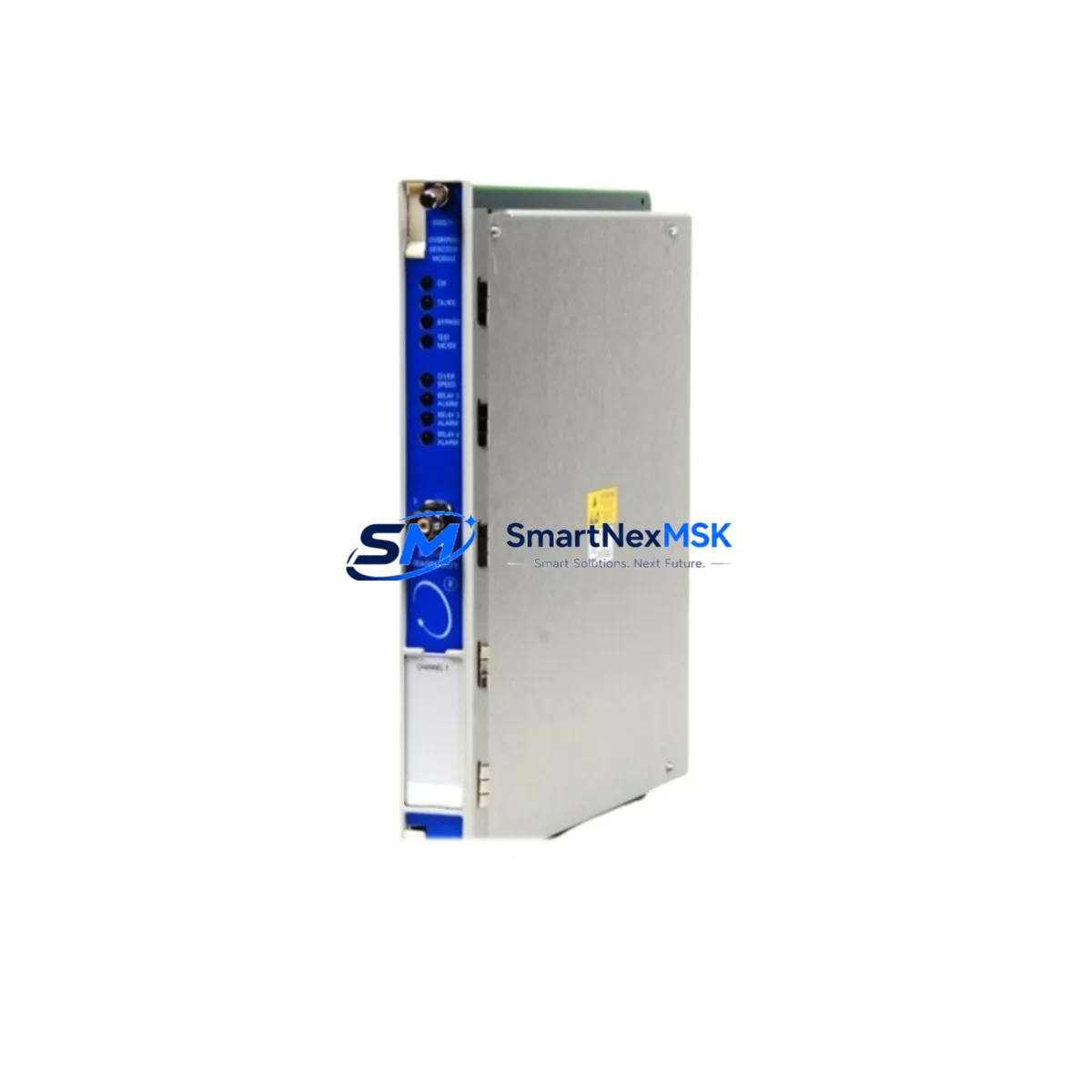
Bently Nevada 3500/53-03-00 Maintenance-Ready Spare for 3500 Series Automation
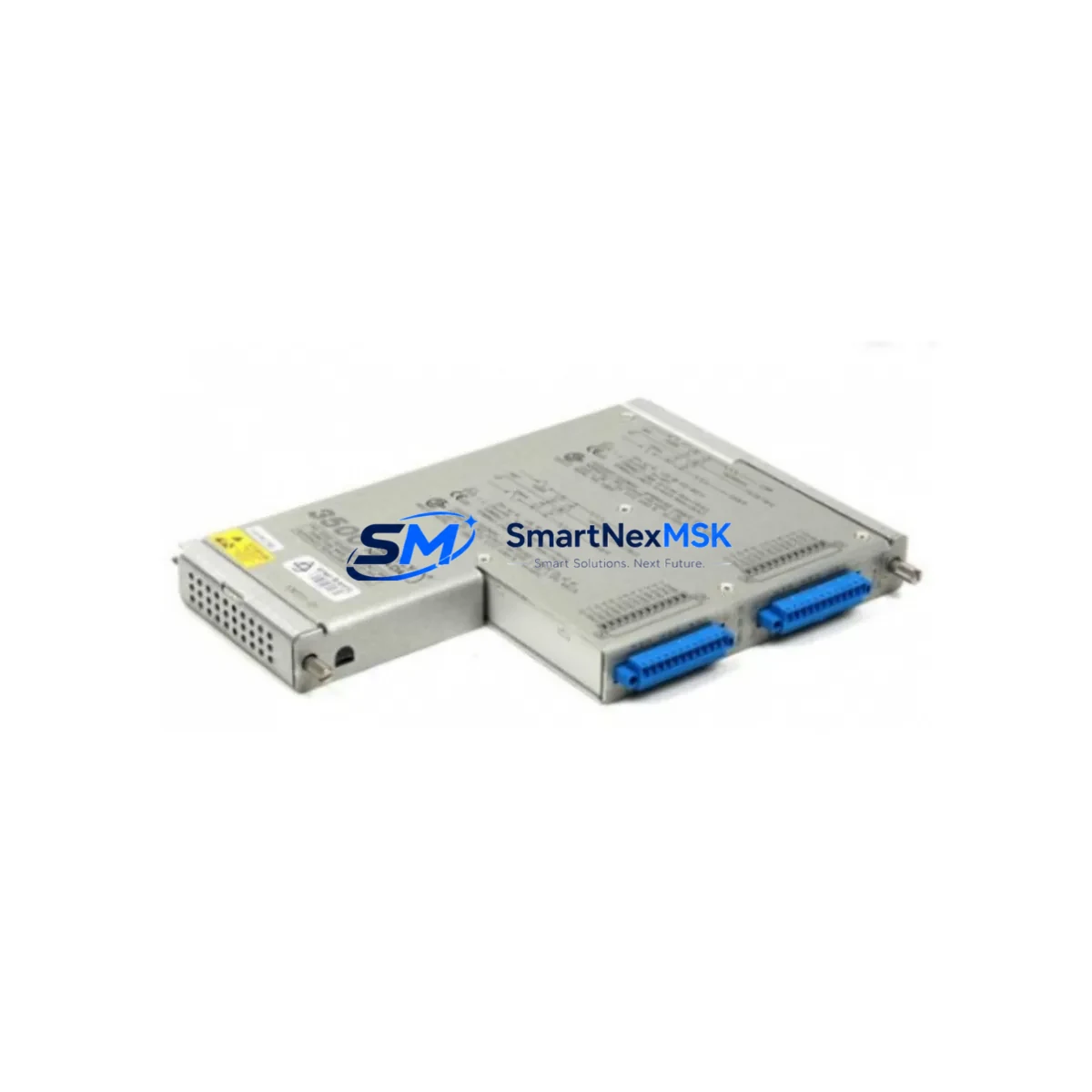
The Bently Nevada 3500/53-03-00 is an original Modbus Communication Interface Module engineered for the 3500 Series machinery protection system. For maintenance engineers managing rotating equipment monitoring infrastructure, this module is a critical spare that directly impacts uptime. When a communication fault is detected in the 3500 rack, rapid replacement of the 3500/53-03-00 restores Modbus RTU/ASCII connectivity between the protection system and the plant DCS or SCADA, eliminating extended diagnostic downtime. This listing supplies a tested, original-specification unit with a 12-month warranty, ready for immediate deployment in planned or emergency maintenance scenarios.
Procurement engineers sourcing spare parts for long-running 3500 Series installations will find this module essential for sustaining communication integrity across aging control architectures. The 3500/53-03-00 supports RS-485 Modbus protocol and integrates directly into the 3500 rack backplane, making it a drop-in replacement that requires no firmware reconfiguration when the rack configuration is preserved. Stocking this module alongside other 3500 Series spares — including the 3500/15 Power Supply Module, 3500/22M Transient Data Interface, and 3500/42M Proximitor/Seismic Monitor — forms a complete emergency spare kit for the most failure-prone components in a machinery protection cabinet.
Spare Maintenance Table
| Parameter | Specification |
|---|---|
| Part Number | 3500/53-03-00 |
| Brand | Bently Nevada |
| Series | 3500 Machinery Protection System |
| Module Type | Modbus Communication Interface Module |
| Protocol | Modbus RTU / ASCII (RS-485) |
| Rack Compatibility | 3500 Series Rack (3500/05, 3500/05-01-02-00-01) |
| Installation | Rack-mount, backplane-integrated, hot-swap capable |
| Power Supply | Supplied via 3500 rack backplane |
| Operating Temperature | 0°C to 65°C |
| Application Environment | Industrial plant floor, control room, machinery protection cabinet |
| Maintenance Recommendation | Inspect communication LEDs and RS-485 wiring annually; replace on first Modbus fault event |
| Origin | Original Bently Nevada manufacture |
| Warranty | 12 Months |
| Shipping | Tested before dispatch; expedited B2B shipping available |
Maintenance Planning for Continuous Operation
A communication fault on the 3500/53-03-00 rarely occurs in isolation. When performing a planned replacement or responding to a Modbus communication alarm, maintenance engineers should conduct a systematic inspection of the surrounding electrical environment to prevent repeat failures and confirm system integrity before returning the rack to service.
Begin with the 3500/15 Power Supply Module — verify output voltage stability and check for capacitor aging, as an unstable rack power supply is a common root cause of intermittent communication faults. Next, inspect the RS-485 field wiring and terminal blocks connecting the 3500/53-03-00 to the DCS marshalling cabinet; corroded terminals or loose connections at the TB-series terminal strips are a frequent source of Modbus CRC errors. If the plant uses a 3500/92 Communication Gateway Module for Ethernet/IP or OPC integration, verify its configuration has not been affected by the rack restart.
For racks running multiple monitor modules — such as the 3500/40M Proximitor/Seismic Monitor, 3500/44M Aeroderivative Turbine Monitor, or 3500/45 Position Monitor — confirm that each module’s Modbus node address and baud rate settings are intact after the communication interface replacement. A rack configuration upload from System 1 software is recommended to validate all channel assignments. Additionally, inspect the 3500/20 Rack Interface Module (RIM) for firmware version compatibility with the replacement 3500/53-03-00 unit.
Where signal isolation is required between the 3500 rack and a legacy DCS analog input card, check any installed signal isolators or Modbus repeaters in the marshalling cabinet for proper termination resistance (typically 120Ω at each RS-485 bus end). Procurement teams should also consider stocking the 3500/53-03-01 variant if the installation requires dual-port Modbus capability, ensuring coverage across both standard and redundant communication configurations.
Site Replacement Workflow
Replacing the 3500/53-03-00 on-site is a structured process designed to minimize rack downtime and avoid inadvertent changes to the protection system configuration. Follow this sequence:
- Pre-replacement backup: Upload the full rack configuration from System 1 software before removing any module. Save the configuration file with a timestamped filename for traceability.
- Inhibit communication alarms: Place the Modbus communication channel in bypass or inhibit mode at the DCS/SCADA level to prevent spurious process alarms during the swap.
- Module removal: Power down the rack if hot-swap is not confirmed for your firmware revision. Remove the 3500/53-03-00 by releasing the front-panel locking tabs and sliding the module from the backplane slot.
- Visual inspection: Inspect the backplane connector pins and the replacement module’s edge connector for contamination or mechanical damage before insertion.
- Installation: Seat the replacement 3500/53-03-00 firmly into the same slot. Restore power and observe the module’s status LEDs — a solid green TX/RX indicator confirms active Modbus communication.
- Configuration restore: If the rack lost its configuration during the swap, download the saved configuration file from System 1. Verify all channel OK and Not OK setpoints are restored correctly.
- Communication verification: Confirm Modbus register reads from the DCS/SCADA are returning valid process values for all monitored channels before releasing the inhibit.
- Documentation: Record the replacement in the equipment maintenance log, noting the old module serial number, replacement date, and post-installation test results.
This workflow applies equally to planned maintenance outages and emergency replacements, and is compatible with both 3500/05 standard racks and 3500/05-01-02-00-01 TMR rack configurations.
Spare Parts Support FAQ
Q1: Is the 3500/53-03-00 supplied as a new or refurbished unit?
All units supplied are original Bently Nevada manufacture. Each module undergoes functional testing prior to dispatch, covering Modbus communication handshake, RS-485 signal integrity, and backplane power draw. A 12-month warranty is included from the date of shipment.
Q2: How do I verify compatibility with my existing 3500 rack before ordering?
The 3500/53-03-00 is compatible with all standard 3500 Series racks. Confirm your rack model number (visible on the rack front panel or System 1 configuration) and the firmware revision of your 3500/20 RIM. If you are running a TMR configuration or a rack with a firmware revision below 3.xx, contact our technical team at [email protected] with your rack serial number for compatibility confirmation before ordering.
Q3: What is the recommended spare inventory strategy for the 3500/53-03-00?
For plants operating more than two 3500 racks with Modbus communication enabled, we recommend maintaining a minimum of one 3500/53-03-00 per four racks as a cold standby spare. For critical rotating equipment applications (compressors, turbines, pumps) where unplanned downtime carries high production cost, a one-to-one hot standby ratio is advisable. Long-term supply agreements are available for multi-unit procurement.
Q4: Can this module replace older 3500/53 variants with different suffix codes?
The -03-00 suffix designates the standard single-port Modbus RTU/ASCII variant. It is a direct replacement for earlier 3500/53 revisions in the same slot position, provided the rack firmware supports the module revision. Cross-compatibility with -01-00 and -02-00 suffix variants is generally confirmed for racks running System 1 firmware v3.5 and above. For legacy installations on earlier firmware, a firmware upgrade may be required — our team can advise on the upgrade path and supply the necessary components.
© 2026 SMARTNEXMSK. All rights reserved.
Original Source: https://smartnexmsk.com
Contact: [email protected] | +86 18259474341