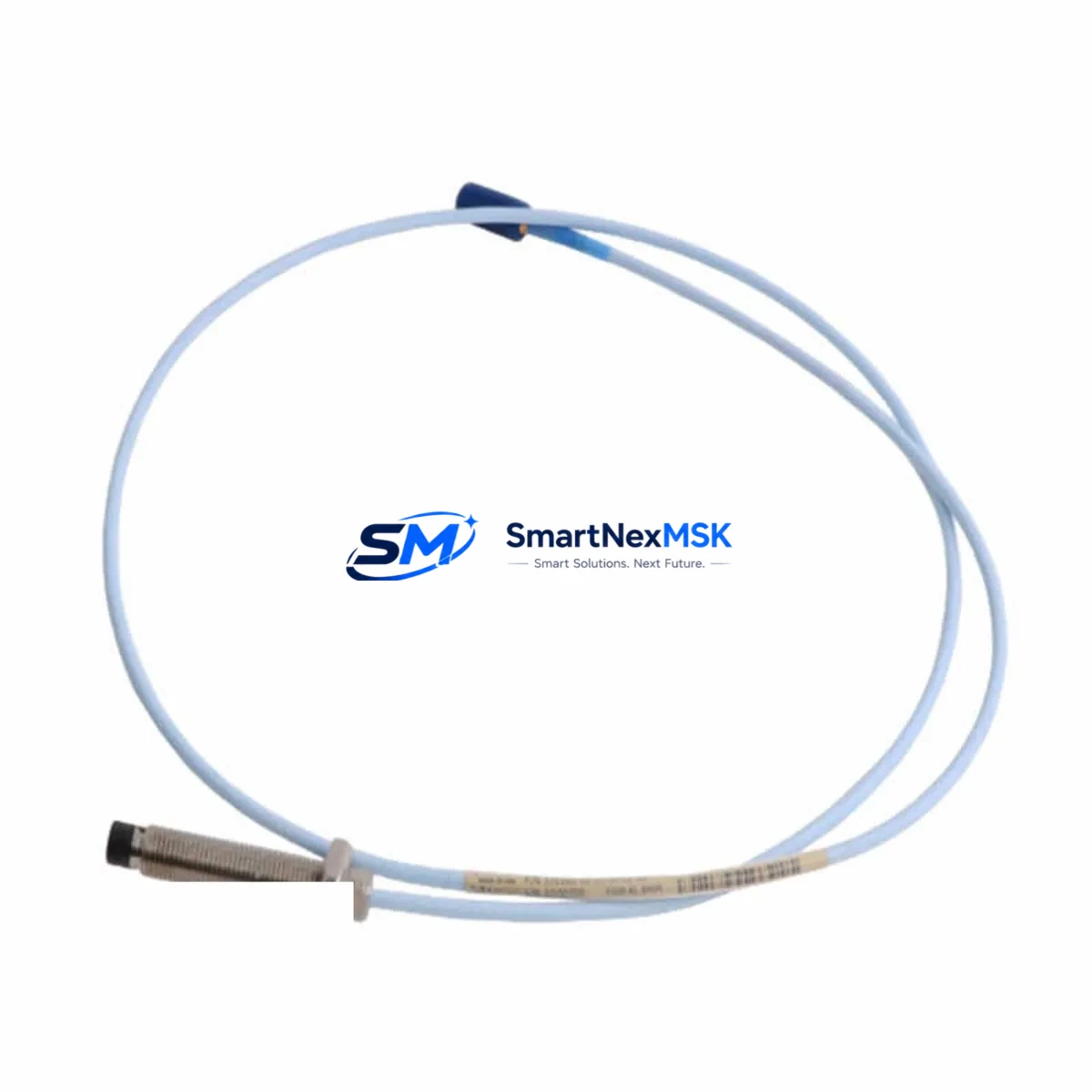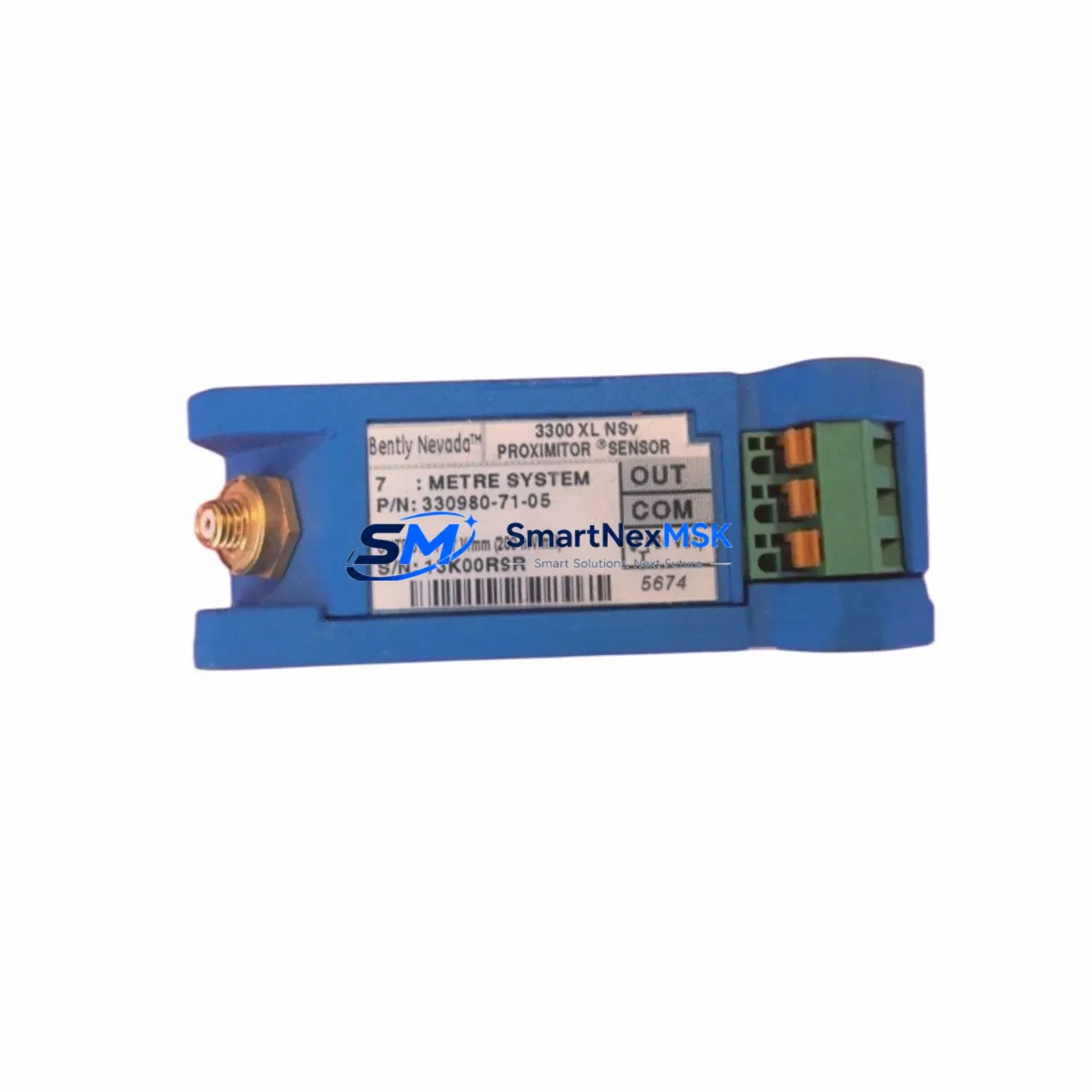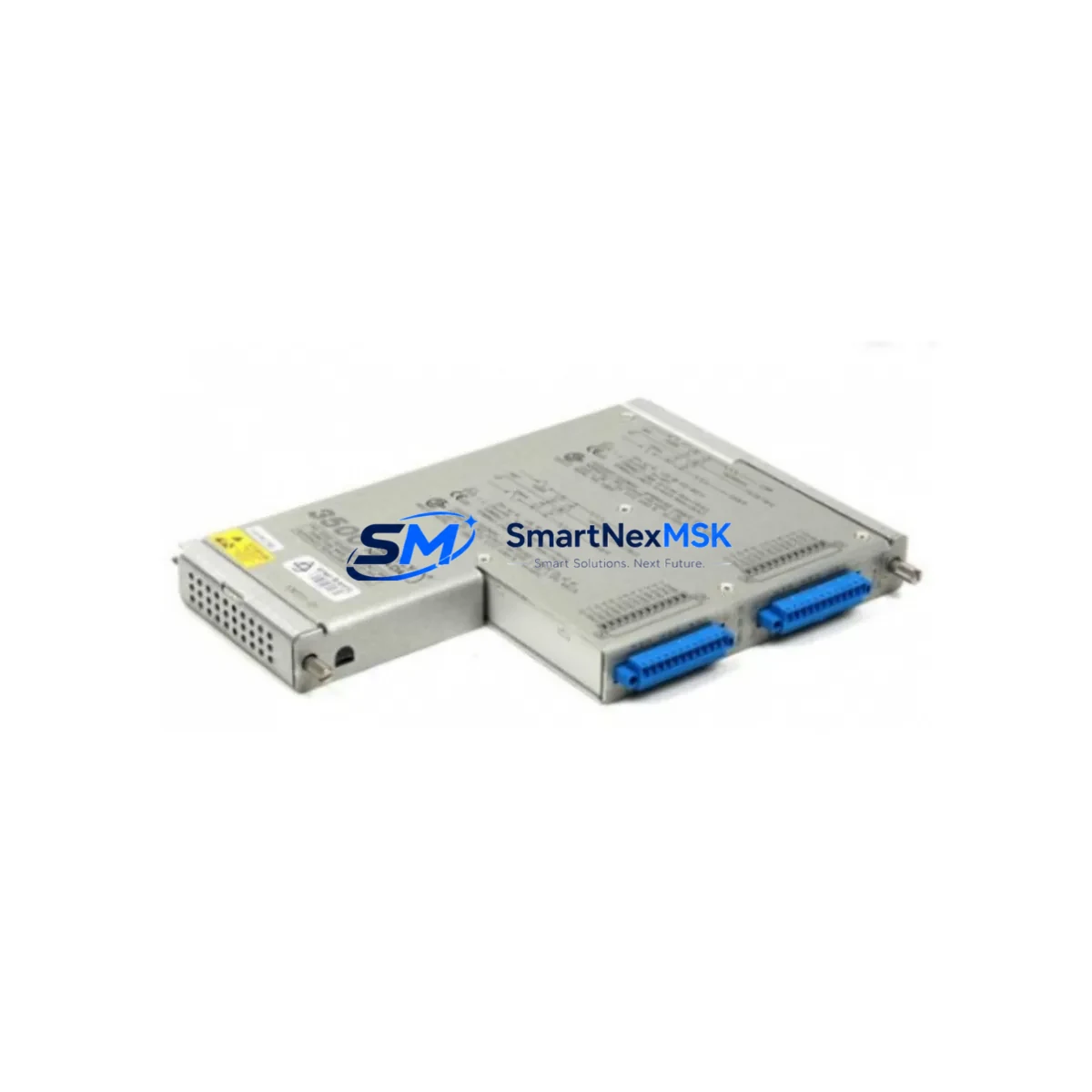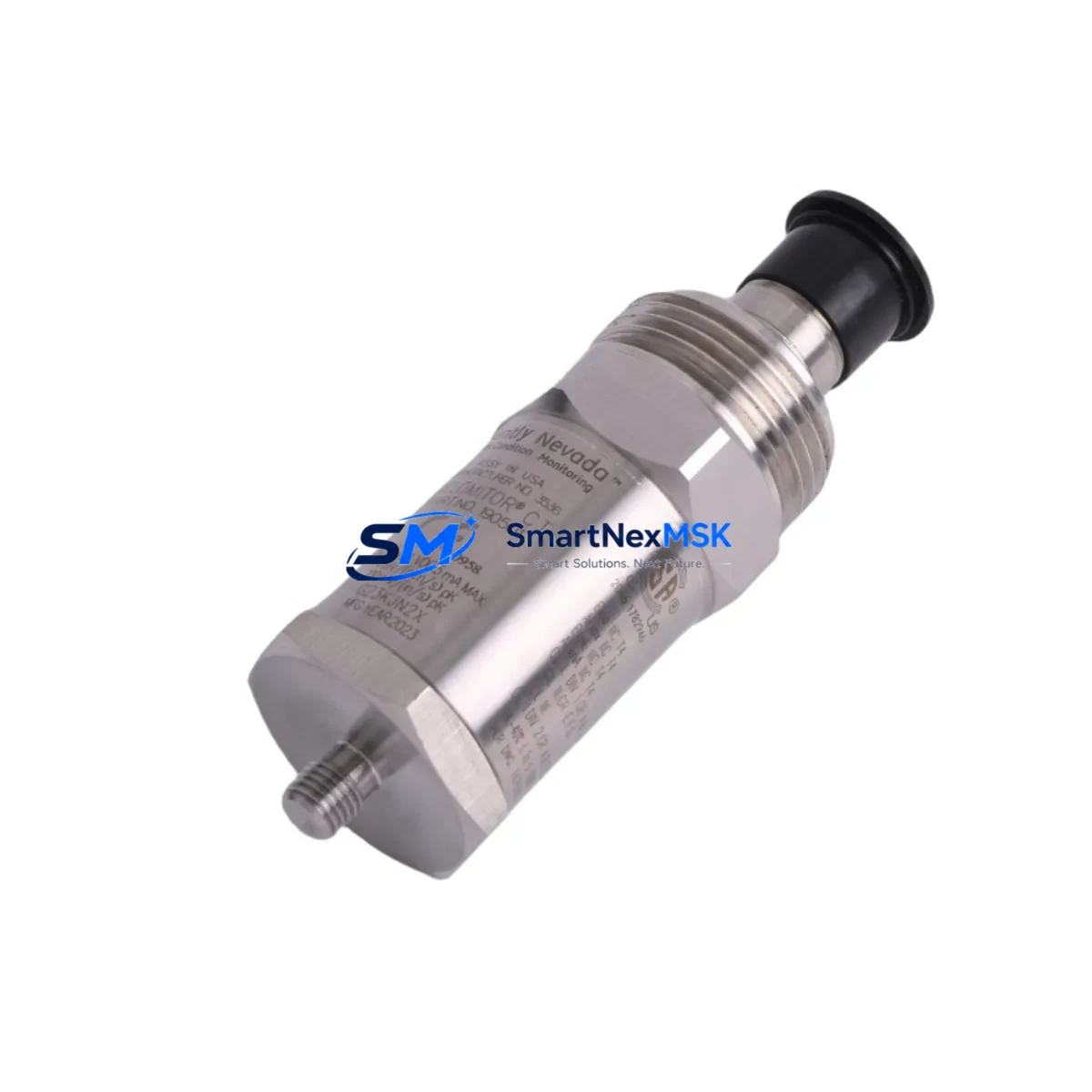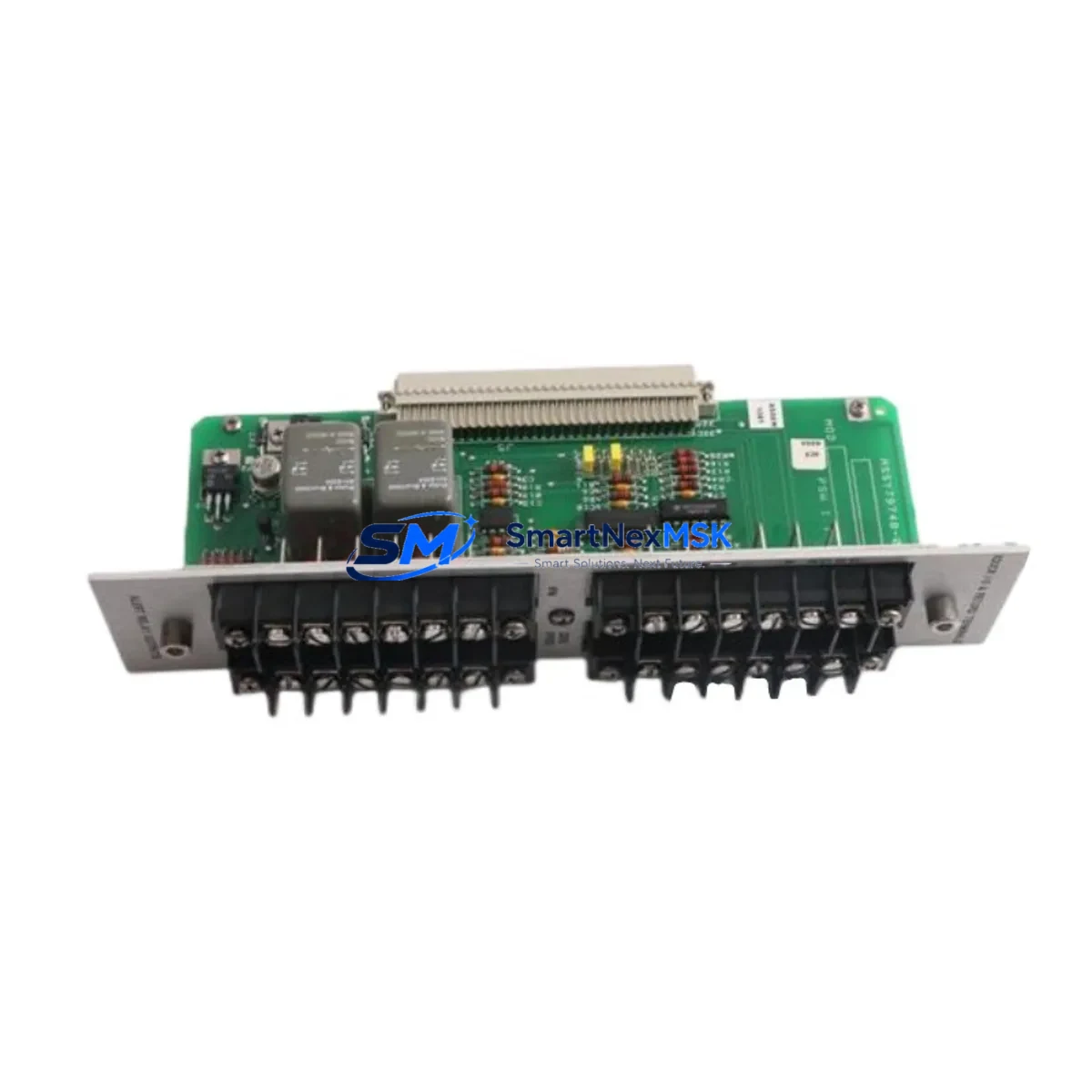
Bently Nevada 76686-040-01 Retrofit-Ready DCS Processor for JNJ Series Control Systems
The Bently Nevada 76686-040-01 is a DCS processor module engineered for seamless retrofit integration into JNJ Series control architectures. As legacy automation systems approach end-of-life, plant engineers and maintenance teams increasingly rely on verified retrofit-ready replacements to sustain operational continuity without the cost and risk of full platform migration. This module is stocked, tested, and shipped with a 12-month warranty, making it a dependable choice for both emergency replacement and planned system upgrades.
Whether you are replacing a failed unit in a running production line or executing a phased modernization of an aging control cabinet, the 76686-040-01 delivers the compatibility and reliability your application demands. Each unit undergoes functional verification prior to shipment, covering power-on self-test, backplane communication integrity, and I/O channel response — ensuring the module performs to specification from the moment it is installed.
Upgrade Compatibility Table
| Parameter | Details |
|---|---|
| SKU / Part Number | 76686-040-01 |
| Brand / Manufacturer | Bently Nevada |
| Compatible Series | JNJ Series DCS Control Systems |
| Module Function | DCS Processor / Controller Module |
| Backplane Interface | JNJ Series standard backplane slot (direct rack-mount) |
| Communication Protocol | JNJ Series native communication bus; Modbus RTU / PROFIBUS DP compatible via gateway |
| Power Requirements | Verify rack power supply capacity before installation (typically 24 VDC or 5 VDC backplane rail) |
| Installation Type | Direct rack-mount, plug-in module — no hardware modification required |
| Replacement Compatibility | Drop-in replacement for original 76686-040-01; verify firmware revision before installation |
| Commissioning Notes | Confirm module address, I/O mapping, HMI tag references, and communication links before power-up |
| Pre-Shipment Testing | Power-on self-test, backplane communication check, I/O channel verification |
| Warranty | 12 Months from date of shipment |
| Country of Origin | United States |
Retrofit Planning for Existing Automation Systems
Successful retrofit of the Bently Nevada 76686-040-01 into an existing JNJ Series control system requires careful pre-installation planning. Begin by auditing the current rack configuration: confirm that the host rack or chassis has an available slot of the correct form factor and that the backplane bus is compatible with this processor module. In many JNJ Series installations, the rack also houses companion components such as analog input modules, digital output modules, and dedicated power supply modules — all of which must remain operational during the processor swap to avoid unplanned process interruptions.
Terminal wiring is a critical checkpoint. Review the existing wiring diagrams and confirm that field signal cables, shield grounds, and power feed terminals match the pinout of the 76686-040-01. In systems where the original processor was connected to a communication module — such as a Modbus RTU interface card, PROFIBUS DP adapter, or Ethernet gateway module — verify that the new processor supports the same protocol stack and that network node addresses are preserved. Failure to maintain consistent node addressing can cause communication faults across the entire control network, including any remote I/O racks or distributed I/O nodes linked to the JNJ Series controller.
For systems that include an HMI panel linked to the JNJ Series controller — whether a standalone operator panel or a SCADA workstation running a supervisory application — update the HMI project to confirm that all tag references, alarm setpoints, and screen navigation paths remain valid after the processor replacement. In some cases, a firmware version difference between the original and replacement processor may require a minor HMI driver update. Coordinate this with your SCADA or HMI engineering team before the scheduled maintenance window.
I/O expansion modules connected to the processor — including thermocouple input cards, RTD input modules, high-speed counter modules, and relay output cards — should be individually verified for address continuity. Module slot addresses configured in the original DCS program must match the physical slot positions in the rack after reinstallation. A mismatch here will cause I/O faults that may not be immediately obvious during initial power-up but will manifest as process anomalies during normal operation. Where the system uses a dedicated programming cable — such as a serial RS-232 programming cable or USB-to-serial adapter — confirm that the replacement processor is recognized by the engineering workstation at the correct baud rate and communication parameters.
Upload the existing program from the original processor before removal if a backup copy is not already available, and verify the program checksum after downloading to the new module. In installations where the JNJ Series rack also accommodates a redundant power supply module or a hot-standby controller module, confirm that the redundancy switchover logic is re-enabled and tested after the processor replacement is complete.
Downtime Control During System Migration
Minimizing unplanned downtime is the primary concern during any processor replacement in a live production environment. The recommended approach is to pre-stage the 76686-040-01 offline: configure module addresses, load the verified program image, and perform a bench-level power-on test before bringing the module to the field. This reduces the in-cabinet installation window to a mechanical swap and communication verification, typically achievable within a planned maintenance shift.
Where the process cannot tolerate a full control system shutdown, coordinate with operations to place the affected process loop in manual mode at the field level — using local control stations or manual bypass valves — before removing the original processor. This preserves field-level control continuity while the processor is exchanged. After reinstalling the 76686-040-01 and restoring power, follow a structured commissioning sequence: verify backplane communication status, confirm I/O channel diagnostics, check communication link status to any connected Ethernet or serial devices, and perform a controlled transfer from manual to automatic mode on each process loop.
In systems where the JNJ Series controller interfaces with a vibration monitoring system or condition monitoring platform — a common configuration in rotating machinery applications where Bently Nevada equipment is deployed — verify that the monitoring system’s communication link to the processor is re-established and that all channel configurations and alarm thresholds are intact before returning the machine to service. Document the commissioning results and retain them as part of the system maintenance record. All units supplied by SMARTNEXMSK are covered by a 12-month warranty from the date of shipment, with prompt replacement dispatch in the event of a warranty claim.
Retrofit Support FAQ
Q: Is the 76686-040-01 a direct drop-in replacement for the original Bently Nevada unit?
A: Yes. The 76686-040-01 is designed as a form-fit-function replacement for the original Bently Nevada module of the same part number. Verify the firmware revision level and confirm backplane slot compatibility before installation. In most JNJ Series applications, no hardware modification is required.
Q: What wiring checks should I perform before installing the replacement processor?
A: Confirm that all field signal terminals, power feed wiring, and communication cable connections match the original installation drawings. Pay particular attention to shield grounding, terminal torque specifications, and the polarity of any DC power inputs. If the system uses a dedicated communication module on the same rack, verify that the inter-module wiring or backplane connection is intact before powering up.
Q: How do I verify program and I/O compatibility after installation?
A: After downloading the program to the replacement processor, perform a full I/O force test on non-critical channels to confirm that each input and output responds correctly. Check the diagnostic buffer in the programming software for any module fault codes. Verify that all communication links — including any Modbus, PROFIBUS, or Ethernet connections — are established and that remote I/O or HMI devices are communicating normally before returning the system to automatic operation.
Q: What does the 12-month warranty cover, and how is it handled?
A: The 12-month warranty covers manufacturing defects and functional failures under normal operating conditions. Each unit is tested prior to shipment. If a warranty claim is required, contact our sales team with the order reference and a description of the fault. A replacement unit will be arranged promptly to minimize your downtime exposure.
© 2026 SMARTNEXMSK. All rights reserved.
Original Source: https://smartnexmsk.com
Contact: [email protected] | +86 18259474341