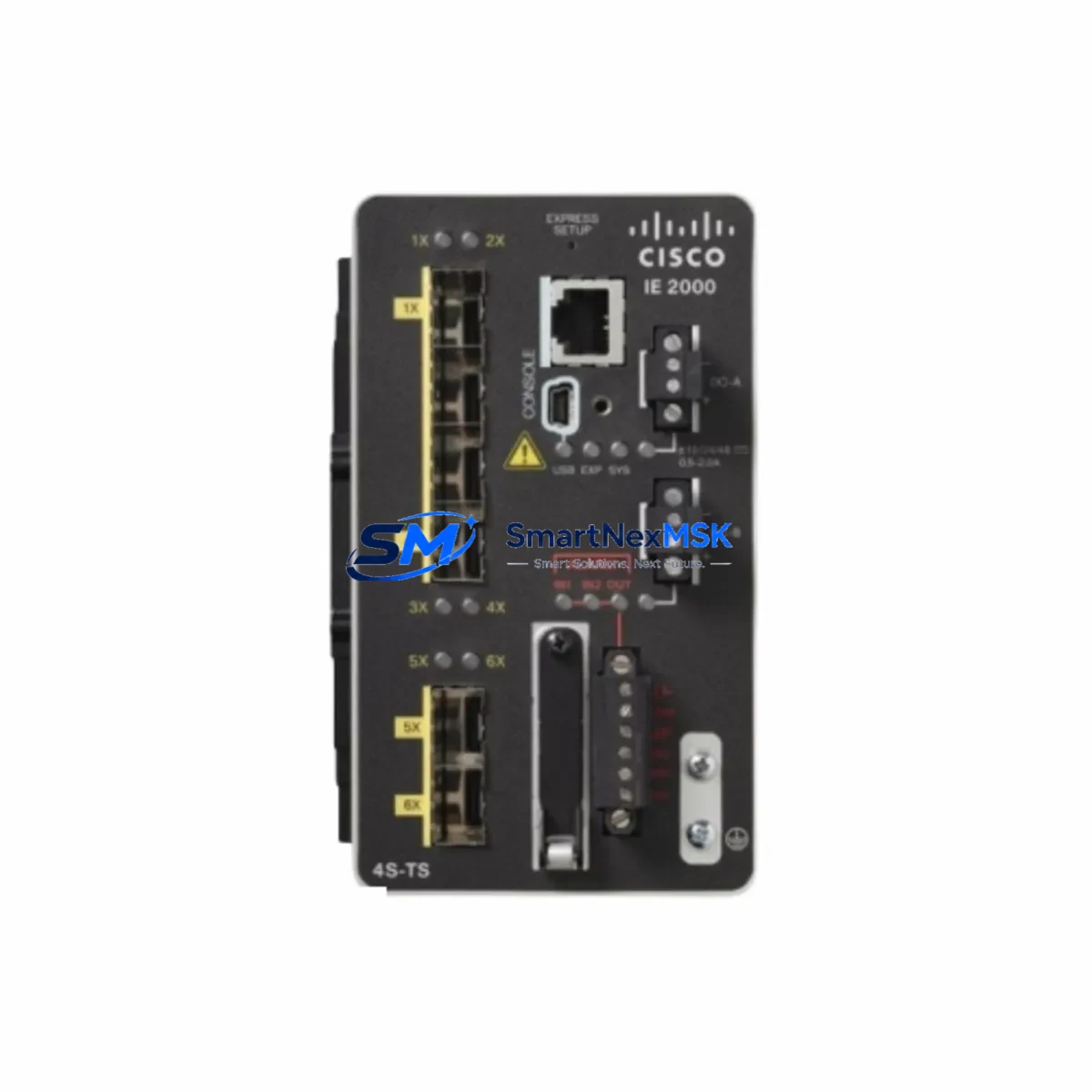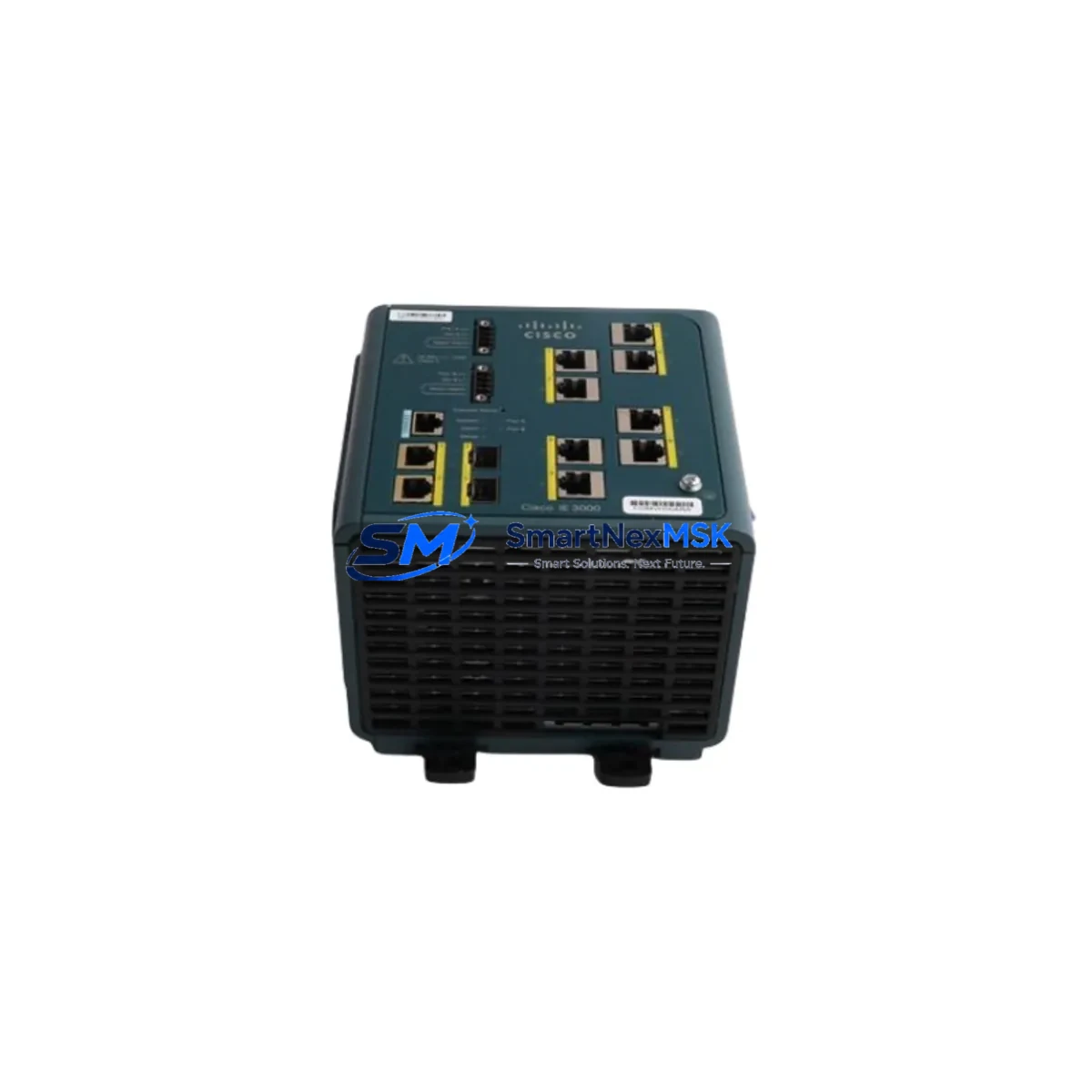
Cisco IE-3000-8TC-E Spare for IE 3000 Series Automation
The Cisco IE-3000-8TC-E is an 8-port managed industrial Ethernet switch designed for demanding factory automation, process control, and infrastructure environments. As a maintenance-ready spare, this unit enables rapid replacement of failed or end-of-life network nodes within IE 3000 Series control architectures — minimizing unplanned downtime and protecting production continuity. Each unit supplied by SMARTNEXMSK is sourced from verified channels, fully tested prior to dispatch, and backed by a 12-month warranty.
Maintenance engineers and procurement teams managing aging Cisco IE 3000 deployments rely on stocked spares to meet SLA targets and avoid extended outages. The IE-3000-8TC-E supports IEEE 802.1Q VLAN, RSTP/MSTP ring redundancy, and QoS prioritization — making it a direct functional replacement in existing ring or star topologies without reconfiguration of upstream devices.
Spare Maintenance Table
| Parameter | Specification |
|---|---|
| Part Number / SKU | IE-3000-8TC-E |
| Series | Cisco IE 3000 |
| Port Configuration | 8 × 10/100 TX + 2 × combo SFP/TX uplinks |
| Switching Capacity | Up to 2 Gbps |
| Power Input | 85–250 VAC / 88–300 VDC (dual redundant input) |
| Operating Temperature | -40°C to +70°C (industrial extended range) |
| Mounting | DIN rail / rack mount |
| Protocols | IEEE 802.1Q, 802.1D/w/s, IGMP Snooping, QoS, SNMP v1/v2c/v3 |
| Redundancy | RSTP, MSTP, Flex Links |
| Compatibility | IE 3000 Series; integrates with Cisco IOS-based PLC/DCS networks |
| Certifications | UL, CE, ATEX Zone 2 (model dependent) |
| Application Environment | Factory automation, process control, substation, transportation |
| Maintenance Recommendation | Inspect SFP modules, power connectors, and ring topology annually |
| Warranty | 12 Months — SMARTNEXMSK |
Maintenance Planning for Continuous Operation
When replacing the IE-3000-8TC-E in a live control cabinet or field panel, a disciplined maintenance approach prevents cascading failures. Before powering down the switch, verify that the Cisco PWR-IE50W-AC or equivalent redundant power supply is functioning correctly — dual-input power modules are a common failure point in high-vibration environments and should be inspected alongside the switch replacement.
Check all SFP fiber transceivers (such as GLC-FE-100FX or GLC-FE-100LX) seated in the uplink ports. Dirty or degraded SFP modules frequently cause intermittent link drops that are misdiagnosed as switch failures. Clean and test each transceiver before reinstalling in the replacement unit.
Inspect the terminal block wiring and DIN rail grounding — loose ground connections on the rail can introduce noise into the Ethernet signal path, particularly in environments with variable-frequency drives (VFDs) or servo controllers nearby. Verify that signal isolators on any analog I/O modules sharing the same cabinet are intact and properly rated.
If the IE-3000-8TC-E is part of a ring topology using RSTP or Cisco’s proprietary REP (Resilient Ethernet Protocol), confirm that the Cisco IE-3000-4TC or other ring members have not entered a blocked-port state that could partition the network after the swap. Review the spanning tree topology before and after replacement.
For cabinets that also house Cisco IE 4000 Series switches or Allen-Bradley Stratix 5700 managed switches in adjacent panels, verify VLAN tagging consistency across the uplink ports to avoid traffic isolation post-replacement. Communication modules such as Cisco RM-IE-8TC expansion modules or PROFINET-capable I/O adapters connected downstream should be re-validated after the switch is online.
Procurement engineers should maintain at least one IE-3000-8TC-E as a cold spare per production line. Given the product’s end-of-sale status, long-term supply availability from authorized distributors is limited — stocking 2–3 units per site is recommended for facilities with 5+ years of planned operational life on existing Cisco IE 3000 infrastructure.
Site Replacement Workflow
Step 1 — Pre-replacement documentation: Export the running configuration from the existing IE-3000-8TC-E via Cisco IOS CLI (show running-config) and save to a USB or network share. Photograph port labeling and cable routing before disconnection.
Step 2 — Power isolation: Isolate the switch from both redundant power inputs. Confirm zero voltage at the terminal block before handling. Do not rely on software shutdown alone in industrial environments.
Step 3 — Physical swap: Remove the failed unit from the DIN rail. Mount the replacement IE-3000-8TC-E, reconnect power terminals, and re-seat all Ethernet and SFP cables in the same port positions as documented.
Step 4 — Configuration restore: Apply the saved configuration via console port or TFTP. Verify VLAN assignments, port security settings, and SNMP community strings match the original. Confirm ring topology convergence within 30 seconds of power-up.
Step 5 — Functional verification: Ping all downstream PLCs, HMI panels, and I/O nodes from the network management station. Confirm SCADA visibility is restored. Log the replacement event in the site maintenance record with date, technician, and unit serial number.
This workflow reduces mean time to recovery (MTTR) to under 60 minutes for trained maintenance teams with a pre-staged spare on hand.
Spare Parts Support FAQ
Q1: Is the IE-3000-8TC-E still in production, and how long can I source spares?
The IE-3000-8TC-E has reached end-of-sale with Cisco. SMARTNEXMSK maintains a dedicated inventory of original units sourced from verified channels to support ongoing maintenance needs. We recommend procurement teams secure multi-unit stock now to cover 3–5 year maintenance windows.
Q2: How do I verify compatibility before installation?
Confirm the IOS software version on your existing IE 3000 ring members. The IE-3000-8TC-E ships with factory-loaded IOS; if your site requires a specific feature set (IP Services vs. IP Base), request version confirmation at order time. SMARTNEXMSK performs pre-shipment functional testing on every unit.
Q3: What does the 12-month warranty cover?
The warranty covers hardware defects and functional failures under normal industrial operating conditions. Units that fail within the warranty period are replaced or refunded. Warranty claims are processed within 5 business days of fault confirmation. Physical damage caused by incorrect installation or overvoltage is excluded.
Q4: Can this unit replace an IE-3000-8TC (non-E) in an existing installation?
Yes. The IE-3000-8TC-E is the enhanced version of the IE-3000-8TC with extended temperature range and additional feature set. It is a direct physical and functional replacement in all standard IE 3000 Series deployments. No hardware modification to the cabinet or DIN rail is required.
© 2026 SMARTNEXMSK. All rights reserved.
Original Source: https://smartnexmsk.com
Contact: [email protected] | +86 18259474341