
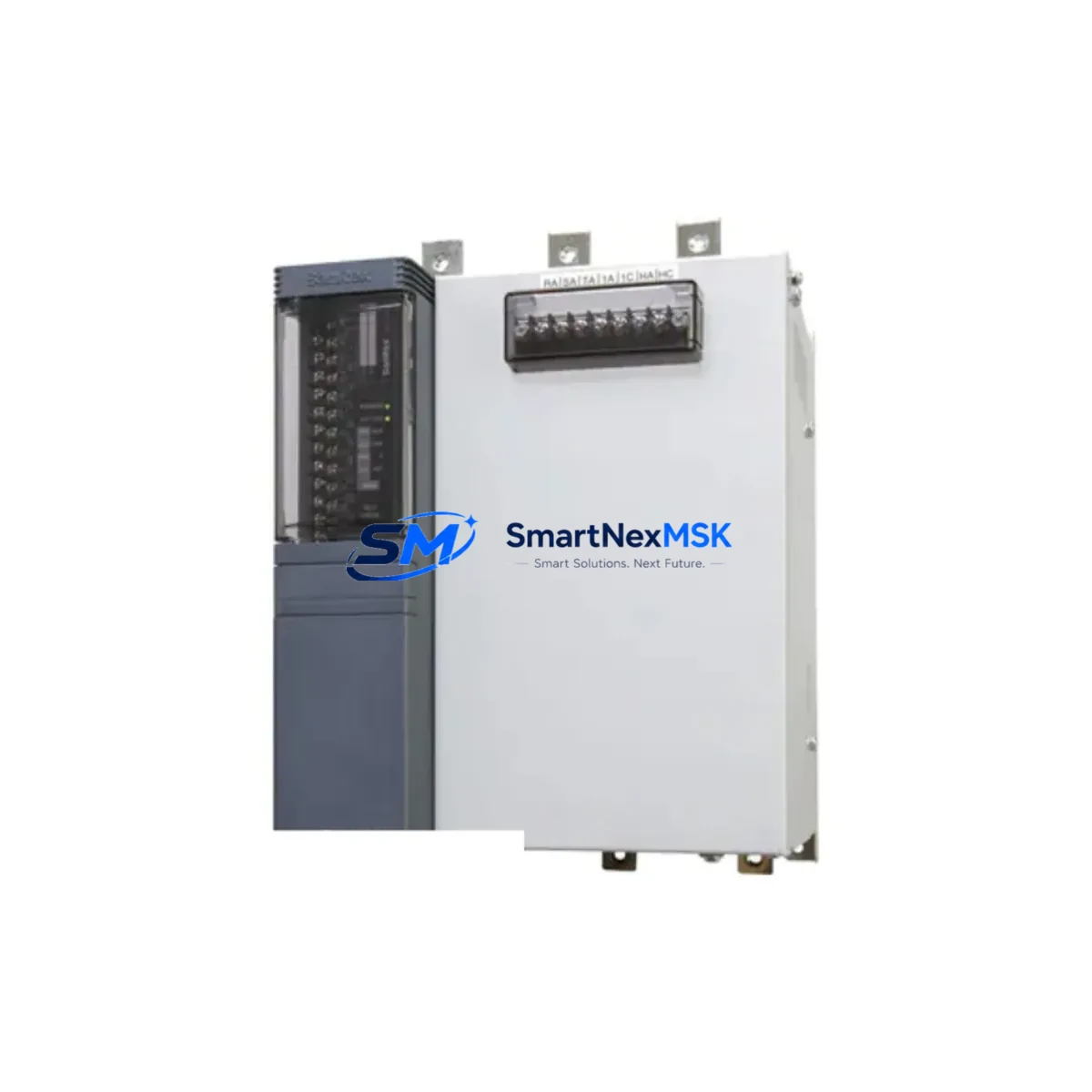
CNC 510.R171-C Spare for 510 Series Automation: Spare Replacement & Industrial Downtime Risk Control
The CNC 510.R171-C is a 4-slot I/O expansion rack designed for the CNC 510 Series programmable logic control architecture, supporting 32+32 I/O channels with backplane (BL) integration. As a maintenance-ready original spare, the 510.R171-C is a critical component in legacy and active CNC 510 control cabinets across discrete manufacturing, machine tool, and process automation environments. Sourced, inspected, and tested prior to dispatch, this unit is stocked to support rapid field replacement and minimize unplanned downtime in production-critical systems.
For maintenance engineers managing aging CNC 510 installations, the availability of a verified 510.R171-C spare directly determines how quickly a faulted control cabinet can be restored to service. Unlike generic substitutes, an original-specification rack ensures full backplane compatibility, correct I/O addressing, and reliable communication with the 510 Series CPU and I/O modules already installed in the system. Procurement engineers sourcing this unit for strategic spare parts inventory can rely on our 12-month warranty and pre-shipment functional testing to reduce incoming inspection burden and accelerate readiness.
Spare Maintenance Table
| Parameter | Specification |
|---|---|
| Part Number / SKU | 510.R171-C (510 RACK 4A 32+32 I/O+BL) |
| Brand | CNC |
| Series | CNC 510 Series |
| Product Type | PLC I/O Expansion Rack |
| Rack Slots | 4A (4-slot configuration) |
| I/O Capacity | 32 Digital Inputs + 32 Digital Outputs |
| Backplane Interface | Integrated BL (Backplane Link) |
| Compatible Systems | CNC 510 Series PLC / Control Cabinet |
| Origin | China (CN) |
| Installation Type | DIN Rail / Panel Mount (rack-integrated) |
| Application Environment | Industrial control cabinets, machine tool automation, discrete manufacturing |
| Condition | Original spare, pre-shipment tested |
| Warranty | 12 Months from date of shipment |
| Shipping | Inspected, packaged, and dispatched within 1–3 business days |
Maintenance Planning for Continuous Operation
When a CNC 510 Series control cabinet experiences an I/O expansion rack fault, the failure impact extends beyond the 510.R171-C itself. A thorough site inspection and planned replacement should address the full electrical environment surrounding the rack to prevent repeat failures and ensure restored system stability.
Maintenance engineers should begin by verifying the 510 Series power supply module output voltage and ripple, as an unstable DC bus is a common root cause of rack and backplane degradation. The 510 Series CPU module should be checked for fault codes and communication status with the replacement rack before final commissioning. All I/O module slots within the rack — including digital input modules, digital output modules, and any analog I/O cards installed in the 510 Series chassis — should be reseated and inspected for corrosion or connector damage.
The backplane communication cable connecting the 510.R171-C to adjacent racks or the CPU rack should be replaced if any physical damage or intermittent signal loss is suspected. Terminal blocks and field wiring connections at the I/O module face plates should be torque-checked and inspected for loose terminations, which are a frequent cause of spurious I/O faults in high-vibration environments.
If the control cabinet includes a 510 Series communication module (such as a PROFIBUS DP or DeviceNet interface card), its diagnostic LEDs and network address settings should be verified after rack replacement to confirm the I/O map has not shifted. Where signal isolators or relay output modules are used in the same cabinet to interface field devices, these should be functionally tested as part of the post-replacement checkout. Fuse holders and miniature circuit breakers protecting individual I/O circuits should also be inspected and replaced if any signs of thermal stress are present.
For sites running HMI panels connected to the CNC 510 system, a full screen refresh and tag communication test should be performed after rack replacement to confirm all process variables are updating correctly. Maintenance teams managing multi-cabinet installations should consider stocking one 510.R171-C rack alongside a matched set of 510 Series I/O modules, a spare CPU module, and a power supply unit to cover the most common single-point failure scenarios without requiring emergency procurement.
Site Replacement Workflow
Step 1 — Isolation & Documentation: De-energize the control cabinet following site LOTO procedures. Photograph the existing rack wiring, module positions, and DIP switch or jumper settings before removal. Record the I/O address assignments from the 510 Series programming software or existing documentation.
Step 2 — Module Extraction: Remove all I/O modules from the faulted 510.R171-C rack in sequence, labeling each slot position. Disconnect the backplane cable and any power feed connectors. Remove the rack from the cabinet mounting rail.
Step 3 — Replacement Rack Installation: Mount the new 510.R171-C rack in the same position. Reconnect the backplane cable and power connectors. Reinstall I/O modules in their original slot positions, confirming each module is fully seated and latched.
Step 4 — Configuration Verification: Power up the cabinet and observe the 510 Series CPU diagnostic sequence. Confirm the replacement rack is recognized and all I/O modules report healthy status. Use the 510 Series programming terminal to perform an online I/O force test on representative input and output channels before returning the system to automatic operation.
Step 5 — Documentation Update: Update the site maintenance log with the replacement date, new unit serial number, and any observations noted during the swap. Flag the faulted rack for failure analysis if root cause investigation is required.
This workflow is designed to minimize mean time to repair (MTTR) and restore CNC 510 system availability with minimal disruption to production schedules. The 510.R171-C is a direct form-fit-function replacement for the original rack, requiring no software reconfiguration in standard installations.
Spare Parts Support FAQ
Q1: Is the 510.R171-C compatible with all CNC 510 Series control systems?
The 510.R171-C is designed for the CNC 510 Series PLC architecture and is compatible with standard 510 Series CPU and I/O modules. Compatibility with specific system revisions or custom configurations should be verified against the original system documentation or by contacting our technical support team prior to ordering.
Q2: What testing is performed before shipment?
Each 510.R171-C unit undergoes visual inspection, connector integrity check, and functional verification prior to dispatch. Units are packaged in anti-static protective materials to prevent transit damage. A test report is available upon request for quality-critical procurement requirements.
Q3: What does the 12-month warranty cover?
The 12-month warranty covers manufacturing defects and functional failures under normal operating conditions from the date of shipment. It does not cover damage resulting from incorrect installation, overvoltage events, or physical mishandling. Warranty claims are processed with priority to minimize site downtime.
Q4: Can this unit replace older or discontinued 510 rack variants?
The 510.R171-C is the current maintenance-replacement designation for the 4-slot 32+32 I/O+BL rack in the CNC 510 Series. For sites running earlier rack variants, dimensional and connector compatibility should be confirmed before installation. Our team can assist with cross-reference verification for legacy system upgrades and old-system life extension projects.
© 2026 SMARTNEXMSK. All rights reserved.
Original Source: https://smartnexmsk.com
Contact: [email protected] | +86 18259474341