
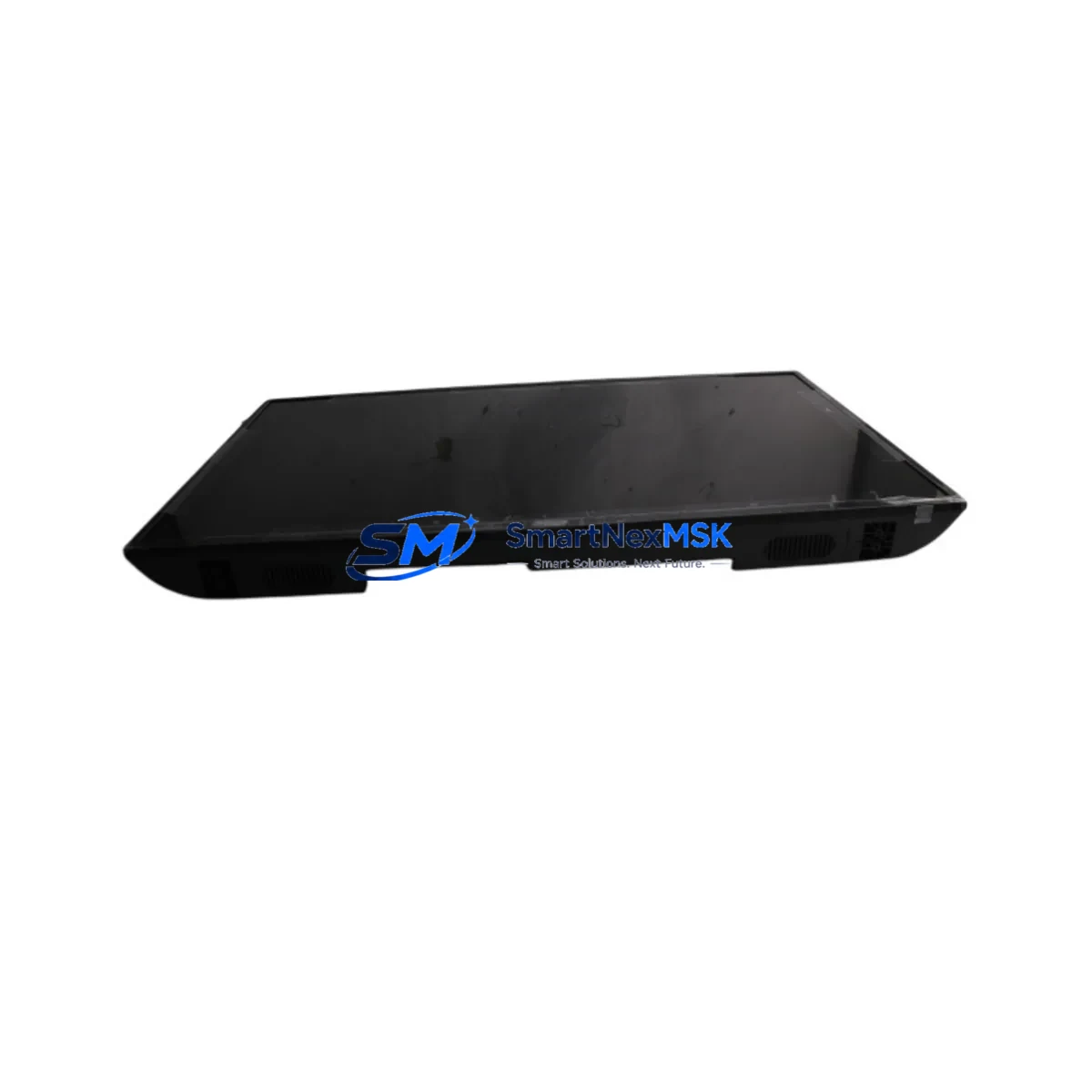
DAHUA DH-LM43-F200 Retrofit-Ready Monitor for LM Series Control Systems
The DAHUA DH-LM43-F200 is a 43-inch Full HD industrial monitor purpose-built for seamless integration into legacy control room environments and modern automation upgrades. Designed as a direct retrofit replacement for discontinued LM Series display units, this monitor delivers reliable, high-brightness visualization for SCADA interfaces, DCS operator stations, PLC status panels, and HMI screens without requiring structural modifications to existing control cabinet enclosures or operator console frames.
Industrial facilities running aging display infrastructure — including older DAHUA LM32, LM40, or third-party equivalents — frequently encounter obsolescence challenges: discontinued spare parts, degraded panel brightness, failed backlights, and incompatible signal inputs. The DH-LM43-F200 resolves these issues by offering a standardized mounting footprint, broad signal compatibility (VGA, HDMI, DVI), and industrial-grade panel longevity rated for continuous 24/7 operation in harsh environments.
Whether you are upgrading a single operator workstation or retrofitting an entire control room with multiple display nodes, the DH-LM43-F200 integrates directly with existing signal cabling from Siemens SIMATIC Panel PCs, Rockwell FactoryTalk View stations, Schneider Electric Vijeo Citect SCADA terminals, or any standard video output source. No additional signal converters or custom brackets are required in most standard retrofit scenarios.
Upgrade Compatibility Table
| Parameter | DH-LM43-F200 (New) | Legacy LM Series (Reference) |
|---|---|---|
| Panel Size | 43″ (1092 mm) | 40″–43″ (varies by model) |
| Resolution | 1920 × 1080 (FHD) | 1920 × 1080 / 1366 × 768 |
| Signal Inputs | VGA × 1, HDMI × 2, DVI × 1 | VGA × 1, DVI × 1 (typical) |
| Brightness | 500 cd/m² | 350–450 cd/m² (aged units lower) |
| Operating Temp. | 0°C to +50°C | 0°C to +45°C (typical) |
| VESA Mount | 400 × 400 mm | 400 × 400 mm (compatible) |
| Power Supply | AC 100–240V, 50/60Hz | AC 100–240V (compatible) |
| Communication | RS-232 (optional control) | RS-232 / none |
| Retrofit Recommendation | Direct drop-in for LM Series; verify VESA bracket spacing before installation | |
| Commissioning Note | Confirm signal source output resolution; update HMI display resolution settings if required | |
| Warranty | 12-Month Warranty — all units shipped after full power-on and signal verification testing | |
Retrofit Planning for Existing Automation Systems
A successful control room display retrofit requires more than a physical panel swap. Before deploying the DH-LM43-F200, engineers should audit the full signal chain from the source controller to the display output. In Siemens S7-300 and S7-400 PLC environments, the operator station typically connects through a CP 343-1 or CP 443-1 Ethernet communication module to a WinCC or WinCC flexible SCADA server, which then drives the display via a standard PC video output. In these setups, the DH-LM43-F200 replaces the display without any changes to the PLC rack, I/O modules, or communication configuration.
For Rockwell Automation Allen-Bradley ControlLogix or CompactLogix systems, the HMI source is often a PanelView Plus 7 or a FactoryTalk View SE client workstation. The DH-LM43-F200 connects directly to the workstation’s HDMI or VGA output. Engineers should verify that the FactoryTalk View display resolution settings match the monitor’s native 1920 × 1080 to avoid HMI screen scaling artifacts that can misalign touchscreen calibration zones on adjacent touch panels.
In DCS environments — such as those running Honeywell Experion PKS, Yokogawa CENTUM VP, or ABB System 800xA — operator consoles often use dedicated graphics workstations with dual or quad display outputs. The DH-LM43-F200 is suitable as a replacement for any 40″–43″ display node in these multi-screen operator stations. When replacing displays in a multi-monitor array, it is advisable to replace all units in the same console simultaneously to maintain uniform brightness and color calibration across the operator’s field of view.
During the physical retrofit, technicians should also inspect the condition of the existing signal cables (HDMI, DVI, or VGA), power distribution strips inside the console, and the mounting bracket hardware. Worn or corroded VGA cables are a common source of signal noise in aging control rooms and should be replaced alongside the display. If the legacy system uses a KVM switch to share keyboard and mouse across multiple operator stations, verify that the KVM’s HDMI or DVI output is compatible with the DH-LM43-F200’s input specifications before finalizing the installation plan.
For facilities upgrading from older analog signal infrastructure, a DVI-to-HDMI adapter or a VGA-to-HDMI active converter may be required. These are standard components available from industrial supply channels and do not affect the monitor’s warranty coverage. The DH-LM43-F200’s RS-232 control port also allows integration with room automation controllers for brightness scheduling and input source switching — a useful feature in control rooms that operate across multiple shifts with varying ambient light conditions.
Downtime Control During System Migration
Minimizing unplanned downtime is the primary concern in any live production environment display replacement. The DH-LM43-F200 retrofit is designed to be completed within a single planned maintenance window, typically 2–4 hours for a single-display replacement including signal verification and HMI screen calibration confirmation.
The recommended migration sequence is: (1) capture screenshots or video recordings of all active HMI screens and SCADA displays before powering down the legacy monitor; (2) label all signal cables at both ends before disconnection; (3) mount the DH-LM43-F200 using the existing VESA bracket or a compatible replacement bracket; (4) reconnect signal and power cables; (5) power on and verify signal detection; (6) confirm HMI display resolution and touchscreen calibration if applicable; (7) validate all process values, alarm displays, and trend screens against the pre-shutdown reference captures.
For critical process areas where continuous display is required, a temporary portable monitor can be connected in parallel to the signal source during the physical swap to maintain operator visibility of key process variables. This parallel monitoring approach is particularly valuable in power generation, chemical processing, and water treatment facilities where loss of display continuity during an active process phase carries operational risk.
All DH-LM43-F200 units supplied by SMARTNEXMSK are pre-tested prior to shipment: each unit undergoes a full power-on cycle, signal input verification across all available input ports, and a 4-hour burn-in test to screen for early-life panel defects. This pre-shipment testing protocol significantly reduces the risk of DOA units and supports the goal of completing the retrofit within a single planned maintenance window.
Retrofit Support FAQ
Q1: Is the DH-LM43-F200 a direct replacement for my existing LM Series monitor without bracket modifications?
In most cases, yes. The DH-LM43-F200 uses a standard 400 × 400 mm VESA mounting pattern, which is compatible with the majority of LM Series console brackets. We recommend measuring your existing bracket hole spacing before ordering to confirm compatibility. If your legacy bracket uses a non-standard pattern, standard VESA adapter plates are available from industrial hardware suppliers.
Q2: Will I need to reconfigure my PLC program or HMI project after replacing the display?
No PLC program changes are required. The DH-LM43-F200 is a passive display device and does not interact with the PLC logic, I/O configuration, or communication network. However, if your HMI project was configured for a non-standard display resolution (e.g., 1366 × 768), you may need to update the HMI display resolution setting in your WinCC, FactoryTalk View, or Vijeo Designer project to match the DH-LM43-F200’s native 1920 × 1080 resolution to ensure correct screen layout rendering.
Q3: What signal cables and adapters are needed for the installation?
The DH-LM43-F200 accepts VGA, HDMI, and DVI inputs. If your existing workstation or Panel PC outputs a VGA signal, a standard VGA cable is sufficient. For systems with only analog VGA output that require HDMI input, an active VGA-to-HDMI converter is needed. All signal cables should be inspected and replaced if worn, as degraded cables are a common source of display noise in aging control room environments.
Q4: What does the 12-month warranty cover, and what is the process for a warranty claim?
The 12-month warranty covers manufacturing defects, panel failures, and backlight failures under normal operating conditions. Each unit is tested before shipment. To initiate a warranty claim, contact SMARTNEXMSK with your order reference, a description of the fault, and photographic or video evidence of the issue. Replacement units are dispatched after fault verification, and defective units are returned via prepaid shipping label.
© 2026 SMARTNEXMSK. All rights reserved.
Original Source: https://smartnexmsk.com
Contact: [email protected] | +86 18259474341