
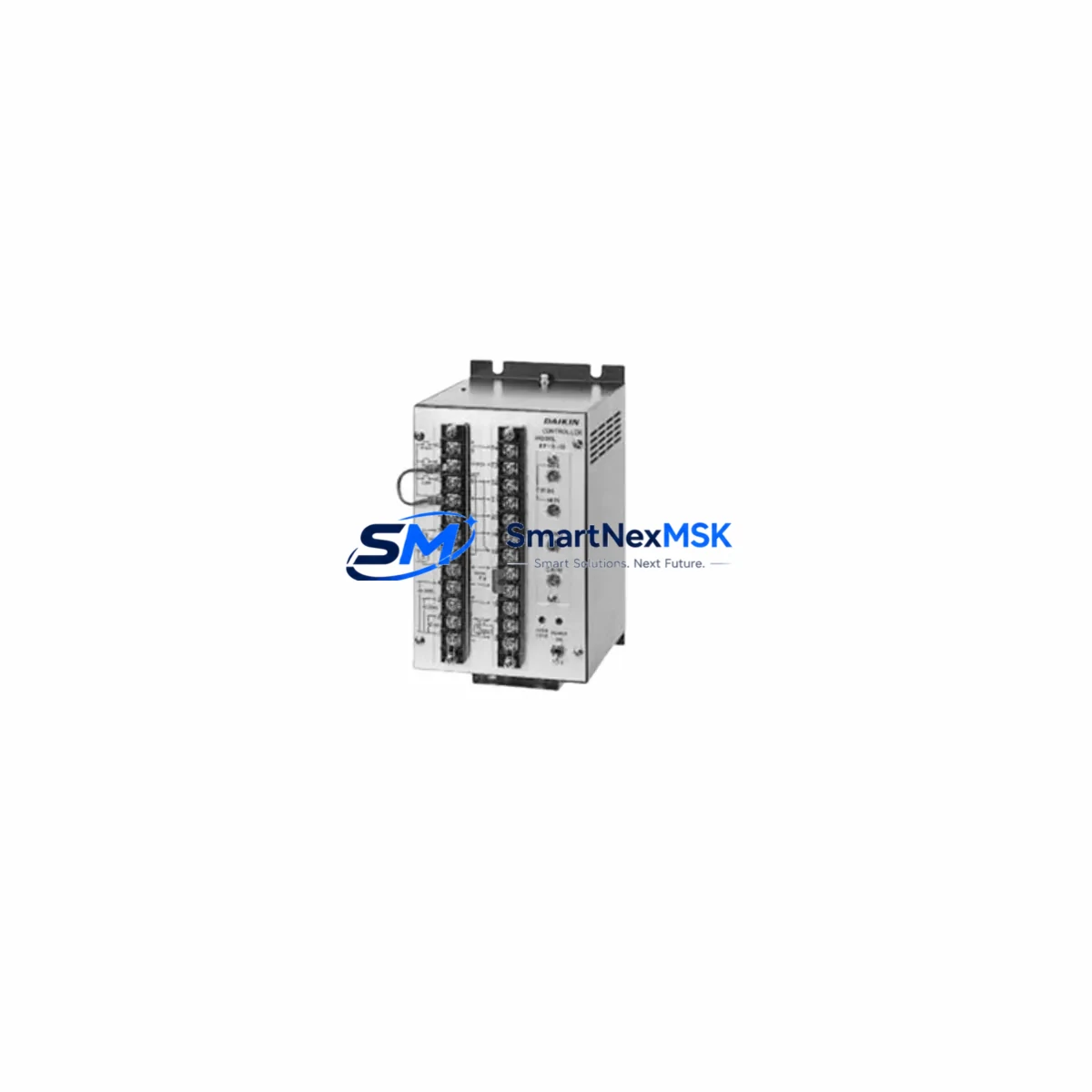
DAIKIN KF-5-10 Retrofit-Ready VRV Control Interface Module: Seamless Compatibility for Legacy System Upgrades
The DAIKIN KF-5-10 is a VRV/VRF control interface module engineered for industrial and commercial HVAC control systems. As aging VRV series installations approach end-of-life or require modernization, the KF-5-10 serves as a verified retrofit solution — enabling facilities engineers and system integrators to restore full control functionality without replacing the entire refrigerant circuit or control cabinet infrastructure. Whether you are recovering from a failed interface board, migrating from an obsolete BMS gateway, or upgrading a multi-zone VRV system to support modern building automation protocols, the KF-5-10 provides a reliable, cost-effective path forward.
Sourced directly from authorized distribution channels and subject to pre-shipment functional verification, each KF-5-10 unit ships with a 12-month warranty covering manufacturing defects and operational failures under normal installation conditions. Inventory is maintained in-stock to support urgent replacement scenarios, minimizing unplanned downtime in critical climate-controlled environments such as data centers, pharmaceutical storage, and precision manufacturing facilities.
Upgrade Compatibility Table
| Parameter | Details |
|---|---|
| Compatible Series | DAIKIN VRV III, VRV IV, VRV-S, VRV-W, VRF Multi-Zone Systems |
| Interface Type | Centralized control interface / BMS gateway module |
| Communication Protocol | Daikin proprietary D-III Net; compatible with BACnet and Modbus via gateway |
| Mounting / Installation | DIN rail or panel-mount; matches original KF-series footprint |
| Power Supply | 24 VAC / VDC (verify local supply capacity before installation) |
| Terminal Compatibility | Screw-terminal block; verify wiring diagram against original KF-5 or KF-5-10 schematic |
| Replacement Recommendation | Direct replacement for KF-5-10; functional substitute for KF-5 with firmware verification |
| Commissioning Notes | Address assignment via rotary switch; confirm module address does not conflict with existing D-III Net nodes |
| HMI Compatibility | Compatible with DAIKIN Intelligent Touch Controller (ITC) and third-party BMS screens via Modbus RTU |
| Warranty | 12 months from date of shipment; covers manufacturing defects under normal operating conditions |
Retrofit Planning for Existing Automation Systems
Successful integration of the KF-5-10 into an existing VRV control architecture requires a structured pre-installation assessment. Begin by auditing the current control cabinet layout: identify the existing interface module position on the backplane, confirm the 24 VAC power supply rail capacity, and document all terminal wiring connections using the original installation schematic. In multi-zone systems, the D-III Net communication bus typically daisy-chains through multiple interface nodes — verify that the KF-5-10 module address (set via rotary switch) does not duplicate any address already assigned to active nodes such as the DAIKIN DCS302C52 centralized controller or co-installed KF-series expansion modules.
For systems that previously relied on a DAIKIN BRC1E52A wired remote controller or a DAIKIN ATC-40 intelligent touch manager, confirm that the new KF-5-10 is recognized as a valid node on the D-III Net segment before closing the control cabinet. In retrofit scenarios involving protocol migration — for example, transitioning from a legacy proprietary BMS to a BACnet/IP backbone — a DAIKIN DAM601A BACnet gateway or equivalent Modbus-to-BACnet converter should be installed in series with the KF-5-10 to bridge communication layers without modifying the refrigerant circuit control logic.
I/O expansion requirements should also be evaluated at this stage. If the retrofit scope includes adding zone-level monitoring or integrating with a SCADA platform, supplementary DAIKIN DTA116A51 or DTA117A51 I/O adapter modules may be required to extend the available signal points. Ensure that the total I/O load does not exceed the backplane capacity of the existing VRV outdoor unit controller. For systems using a DAIKIN EKRP1AHTA interface kit or similar third-party integration board, verify electrical isolation between the KF-5-10 signal terminals and the external control circuit to prevent ground loop interference.
Where the original control panel includes a DAIKIN DSP-40 or DSP-60 system controller, confirm firmware version compatibility with the KF-5-10 before energizing the system. Firmware mismatches between the centralized controller and the interface module are a common source of commissioning delays in legacy retrofit projects and can typically be resolved by updating the DSP controller firmware via the manufacturer’s service tool prior to module installation.
Downtime Control During System Migration
Minimizing operational disruption during a KF-5-10 replacement requires careful sequencing of the migration steps. Before de-energizing the control circuit, export or photograph all current HMI screen configurations, zone assignments, and setpoint schedules stored in the existing DAIKIN Intelligent Touch Controller or BMS interface. This preserves the operational logic and allows rapid restoration of zone control parameters after the new module is commissioned.
Isolate the D-III Net communication bus segment containing the failed or replaced interface module before physical removal. This prevents communication errors from propagating to adjacent nodes — particularly important in large multi-zone installations where a single bus fault can trigger fault codes across multiple indoor unit groups. After installing the KF-5-10, restore bus continuity and power the module in isolation before reconnecting to the full D-III Net segment, allowing the module to complete its self-diagnostic cycle and confirm address registration.
For facilities where continuous climate control is operationally critical, coordinate the replacement window with the building management team to schedule the intervention during low-occupancy periods. In pharmaceutical or data center environments, a temporary portable precision cooling unit may be required to maintain temperature stability during the switchover interval. With proper pre-staging — including pre-configuration of the KF-5-10 module address and terminal wiring verification on the bench — total field installation time can typically be reduced to under two hours, limiting the impact on facility operations.
Following module installation, conduct a full functional test of all zone control commands, fault code readback, and communication link status before returning the system to normal operation. Document the as-installed configuration, including module address, terminal assignments, and firmware versions, for future maintenance reference.
Retrofit Support FAQ
Q: Is the KF-5-10 a direct drop-in replacement for the original KF-5 interface module?
A: The KF-5-10 is functionally compatible with KF-5 installations in most VRV III and VRV IV system configurations. However, terminal pinout and rotary address switch positions should be verified against the original wiring diagram before installation, as minor hardware revisions between KF-5 and KF-5-10 may require terminal reassignment in some configurations.
Q: What commissioning steps are required after installing the KF-5-10?
A: After physical installation, set the module address via the rotary switch to match the original node address. Power on the module and confirm D-III Net communication link status via the LED indicators. Access the centralized controller (e.g., DCS302C52 or ITC) to verify that the new module is recognized and that all associated indoor unit groups are reporting correctly. Clear any residual fault codes and restore zone setpoints.
Q: Can the KF-5-10 support Modbus or BACnet communication for third-party BMS integration?
A: The KF-5-10 communicates natively via the DAIKIN D-III Net proprietary protocol. BACnet or Modbus integration requires an external protocol gateway such as the DAIKIN DAM601A or a compatible third-party converter. The KF-5-10 itself does not natively output Modbus RTU or BACnet/IP signals.
Q: What does the 12-month warranty cover, and what is the return process?
A: The 12-month warranty covers manufacturing defects and functional failures under normal operating conditions. It does not cover damage resulting from incorrect installation, overvoltage, or physical impact. To initiate a warranty claim, contact our technical support team with the order reference, installation date, and a description of the fault symptom. Replacement units are dispatched upon fault verification.
© 2026 SMARTNEXMSK. All rights reserved.
Original Source: https://smartnexmsk.com
Contact: [email protected] | +86 18259474341