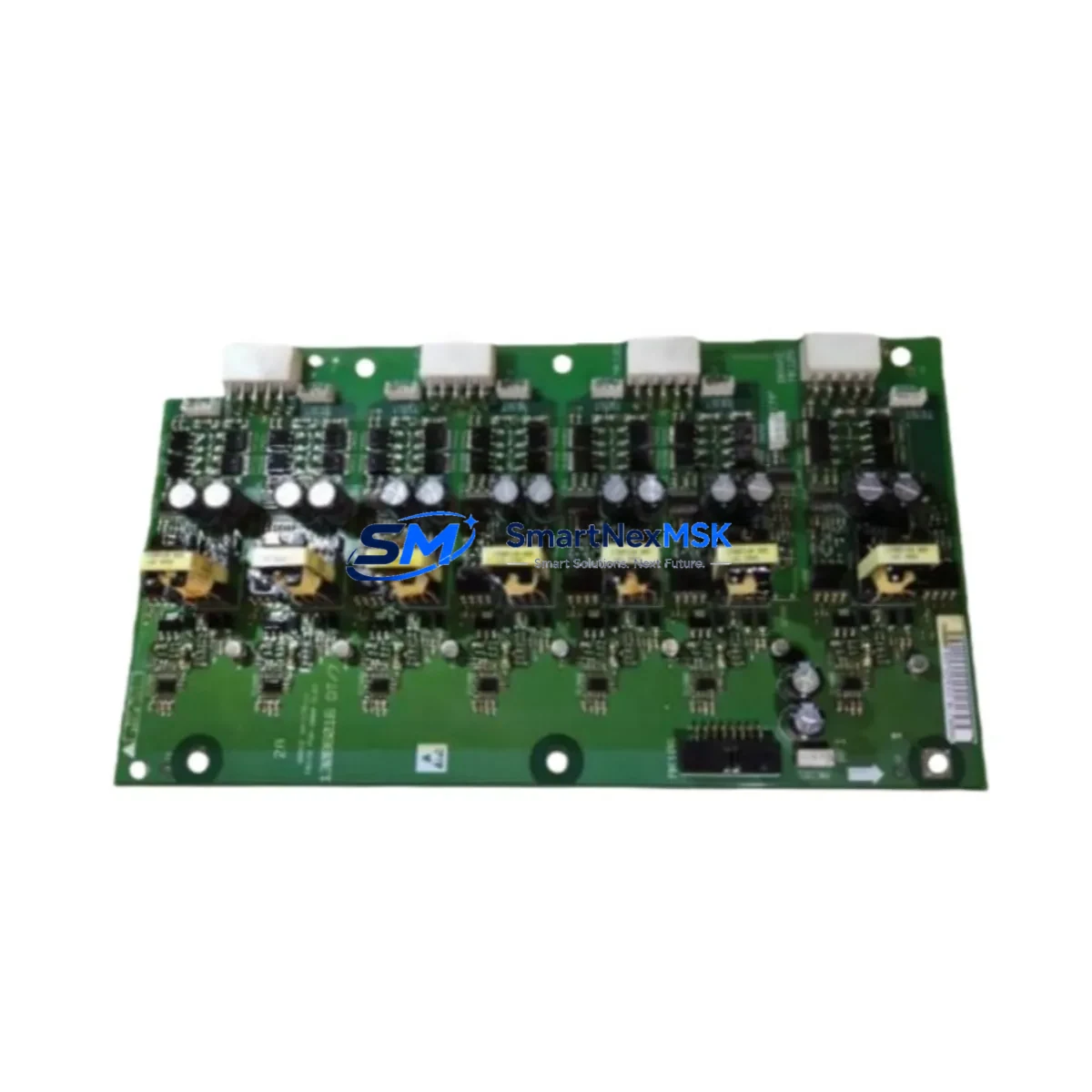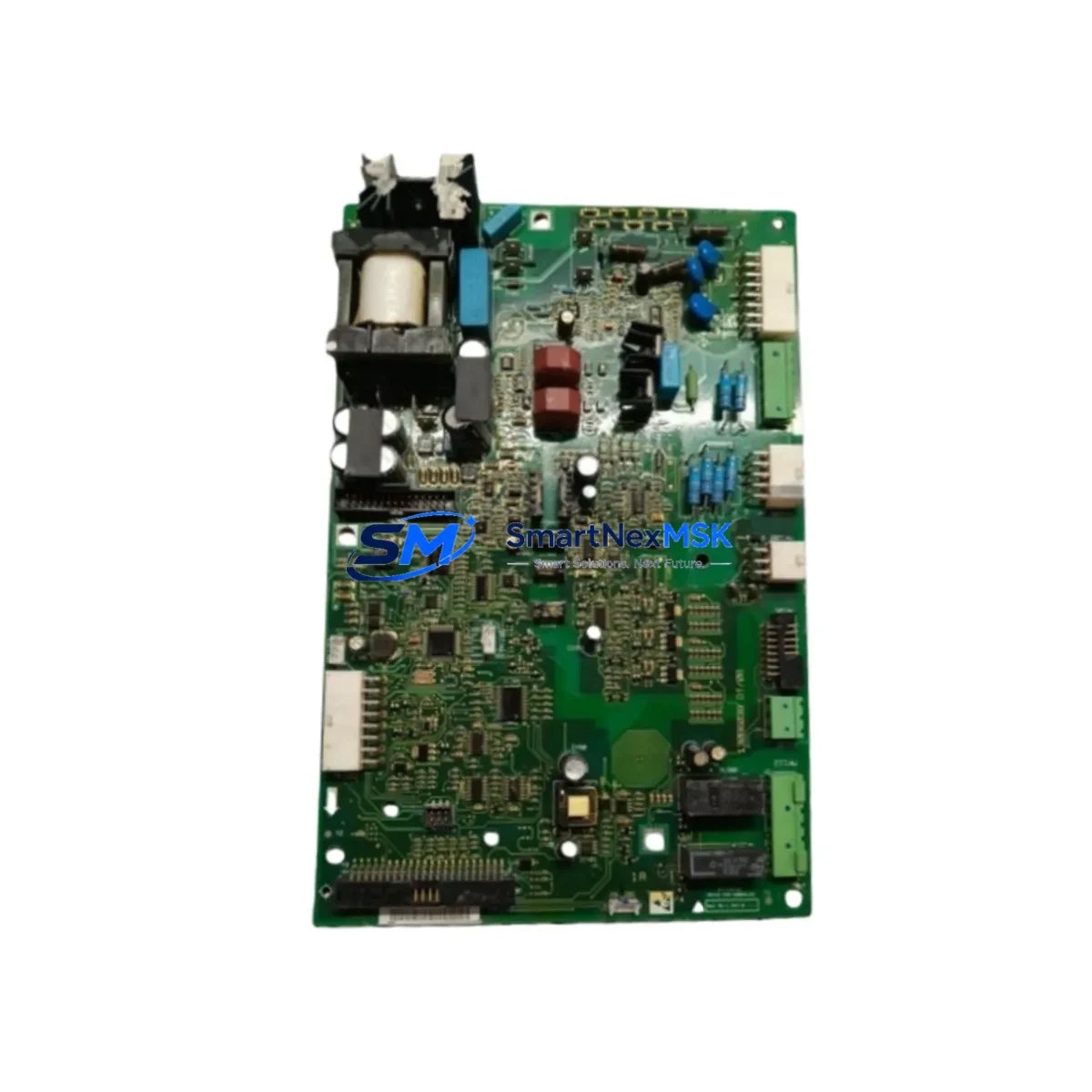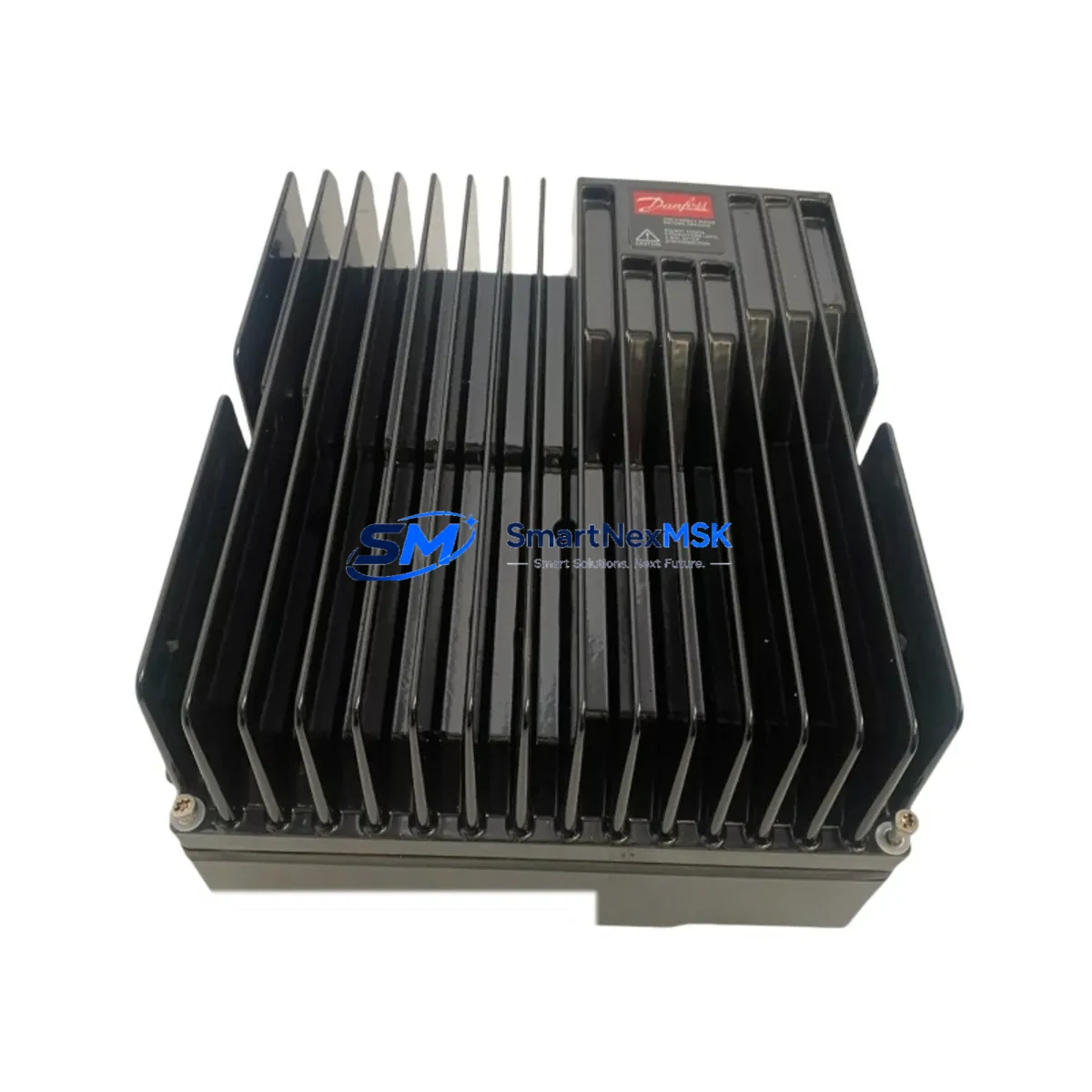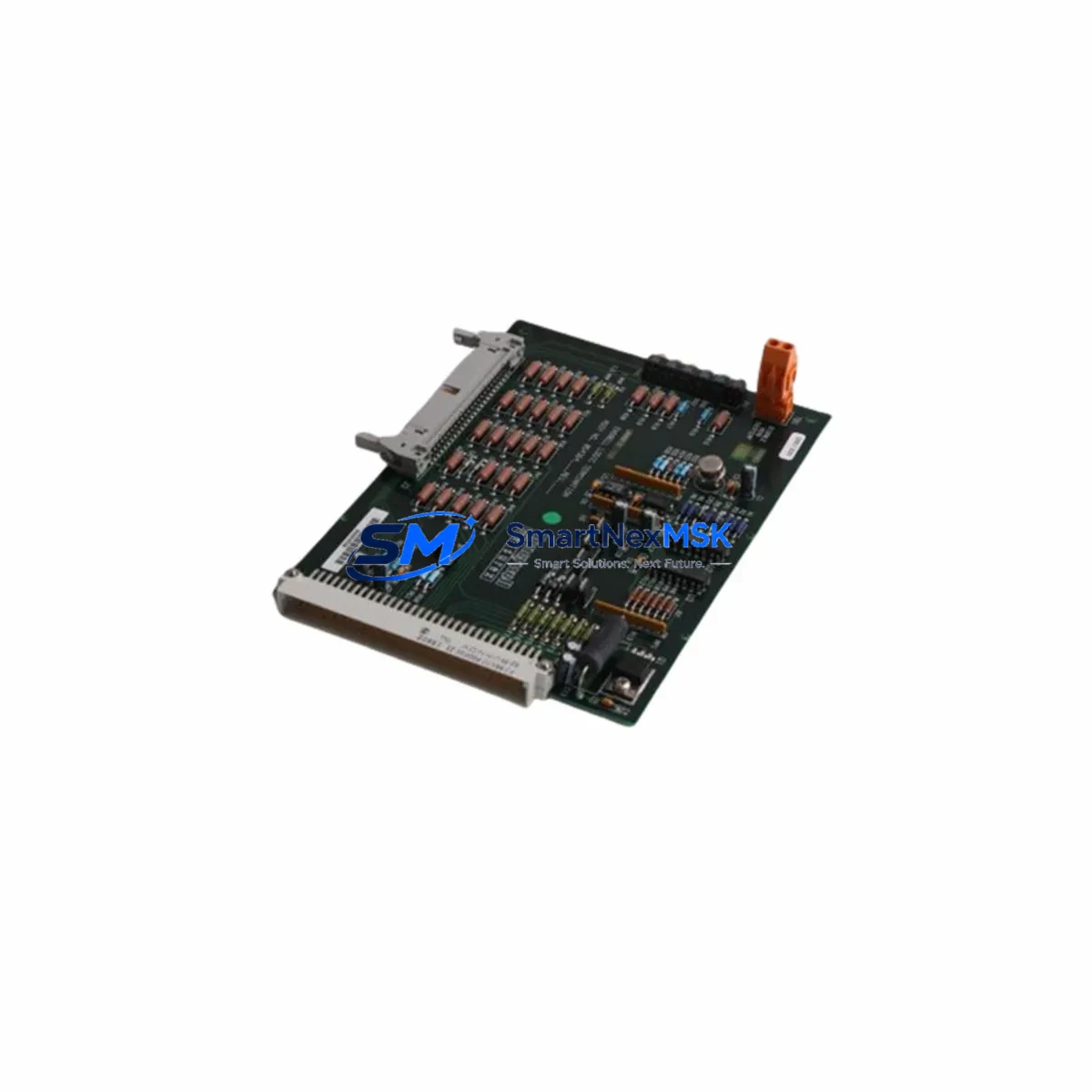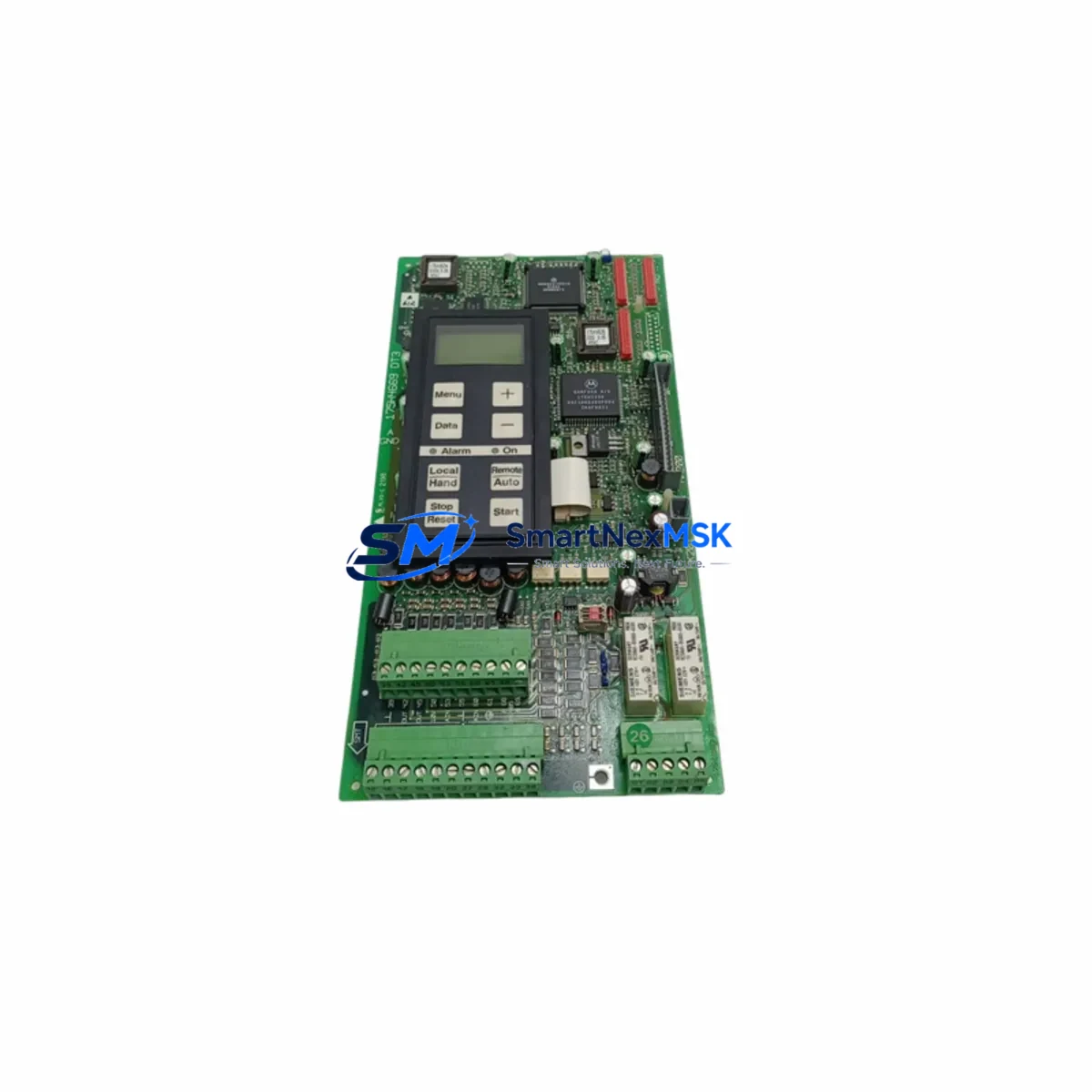
Danfoss 175H4669 DT3 Spare for VLT FC302 Automation
The Danfoss 175H4669 DT3 is the original control card designed for the VLT® AutomationDrive FC302 series — one of the most widely deployed variable frequency drive platforms in industrial automation. When this card fails, the entire drive becomes inoperable, triggering unplanned downtime across conveyor systems, pump stations, compressor banks, and HVAC control loops. Sourcing a verified, tested replacement is the fastest path to restoring production continuity. This listing provides the genuine 175H4669 DT3 control card, pre-tested before shipment, backed by a 12-month warranty, and available for immediate dispatch to minimize your mean time to repair (MTTR).
Maintenance engineers and procurement teams working with FC302 drives recognize the 175H4669 DT3 as the central intelligence of the drive — handling closed-loop PID control, fieldbus communication, digital and analog I/O processing, and parameter storage. A failed or corrupted control card typically presents as a drive that powers on but fails to initialize, throws persistent fault codes (e.g., ALARM 38, ALARM 68), or loses all parameter data after a power cycle. Replacing the control card with a verified original restores full drive functionality without requiring a full drive replacement, significantly reducing both cost and downtime.
Spare Maintenance Table
| Parameter | Specification |
|---|---|
| Part Number | 175H4669 DT3 |
| Brand | Danfoss |
| Compatible Series | VLT® AutomationDrive FC302 |
| Component Type | Control Card / LCP Interface Board |
| Supply Voltage | 24 VDC (internal bus powered) |
| Communication Ports | RS-485 (standard), optional fieldbus slot |
| Digital Inputs | 6 programmable digital inputs |
| Analog Inputs | 2 × 0–10 V / 0–20 mA |
| Relay Outputs | 2 × Form C relay outputs |
| Parameter Storage | Non-volatile EEPROM |
| Operating Temperature | -10°C to +50°C (drive enclosure) |
| Origin | Denmark |
| Condition | Original, New / Tested Surplus |
| Warranty | 12 Months |
| Pre-shipment Test | Function verified before dispatch |
| Compatibility Confirmation | Available upon request (provide drive nameplate data) |
Maintenance Planning for Continuous Operation
When a 175H4669 DT3 control card is identified as the root cause of a drive fault, experienced maintenance engineers know that a thorough inspection of the surrounding electrical system is equally important. Replacing the card in isolation without auditing adjacent components risks repeat failures and extended downtime.
Begin by inspecting the 24 VDC auxiliary power supply feeding the control circuit — voltage ripple or transient spikes are a leading cause of control card damage. Check the LCP (Local Control Panel), such as the Danfoss LCP 102 or LCP 101, for display faults or communication errors that may have preceded the card failure. Verify the FC302 power card (e.g., 175G5748 or series-equivalent) for IGBT gate signal integrity, as a failing power stage can back-feed damaging voltages into the control board.
Inspect all terminal block connections on the control card — loose or corroded terminals on the 50-pin control terminal strip are a frequent source of intermittent I/O faults. If the drive uses a fieldbus option card (PROFIBUS, DeviceNet, EtherNet/IP, or Modbus TCP), remove and reseat it before commissioning the replacement card, as a faulty option card can prevent the control card from initializing correctly. Check the brake resistor circuit and associated thermistor input wiring if the drive operates in regenerative or high-inertia load applications.
For drives integrated into PLC-controlled systems — particularly those using Siemens S7-300/400, Allen-Bradley ControlLogix, or Schneider Modicon M340 platforms — confirm that the digital output signals from the FC302 are within PLC input voltage thresholds after card replacement. Re-upload saved parameter sets using the MCT 10 Setup Software or an LCP copy function to restore application-specific configurations. If signal isolation is required between the drive and PLC, verify that any installed signal isolators or galvanic separators on the analog reference channels are functioning correctly.
Finally, inspect the EMC filter and input line reactor upstream of the drive. Degraded EMC components allow high-frequency noise to reach the control card, accelerating component aging. A complete spare parts kit for an FC302 installation should include the control card (175H4669 DT3), a spare LCP panel, a set of control terminal fuses, and a backup fieldbus option card where applicable.
Site Replacement Workflow
Step 1 — Isolation & Safety: De-energize the FC302 drive and wait a minimum of 4 minutes for DC bus capacitors to discharge. Verify zero voltage with a calibrated multimeter before opening the drive enclosure.
Step 2 — Parameter Backup: If the existing control card is still partially functional, use the LCP copy function or MCT 10 software to export the full parameter set. Store the backup on a USB drive or engineering laptop before removal.
Step 3 — Card Removal: Disconnect the LCP ribbon cable, the 50-pin control terminal connector, and any option card seated in slots A/B/C. Release the card retaining clips and slide the 175H4669 DT3 out of the drive chassis.
Step 4 — Inspection & Cleaning: Inspect the card slot and backplane connector for corrosion, debris, or bent pins. Clean with compressed air and isopropyl alcohol as needed.
Step 5 — Installation: Seat the replacement 175H4669 DT3 firmly into the card slot. Reconnect the terminal strip, LCP cable, and option cards. Restore parameters from backup or re-enter manually.
Step 6 — Commissioning: Power up the drive and confirm initialization without fault codes. Run a no-load test, then a loaded test at reduced speed before returning to full production speed. Document the replacement in the site maintenance log.
This workflow is compatible with all FC302 frame sizes (A–F) and supports direct replacement of older 175H4669 revisions, maintaining full backward compatibility with existing wiring and parameter structures.
Spare Parts Support FAQ
Q: Is the 175H4669 DT3 compatible with all FC302 frame sizes and power ratings?
A: Yes. The 175H4669 DT3 control card is a universal fit across the FC302 series regardless of frame size (A2 through F4) or power rating. Compatibility is determined by the drive’s software version; we recommend providing your drive nameplate data (type code and software version) for confirmation before ordering.
Q: What pre-shipment testing is performed on this control card?
A: Each 175H4669 DT3 unit is bench-tested for power-up initialization, I/O signal integrity, RS-485 communication response, and parameter read/write function before dispatch. A test report is available upon request.
Q: How should this spare part be stored in a maintenance inventory?
A: Store in the original anti-static packaging in a dry environment between 0°C and 40°C, away from direct sunlight and electromagnetic sources. Recommended shelf life in proper storage conditions is 5+ years. Label with the installation date and drive serial number for traceability.
Q: What does the 12-month warranty cover?
A: The 12-month warranty covers manufacturing defects and functional failures under normal operating conditions. It does not cover damage caused by incorrect installation, overvoltage events, or physical mishandling. Warranty claims are processed within 5 business days with a replacement or full refund.
© 2026 SMARTNEXMSK. All rights reserved.
Original Source: https://smartnexmsk.com
Contact: [email protected] | +86 18259474341