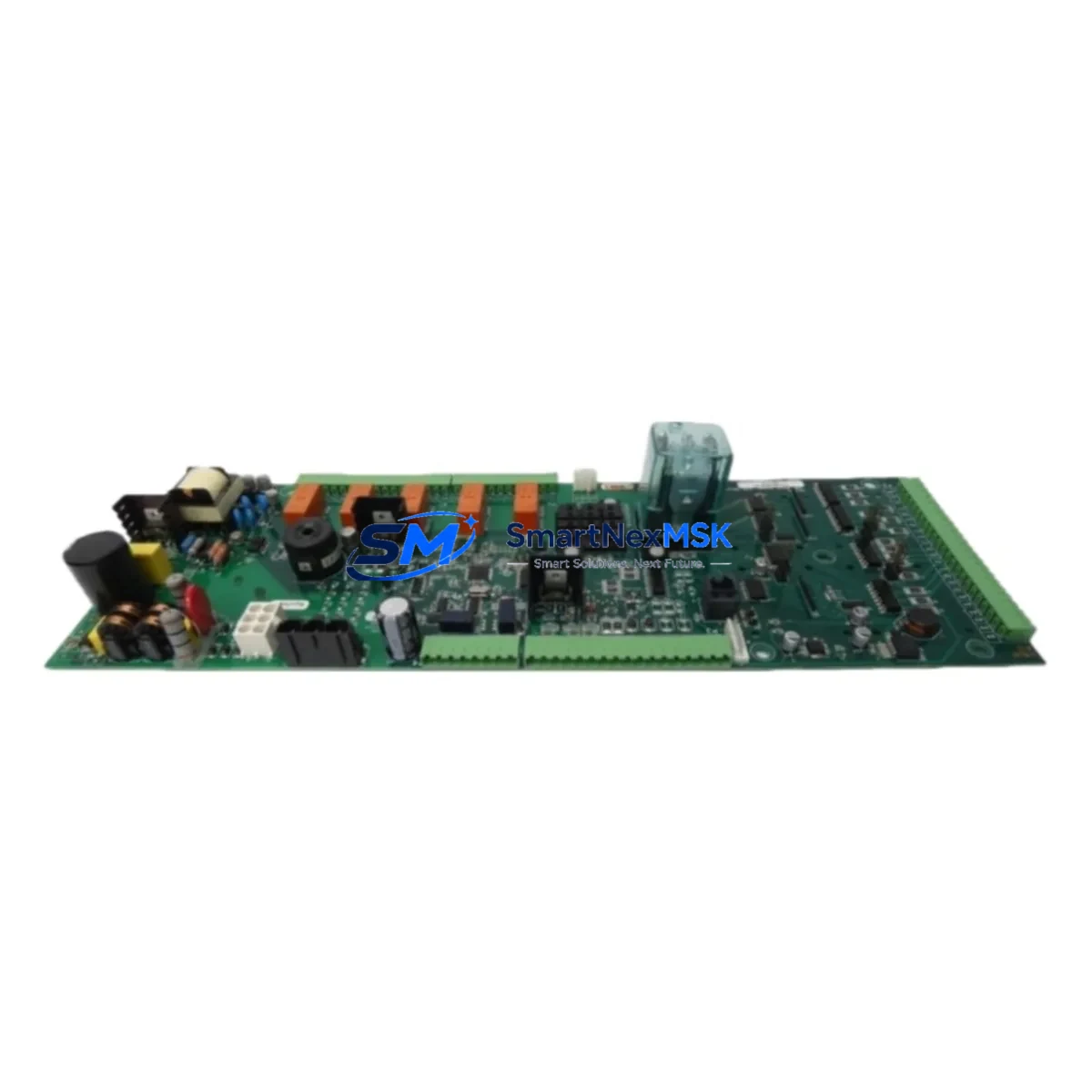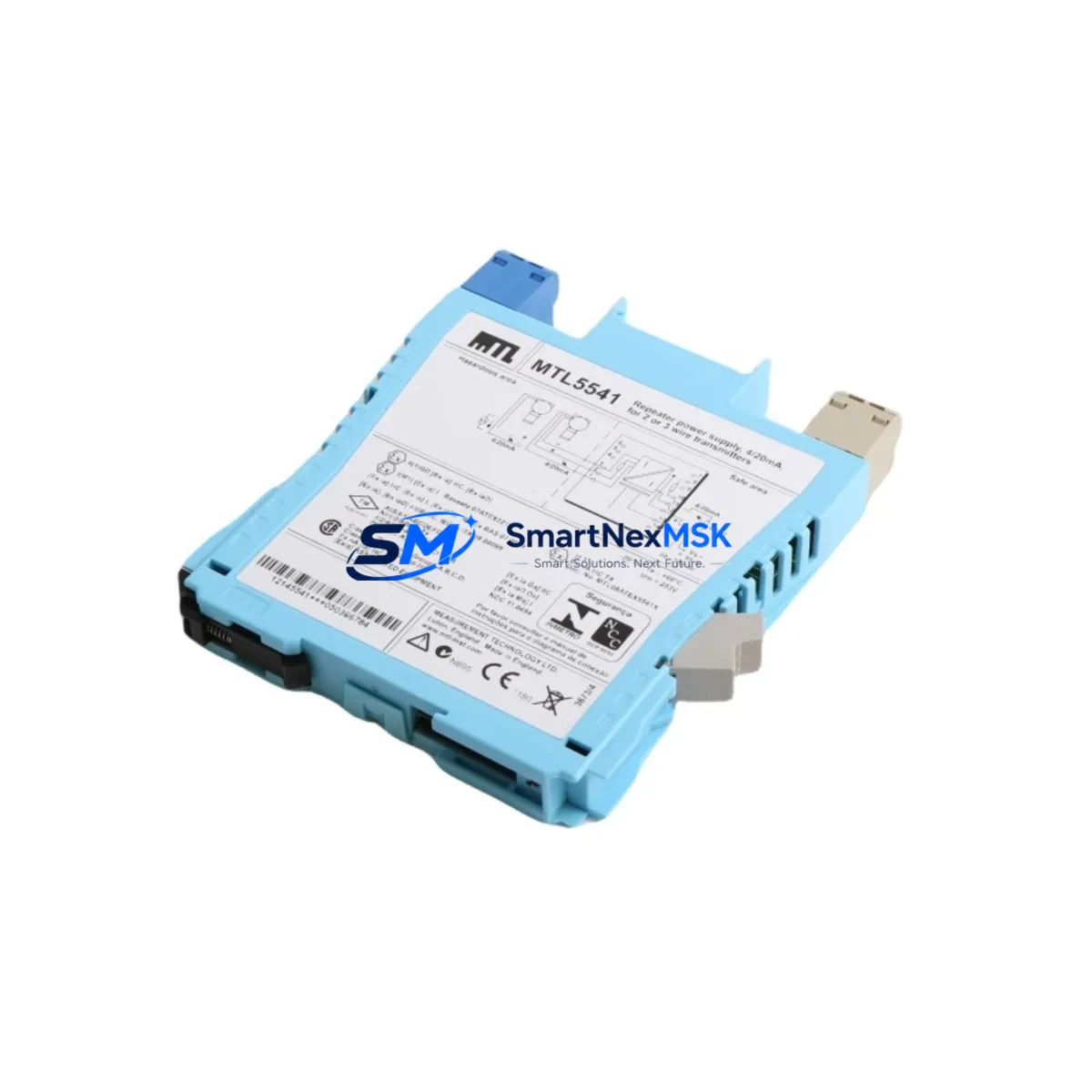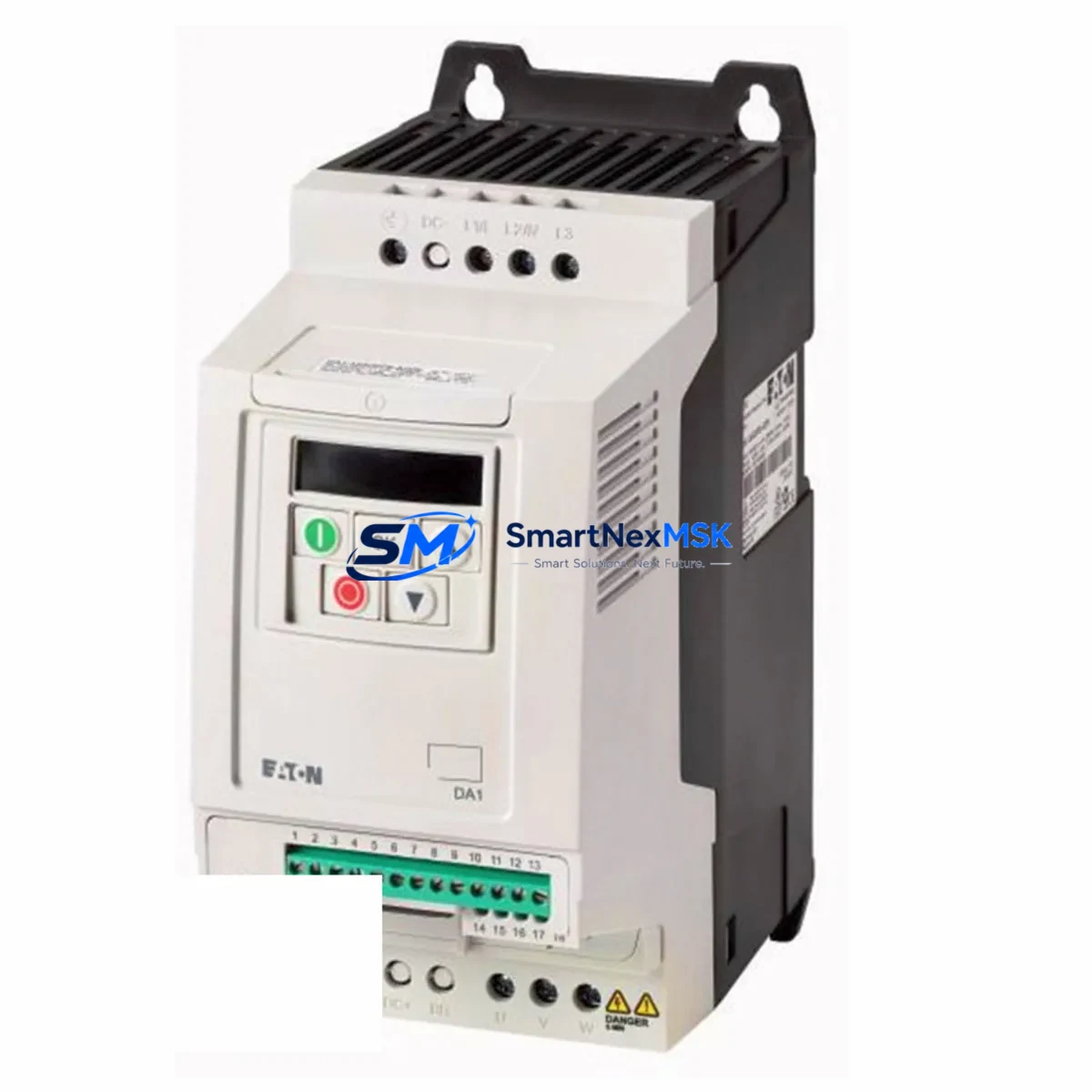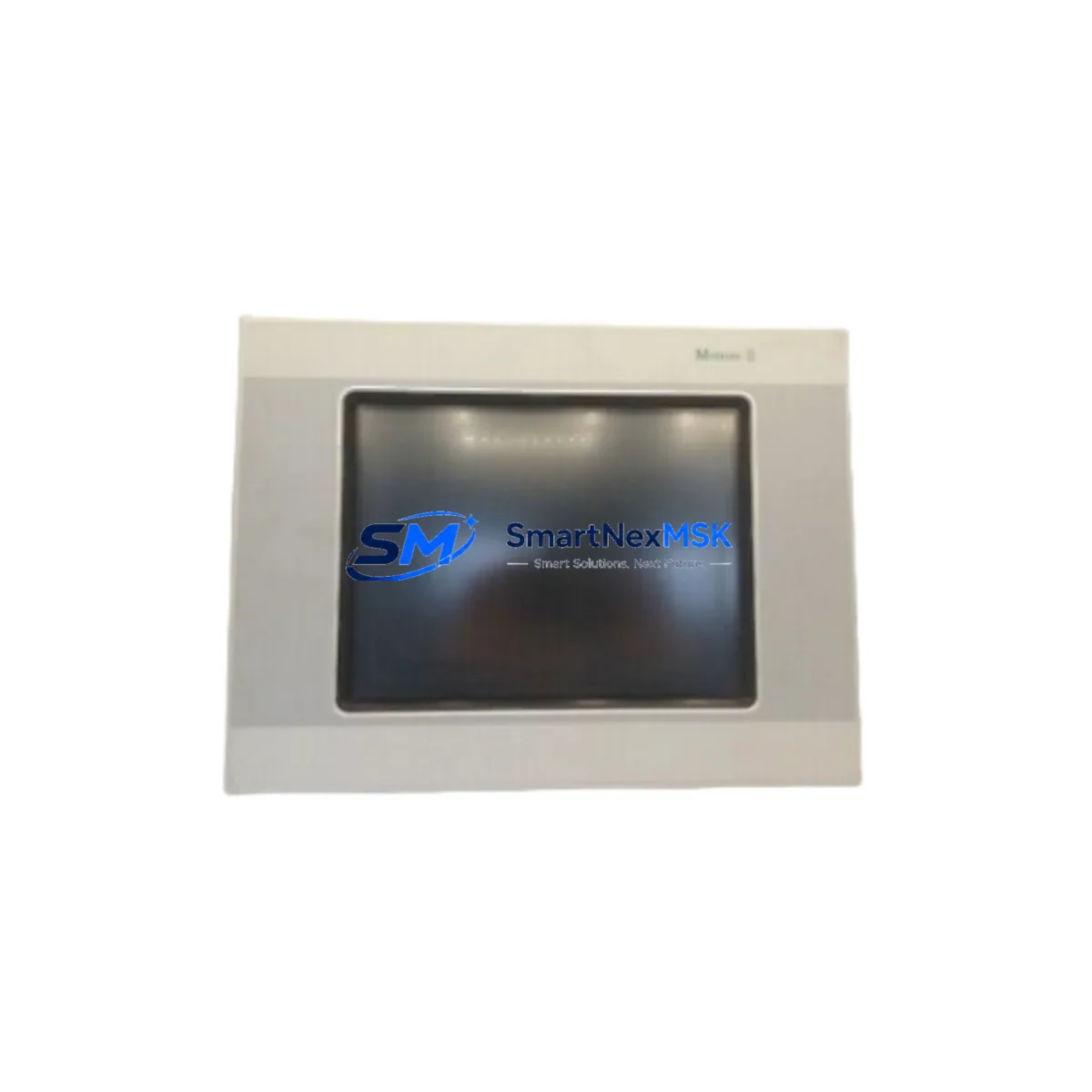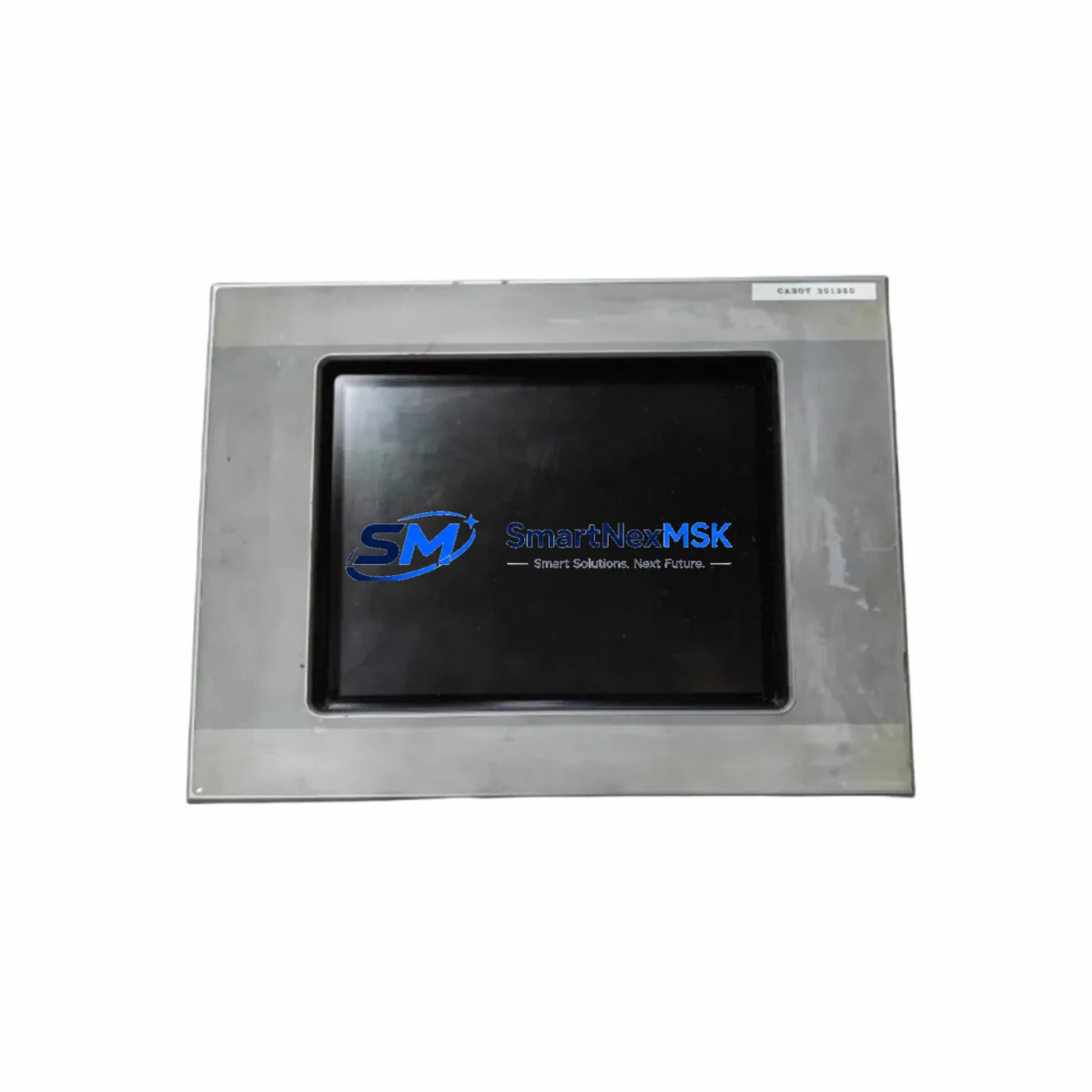
EATON MC2-440-10TVB-1-10 Retrofit-Ready HMI for XV-Series Control Systems
The EATON MC2-440-10TVB-1-10 is a 10.4-inch TFT color touch panel engineered for seamless integration into existing XV-Series control architectures. As legacy HMI panels reach end-of-life or become unavailable through standard distribution channels, the MC2-440-10TVB-1-10 provides a validated, drop-in retrofit path that preserves existing wiring harnesses, communication links, and operator screen logic. Whether you are replacing a failed unit on an active production line or executing a planned control cabinet upgrade, this panel is designed to minimize engineering rework and reduce total downtime exposure.
Sourced directly from authorized supply chains and pre-tested prior to shipment, each unit is backed by a 12-month warranty covering manufacturing defects and functional failures under normal operating conditions. Stock is maintained to support urgent replacement orders, with same-day dispatch available for in-stock units.
Upgrade Compatibility Table
| Parameter | MC2-440-10TVB-1-10 (This Unit) | Retrofit Notes |
|---|---|---|
| Display Size | 10.4″ TFT Color Touch | Direct size match for XV-series panel cutouts |
| Power Supply | 24 VDC (18–30 VDC range) | Verify existing PSU output; compatible with EATON DX-NET-SWD3 power distribution |
| Communication Ports | RS-232, RS-485, Ethernet (RJ45) | Supports Modbus RTU/TCP, Profibus DP via gateway; confirm baud rate settings |
| Backplane / Mounting | Panel-mount, VESA-compatible rear bracket | Fits standard DIN-rail cabinet cutouts; no new drilling required in most installations |
| Programming Software | Galileo / Xsoft-CoDeSys 2.3+ | Existing XV-series projects transferable with minor tag remapping |
| I/O Compatibility | Via external I/O modules (e.g., XV-102, XN-322-8AI) | Retain existing I/O wiring; re-address modules in software if required |
| HMI Screen Migration | Galileo project import supported | Screen resolution adjustment may be needed; alarm tags and trend objects preserved |
| Installation Standard | IP65 front panel, UL/CE certified | Suitable for NEMA 4 enclosures; no additional sealing required |
| Warranty | 12 Months | Covers manufacturing defects; includes pre-shipment functional test report |
Retrofit Planning for Existing Automation Systems
A successful retrofit of the MC2-440-10TVB-1-10 into an existing XV-Series control system begins with a thorough site survey of the control cabinet. Engineers should document the existing terminal block layout, confirm the 24 VDC supply rail capacity, and photograph the current wiring before any disassembly. The panel connects to the control network via its RS-485 port for Modbus RTU links or through the RJ45 Ethernet port for Modbus TCP and EtherNet/IP configurations. Where the legacy system used a Profibus DP network, an EATON XN-GWBR-PBDP gateway module can bridge the existing fieldbus to the panel’s serial interface without requiring a full network redesign.
For installations that include distributed I/O, the existing EATON XN-322-8DI digital input modules and XN-322-8DO digital output modules can remain in place. Module addresses should be verified against the original project documentation and re-entered into the Galileo configuration if the replacement panel is loaded with a fresh firmware image. Where the original system used an EATON XV-102 compact controller as the primary logic engine, the MC2-440-10TVB-1-10 can operate in a visualization-only role, communicating with the XV-102 over Modbus TCP to display process values, alarm states, and trend data without altering the underlying PLC program.
Power distribution within the cabinet should be reviewed before commissioning. The EATON DX-NET-SWD3 SmartWire-DT network coordinator, if present, operates independently of the HMI power rail, but both should be fed from a common 24 VDC SITOP or equivalent regulated power supply with sufficient current headroom. A minimum of 2.5 A dedicated to the HMI panel is recommended. Terminal connections on the rear of the MC2-440-10TVB-1-10 follow the same pinout convention as earlier XV-series panels, allowing existing cable assemblies to be reconnected without modification in the majority of retrofit scenarios.
Where the original installation included an EATON MFD-Titan multi-function display or an older XV-400 series panel, the migration path to the MC2-440-10TVB-1-10 requires a Galileo project conversion step. The existing project file should be opened in the latest version of Galileo, the target hardware profile updated to match the MC2-440-10TVB-1-10 display resolution (640×480 or 800×600 depending on configuration), and all communication driver settings verified. Alarm pages, recipe management screens, and trend historian objects are generally preserved through this conversion, though custom ActiveX or third-party visualization objects may require manual recreation. An EATON XC-CPU201 or XC-CPU202 controller connected via CANopen or Modbus can serve as the logic backbone during and after the HMI migration, maintaining process control continuity throughout the transition.
Programming cables such as the EATON EASY-USB-CAB or a standard USB-to-RS232 adapter are required for initial firmware loading and project download. Ensure the Galileo runtime version on the panel matches the version used during project development to avoid compatibility warnings during startup.
Downtime Control During System Migration
Minimizing production downtime during an HMI retrofit requires a structured pre-commissioning approach. Before removing the existing panel, a full backup of the current Galileo project should be extracted and stored on an offline engineering workstation. If the original panel is non-functional and the project file is unavailable, the PLC program resident in the connected EATON XC-CPU201 or XV-102 controller can be used to reconstruct the I/O tag list and communication variable map, significantly reducing re-engineering time.
The MC2-440-10TVB-1-10 should be pre-loaded with the converted project file and tested on a bench setup — connected to a 24 VDC bench supply and a laptop running Galileo — before being installed in the cabinet. This pre-commissioning step allows engineers to verify all screen navigation, alarm acknowledgment logic, and communication driver responses without occupying the production line. Once bench-tested, the physical swap can be completed in under 30 minutes in most standard cabinet configurations, with the majority of that time spent on terminal reconnection and cable management.
After installation, a structured startup sequence should be followed: power on the 24 VDC rail, confirm the panel boots to the main menu screen, verify Modbus or Ethernet communication link status indicators, and cycle through all HMI screens to confirm data display. Any discrepancies in tag values should be cross-referenced against the PLC data table before declaring the system operational. Field commissioning records, including terminal torque values, IP address assignments, and communication baud rate settings, should be documented and retained for future maintenance reference. The 12-month warranty on this unit provides additional assurance during the post-commissioning period, covering any latent manufacturing defects that may emerge under normal operating conditions.
Retrofit Support FAQ
Q1: Is the MC2-440-10TVB-1-10 a direct replacement for the EATON XV-440 or XV-460 series panels?
The MC2-440-10TVB-1-10 is functionally compatible with XV-440 and XV-460 series installations in terms of display size, power requirements, and communication protocol support. The Galileo project from the original XV-series panel can be imported and adapted with minor configuration changes. Physical mounting dimensions are consistent with standard XV-series cabinet cutouts, making it a practical drop-in replacement in the majority of field installations.
Q2: What communication protocols does this panel support, and can it connect to a Siemens S7 or Mitsubishi PLC?
The MC2-440-10TVB-1-10 natively supports Modbus RTU (RS-485), Modbus TCP (Ethernet), and CANopen. Third-party PLC connectivity — including Siemens S7-300/400 via MPI/Profibus or Mitsubishi Q-Series via RS-422 — is achievable through Galileo’s built-in driver library or via protocol gateway modules. Confirm the specific driver version required for your target PLC before ordering.
Q3: Does the unit ship with a pre-shipment functional test, and what does the 12-month warranty cover?
Yes. Every MC2-440-10TVB-1-10 unit undergoes a pre-shipment power-on and display function test before dispatch. The 12-month warranty covers manufacturing defects, display failures, and communication port malfunctions arising under normal operating conditions. It does not cover damage resulting from incorrect wiring, overvoltage, or physical impact. A test report is available upon request.
Q4: Can the existing terminal wiring from the old panel be reused without modification?
In most cases, yes. The rear terminal layout of the MC2-440-10TVB-1-10 follows the standard XV-series pinout convention for power, ground, and serial communication connections. Ethernet and USB connections use standard RJ45 and Type-B connectors. Engineers should verify cable lengths and connector types before installation, particularly for RS-485 multi-drop networks where termination resistor placement may need to be adjusted.
© 2026 SMARTNEXMSK. All rights reserved.
Original Source: https://smartnexmsk.com
Contact: [email protected] | +86 18259474341