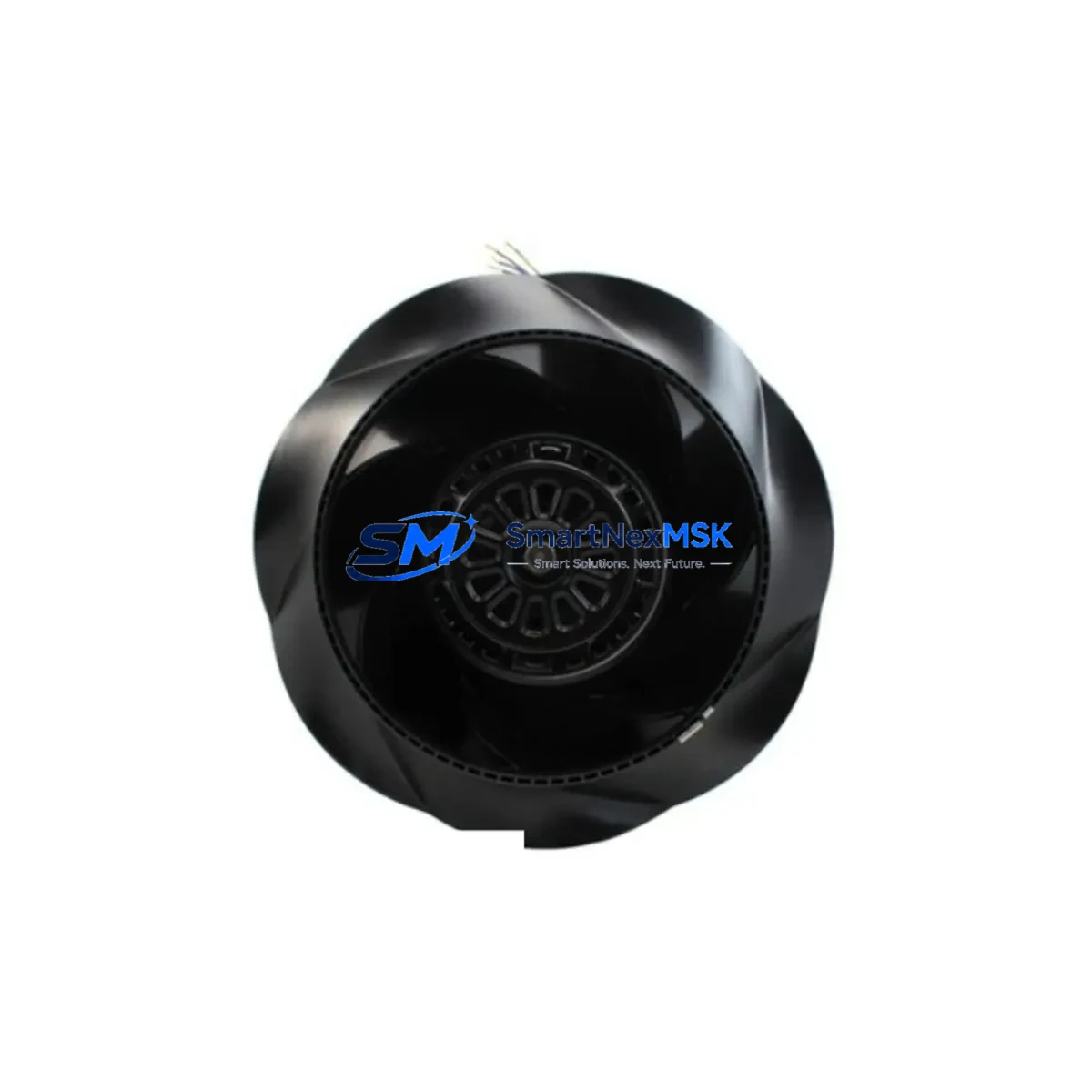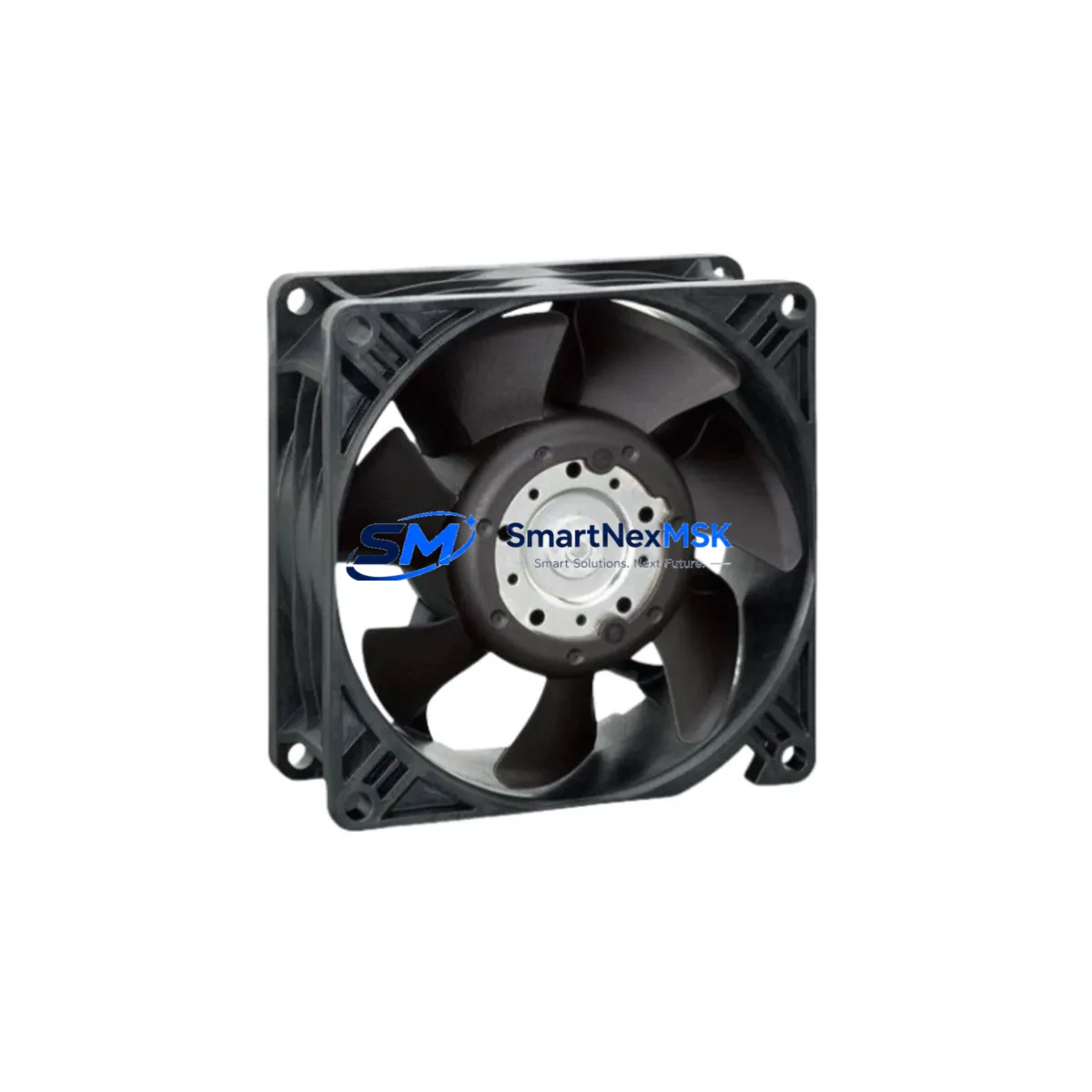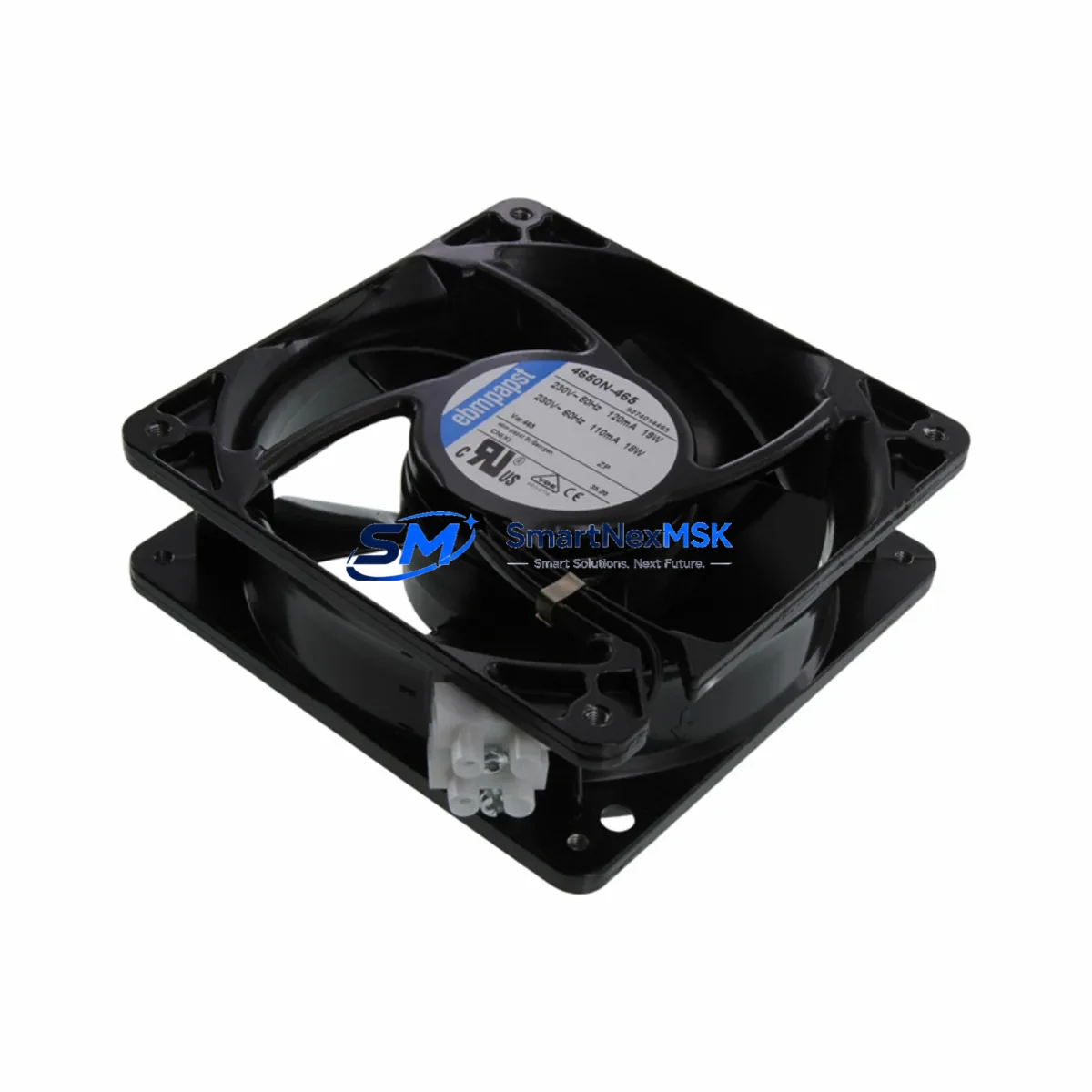
ebm-papst 4650N-465 Retrofit-Ready AC Fan for 4600N Control Systems
The ebm-papst 4650N-465 is a high-performance AC tubeaxial fan engineered for seamless integration into existing 4600N Series control enclosures, drive cabinets, and industrial automation panels. As a verified retrofit replacement for the legacy 4600N model, this unit delivers equivalent airflow geometry, mounting footprint, and electrical interface — enabling plant engineers to restore thermal management without redesigning the enclosure or modifying the control cabinet structure.
Whether you are managing a scheduled preventive maintenance cycle, responding to an unplanned fan failure, or executing a broader control system modernization project, the 4650N-465 provides a reliable, in-stock solution backed by a 12-month warranty and pre-shipment functional testing.
Upgrade Compatibility Table
| Parameter | Legacy 4600N | 4650N-465 (Replacement) |
|---|---|---|
| Voltage / Frequency | 230 V AC / 50 Hz | 230 V AC / 50–60 Hz |
| Mounting Footprint | 119 × 119 mm | 119 × 119 mm (direct fit) |
| Connector Interface | 2-pin JST / flying leads | Compatible flying leads (verify polarity) |
| Airflow Direction | Axial, exhaust | Axial, exhaust (configurable) |
| Speed Signal Output | Not available | Optional tachometer output |
| Communication | N/A (passive thermal) | N/A (passive thermal) |
| Installation Requirement | Panel cutout 119 mm | Same cutout, no modification needed |
| Replacement Recommendation | Direct swap | Confirm lead length and connector type |
| Commissioning Focus | Airflow direction, vibration check | Rotation direction, terminal torque |
| Warranty | — | 12 Months from shipment date |
Retrofit Planning for Existing Automation Systems
In industrial control environments, thermal management is a critical subsystem that directly affects the reliability of PLCs, servo drives, and power electronics. When the 4600N fan reaches end-of-life or fails unexpectedly, the downstream impact can extend to overtemperature shutdowns of frequency inverters, servo amplifiers, and DC bus components housed in the same enclosure.
A successful retrofit with the 4650N-465 begins with a thorough audit of the existing cabinet layout. Engineers should verify the available mounting depth behind the fan grille, confirm that the terminal block wiring — typically routed to a 24 V DC auxiliary power rail or directly to the AC distribution terminal — is accessible and correctly labeled. In cabinets where the fan is interlocked with a PLC digital input for fault monitoring, the tachometer output of the 4650N-465 can be wired to a spare DI channel on modules such as the Siemens ET 200SP distributed I/O or a Phoenix Contact Axioline F I/O slice, enabling runtime speed monitoring without additional hardware.
For enclosures that also house Siemens SINAMICS G120 or G120C variable frequency drives, the fan replacement should be coordinated with a thermal recalculation to confirm that the new unit’s airflow rating (m³/h) meets the drive’s derating curve at the installation altitude and ambient temperature. Similarly, in cabinets containing Beckhoff CX series embedded PCs or EtherCAT coupler modules, the fan swap should be scheduled during a planned maintenance window to avoid thermal stress on the CPU module during the brief interruption.
Where the control cabinet also integrates a Wago 750-series fieldbus coupler or a Pilz PNOZmulti safety controller, the retrofit team should document the existing wiring diagram before disconnecting any terminal. The 4650N-465’s flying leads should be routed with the same cable management clips and ferrite cores used on the original 4600N to maintain EMC compliance within the enclosure. If the cabinet uses a Rittal TS 8 or equivalent modular enclosure system, the fan mounting frame and finger guard can typically be reused without modification.
For systems where the fan is monitored via a Moxa NPort serial device server or a Hirschmann managed switch providing remote SNMP alerts, the commissioning engineer should verify that the fan status signal is correctly mapped in the SCADA or BMS system after replacement, and that the alarm threshold for low-speed detection is re-confirmed against the 4650N-465 rated RPM.
Downtime Control During System Migration
Minimizing production downtime during a fan replacement is achievable with disciplined pre-staging and a structured switchover procedure. Before the maintenance window opens, the replacement 4650N-465 unit should be bench-tested for correct rotation direction and rated current draw. The original PLC program logic — including any fan fault interlock rungs or function blocks — should be exported and archived as a backup prior to any cabinet work.
During the physical swap, the control system should be placed in a safe, controlled stop state. If the enclosure houses a Siemens S7-1500 or S7-300 CPU, the CPU should be set to STOP mode and the project downloaded to a programming device before the maintenance window. For systems using Rockwell Automation ControlLogix or CompactLogix platforms, the controller keyswitch should be moved to PROG mode and the current project saved to the programming laptop via Studio 5000.
The fan replacement itself typically requires fewer than 15 minutes of hands-on time. After reinstallation, the engineer should power up the cabinet in stages — first verifying auxiliary 24 V DC supply integrity, then enabling the main AC feed — and confirm that the fan starts correctly and that no overtemperature or fan-fault alarms are active on the HMI or SCADA display. If the system uses a Weintek or Proface HMI panel, the fan status screen should be checked to confirm the alarm bit has cleared. The full commissioning record, including measured current draw and rotation confirmation, should be logged in the site maintenance management system before the production line is returned to automatic mode.
Retrofit Support FAQ
Q1: Is the 4650N-465 a direct drop-in replacement for the 4600N without any wiring modification?
In most installations, yes. The 4650N-465 shares the same 119 × 119 mm mounting footprint and uses compatible flying leads. However, engineers should verify the lead length and connector termination style against the existing cabinet wiring before installation. If the original unit used a specific JST connector, a field-fitted connector or terminal adapter may be required.
Q2: Can the 4650N-465 be used in cabinets with 60 Hz power supply?
Yes. The 4650N-465 is rated for 50–60 Hz operation, making it suitable for both European 50 Hz installations and North American or export-market 60 Hz environments. Confirm the voltage rating matches the local supply before installation.
Q3: What pre-shipment testing is performed on each unit?
Each 4650N-465 unit undergoes functional run-in testing prior to shipment, including rotation direction verification, current draw measurement, and vibration check. A test record is available upon request. All units are covered by a 12-month warranty from the date of shipment.
Q4: How do I confirm compatibility if my existing 4600N unit has a different suffix or date code?
Please provide the full nameplate data from your existing unit — including voltage, current, RPM, and airflow rating — to our technical team at [email protected]. We will cross-reference against the 4650N-465 datasheet and confirm suitability before order confirmation.
© 2026 SMARTNEXMSK. All rights reserved.
Original Source: https://smartnexmsk.com
Contact: [email protected] | +86 18259474341