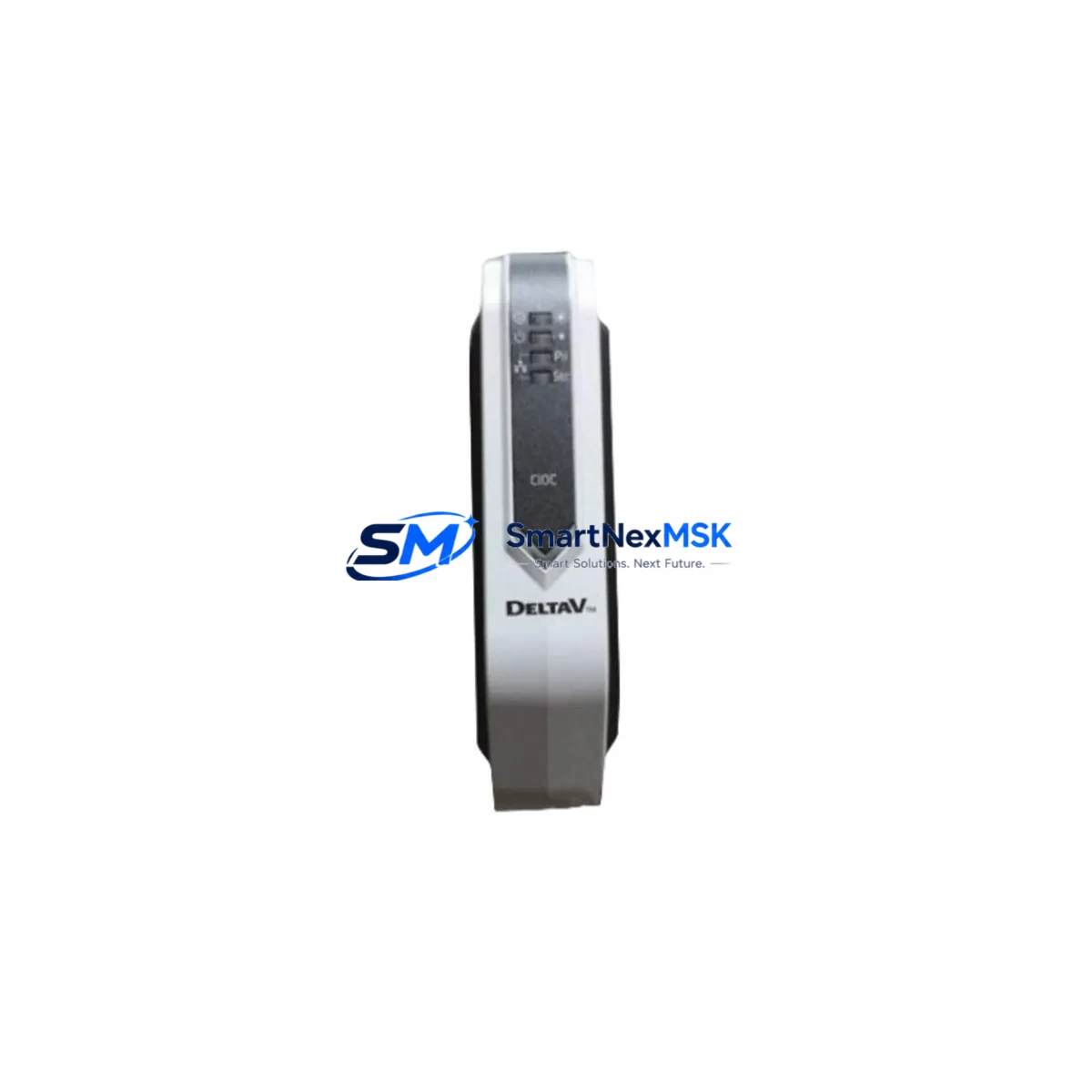
Emerson 12P4987X062 KL2101X1-BA1 Spare DeltaV Automation: Spare Parts Replacement & Industrial Downtime Risk Control
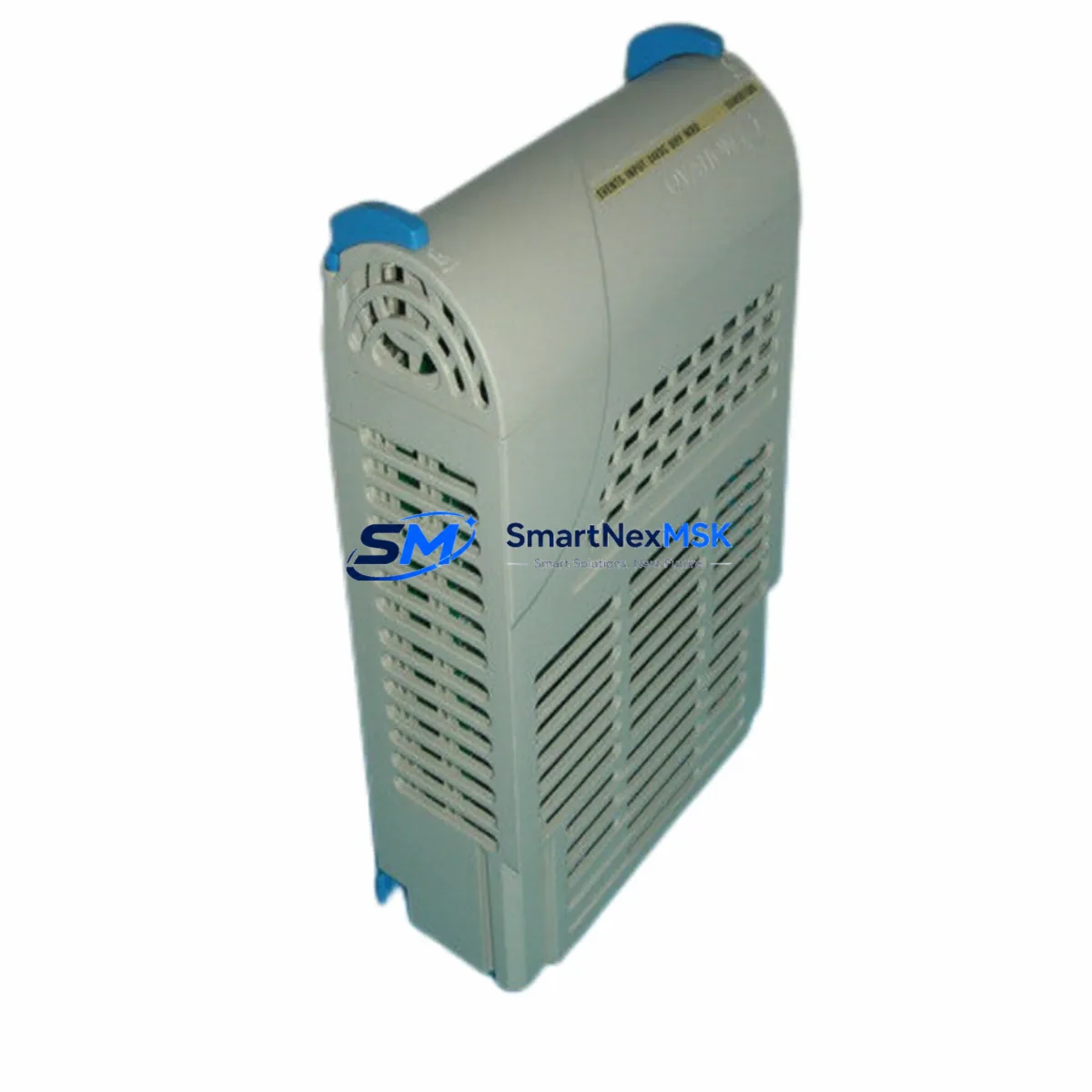
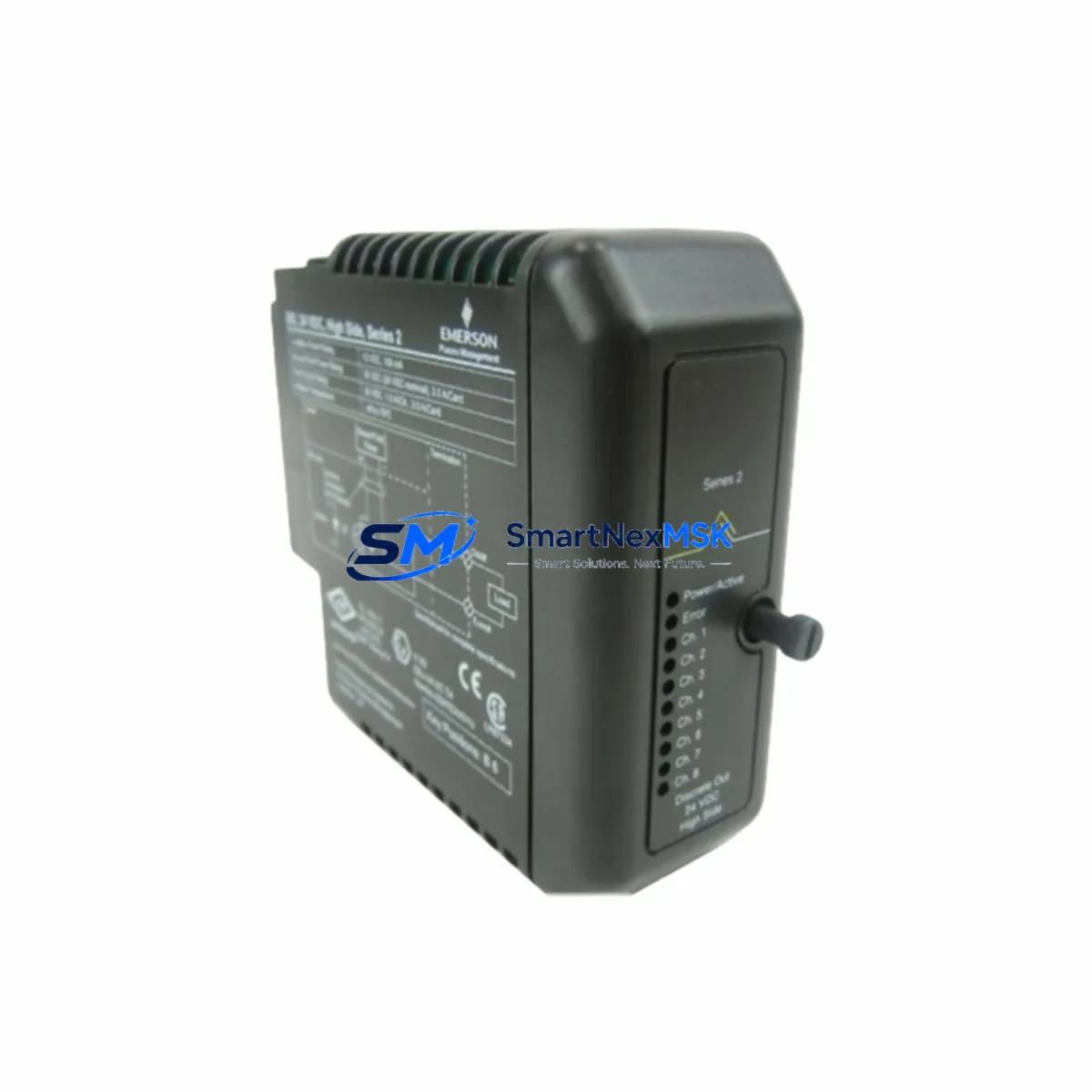
The Emerson 12P4987X062 KL2101X1-BA1 is an original 8-Channel 24VDC Digital Output Module designed for the DeltaV distributed control system platform. As a maintenance-ready spare, this module is a critical component in continuous process industries including oil & gas, chemical, power generation, and pharmaceutical manufacturing. When a digital output channel fails or a module reaches end-of-life, rapid replacement with a verified original spare is the fastest path to restoring full system operation and preventing extended unplanned downtime.
Every unit supplied by SMARTNEXMSK is sourced from authorized channels, individually inspected, and function-tested prior to shipment. Long-term supply continuity is maintained for legacy DeltaV installations, ensuring that aging control systems can be sustained without forced migration. A 12-month warranty is included on all units.
Spare Maintenance Table
| Parameter | Specification |
|---|---|
| Part Number | 12P4987X062 |
| Module Reference | KL2101X1-BA1 |
| Brand / Manufacturer | Emerson (Fisher-Rosemount / DeltaV) |
| Series | DeltaV DCS |
| Module Type | 8-Channel Digital Output (DO) |
| Output Voltage | 24 VDC |
| Channel Count | 8 isolated digital output channels |
| Communication Interface | DeltaV I/O Bus (proprietary backplane) |
| Mounting | DeltaV I/O carrier / backplane slot |
| Application Environment | Industrial process control, DCS cabinets, hazardous area (check SIL rating per project) |
| Compatibility | DeltaV S-series, M-series controllers; compatible carriers and I/O subsystems |
| Condition | Original / New-surplus / Refurbished (tested) |
| Maintenance Recommendation | Replace at first sign of channel fault, LED error, or diagnostic alarm in DeltaV Explorer |
| Warranty | 12 Months — covers functional defects under normal operating conditions |
| Lead Time | In-stock: ships within 1–3 business days |
Maintenance Planning for Continuous Operation
When a DeltaV digital output module such as the 12P4987X062 KL2101X1-BA1 is flagged for replacement during a planned turnaround or emergency shutdown, experienced maintenance engineers know that the module itself is rarely the only component requiring attention. A thorough inspection of the surrounding I/O subsystem is essential to prevent repeat failures and ensure the restored loop performs reliably.
Begin by verifying the DeltaV I/O carrier or terminal block assembly that hosts the module. Carrier contacts corrode over time in humid or chemically aggressive environments, and a degraded carrier can cause intermittent channel faults even after a new module is installed. Inspect and, if necessary, replace the carrier alongside the 12P4987X062.
Next, audit the 24VDC field power supply feeding the output channels. Emerson DeltaV DO modules rely on a stable, clean 24VDC bus; voltage ripple or sag caused by an aging Emerson KJ3221X1-BA1 or equivalent DeltaV power supply module will stress output drivers and shorten module life. A calibrated multimeter check at the carrier terminals is a mandatory step before commissioning the replacement module.
Review the field wiring and terminal strips connected to each of the eight output channels. Loose terminations, corroded ferrules, or undersized conductors are common root causes of nuisance trips that are incorrectly attributed to module failure. Torque all terminals to specification and verify continuity on each channel loop.
For installations where the DO module drives interposing relays or solid-state relay (SSR) modules, inspect relay coil resistance and contact condition. A shorted relay coil can draw excessive current and damage the output driver on the 12P4987X062. Relay modules from the same DeltaV cabinet — such as Emerson KJ3222X1-BA1 relay output modules — should be checked for contact wear and coil integrity as part of the same maintenance event.
If the control loop includes signal isolators or loop-powered transmitters, verify that isolator output levels are within the DO module’s input threshold range. Mismatched signal levels are a frequent source of false diagnostics in mixed-vintage DeltaV systems. Similarly, inspect any fuse holders or circuit protection devices on the 24VDC output lines; blown fuses often indicate a downstream wiring fault that must be resolved before the new module is energized.
For systems with DeltaV CHARM I/O or traditional I/O subsystems, confirm that the DeltaV controller module — such as an MD Plus or MD Controller — has current firmware and that the I/O assignment in DeltaV Explorer matches the physical slot location of the replacement module. A firmware mismatch can prevent the new module from being recognized, adding unnecessary delay to the recovery process.
Finally, if the cabinet houses DeltaV communication modules or redundant network interface cards, verify that the replacement event has not disrupted the I/O bus topology. A brief loop check using DeltaV Diagnostics will confirm that all eight output channels are communicating correctly before the system is returned to automatic control.
Site Replacement Workflow
Step 1 — Pre-replacement verification: Confirm the exact part number (12P4987X062) and module reference (KL2101X1-BA1) against the DeltaV hardware catalog and the cabinet’s as-built drawing. Cross-reference with the DeltaV Explorer hardware configuration to ensure slot assignment is correct.
Step 2 — Safe isolation: Place the affected control loop in manual mode at the DeltaV workstation. Notify the process operator and obtain a permit-to-work if required by site safety procedures. De-energize the 24VDC field power to the carrier before removing the module.
Step 3 — Module removal: Disengage the module locking tab and slide the 12P4987X062 KL2101X1-BA1 out of the carrier. Inspect the carrier contacts for contamination or mechanical damage before inserting the replacement unit.
Step 4 — Replacement installation: Insert the new module firmly until the locking tab engages. Restore 24VDC field power and observe the module status LED. A solid green LED indicates successful initialization. If the LED shows amber or red, check DeltaV Diagnostics for fault codes before proceeding.
Step 5 — Channel loop test: From the DeltaV workstation, force each of the eight output channels in sequence and verify field device response. Document the test results in the maintenance management system.
Step 6 — Return to service: Transfer the control loop from manual to automatic. Monitor the first 15 minutes of operation for any diagnostic alarms. Update the spare parts inventory record to reflect the consumed module and initiate a replenishment order to maintain minimum stock levels.
This workflow minimizes mean time to repair (MTTR) and ensures that the replaced module is fully validated before the process is returned to automatic control — reducing the risk of a repeat shutdown within the same maintenance cycle.
Spare Parts Support FAQ
Q1: What is the expected service life of the Emerson 12P4987X062 KL2101X1-BA1, and when should I stock a replacement?
Under normal operating conditions in a climate-controlled DCS cabinet, DeltaV I/O modules typically achieve 10–15 years of service life. However, modules in high-cycle, high-temperature, or chemically aggressive environments may degrade earlier. Best practice is to maintain at least one spare unit per installed module for critical loops, and to review spare stock annually as part of the site’s maintenance planning cycle. SMARTNEXMSK maintains long-term inventory of legacy DeltaV modules to support extended system life beyond the manufacturer’s active production period.
Q2: How is compatibility verified before shipment?
Each 12P4987X062 KL2101X1-BA1 unit is verified against the Emerson DeltaV hardware catalog prior to dispatch. Functional testing includes channel continuity, output driver integrity, and backplane communication checks. The module reference (KL2101X1-BA1) is confirmed against the physical label and internal firmware identifier where applicable. A test report is available upon request for critical applications.
Q3: Can this module replace older or alternate DeltaV DO module variants?
The 12P4987X062 KL2101X1-BA1 is designed for specific DeltaV carrier and backplane configurations. Before substituting it for an alternate part number, verify carrier compatibility, channel count, and output voltage rating against the as-built system documentation. Our technical team can assist with cross-reference validation prior to order confirmation — contact [email protected] with your existing part number and system details.
Q4: What does the 12-month warranty cover, and what is the return process?
The 12-month warranty covers functional defects arising under normal operating conditions, including output channel failure, backplane communication errors, and LED indicator faults not caused by external wiring faults, overvoltage, or physical damage. To initiate a warranty claim, contact [email protected] with the order reference, fault description, and site installation details. Replacement units are dispatched after fault confirmation, with return shipping coordinated by SMARTNEXMSK.
© 2026 SMARTNEXMSK. All rights reserved.
Original Source: https://smartnexmsk.com
Contact: [email protected] | +86 18259474341