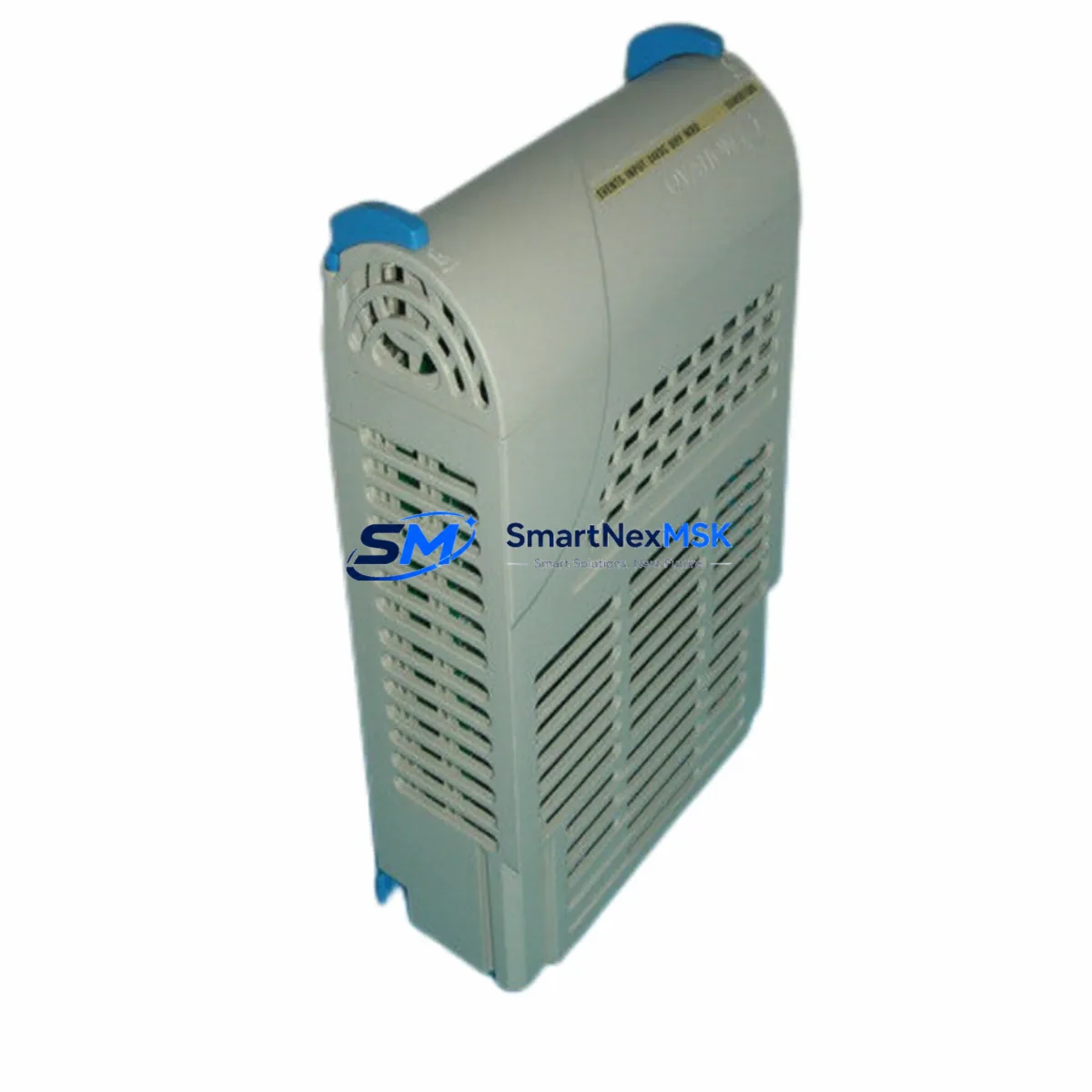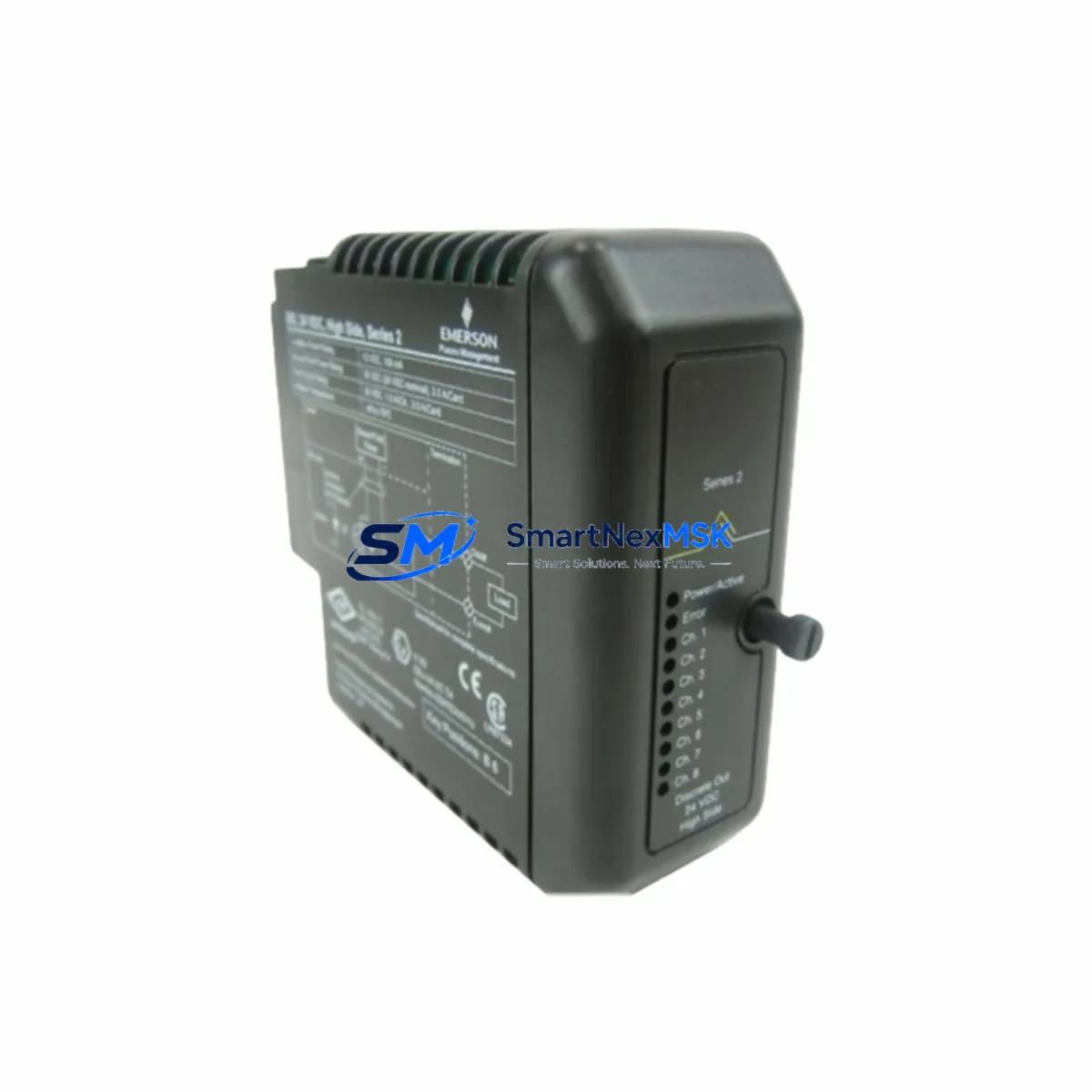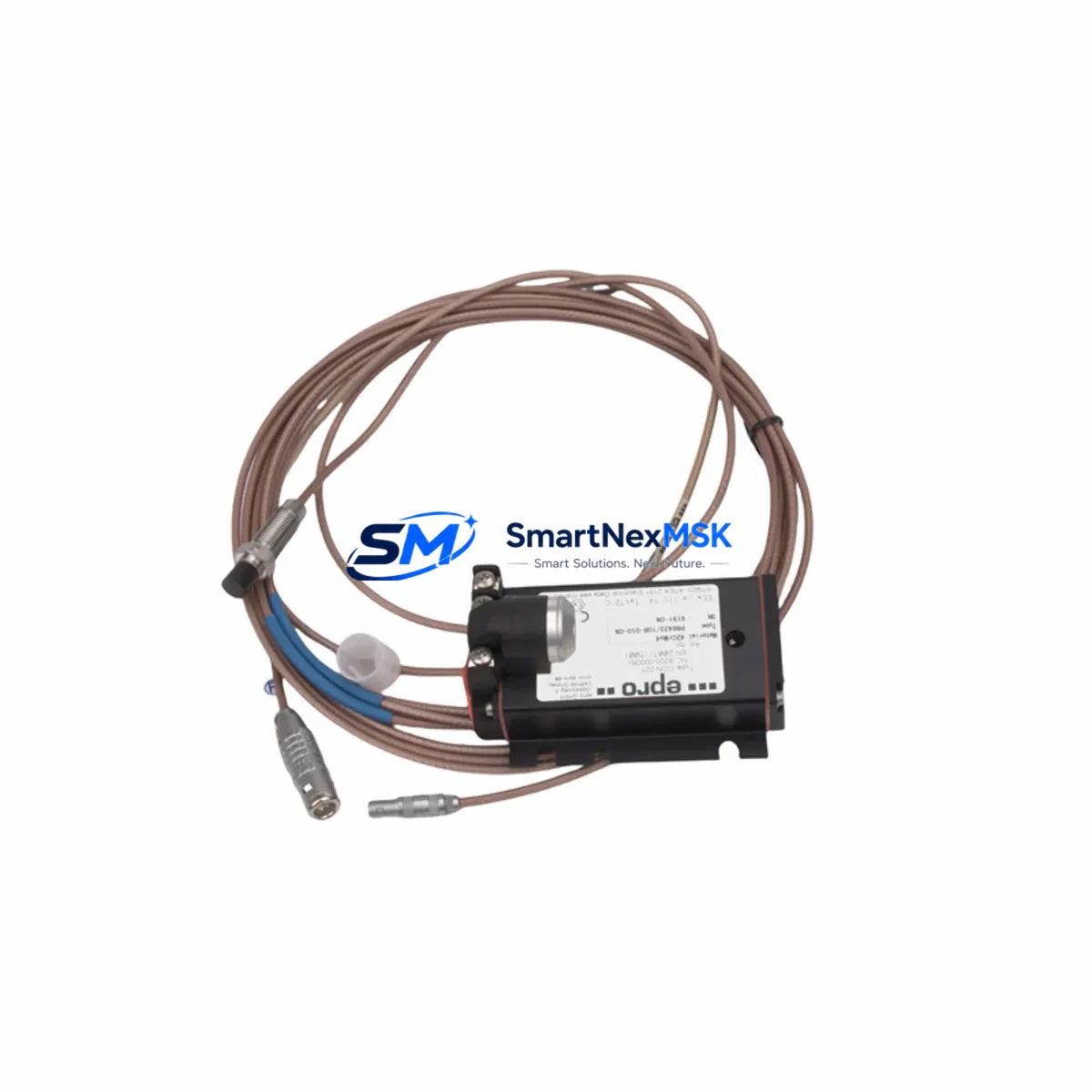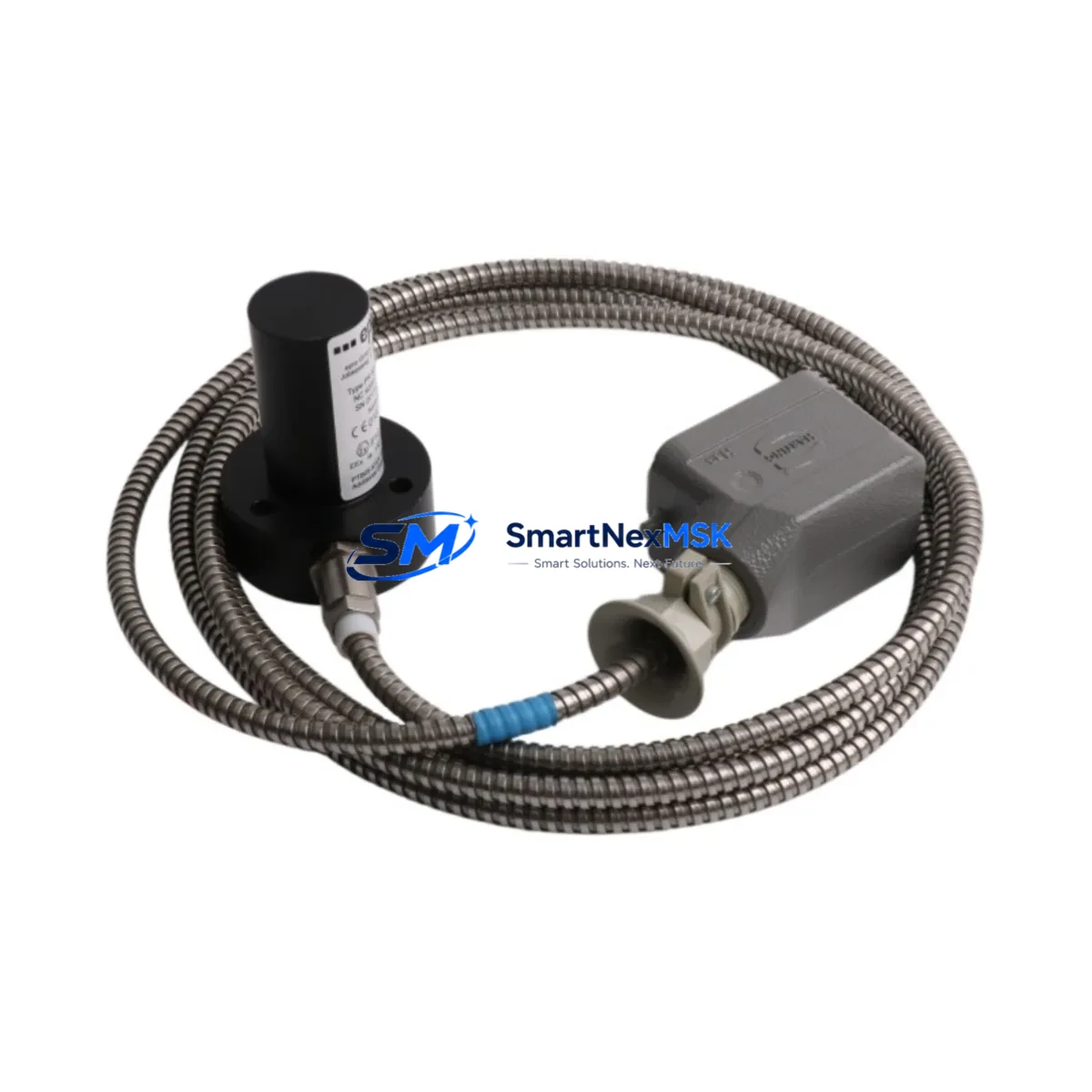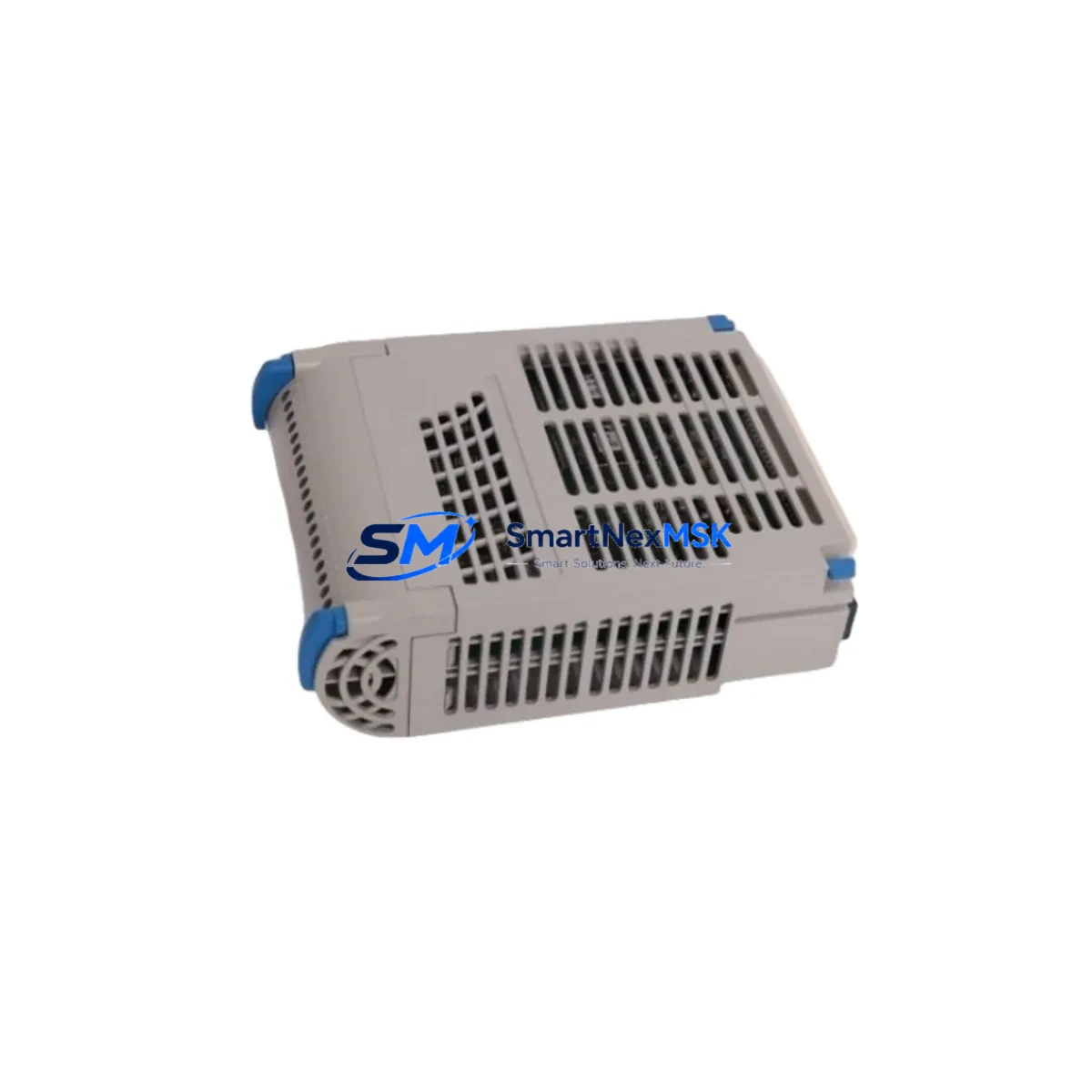
Emerson 1C31233G04 Spare for Ovation DCS Automation: Spare Replacement & Industrial Downtime Risk Control
The Emerson 1C31233G04 is a Sequence of Events (SOE) Contact Input Module designed for the Emerson Ovation Distributed Control System (DCS). As a critical component in power generation, oil & gas, and process automation facilities, this module captures high-resolution time-stamped digital contact inputs — enabling operators to reconstruct fault sequences with millisecond accuracy. When this module fails or degrades, the entire SOE logging capability for that I/O branch is compromised, leaving maintenance teams blind to the precise sequence of protective relay trips, interlock activations, and emergency shutdowns.
Sourced as an original Emerson spare, the 1C31233G04 is tested prior to shipment and backed by a 12-month warranty. It is available for fast worldwide delivery to support both planned maintenance outages and emergency replacement scenarios.
Spare Maintenance Table
| Parameter | Specification / Detail |
|---|---|
| Part Number | 1C31233G04 |
| Manufacturer | Emerson (formerly Westinghouse / Ovation) |
| Module Type | SOE (Sequence of Events) Contact Input Module |
| Compatible System | Emerson Ovation DCS |
| Series | Ovation I/O Series |
| Input Type | Dry contact / wet contact digital inputs |
| Time Resolution | 1 ms SOE timestamp resolution (typical) |
| Installation | Ovation I/O cabinet backplane slot mounting |
| Application Environment | Power plant control rooms, process automation panels, DCS I/O cabinets |
| Condition | Original / genuine Emerson spare |
| Pre-shipment Testing | Functional test performed before dispatch |
| Warranty | 12 months from date of shipment |
| Weight | 630 g (approx.) |
| Origin | USA |
| Delivery | Worldwide express shipping available |
Maintenance Planning for Continuous Operation
When a maintenance or reliability engineer schedules replacement of the 1C31233G04, the scope of inspection should extend well beyond the module itself. The Ovation DCS I/O cabinet is an integrated electrical environment, and a single degraded component can mask or trigger cascading faults across adjacent circuits.
Begin with the Ovation I/O backplane and its associated controller communication bus. A worn backplane connector or intermittent bus fault can cause the replacement module to report spurious SOE events immediately after installation, wasting diagnostic time. Inspect the Ovation Remote I/O Drop Cable and verify signal integrity on the serial or Ethernet link connecting the I/O drop to the Ovation controller node.
On the field wiring side, check the terminal blocks and field wiring marshalling panels connected to the contact input channels. Corroded terminals or loose ferrules are a leading cause of intermittent contact input faults that are often misdiagnosed as module failure. If the plant uses signal isolators or signal conditioners between field devices and the DCS input channels, verify their output voltage levels and isolation resistance — degraded isolators can inject noise that corrupts SOE timestamps.
Review the 24 VDC or 48 VDC field power supply feeding the contact input wet circuits. An aging Ovation power supply module (such as the 1C31166G01 or equivalent) with marginal output regulation can cause contact input modules to log false events during load transients. Replacing the 1C31233G04 without addressing a weak field power supply will result in repeat failures.
For plants running protective relay integration, inspect the relay output modules and interlock relay panels whose trip contacts feed into the SOE input channels. Relay contact wear or coil degradation can produce bounce events that overwhelm SOE buffers. Similarly, if the Ovation system includes digital output modules (such as the 1C31227G01 series) driving solenoids or motor starters whose feedback contacts return to the SOE module, verify those feedback loops are clean and debounced correctly.
Finally, confirm that the Ovation Operator Station (OWS) and Ovation HMI are configured to receive and display SOE data from the replacement module’s new slot address if any re-addressing is required. An HMI configuration mismatch after module replacement is a common source of post-maintenance alarm floods. If the plant uses a historian or data acquisition server integrated with the Ovation DCS, verify that the SOE tag mapping is updated accordingly to maintain data continuity for compliance and post-incident analysis.
Site Replacement Workflow
Step 1 — Pre-replacement verification: Confirm the 1C31233G04 is the correct module variant for your Ovation I/O drop configuration. Cross-reference the module’s G-suffix (G04) against your Ovation system engineering drawings to ensure compatibility with your specific backplane revision and firmware version. Earlier G-suffix variants (G01, G02, G03) may have different channel counts or input voltage thresholds.
Step 2 — Safe isolation: Follow your plant’s Lockout/Tagout (LOTO) procedure for the affected I/O cabinet section. Place the Ovation controller in manual or inhibit mode for the affected I/O drop to prevent spurious process trips during the swap. Document the current SOE buffer contents before powering down the module.
Step 3 — Physical replacement: Remove the failed 1C31233G04 from the backplane slot. Inspect the backplane connector pins for damage or oxidation before inserting the replacement. Seat the new module firmly and verify the module status LED sequence on power-up matches the expected initialization pattern per the Ovation I/O module documentation.
Step 4 — Functional verification: Inject test signals on each contact input channel using a field test switch or loop calibrator. Verify that the Ovation controller receives and time-stamps each test event correctly. Confirm SOE data is flowing to the historian and HMI before returning the I/O drop to automatic control.
Step 5 — Documentation: Record the replacement in your CMMS (Computerized Maintenance Management System), update the spare parts inventory, and log the removed module’s condition for root cause analysis. Retain the failed module for vendor evaluation if the failure mode is unclear.
This workflow minimizes downtime, preserves system compatibility, and ensures the replacement module is fully validated before the plant returns to normal operation.
Spare Parts Support FAQ
Q1: What is the expected service life of the 1C31233G04, and when should it be proactively replaced?
The 1C31233G04 is a solid-state electronic module with no moving parts, but electrolytic capacitors and optocoupler components degrade over time in high-temperature cabinet environments. Industry practice for Ovation DCS I/O modules suggests a proactive replacement interval of 10–15 years in continuous-duty applications, or earlier if the module begins logging intermittent diagnostic faults or SOE timestamp errors. Maintaining at least one spare unit per I/O drop type in your on-site spare parts inventory is strongly recommended for critical SOE-monitored circuits.
Q2: How do I verify compatibility between the 1C31233G04 and my specific Ovation DCS version?
Compatibility is determined by the Ovation controller firmware version, the I/O backplane revision, and the G-suffix of the module. The G04 suffix indicates a specific hardware revision with defined input specifications. Cross-reference your Ovation system’s I/O module compatibility matrix (available in the Ovation I/O Module Reference Manual) or contact our technical team with your Ovation controller model and firmware version. We will confirm compatibility before shipment.
Q3: What pre-shipment testing is performed on the 1C31233G04?
Each 1C31233G04 unit undergoes functional testing prior to dispatch, including contact input channel verification, communication bus response testing, and visual inspection for physical damage. Units that do not pass functional testing are not shipped. A test report is available upon request. All units are shipped with ESD-protective packaging to prevent damage in transit.
Q4: What does the 12-month warranty cover, and what is the claims process?
The 12-month warranty covers manufacturing defects and functional failures under normal operating conditions. It does not cover damage caused by incorrect installation, overvoltage events, or physical mishandling. To initiate a warranty claim, contact [email protected] with your order number, a description of the failure mode, and any available diagnostic data from the Ovation system. Replacement or repair will be arranged promptly to minimize your plant’s downtime exposure.
© 2026 SMARTNEXMSK. All rights reserved.
Original Source: https://smartnexmsk.com
Contact: [email protected] | +86 18259474341