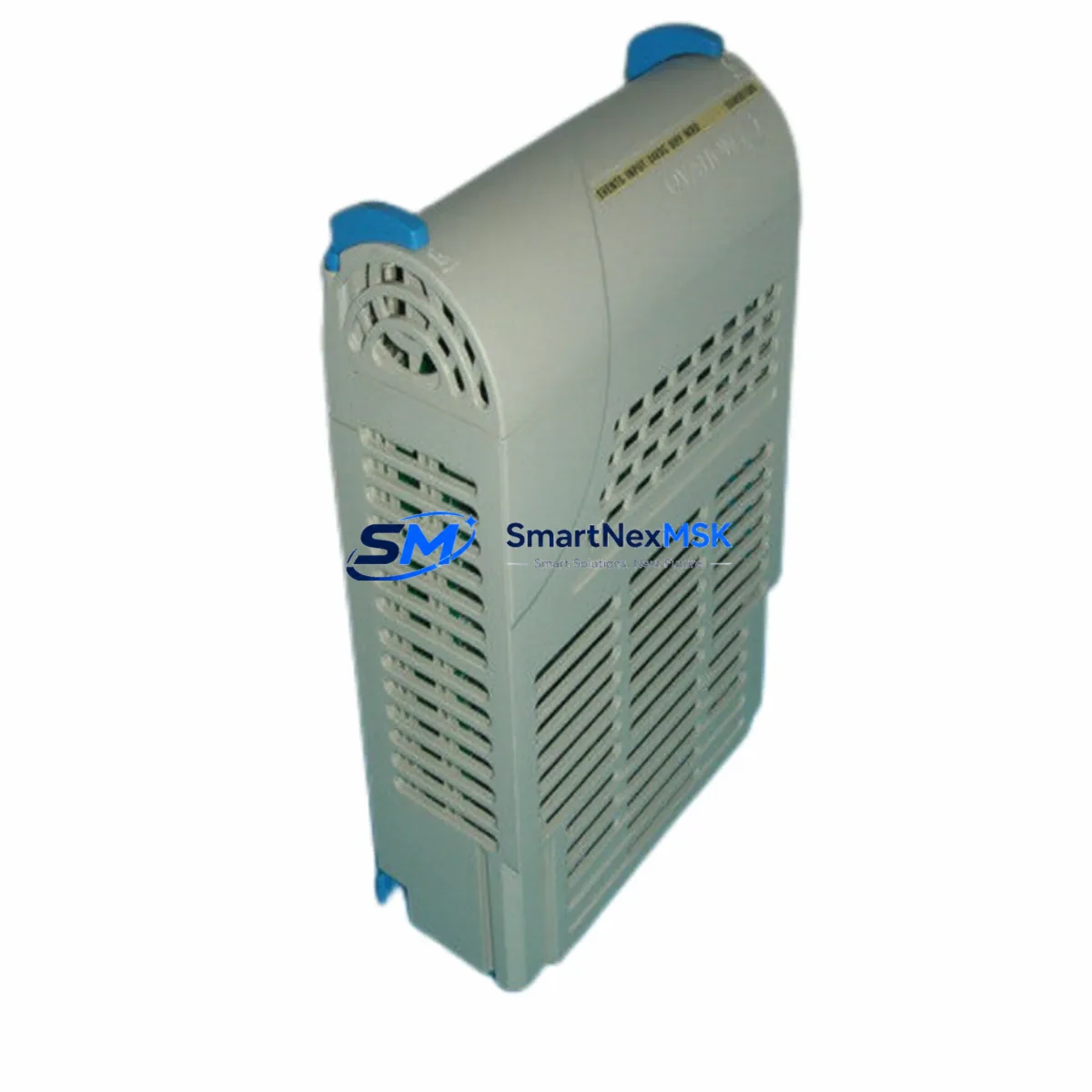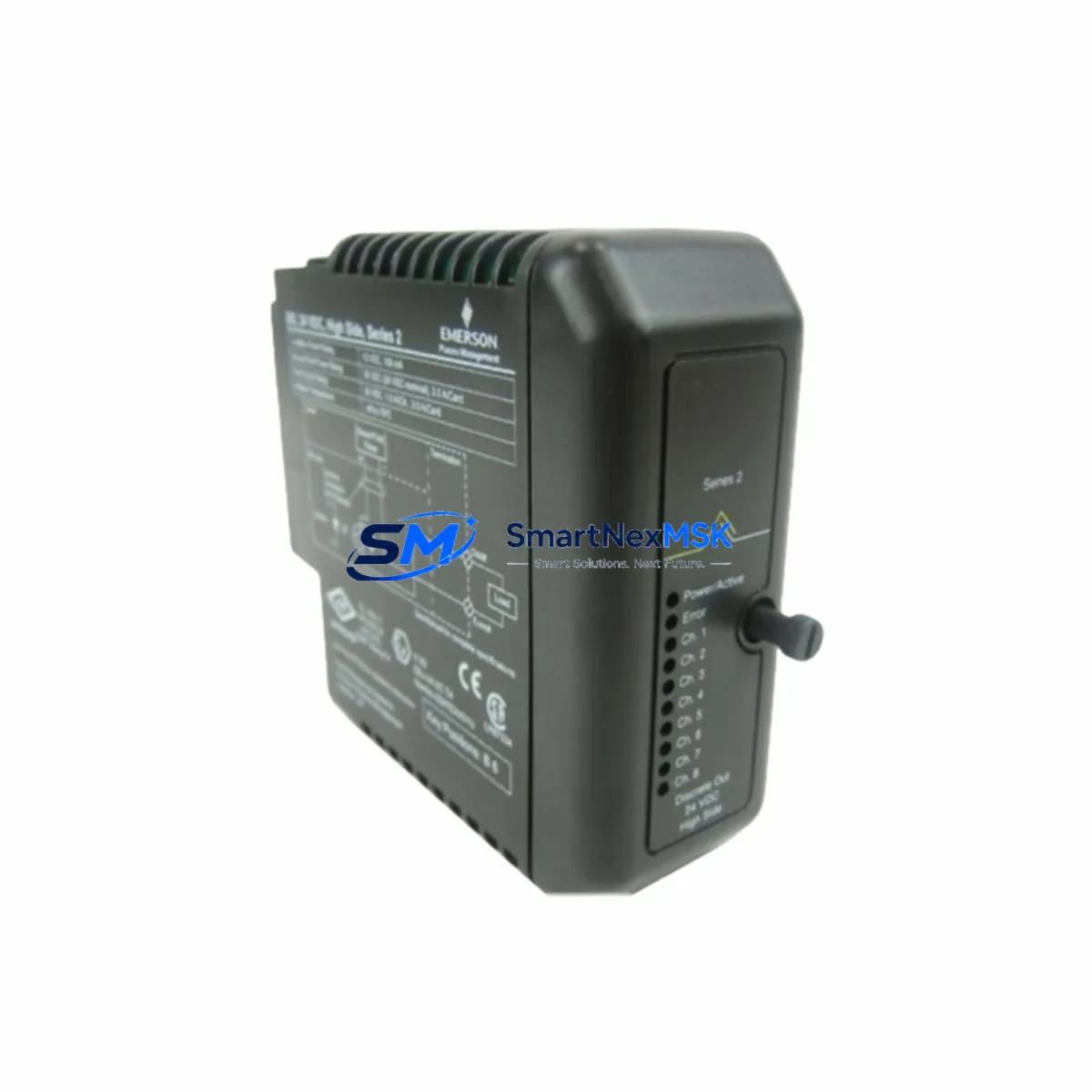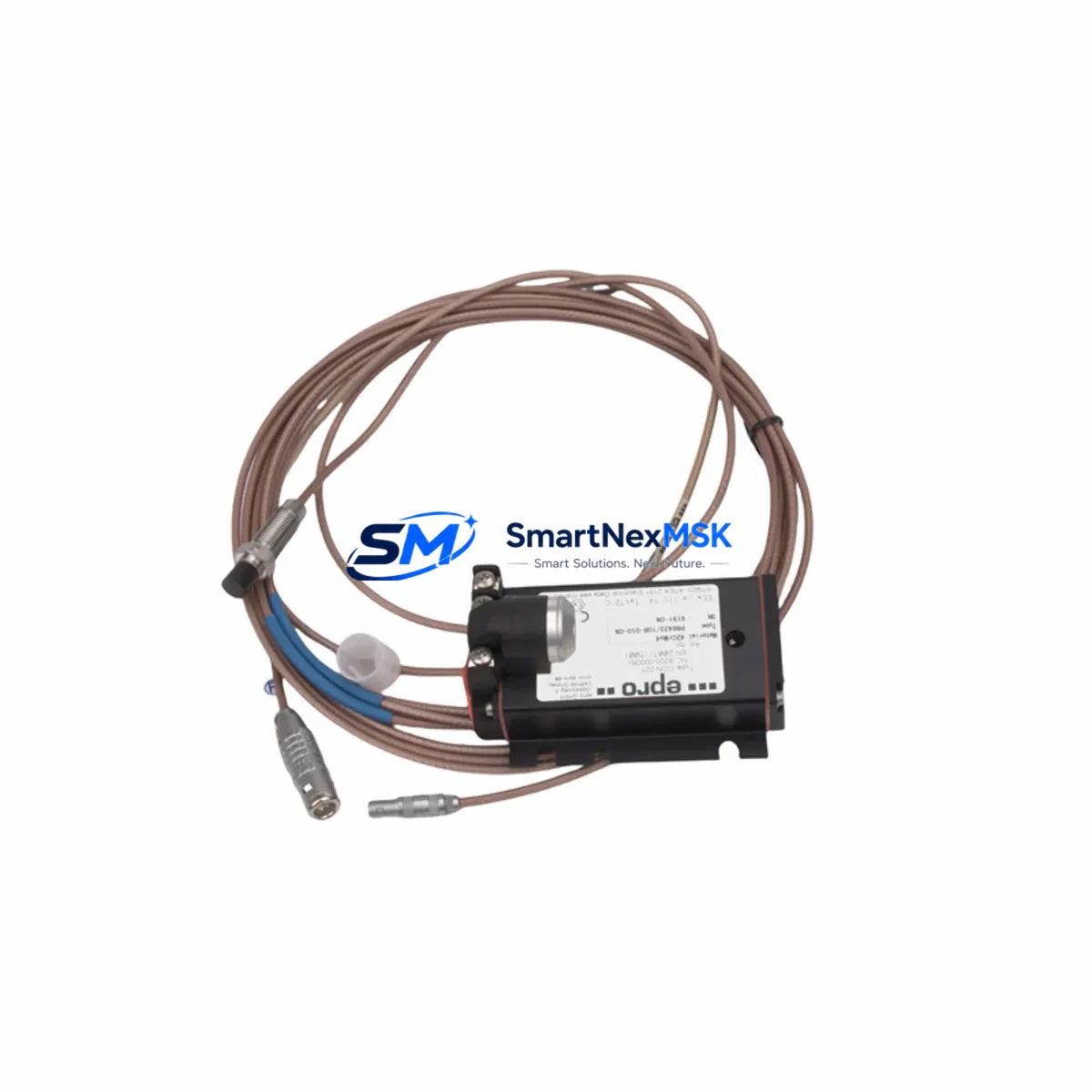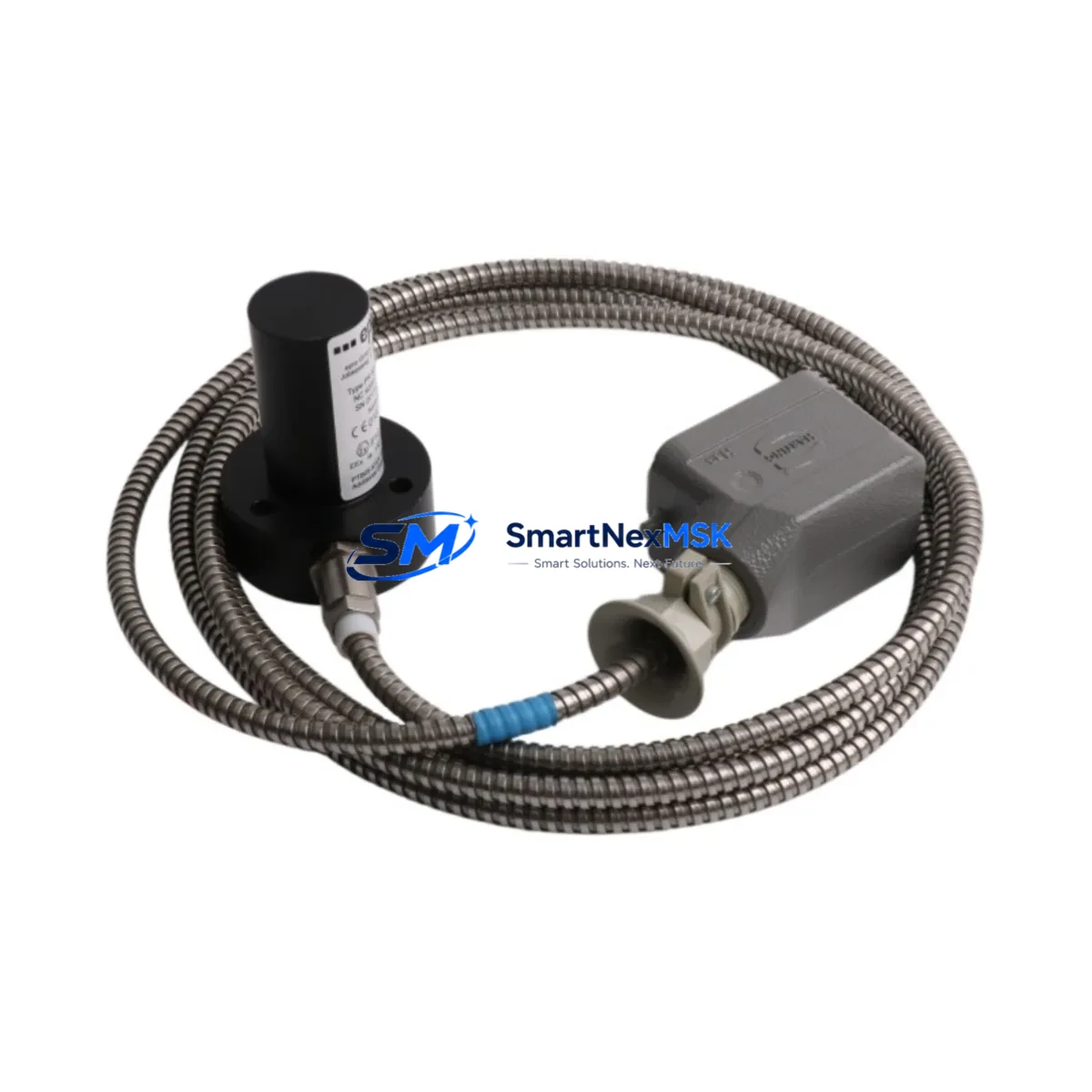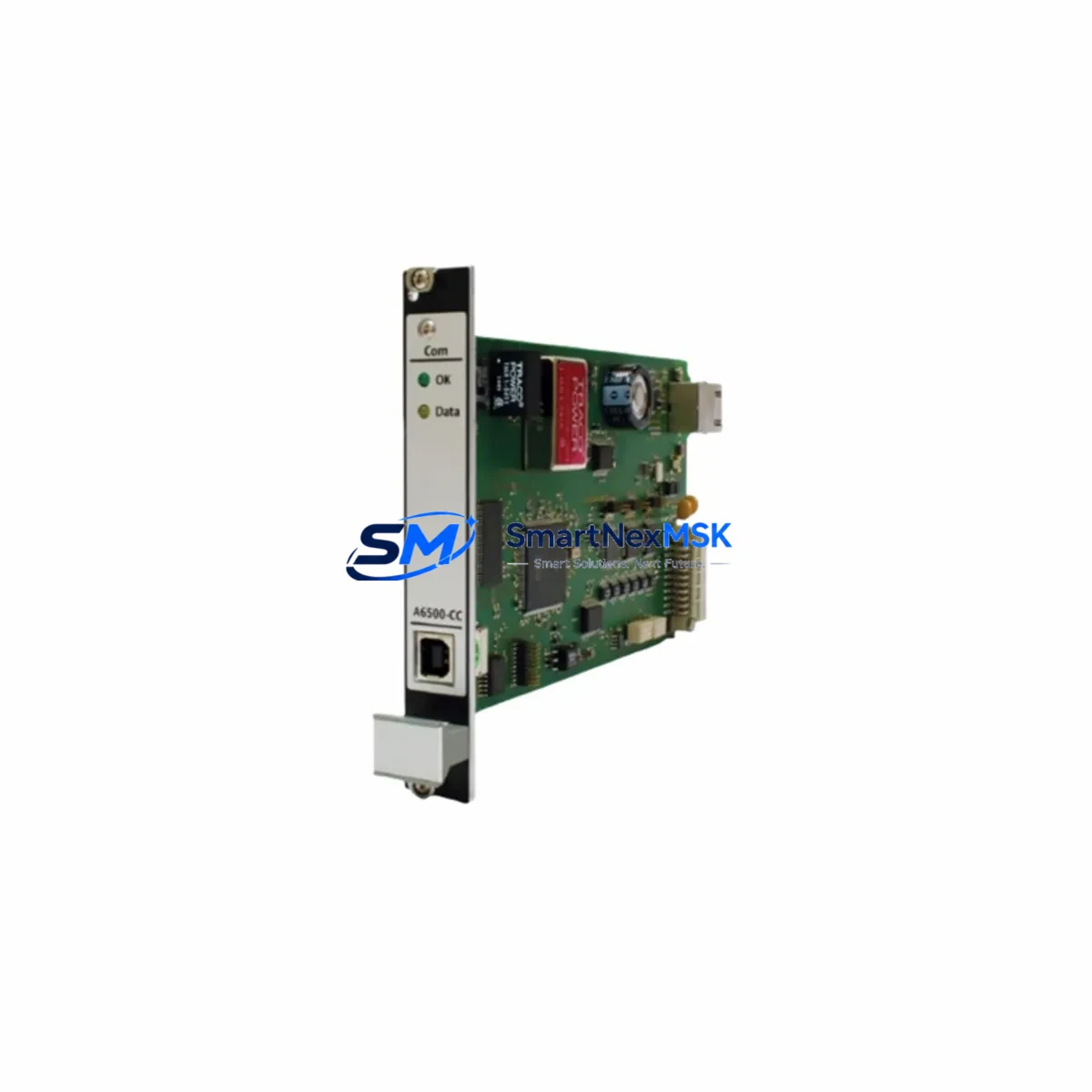
Emerson A6500CC Maintenance-Ready Spare for Ovation Automation
The Emerson A6500CC is an original communication card designed for the Ovation Distributed Control System (DCS) platform — one of the most widely deployed process automation architectures in power generation, oil & gas, and chemical processing facilities. For maintenance engineers managing aging Ovation control cabinets, securing a verified A6500CC spare is a critical step in any downtime-reduction strategy. This listing provides a genuine, tested A6500CC unit backed by a 12-month warranty, ready for immediate deployment or controlled-stock inventory.
Unplanned communication failures in a DCS environment can cascade rapidly. A degraded or failed A6500CC card disrupts controller-to-controller and controller-to-HMI data exchange, triggering process alarms, forcing manual overrides, and in worst cases, initiating emergency shutdowns. Maintaining at least one verified A6500CC spare on-site is a recognized best practice for Ovation system operators running continuous or semi-continuous processes.
Spare Maintenance Table
| Parameter | Specification / Detail |
|---|---|
| Part Number / SKU | A6500CC |
| Manufacturer | Emerson (Ovation Platform) |
| Module Type | DCS Communication Card |
| Compatible Platform | Emerson Ovation DCS Series |
| Form Factor | Plug-in card module (backplane-mounted) |
| Operating Voltage | Supplied via Ovation backplane (typically 5 VDC / 24 VDC rail) |
| Communication Protocol | Ovation proprietary network; supports peer-to-peer and supervisory links |
| Operating Temperature | 0°C to 60°C (32°F to 140°F) |
| Humidity | 5% to 95% RH, non-condensing |
| Installation Environment | Industrial control cabinet, DIN-rail or card-cage backplane |
| Compatibility Verification | Cross-referenced against Ovation system revision and firmware baseline |
| Condition | Original / Genuine — tested prior to shipment |
| Warranty | 12 Months from date of shipment |
| Lead Time | In-stock units ship within 1–3 business days |
| Origin | United States |
Maintenance Planning for Continuous Operation
When scheduling a planned replacement or responding to an unplanned A6500CC failure, experienced Ovation maintenance teams treat the communication card as one node in a broader inspection checklist. A card swap alone rarely resolves systemic issues if upstream or downstream components are degraded.
Begin with the Ovation controller backplane — inspect backplane connectors for oxidation, bent pins, or thermal stress marks before seating the replacement A6500CC. A compromised backplane slot will cause intermittent faults even with a new card installed. Next, verify the Ovation power supply module (such as the A6210 or equivalent redundant PSU) is delivering stable voltage within specification; communication cards are sensitive to ripple and voltage sag.
Check the Ovation network switch or hub connecting the controller nodes — a degraded network port or faulty patch cable can mimic a failed communication card and lead to misdiagnosis. Inspect fiber optic transceivers or copper Ethernet interfaces on adjacent controller cards for signal integrity issues. If the Ovation system uses a redundant communication path, confirm the secondary link is active and healthy before returning the primary to service.
For cabinets with mixed I/O, review the Ovation I/O module rack — particularly any analog input/output cards or digital I/O modules sharing the same backplane segment as the A6500CC. A shorted I/O channel can place abnormal load on the communication bus. Inspect terminal blocks and field wiring terminations for loose connections, corrosion, or insulation breakdown, especially in high-vibration or high-humidity environments.
If the Ovation system interfaces with a safety instrumented system (SIS) or emergency shutdown (ESD) controller, verify that communication handshaking between the DCS and SIS layers is restored and validated after the card replacement. For sites using OPC DA/UA data servers or historian software connected to the Ovation network, confirm that data subscriptions re-establish correctly post-swap.
Finally, check the Ovation Operator Workstation (OWS) or HMI for any latent alarm conditions or communication fault logs that may indicate secondary issues triggered by the original card failure. A full cabinet inspection — including fuse integrity, relay contact condition, and signal isolator status — should accompany any A6500CC replacement to prevent repeat failures.
Site Replacement Workflow
Step 1 — Isolate and document: Before removing the A6500CC, capture the current system state via the Ovation Operator Workstation. Record active alarms, controller status, and network topology. If the system supports hot-swap, confirm this with your site’s Ovation revision documentation before proceeding without a process shutdown.
Step 2 — Power and ESD precautions: Follow site lockout/tagout (LOTO) procedures if a cold swap is required. Use an ESD wrist strap and anti-static mat when handling the A6500CC card. Electrostatic discharge is a leading cause of latent communication card damage that manifests as intermittent faults weeks after installation.
Step 3 — Physical installation: Seat the replacement A6500CC firmly into the backplane slot. Verify card retention latches are fully engaged. Do not force the card — misalignment with backplane connectors will cause pin damage.
Step 4 — Firmware and configuration verification: After power-up, confirm the A6500CC firmware version is compatible with the installed Ovation system release. If a firmware update is required, follow Emerson’s documented upgrade procedure. Restore any card-specific configuration parameters from your site’s backup.
Step 5 — Communication validation: Verify peer-to-peer links, supervisory network connections, and HMI data feeds are all re-established. Clear latched alarms only after confirming stable communication. Log the replacement in your site’s maintenance management system (CMMS) with the new card’s serial number and installation date.
This workflow supports rapid downtime recovery while maintaining system integrity — reducing mean time to repair (MTTR) and protecting process continuity.
Spare Parts Support FAQ
Q1: Is the A6500CC supplied as a genuine original Emerson part?
Yes. All A6500CC units are sourced as original Emerson components. Each unit undergoes functional testing prior to shipment. A test report is available upon request. The 12-month warranty covers manufacturing defects and functional failures under normal operating conditions.
Q2: How do I confirm A6500CC compatibility with my specific Ovation system revision?
Provide your Ovation system version, controller model, and backplane revision when placing your inquiry. Our technical team will cross-reference compatibility before shipment. We recommend verifying against your site’s Emerson Ovation hardware compatibility matrix or contacting us with your system’s nameplate data.
Q3: What is the recommended inventory strategy for A6500CC spares?
For continuous-process facilities, maintaining a minimum of one on-site A6500CC spare per Ovation controller cluster is standard practice. Sites with redundant communication architectures should stock one spare per redundant pair. Given the long lead times associated with legacy DCS components, pre-positioning stock eliminates procurement delays during emergency outages.
Q4: What does the 12-month warranty cover, and what is the return process?
The 12-month warranty covers functional failure under normal industrial operating conditions. It does not cover physical damage caused by incorrect installation, overvoltage events, or ESD damage. To initiate a warranty claim, contact our support team with the order number, installation date, and a description of the fault. Replacement or repair will be processed within 5 business days of receiving the returned unit.
© 2026 SMARTNEXMSK. All rights reserved.
Original Source: https://smartnexmsk.com
Contact: [email protected] | +86 18259474341