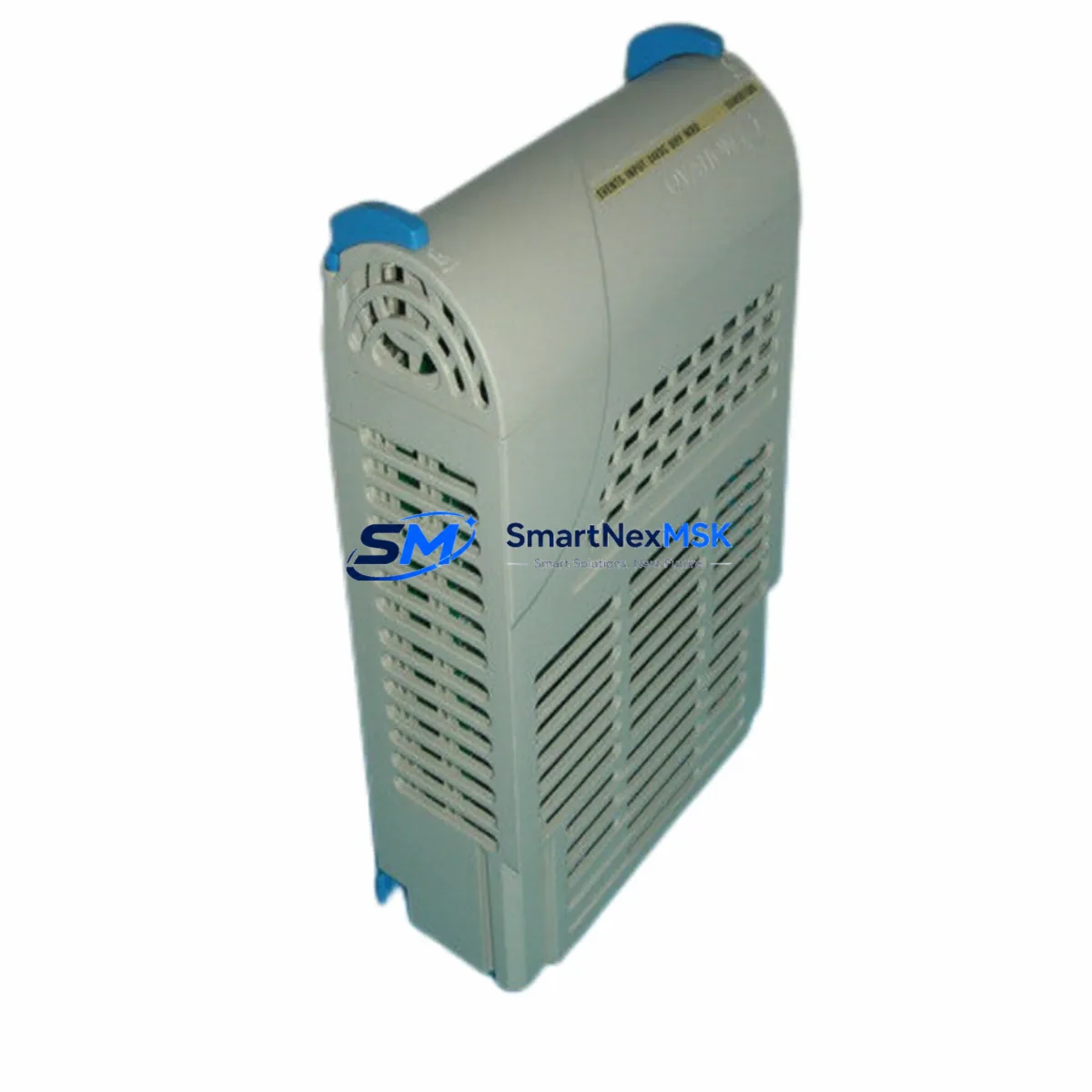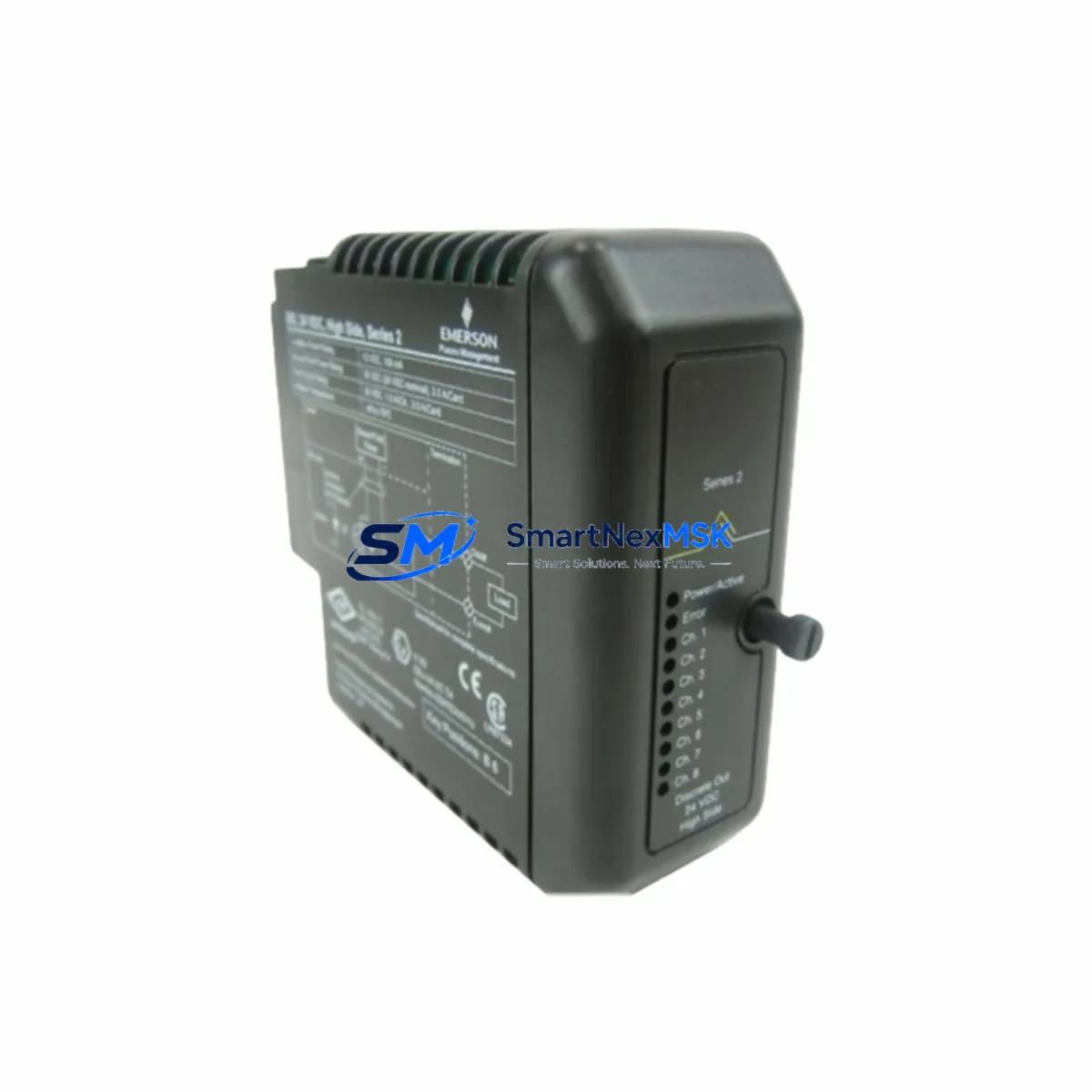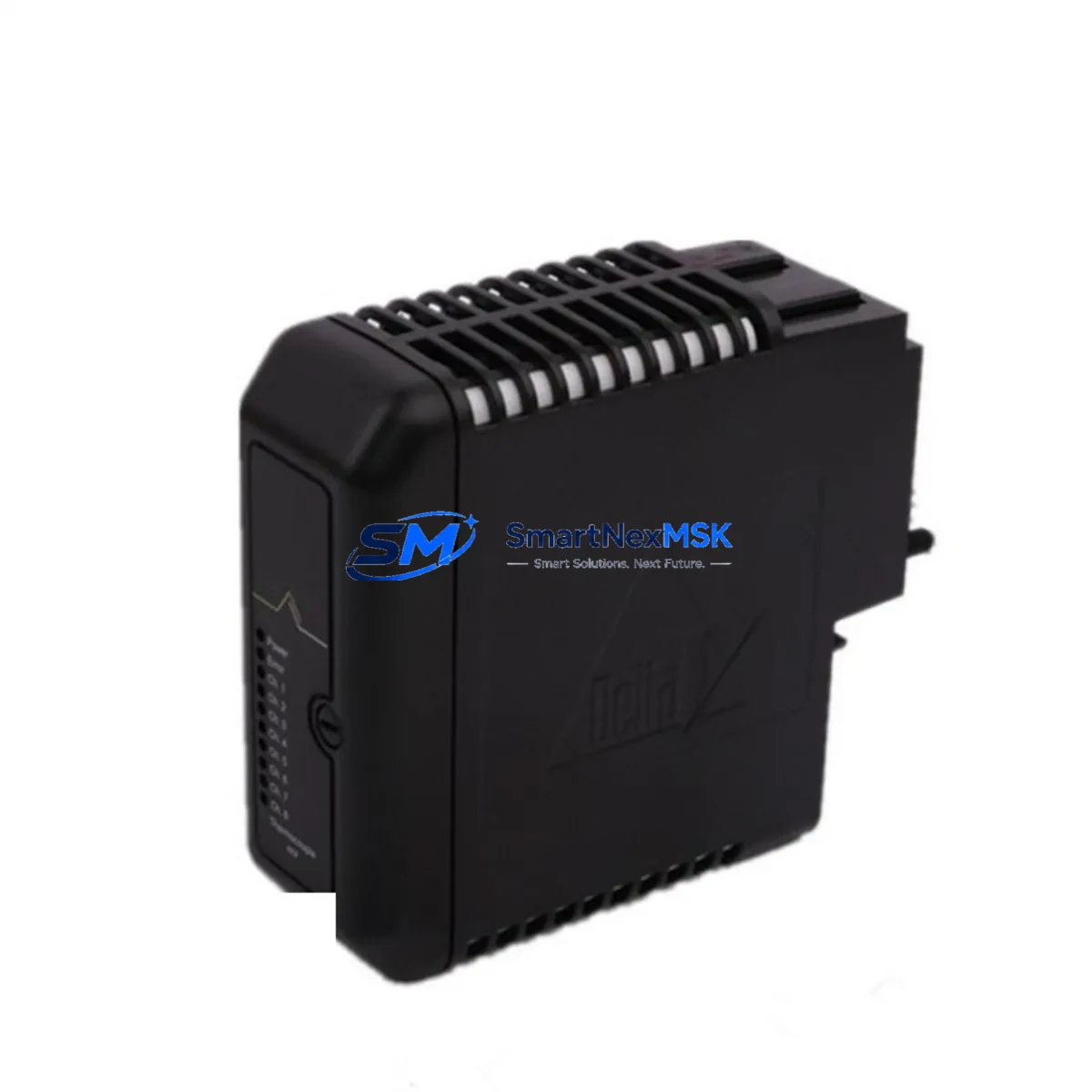
Emerson ES0350.M1A05L.27N0 Retrofit-Ready HART Output for DeltaV Control Systems
The Emerson ES0350.M1A05L.27N0 is an 8-channel HART-enabled 4–20 mA analog output module engineered for DeltaV Series distributed control systems. As legacy DeltaV hardware reaches end-of-life and spare-part availability tightens, this module has become a critical retrofit component for facilities managing aging process control infrastructure. Whether you are replacing a failed card in a running production line, upgrading a discontinued output module, or migrating an entire control cabinet to a current-generation DeltaV architecture, the ES0350.M1A05L.27N0 delivers the electrical compatibility, HART communication support, and mechanical form factor required for a smooth, low-risk transition.
Sourced from verified industrial supply channels and subject to pre-shipment functional testing, each unit ships with a 12-month warranty covering manufacturing defects and operational failures under normal service conditions. Global logistics support ensures delivery to refineries, chemical plants, power generation facilities, and discrete manufacturing sites across Asia, Europe, the Middle East, and the Americas.
Upgrade Compatibility Table
| Parameter | ES0350.M1A05L.27N0 Specification | Retrofit Notes |
|---|---|---|
| Module Type | 8-Channel HART Analog Output | Direct replacement for same-slot DeltaV AO modules |
| Output Signal | 4–20 mA per channel | Verify field loop resistance ≤ 750 Ω per channel |
| HART Protocol | HART 5 / HART 7 compatible | Confirm HART master configuration in DeltaV Explorer |
| Backplane Interface | DeltaV S-series carrier compatible | Confirm carrier part number before installation |
| Power Consumption | Supplied via DeltaV backplane bus | Verify controller power budget before adding modules |
| Channel Isolation | Channel-to-channel isolation supported | Review loop grounding scheme during wiring adaptation |
| Module Addressing | Auto-assigned via DeltaV node configuration | Re-commission module address in DeltaV Explorer post-swap |
| Commissioning Tool | DeltaV Operate / DeltaV Explorer | Download and restore module parameters from backup DST |
| Warranty | 12 Months | Covers manufacturing defects under normal operating conditions |
| Replacement Path | Discontinued DeltaV AO8 HART variants | Confirm firmware version compatibility with system controller |
Retrofit Planning for Existing Automation Systems
Successful integration of the ES0350.M1A05L.27N0 into an existing DeltaV environment begins well before the module arrives on site. Engineers should start by auditing the current control cabinet layout, identifying the carrier card slot, and confirming that the installed DeltaV M-series or S-series controller has sufficient I/O capacity and power headroom to absorb the additional output module. The DeltaV MD Plus Controller or DeltaV MD Controller paired with a populated I/O subsystem is a common host platform for this module type, and power budget calculations should account for all co-installed cards including analog input modules, discrete output modules, and any DeltaV CHARM I/O cards sharing the same power rail.
Terminal wiring adaptation is a frequent challenge during retrofit projects. Field cables originally terminated to an older DeltaV AO8 HART module may use a marshalling cabinet with cross-wiring to a legacy terminal block assembly. Before removing the old module, photograph and document all terminal assignments, verify loop continuity with a HART communicator such as the Emerson 475 Field Communicator, and confirm that each field device — whether a control valve positioner, variable-speed drive reference input, or process heater power controller — is in a safe manual state. The ES0350.M1A05L.27N0 uses the same 16-pin carrier connector standard as other DeltaV S-series I/O modules, so physical installation is straightforward once the carrier is confirmed compatible.
Communication link integrity must be verified after module insertion. In DeltaV Explorer, the new module will appear as an unassigned device on the I/O subsystem node. Engineers should restore the module’s channel configuration from a previously exported DST backup, reassign HART tag addresses, and confirm that the DeltaV Fieldbus Foundation or HART pass-through settings match the original configuration. If the system also includes a DeltaV SIS Safety Instrumented System controller or a DeltaV PK Controller managing safety-rated outputs, ensure that the non-SIS output module replacement does not inadvertently affect safety loop integrity.
For facilities running parallel HMI environments — such as a DeltaV Operate workstation alongside a legacy Wonderware or iFIX SCADA display — verify that all HMI faceplates referencing the replaced module’s tag names continue to resolve correctly after the module swap. Tag name continuity is typically preserved when the DST restore is performed correctly, but a full HMI alarm and display check should be completed before returning the loop to automatic control. Programming cable access via a DeltaV workstation running DeltaV Diagnostics is recommended for final loop verification and HART device health confirmation.
Downtime Control During System Migration
Minimizing unplanned downtime during a DeltaV output module replacement requires a structured hot-swap or cold-swap protocol depending on the criticality of the controlled process. For non-critical auxiliary loops, a cold-swap during a scheduled maintenance window is the safest approach: isolate the affected output channels, place all downstream field devices in manual or local control mode, remove the failed module, insert the ES0350.M1A05L.27N0, restore configuration from backup, and perform a channel-by-channel loop check before returning to automatic. Total elapsed time for an experienced DeltaV technician is typically 45 to 90 minutes per module.
For critical process loops where even brief interruptions carry production or safety risk, a parallel commissioning strategy is preferred. Install the replacement module in an adjacent spare slot, configure it fully in DeltaV Explorer with the correct tag assignments and HART parameters, verify output signal integrity on a loop calibrator, and then execute a rapid cutover by re-patching the marshalling cabinet cross-wires from the old carrier to the new one. This approach keeps the original module live until the last possible moment, protecting process continuity and preserving the original program logic without modification.
Throughout the migration, maintain a live record of each channel’s last known output value so that the process can be returned to its pre-maintenance setpoint immediately after cutover. DeltaV Operate’s historical trend viewer and the DeltaV Continuous Historian provide the pre-swap baseline data needed for this purpose. After the module is confirmed operational, update the site’s as-built documentation, record the new module serial number in the CMMS, and archive the updated DST configuration file.
Retrofit Support FAQ
Q1: Is the ES0350.M1A05L.27N0 a direct drop-in replacement for discontinued DeltaV AO8 HART modules?
In most DeltaV S-series installations, yes. The module occupies the same carrier slot, uses the same backplane interface, and supports the same HART 4–20 mA output signal range. However, you should confirm the carrier part number and DeltaV system firmware version before installation, as certain early DeltaV hardware revisions may require a firmware update to recognize the replacement module correctly.
Q2: What wiring changes are required when installing this module?
In a standard marshalling-based DeltaV cabinet, no field wiring changes are required. The existing cross-wires from the marshalling terminal blocks to the I/O carrier remain in place. If your installation uses a direct-connect terminal block assembly without a marshalling layer, verify that the terminal pin assignments on the new carrier match the original wiring diagram before energizing the loops.
Q3: How is the module commissioned after installation?
After physical installation, open DeltaV Explorer on the engineering workstation, navigate to the I/O subsystem node, and download the restored DST configuration to the new module. Perform a HART device scan on each channel using the DeltaV HART Pass-Through utility or an Emerson 475 Field Communicator to confirm device recognition. Complete a full loop check by commanding each channel output from DeltaV Operate and verifying the corresponding field device response before returning loops to automatic control.
Q4: What does the 12-month warranty cover, and what is the return process?
The 12-month warranty covers manufacturing defects and functional failures under normal operating conditions, including output signal accuracy, HART communication integrity, and backplane interface reliability. Units that fail within the warranty period are eligible for replacement or repair. Contact our sales team with the module serial number, a description of the failure mode, and your original order reference to initiate a warranty claim. Pre-shipment functional testing documentation is available upon request.
© 2026 SMARTNEXMSK. All rights reserved.
Original Source: https://smartnexmsk.com
Contact: [email protected] | +86 18259474341