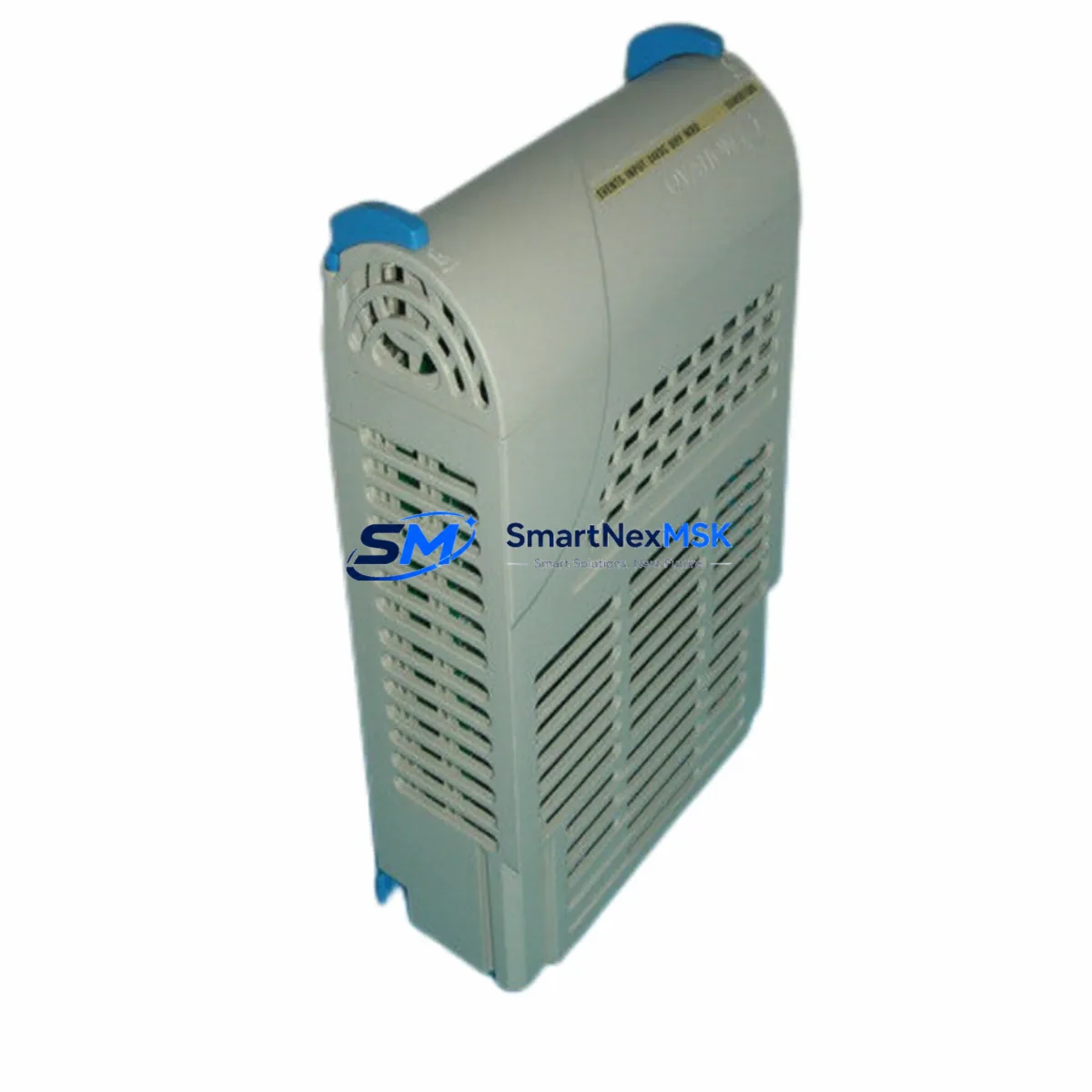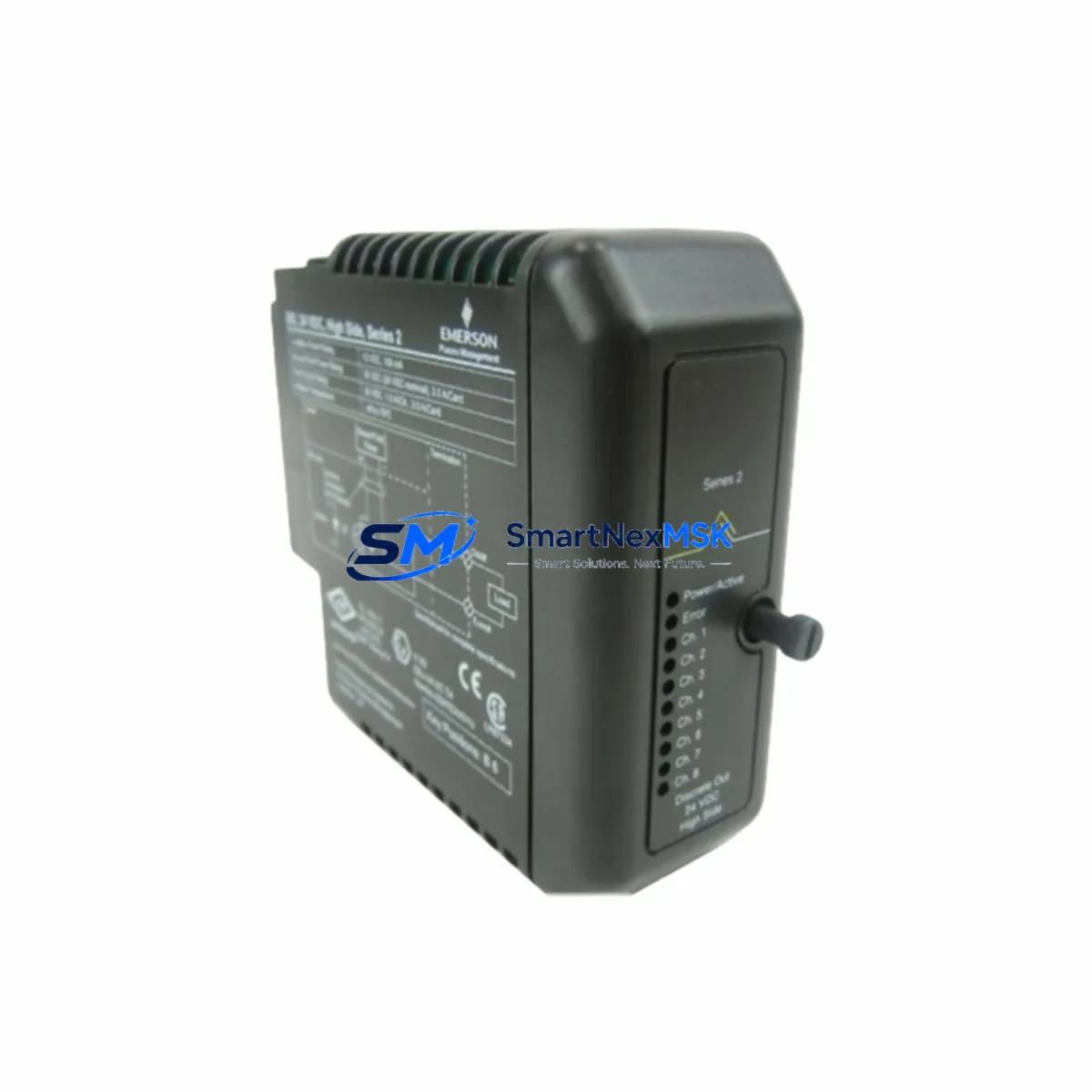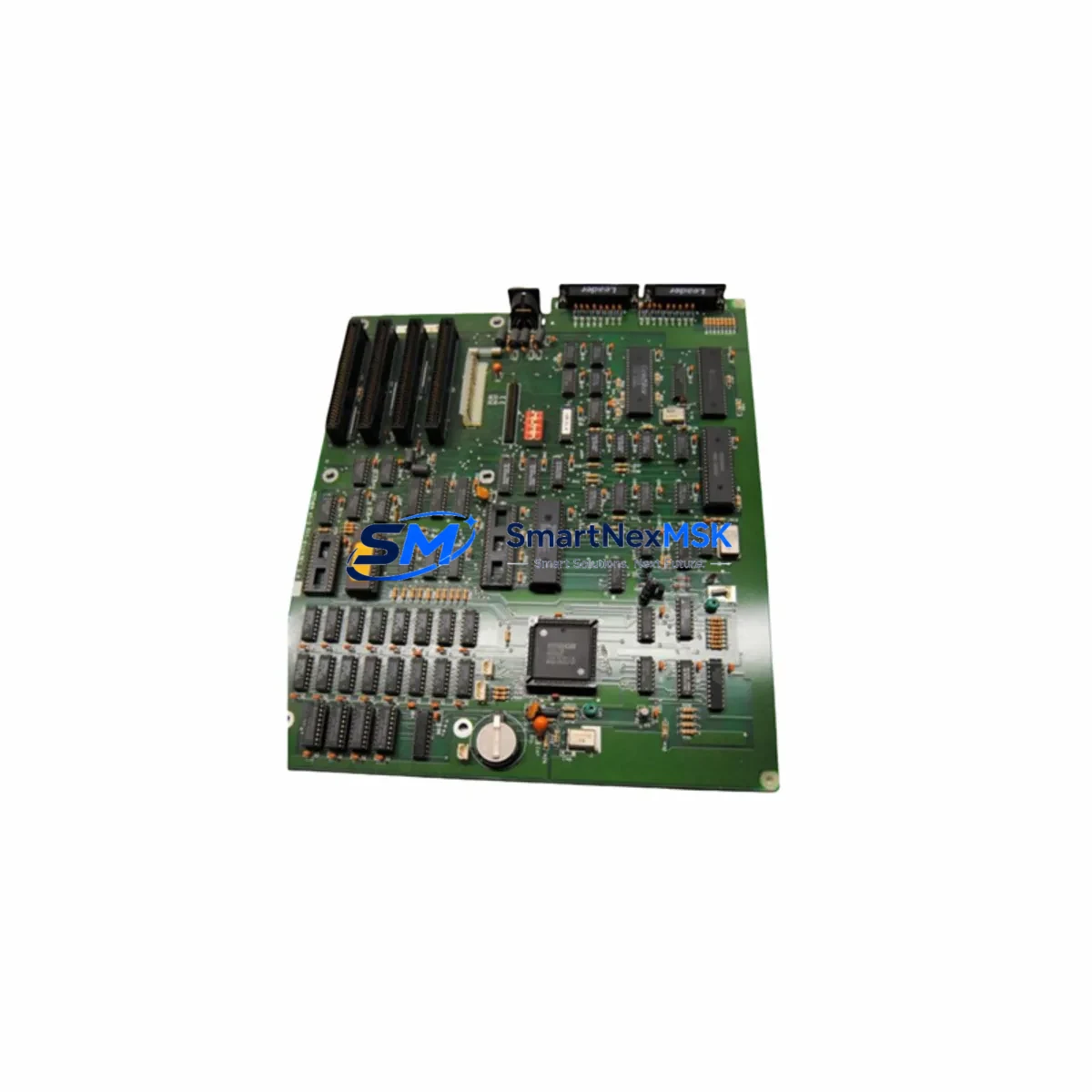
Emerson F14B3GM2 Retrofit-Ready Drive Board for Ovation DCS: Compatible Upgrade for Legacy Control Systems
The Emerson F14B3GM2 is a drive board module designed for use within the Emerson Ovation Distributed Control System (DCS) platform — one of the most widely deployed process automation architectures in power generation, water treatment, and continuous manufacturing facilities. As original equipment reaches end-of-life and OEM support windows close, the F14B3GM2 has become a critical retrofit component for engineers tasked with sustaining legacy control infrastructure without full system replacement.
This module serves as a direct replacement for failed or degraded drive boards within existing Ovation controller racks. It is compatible with standard Ovation backplane configurations and integrates with the Ovation network communication architecture, including the Ovation OCR400 and OCR1100 controller families. When sourcing a replacement F14B3GM2, engineers must verify the module revision level, firmware compatibility, and rack slot assignment before installation to avoid configuration conflicts during commissioning.
Before proceeding with a retrofit, the following parameters must be confirmed on-site: power supply rail voltage (typically 24 VDC from the Ovation PS module), terminal block wiring continuity, backplane connector pin integrity, module address assignment within the Ovation configuration database, and program logic compatibility with the existing Ovation Developer Studio project. HMI display bindings tied to the original module’s I/O tags should be audited in advance to prevent alarm floods or display errors after hot-swap or cold-swap replacement.
Communication link verification is equally important. The F14B3GM2 operates within the Ovation high-speed data highway, and any disruption to the Ovation communication module or associated Ovation I/O link during replacement can cause downstream controller faults. Technicians should confirm that the Ovation network interface card and associated fiber or copper data highway segments remain stable throughout the swap procedure.
Upgrade Compatibility Table
| Parameter | Details |
|---|---|
| Module SKU | F14B3GM2 |
| Brand / Platform | Emerson / Ovation DCS |
| Compatible Controllers | OCR400, OCR1100 series |
| Backplane Interface | Standard Ovation I/O backplane |
| Power Requirement | 24 VDC (from Ovation PS module) |
| Communication Protocol | Ovation high-speed data highway |
| Installation Type | Direct rack-mount, drop-in replacement |
| Firmware Compatibility | Verify revision against existing Ovation DB |
| Replacement Scope | Failed / degraded / EOL drive board |
| Commissioning Tool | Ovation Developer Studio |
| Warranty | 12 months from date of shipment |
Retrofit Planning for Existing Automation Systems
A successful F14B3GM2 retrofit typically occurs within a broader control system modernization effort. In many facilities, the drive board failure is a symptom of aging infrastructure across the entire Ovation rack assembly. During the planning phase, engineers should audit adjacent modules including the Ovation AI module (analog input), Ovation AO module (analog output), Ovation DI module (digital input), and Ovation DO module (digital output) for signs of capacitor aging, connector oxidation, or firmware obsolescence.
The Ovation power supply module should be load-tested prior to introducing a replacement drive board, as an undersized or degraded PS module can cause intermittent faults that mimic drive board failure. Similarly, the Ovation controller module itself — whether an OCR400 or OCR1100 — should be confirmed as healthy before the F14B3GM2 is seated, since a faulty controller can corrupt the module’s address table on first scan.
For facilities migrating from older Ovation versions, the Ovation programming cable and associated laptop with a licensed copy of Ovation Developer Studio are required to re-download the control logic after module replacement. If the facility is also upgrading the Ovation operator station or HMI workstation software, coordinate the drive board replacement with the HMI upgrade window to minimize the number of separate outage events.
I/O expansion during the retrofit is also common. Many facilities use the F14B3GM2 replacement as an opportunity to add Ovation remote I/O nodes or transition to a distributed I/O architecture, reducing the density of wiring in the main control cabinet and improving fault isolation. Ensure that any new I/O nodes are assigned unique addresses within the Ovation configuration and that the data highway bandwidth budget is recalculated to accommodate the additional nodes.
Downtime Control During System Migration
Minimizing unplanned downtime is the primary operational constraint in any drive board replacement project. The recommended approach is to pre-stage the F14B3GM2 replacement module in a bench test environment, verify its power-on self-test results, and confirm module identification against the Ovation configuration database before bringing it to the field.
Where process conditions allow, a cold-swap procedure is preferred: de-energize the affected rack section, document all terminal wiring with photographs, remove the failed module, seat the F14B3GM2, restore power, and allow the Ovation controller to perform an automatic module scan. If the configuration database already contains the correct module definition, the controller will recognize the replacement within one scan cycle and resume normal operation without requiring a full program download.
For critical loops where a cold-swap is not acceptable, coordinate with the control room to place affected loops in manual mode, confirm that the Ovation redundancy module (if present) has assumed control, and execute the swap under reduced-risk conditions. After replacement, verify all analog and digital I/O signals against the loop drawings before returning loops to automatic control. Document the replacement in the facility’s maintenance management system and retain the 12-month warranty certificate for the installed module.
Retrofit Support FAQ
Q1: Is the F14B3GM2 a direct drop-in replacement for the original Emerson Ovation drive board?
In most cases, yes — provided the module revision and firmware level are compatible with the installed Ovation controller version. Always cross-reference the module part number suffix and confirm against the Ovation hardware compatibility matrix before installation.
Q2: What wiring changes are required when replacing the F14B3GM2?
No wiring changes are typically required for a like-for-like replacement. Terminal block assignments are preserved from the original installation. However, if the replacement module uses a different connector type or terminal pitch, a wiring adapter or re-termination may be necessary — verify against the original module’s wiring diagram.
Q3: How do I verify communication link integrity after installation?
After seating the F14B3GM2, monitor the Ovation controller’s module status display in Ovation Developer Studio. A green module status icon confirms successful communication link establishment. If the module shows a fault status, check the data highway cable connections at both the module and the Ovation network interface card, and verify that the module address matches the configuration database entry.
Q4: What does the 12-month warranty cover?
The 12-month warranty covers manufacturing defects and functional failures under normal operating conditions from the date of shipment. Each unit undergoes pre-shipment functional testing. Warranty claims require the original invoice and a description of the failure mode. Contact [email protected] for RMA authorization and technical support.
© 2026 SMARTNEXMSK. All rights reserved.
Original Source: https://smartnexmsk.com
Contact: [email protected] | +86 18259474341