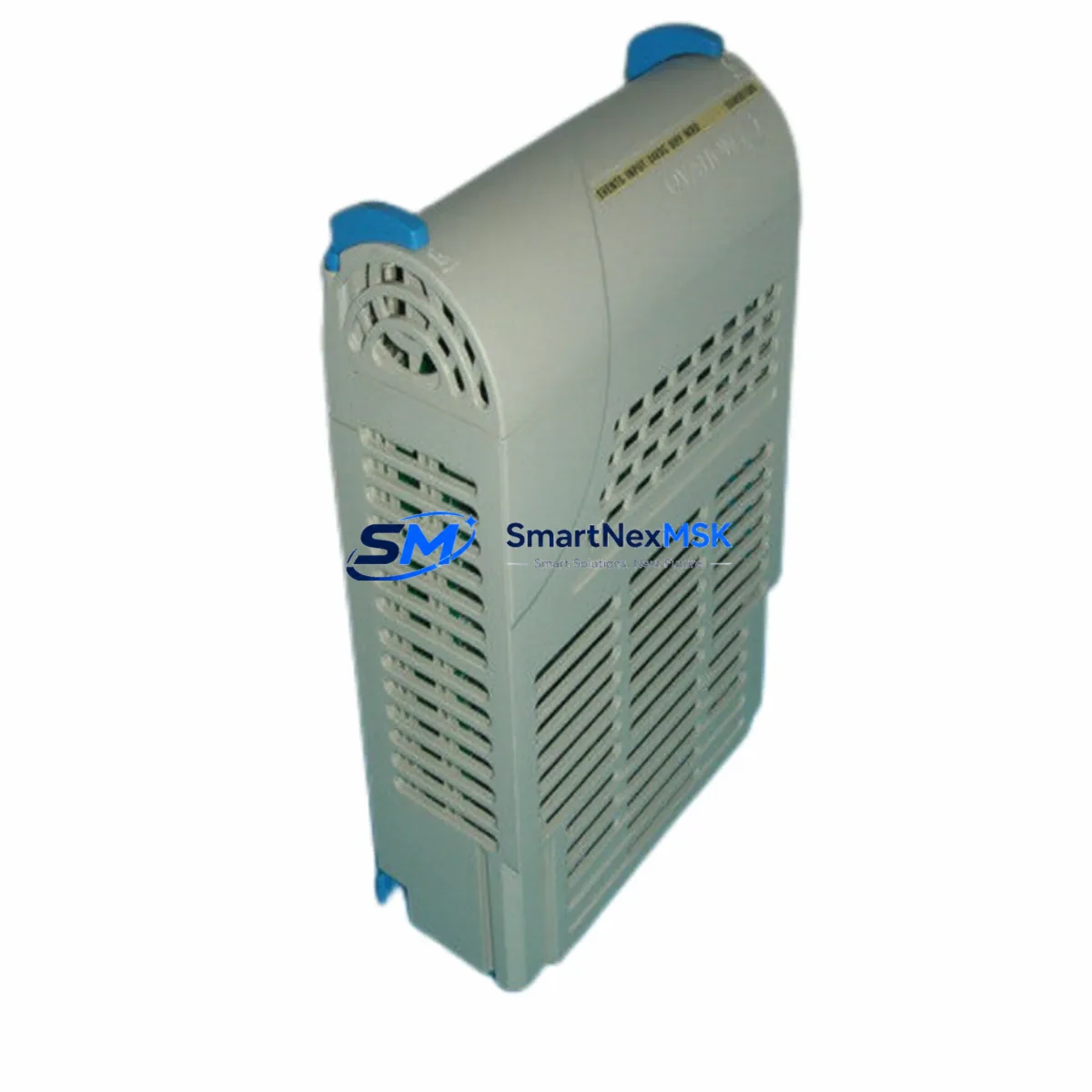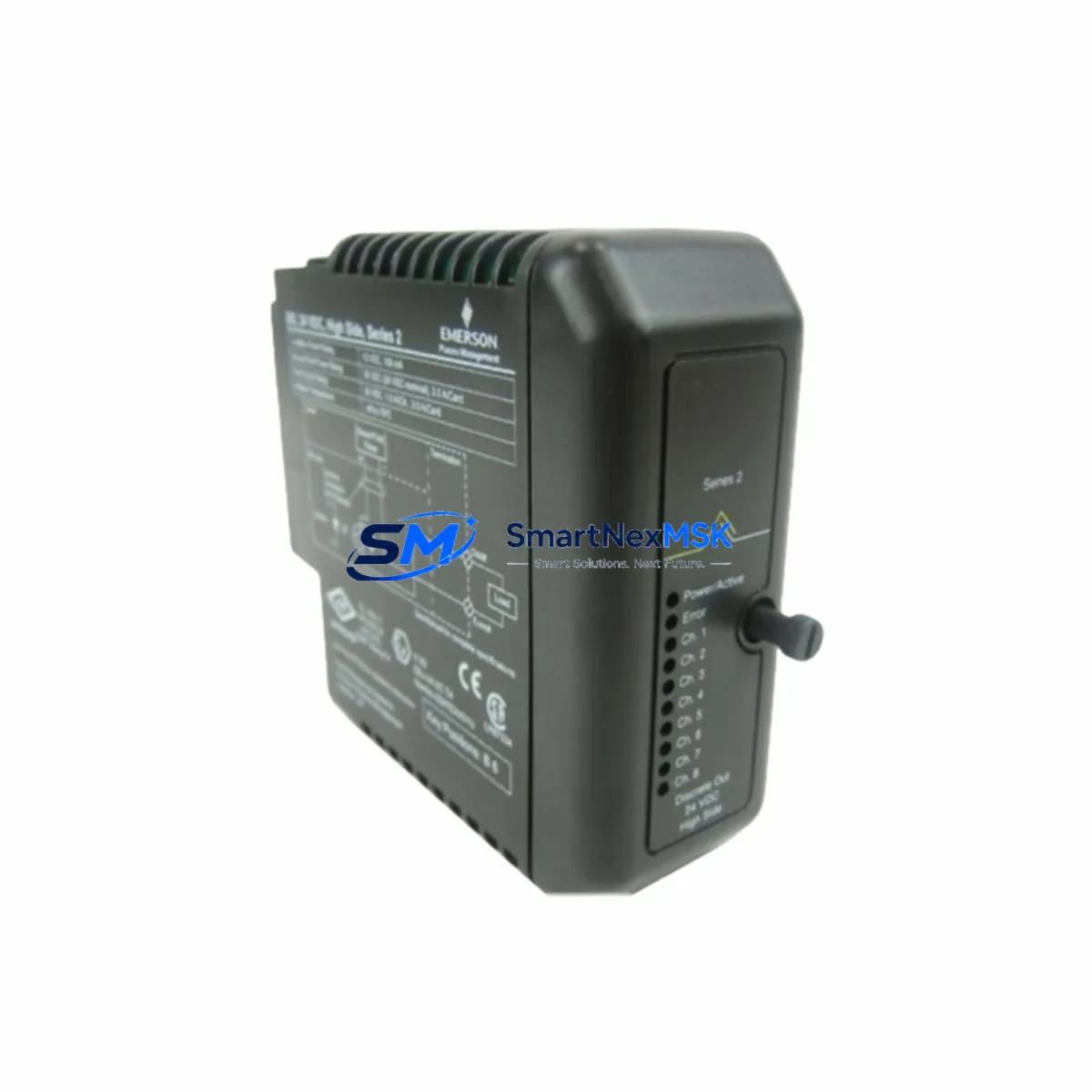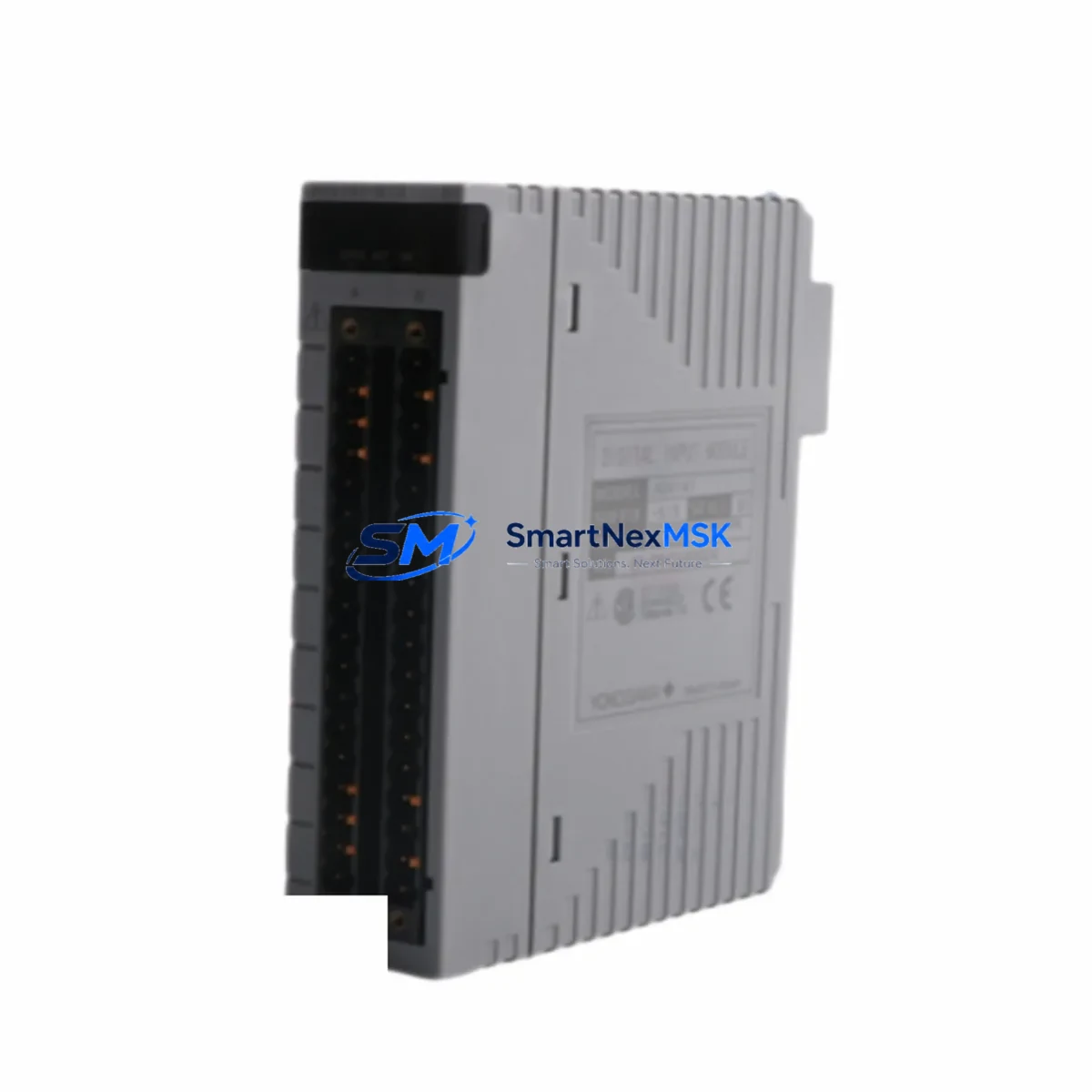
Emerson KC3020X1-BA1 Maintenance-Ready Spare for Ovation Automation
The Emerson KC3020X1-BA1 (alternate part number 12P6732X092) is an original analog output module designed for the Emerson Ovation Distributed Control System platform — one of the most widely deployed DCS architectures in power generation, water treatment, and continuous process industries. Maintaining a verified spare of this module is a critical element of any proactive maintenance strategy. Unplanned failure of an analog output channel can immediately disrupt loop control, trigger process shutdowns, and result in costly unplanned downtime. Sourcing a pre-tested, original KC3020X1-BA1 from a reliable industrial spare parts supplier ensures your maintenance team can execute a rapid swap and restore full system operation with minimal disruption.
This module is stocked, pre-shipment tested, and backed by a 12-month warranty. Each unit undergoes functional verification prior to dispatch to confirm channel integrity, output accuracy, and communication handshake with the Ovation controller backplane. Whether you are building a critical spare inventory, replacing an end-of-life unit, or responding to an emergency fault, the KC3020X1-BA1 is available for immediate shipment.
Spare Maintenance Table
| Parameter | Specification / Detail |
|---|---|
| Part Number | KC3020X1-BA1 |
| Alternate Part Number | 12P6732X092 |
| Brand | Emerson |
| Series | Ovation DCS |
| Module Type | Analog Output Module |
| Output Channels | Typically 8-channel, 4–20 mA / 0–10 V (Ovation standard) |
| Signal Type | Analog Output (AO) |
| Backplane Compatibility | Ovation I/O Backplane (standard Ovation controller cabinet) |
| Communication Interface | Ovation proprietary I/O bus |
| Operating Voltage | 24 VDC (supplied via backplane) |
| Operating Temperature | 0°C to 60°C (standard industrial enclosure) |
| Installation | Hot-swap capable (verify with site SOP); DIN rail / backplane slot mount |
| Application Environment | Power plant DCS, water/wastewater SCADA, refinery process control |
| Condition | Original, pre-shipment tested |
| Warranty | 12 Months |
| Origin | USA |
| Shipping | Worldwide; EMS / DHL / FedEx with tracking |
Maintenance Planning for Continuous Operation
When a KC3020X1-BA1 analog output module is flagged during a routine control cabinet inspection or a predictive maintenance audit, experienced maintenance engineers know that the fault rarely exists in isolation. The Ovation DCS architecture distributes I/O across multiple backplane-mounted modules, and a degraded analog output channel can indicate upstream or downstream stress on adjacent components. A thorough site replacement workflow should include inspection of the following associated components:
Begin with the Ovation controller power supply module — an unstable 24 VDC rail is a common root cause of intermittent analog output drift and channel failure. Verify output voltage stability under load before installing the replacement KC3020X1-BA1. Next, inspect the Ovation I/O backplane itself: connector pins, slot retention clips, and bus integrity should be confirmed before seating the new module. If the backplane shows signs of oxidation or mechanical wear, replacement of the backplane assembly should be planned concurrently.
Check the field wiring terminal blocks connected to the analog output channels. Loose terminations, corroded screw terminals, or undersized conductors can cause loop errors that are misdiagnosed as module faults. For 4–20 mA loops, verify that the loop-powered field instruments — control valves, positioners, or variable frequency drive (VFD) reference inputs — are within their rated impedance range. An out-of-spec load impedance can stress the output driver circuitry of the KC3020X1-BA1 and accelerate wear.
During the same maintenance window, inspect the Ovation analog input module (such as the KC3021 series) installed in adjacent backplane slots. Analog input and output modules in the same control loop share the same cabinet environment and are subject to the same thermal and electrical stress cycles. If one AO module has failed, a proactive inspection of co-located AI modules is strongly recommended. Similarly, review the status of any signal isolators or signal conditioners installed between the Ovation I/O and field devices — these components protect the module from ground loops and transient overvoltage, and their degradation often precedes module failure.
For sites running legacy Ovation configurations, also verify the Ovation communication module (OCM) or Ovation controller module firmware version to confirm compatibility with the replacement KC3020X1-BA1 hardware revision. Firmware mismatches can cause the controller to fail to recognize the new module or generate spurious diagnostic alarms. If your site uses Ovation HMI workstations running Ovation operator interface software, confirm that the I/O configuration database reflects the correct module type and channel assignments after replacement.
Finally, check the cabinet fusing and circuit protection for the analog output loops. Blown fuses or tripped miniature circuit breakers (MCBs) on the field side are a common secondary symptom of a failed output module and must be replaced before the new KC3020X1-BA1 is energized. Maintaining a small stock of compatible Ovation spare fuses, terminal block covers, and module extraction tools alongside your KC3020X1-BA1 spare ensures your team can complete the full replacement procedure without additional procurement delays.
Site Replacement Workflow
Replacing the KC3020X1-BA1 in an active Ovation DCS environment requires a structured approach to minimize loop disruption and ensure system compatibility. Follow this recommended workflow:
Step 1 — Pre-replacement preparation: Obtain the current Ovation I/O configuration report from the engineering workstation. Confirm the slot address, module type, and channel assignments for the KC3020X1-BA1 being replaced. Notify the control room operator and place affected loops in manual mode or safe fallback state before proceeding.
Step 2 — Physical replacement: Power down the backplane slot if hot-swap is not confirmed for your site configuration. Remove the failed module using the standard Ovation extraction handle. Inspect the backplane connector for damage. Insert the replacement KC3020X1-BA1, ensuring full seating and latch engagement. Restore backplane power.
Step 3 — System recognition and configuration: From the Ovation engineering workstation, confirm that the controller recognizes the new module in the correct slot. Download the I/O configuration if required. Verify that all 8 analog output channels report healthy status in the Ovation diagnostic display.
Step 4 — Loop verification: Return each affected loop to automatic mode one channel at a time. Verify output signal at the field device using a calibrated loop calibrator or multimeter. Confirm that control valve positions, VFD speed references, or other actuated devices respond correctly to the Ovation controller output commands.
Step 5 — Documentation: Record the replacement in the site maintenance management system (CMMS). Log the new module serial number, installation date, and post-replacement test results. Update the spare parts inventory to trigger reorder of a replacement KC3020X1-BA1 for the next maintenance cycle.
This workflow applies equally to planned maintenance replacements and emergency fault recovery scenarios. The pre-tested condition of our KC3020X1-BA1 stock eliminates the risk of installing a defective spare and ensures that Step 3 and Step 4 proceed without unexpected diagnostic errors.
Spare Parts Support FAQ
Q1: Is this KC3020X1-BA1 an original Emerson module or a third-party compatible replacement?
This is an original Emerson KC3020X1-BA1 module (part number 12P6732X092), not a third-party clone or remanufactured substitute. All units are sourced from verified industrial supply channels and undergo pre-shipment functional testing to confirm original performance specifications.
Q2: What does the 12-month warranty cover, and how is it handled?
The 12-month warranty covers functional failure under normal operating conditions. If the module fails within the warranty period due to a manufacturing or component defect, we will provide a replacement unit or full refund after fault verification. Warranty claims are processed via email to [email protected] with a description of the fault and site installation details.
Q3: How do I confirm compatibility between this module and my existing Ovation DCS configuration?
Compatibility is confirmed by matching the part number (KC3020X1-BA1) and alternate part number (12P6732X092) against your Ovation I/O configuration report or existing module label. If you are replacing an older hardware revision, contact our technical team with your Ovation controller firmware version and we will advise on any known revision compatibility considerations before shipment.
Q4: What is the recommended spare parts stocking strategy for the KC3020X1-BA1?
For sites with 4 or more KC3020X1-BA1 modules installed, we recommend maintaining a minimum of 1 verified spare on-site at all times. For critical continuous-process applications (power generation, water treatment), a 2-unit on-site buffer is advisable given the lead time risk for legacy Ovation I/O modules. We support long-term supply agreements and can reserve allocated stock for repeat customers to ensure availability during planned outage windows.
© 2026 SMARTNEXMSK. All rights reserved.
Original Source: https://smartnexmsk.com
Contact: [email protected] | +86 18259474341