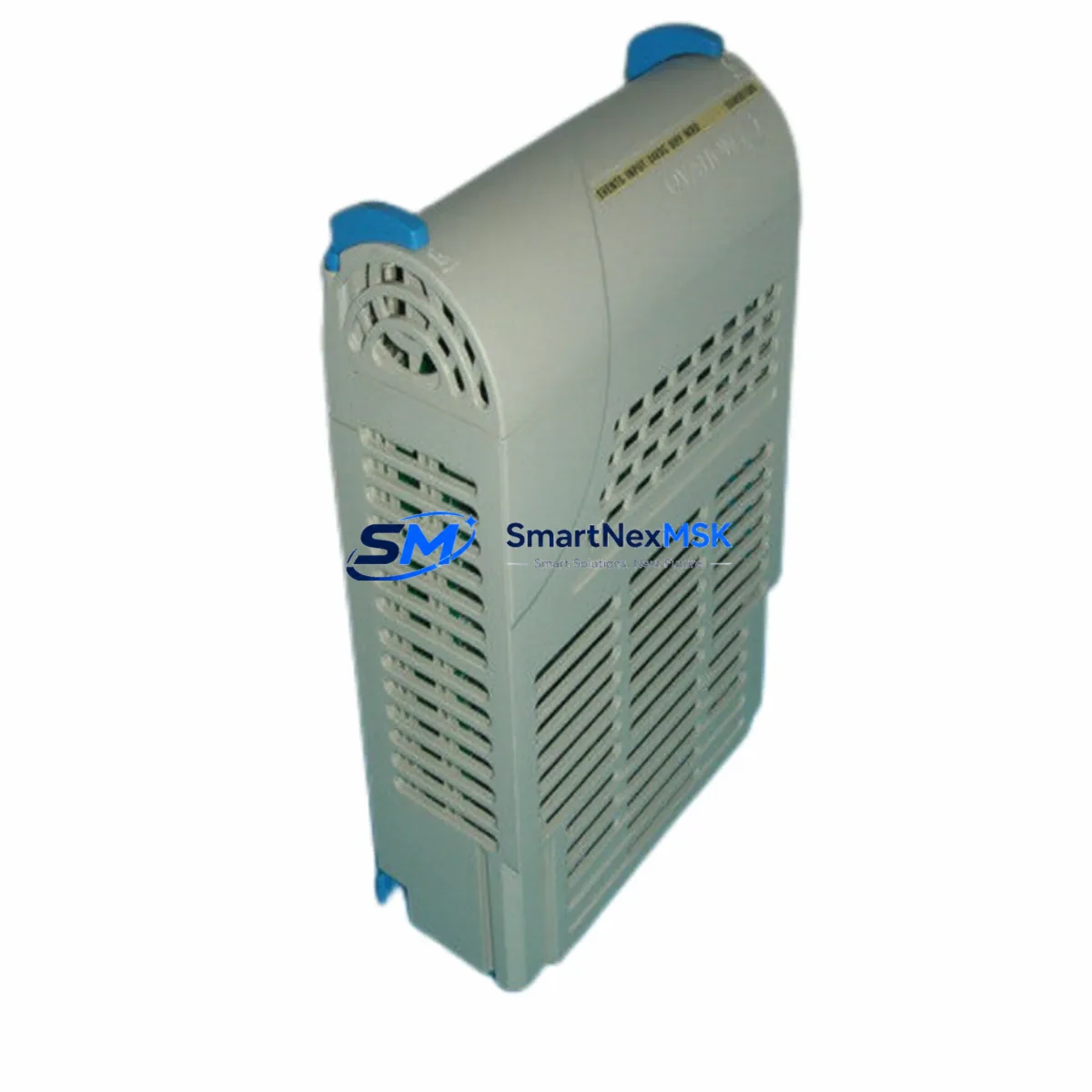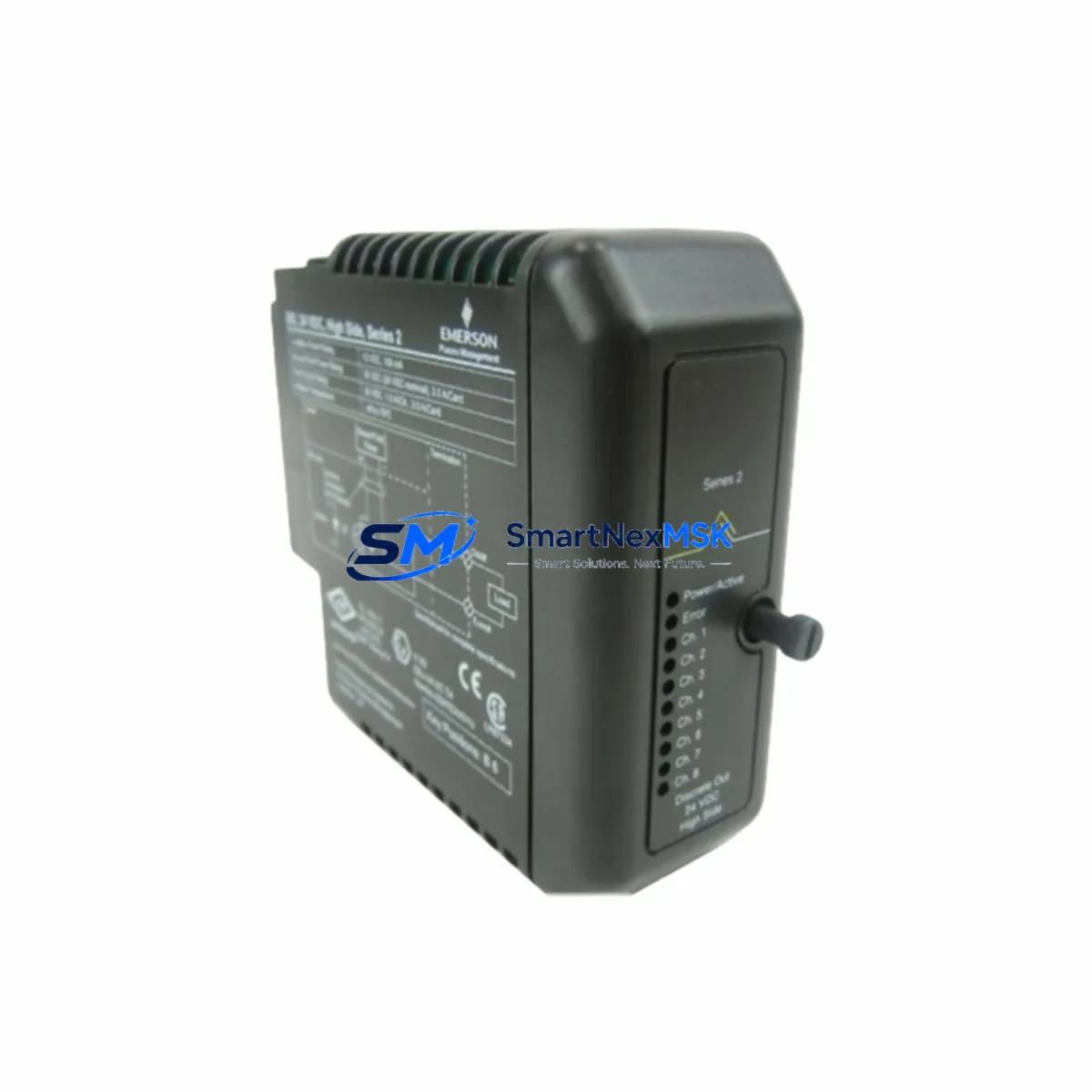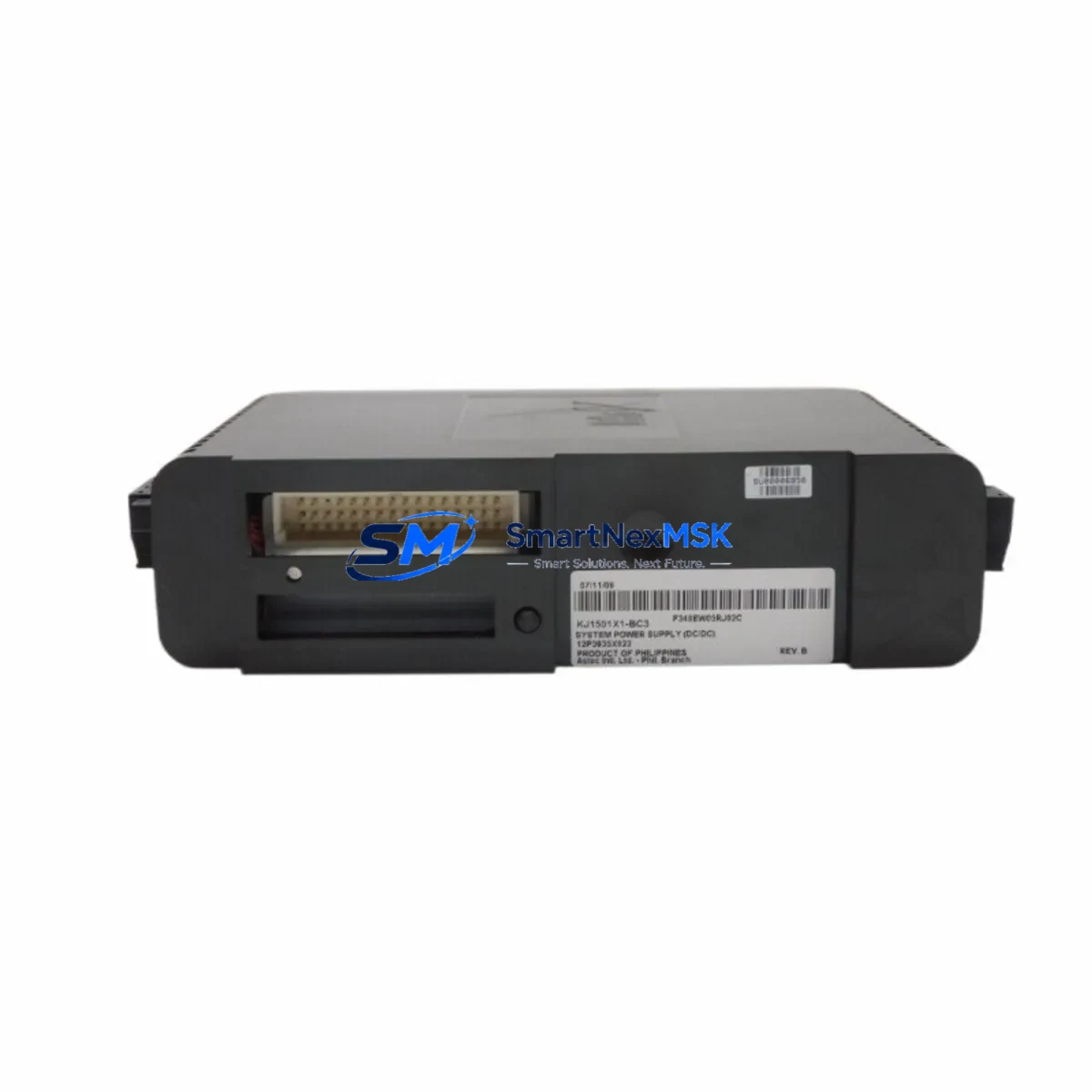
Emerson KJ1501X1-BC3 Retrofit-Ready Power Supply for DeltaV DCS Control Systems
The Emerson KJ1501X1-BC3 (part number 12P3935X022) is a proven retrofit-ready power supply module engineered for Emerson DeltaV distributed control system (DCS) platforms. As legacy DeltaV installations age and original power supply modules reach end-of-life or become discontinued, the KJ1501X1-BC3 provides a reliable, specification-matched replacement that supports smooth system modernization without requiring full controller replacement or extensive re-engineering. Whether you are managing a planned upgrade cycle or responding to an unplanned failure, this module is stocked and ready for immediate dispatch with a 12-month warranty.
The KJ1501X1-BC3 is designed to slot directly into existing DeltaV controller enclosures and backplane assemblies, maintaining compatibility with the DeltaV Series 2 and MD-series controller nodes. It supplies regulated DC power to I/O subsystems, communication modules, and controller cards within the same rack. Engineers replacing aging KJ1501X1-BA1 or KJ1501X1-BB2 units will find the KJ1501X1-BC3 a direct functional successor, with identical terminal block pinout and backplane connector geometry, eliminating the need for wiring modifications during swap-out.
Upgrade Compatibility Table
| Parameter | Details |
|---|---|
| SKU / Part Number | KJ1501X1-BC3 / 12P3935X022 |
| Brand | Emerson (Fisher-Rosemount / DeltaV) |
| Compatible Series | DeltaV Series 2, MD, MD Plus, S-series controller nodes |
| Common Replaced Models | KJ1501X1-BA1, KJ1501X1-BB2 |
| Backplane Interface | DeltaV standard backplane connector — no adapter required |
| Terminal Block | Identical pinout to predecessor units; no rewiring required |
| Installation Requirement | De-energize rack before swap; verify input voltage range (24 VDC nominal) |
| Communication Compatibility | Transparent to FOUNDATION Fieldbus H1, HART, Profibus DP segments powered by the same rack |
| Commissioning Notes | Confirm module address assignment in DeltaV Explorer; run diagnostics via DeltaV Operate after power-up |
| Warranty | 12 months from date of shipment |
Retrofit Planning for Existing Automation Systems
A successful retrofit of the KJ1501X1-BC3 into an operating DeltaV environment requires systematic pre-work. Begin by auditing the existing power budget of the target controller node. The DeltaV MD controller card, I/O subsystem cards such as the KJ3001X1-BA1 8-channel AI module, and any installed KJ4001X1-BA1 HART multiplexer modules all draw from the same power rail. Confirm that the total load does not exceed the rated output capacity of the KJ1501X1-BC3 before proceeding.
Next, document the existing terminal block wiring. Although the KJ1501X1-BC3 shares the same pinout as its predecessors, field wiring should be photographed and labeled before disconnection. Pay particular attention to the 24 VDC input feed from the system power distribution panel and any redundant power feed connections if the installation uses a KJ1501X1-BC3 in a redundant pair configuration.
Backplane slot assignment must be verified in DeltaV Explorer prior to module removal. The controller node’s I/O map, including assignments for KJ3002X1-BA1 analog output modules and KJ3221X1-BA1 discrete I/O modules installed in the same chassis, must be exported and saved. This ensures that after the new power supply is seated and the rack is re-energized, the DeltaV system can re-establish all module communications without requiring manual re-addressing.
For sites running FOUNDATION Fieldbus H1 segments, confirm that the FF power conditioner — typically a separate unit mounted in the same control cabinet — is independently powered and will not be affected by the brief de-energization of the controller rack. Similarly, any Profibus DP segments connected through a KJ3243X1-BA1 Profibus interface module should be placed in a safe hold state before the swap begins.
HMI continuity is another critical consideration. DeltaV Operate workstations connected via the DeltaV control network will lose live data from the affected node during the swap window. Coordinate with the control room operator to acknowledge alarms, place affected loops in manual mode, and confirm that the DeltaV Application Station has a current checkpoint of the controller database. After the KJ1501X1-BC3 is installed and the rack is powered up, allow the controller to complete its boot sequence and re-download the control module database before returning loops to automatic.
If the installation includes a KJ1501X1-BC3 in a redundant power supply configuration, the swap can often be performed online by failing over to the secondary supply first, replacing the primary, and then restoring redundancy — minimizing process impact to near zero.
Downtime Control During System Migration
Minimizing unplanned downtime is the primary concern for any DeltaV power supply replacement. The recommended approach is to pre-stage the KJ1501X1-BC3 alongside the existing installation, verify its physical condition and firmware compatibility, and schedule the swap during a planned maintenance window. Before de-energizing the rack, export the full DeltaV controller database using DeltaV Explorer and store it on the Application Station. This protects all control module logic, PID tuning parameters, alarm setpoints, and I/O channel configurations.
During the swap, keep the replacement window as short as possible. The KJ1501X1-BC3 is a tool-free module in most DeltaV enclosure configurations — release the locking lever, slide out the old unit, seat the new module firmly until the backplane connector engages, and secure the latch. Total physical swap time is typically under five minutes for a trained technician.
After power restoration, monitor the DeltaV Diagnostics display for any module fault indicators. Confirm that all I/O modules in the rack — including any KJ3001X1-BA1 analog input cards and KJ3221X1-BA1 discrete I/O cards — report healthy status before returning process loops to automatic control. Document the swap in the site maintenance log and retain the 12-month warranty certificate for the installed KJ1501X1-BC3.
Retrofit Support FAQ
Q1: Is the KJ1501X1-BC3 a direct drop-in replacement for the KJ1501X1-BA1 and KJ1501X1-BB2?
Yes. The KJ1501X1-BC3 (12P3935X022) uses the same backplane connector and terminal block pinout as the KJ1501X1-BA1 and KJ1501X1-BB2. No wiring changes or mechanical adapters are required. Verify input voltage compatibility before installation.
Q2: Does the KJ1501X1-BC3 require any firmware or software configuration after installation?
No firmware upload is required. After seating the module and restoring power, DeltaV Explorer will automatically recognize the power supply. Run a full diagnostic scan from DeltaV Operate to confirm all downstream I/O modules have re-established communication before returning loops to automatic.
Q3: Can the KJ1501X1-BC3 be installed while the DeltaV system is running?
In redundant power supply configurations, a hot-swap is possible by failing over to the secondary supply before removing the primary. In single-supply configurations, a brief controlled shutdown of the affected controller node is required. Always place affected control loops in manual mode and coordinate with the control room before proceeding.
Q4: What does the 12-month warranty cover, and how is it supported?
The 12-month warranty covers manufacturing defects and functional failures under normal operating conditions. Each unit undergoes pre-shipment functional testing. In the event of a warranty claim, contact our support team with the order reference and installation date. Replacement or repair will be arranged promptly to minimize your system downtime.
© 2026 SMARTNEXMSK. All rights reserved.
Original Source: https://smartnexmsk.com
Contact: [email protected] | +86 18259474341