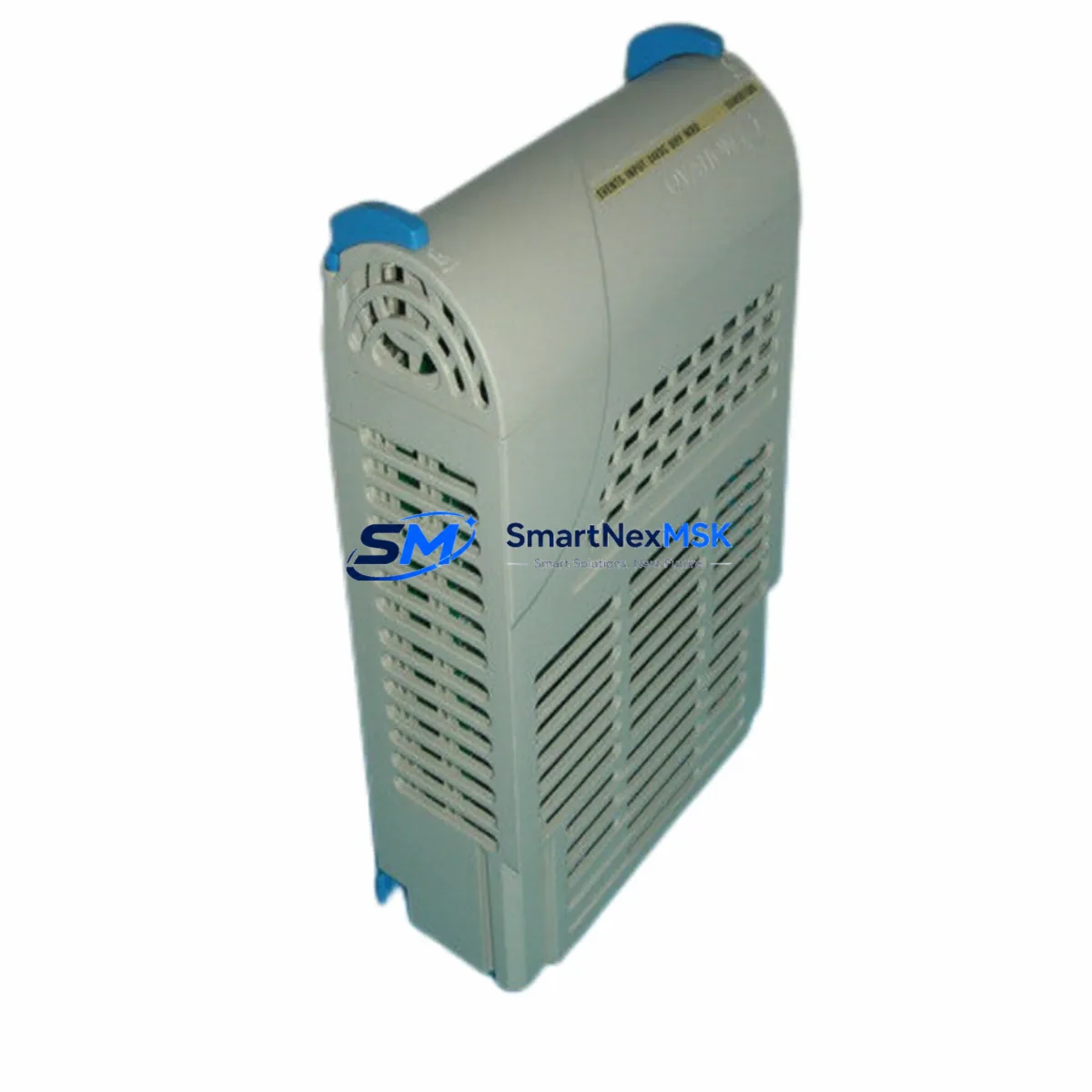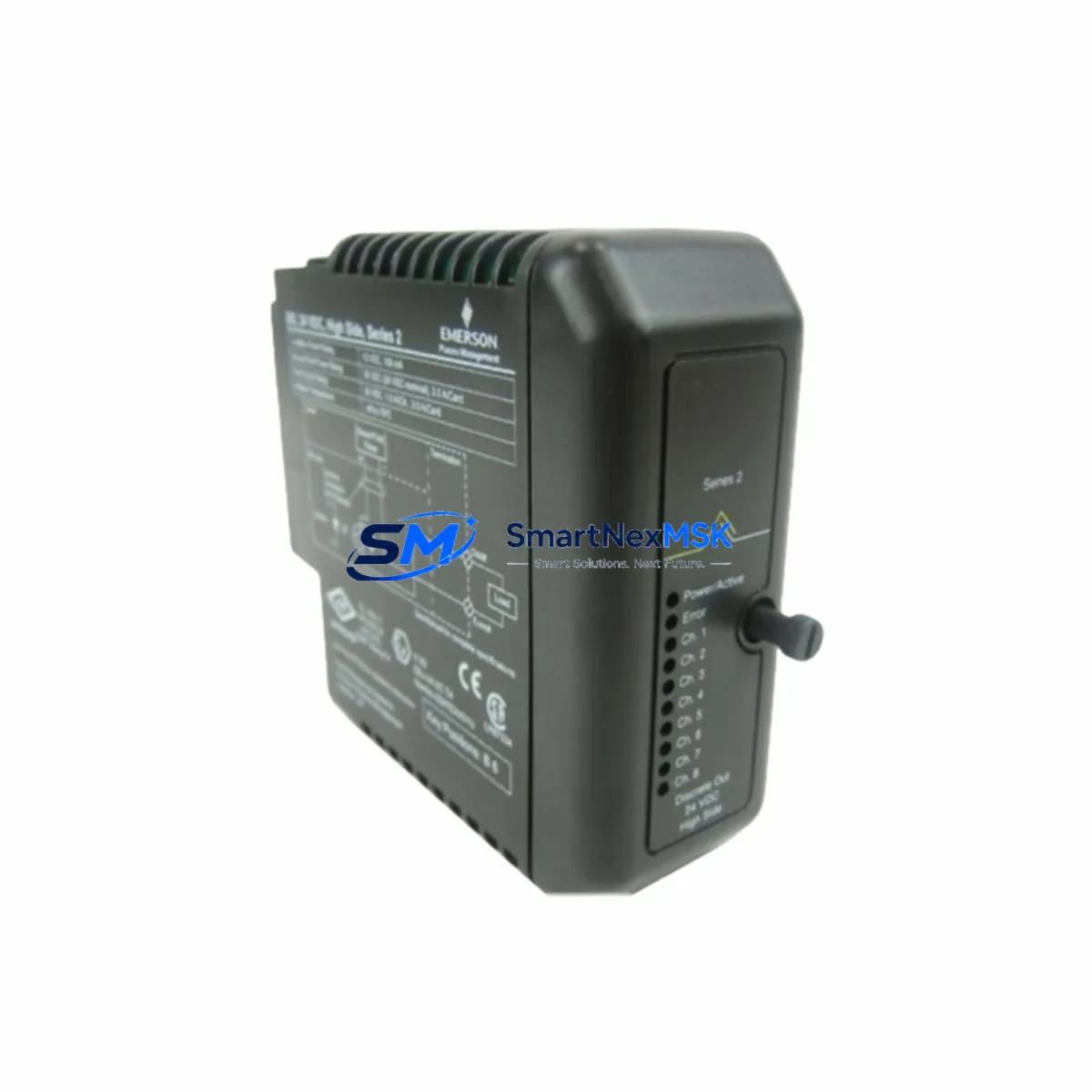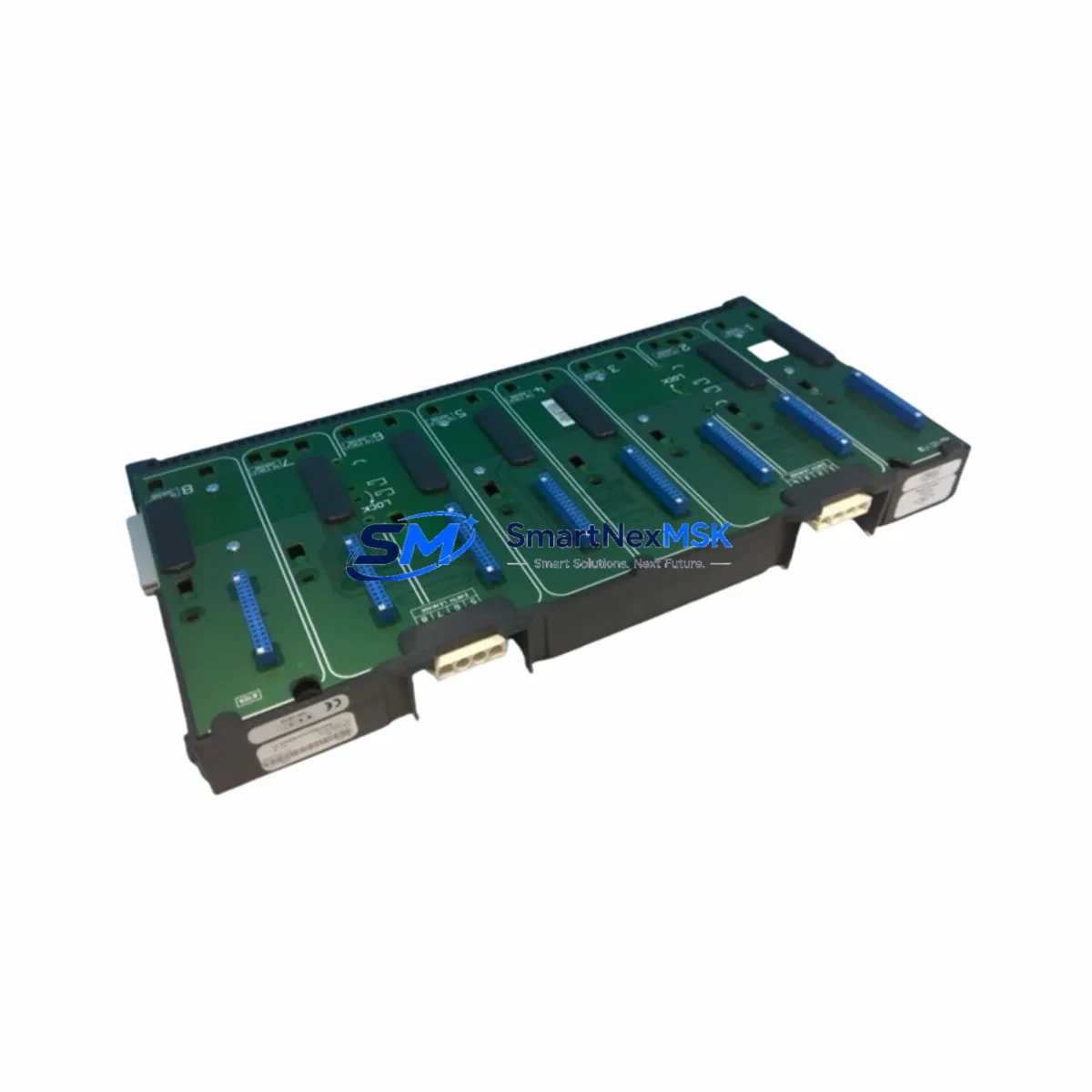
Emerson KJ3101X1-BB1 Spare for DeltaV S-Series Automation: Spare Parts Replacement & Industrial Downtime Risk Control
The Emerson KJ3101X1-BB1 is an original 8-channel HART-enabled analog input module designed for the DeltaV S-Series distributed control system. In process industries — including oil & gas, chemical, power generation, and pharmaceutical manufacturing — this module serves as a critical interface between field instrumentation and the DCS controller. When a KJ3101X1-BB1 fails or degrades, the consequences extend beyond a single I/O channel: entire process loops may go offline, safety interlocks may be compromised, and unplanned shutdowns can cost thousands of dollars per hour. Maintaining a verified spare in your parts inventory is not optional — it is a fundamental element of any responsible maintenance strategy.
This listing provides an original Emerson KJ3101X1-BB1 module, sourced from authorized supply channels, individually tested prior to dispatch, and backed by a 12-month warranty. Each unit is verified for firmware compatibility with the DeltaV S-Series backplane and ships with full inspection documentation. Whether you are responding to an emergency fault, executing a planned turnaround, or building a resilient spare parts buffer, this module is ready for immediate deployment.
Spare Maintenance Table
| Parameter | Specification |
|---|---|
| Part Number / SKU | KJ3101X1-BB1 |
| Brand | Emerson |
| Series | DeltaV S-Series |
| Module Type | 8-Channel HART Analog Input |
| Signal Range | 4–20 mA with HART Protocol |
| Channel Count | 8 Channels (individually configurable) |
| Backplane Compatibility | DeltaV S-Series I/O Subsystem |
| Communication Protocol | HART (Highway Addressable Remote Transducer) |
| Power Supply | Supplied via DeltaV S-Series backplane bus |
| Operating Temperature | 0°C to 60°C (32°F to 140°F) |
| Mounting | DeltaV S-Series I/O carrier / backplane slot |
| Isolation | Channel-to-channel and channel-to-bus isolation |
| Condition | Original / New-equivalent, pre-shipment tested |
| Warranty | 12 Months from date of dispatch |
| Lead Time | In-stock; ships within 1–3 business days |
| Application Environment | Process automation, DCS control cabinets, hazardous area (with appropriate enclosure) |
| Maintenance Recommendation | Inspect carrier contacts and terminal block wiring annually; verify HART pass-through during scheduled calibration |
Maintenance Planning for Continuous Operation
When a KJ3101X1-BB1 analog input module is flagged for replacement — whether through a diagnostic alarm, a failed channel, or a scheduled lifecycle review — experienced maintenance engineers know that the module itself is rarely the only component that requires attention. A thorough site inspection should accompany every module swap to prevent repeat failures and ensure the restored loop performs reliably.
Begin with the DeltaV S-Series I/O carrier (such as the KJ3002X1-BA1 or equivalent carrier card): inspect the backplane connector pins for oxidation, mechanical damage, or contamination. A degraded carrier can cause intermittent faults even after a new module is installed. Next, verify the DeltaV S-Series power supply module (e.g., KJ1501X1-BG2 or KJ1501X1-BH2) — confirm output voltage stability under load, as an aging or undersized power supply is a common root cause of analog input drift and HART communication errors.
Inspect all field terminal assemblies (FTAs) connected to the KJ3101X1-BB1. Loose or corroded terminals on the FTA introduce resistance that distorts 4–20 mA signals and can trigger false high/low alarms. Check the marshalling cabinet wiring and signal cables for insulation degradation, particularly in high-temperature or chemically aggressive environments. If the installation uses HART multiplexers or HART modems for asset management, verify that the HART pass-through is functioning correctly on the replacement module before returning the loop to service.
For installations where the KJ3101X1-BB1 interfaces with pressure transmitters, flow meters, or temperature sensors, confirm that the field instruments themselves are within calibration tolerance — a module replacement is an ideal opportunity to perform a full loop calibration. If the control cabinet includes signal isolators or signal conditioners (such as those from the MTL or P+F series commonly paired with DeltaV systems), inspect these for signs of thermal stress or output drift.
Finally, review the DeltaV controller module (e.g., MD Plus or MD Controller) assignment and I/O channel mapping in DeltaV Explorer to confirm the replacement module is recognized and all channel tags are correctly bound. Where redundant I/O configurations are in use, verify that the redundancy switchover logic is intact after the module replacement. Proactive inspection of these interconnected components — power, wiring, FTAs, field instruments, HART infrastructure, and controller mapping — transforms a reactive repair into a comprehensive maintenance event that extends system reliability.
Site Replacement Workflow
Step 1 — Pre-replacement verification: Confirm the failed module’s slot address in DeltaV Explorer and document all active channel assignments. Download the current module configuration using DeltaV Diagnostics before removal to preserve tag bindings and HART device parameters.
Step 2 — Safe isolation: Place affected control loops in manual mode at the DCS workstation. Notify the operations team and follow site-specific LOTO (Lockout/Tagout) procedures for the control cabinet. For hot-swap capable S-Series configurations, confirm whether the slot supports live replacement without a controller restart.
Step 3 — Module removal and inspection: Remove the KJ3101X1-BB1 from the carrier. Inspect the carrier connector and backplane slot for damage. Clean contacts with approved electronic contact cleaner if contamination is present.
Step 4 — Replacement module installation: Insert the new KJ3101X1-BB1 into the carrier slot. The DeltaV system will automatically detect the module and download the stored configuration if the slot was previously commissioned. Verify the module status LED indicates normal operation (solid green).
Step 5 — Loop verification and return to service: Confirm all 8 channels are reading correctly in DeltaV Operate. Perform a HART communication check on connected field devices. Return control loops to automatic mode and document the replacement in the site maintenance management system (CMMS).
This workflow minimizes downtime, preserves system configuration integrity, and ensures the replacement module is fully validated before resuming automated control — a critical requirement in safety-instrumented and regulated process environments.
Spare Parts Support FAQ
Q1: Is this KJ3101X1-BB1 compatible with all DeltaV S-Series configurations?
Yes. The KJ3101X1-BB1 is designed for the DeltaV S-Series I/O subsystem and is compatible with standard S-Series carriers and backplanes. It supports both simplex and redundant I/O configurations. Before installation, verify the DeltaV system firmware version in DeltaV Explorer to ensure compatibility with your controller revision. If your site uses a legacy DeltaV M-Series or earlier architecture, please contact us to confirm the correct module variant.
Q2: What pre-shipment testing is performed on each unit?
Every KJ3101X1-BB1 dispatched from our inventory undergoes functional verification including power-on self-test, channel continuity checks, and HART communication validation. Units are inspected for physical integrity — connector pins, housing, and labeling — before packaging. A test report is available upon request. This process ensures the module is ready for immediate installation upon arrival, reducing on-site commissioning time.
Q3: How should I manage KJ3101X1-BB1 inventory for long-term DeltaV system support?
For facilities operating DeltaV S-Series systems with 10 or more KJ3101X1-BB1 modules installed, we recommend maintaining a minimum of 1–2 spare units on-site. Given that Emerson has transitioned newer installations to the DeltaV Electronic Marshalling (CHARM) architecture, long-term availability of S-Series I/O modules from standard distribution channels may become constrained. Establishing a strategic spare parts agreement with a specialist supplier ensures continued access to verified modules throughout your system’s operational life, which may extend 15–20 years beyond the original installation date.
Q4: What does the 12-month warranty cover, and what is the return process?
The 12-month warranty covers manufacturing defects, functional failures under normal operating conditions, and any fault attributable to the module itself (excluding damage caused by incorrect installation, overvoltage, or environmental conditions outside the specified range). If a warranty claim is required, contact us with the order reference and a description of the fault. We will arrange priority replacement dispatch to minimize your downtime. Return shipping instructions and a replacement unit will be coordinated within 2 business days of claim receipt.
© 2026 SMARTNEXMSK. All rights reserved.
Original Source: https://smartnexmsk.com
Contact: [email protected] | +86 18259474341