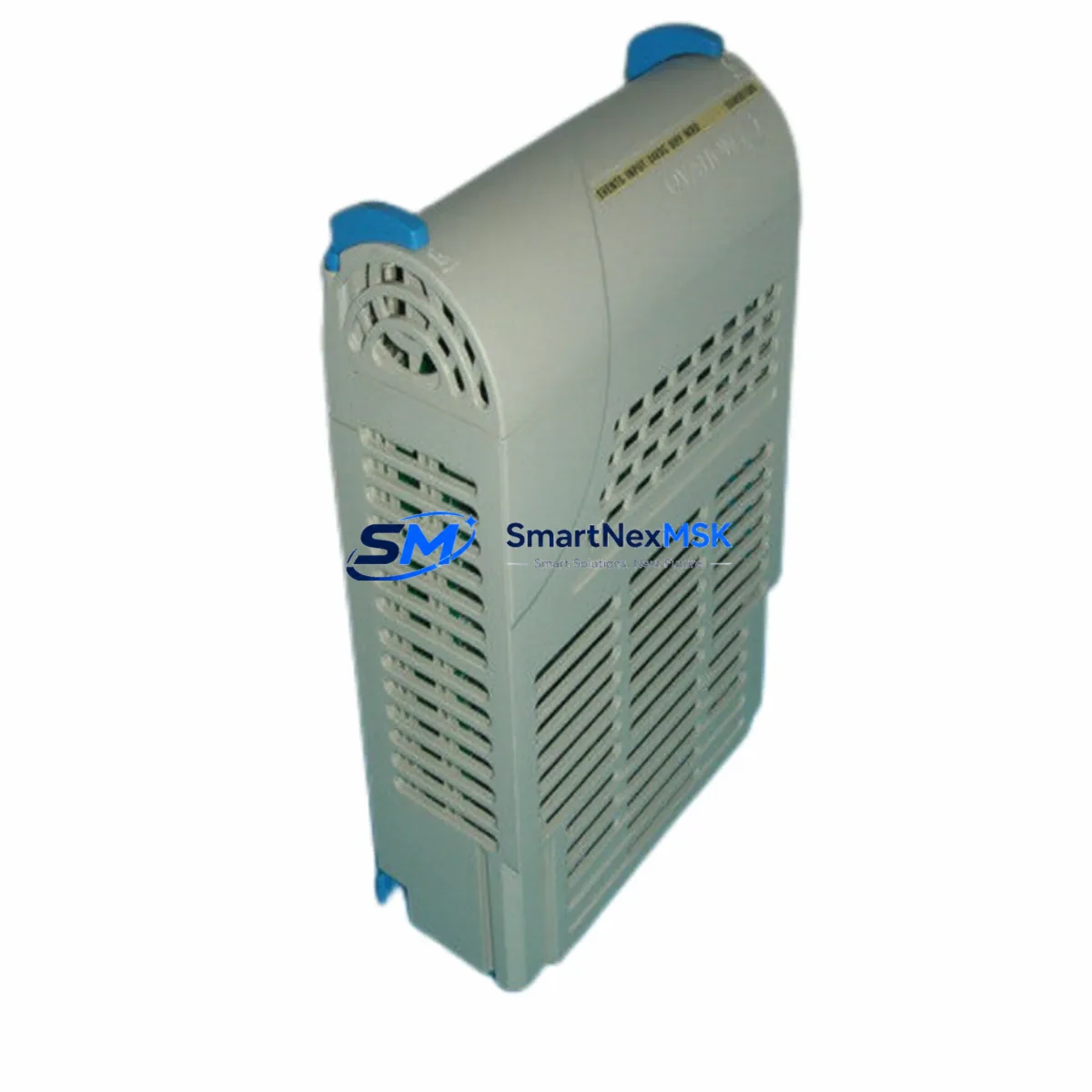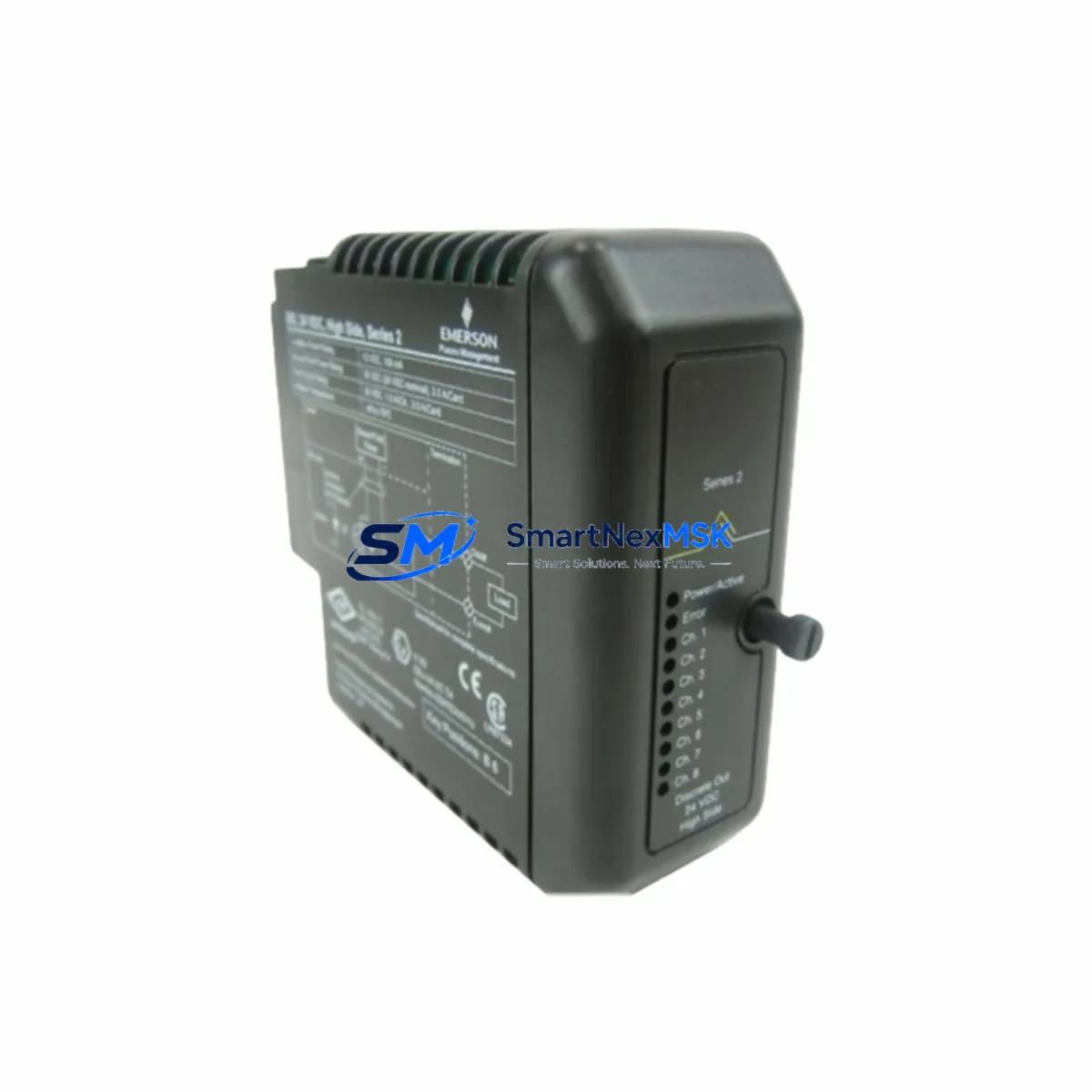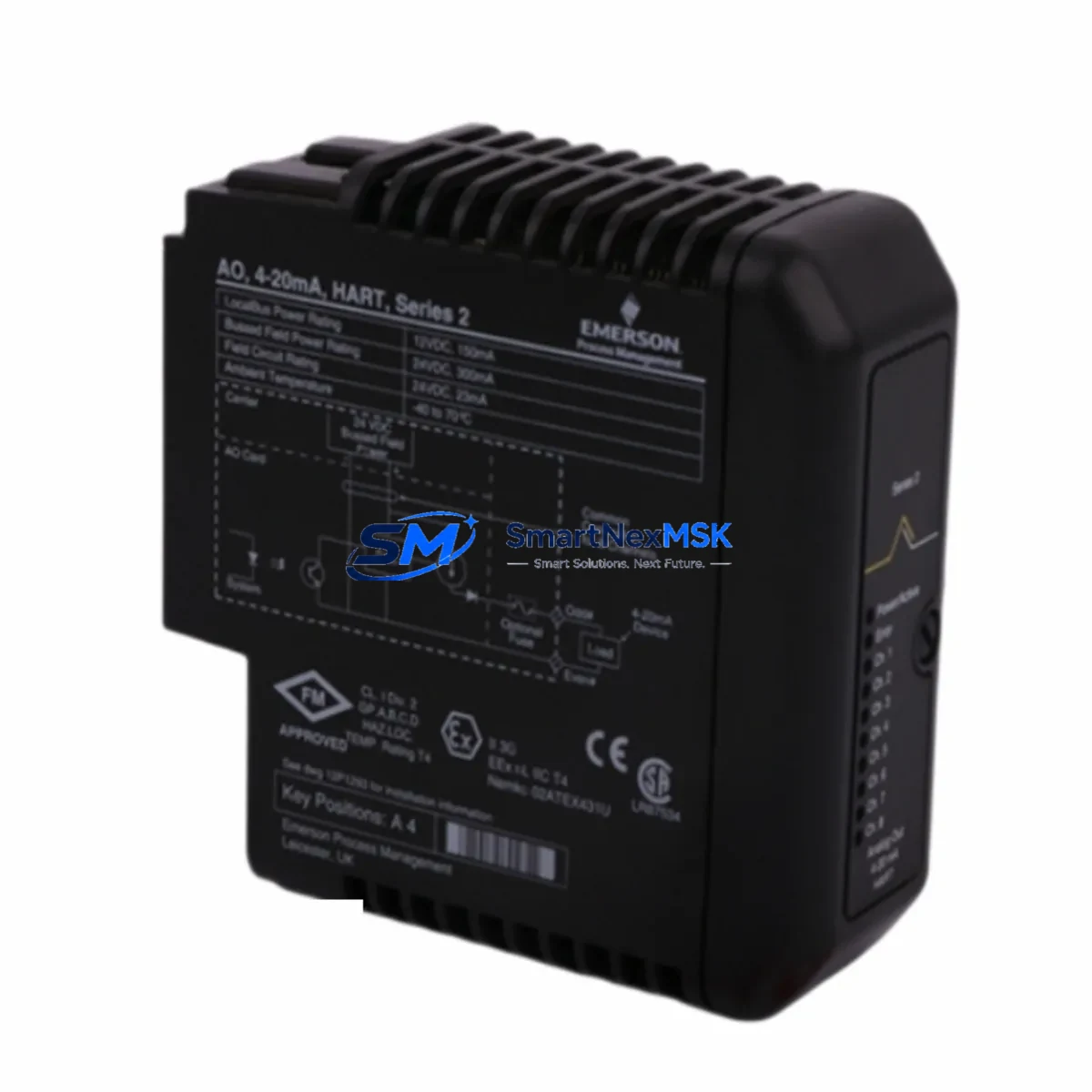
Emerson KJ3221X1-BA1 12P2531X082: Retrofit-Ready Analog Output Module for DeltaV Control Systems
The Emerson KJ3221X1-BA1 12P2531X082 is an 8-channel, HART-compatible analog output module engineered for the Emerson DeltaV DCS platform. As legacy DeltaV installations age and original spare parts become increasingly difficult to source, this module serves as a verified drop-in replacement for facilities undertaking control system modernization, I/O cabinet upgrades, and production-line continuity programs. Whether you are replacing a failed unit on an operating line or pre-positioning inventory for a planned turnaround, the KJ3221X1-BA1 12P2531X082 delivers the electrical and firmware compatibility required to restore full system function with minimal engineering intervention.
Each unit shipped by SMARTNEXMSK undergoes pre-shipment functional verification, including channel-by-channel output calibration, HART communication handshake testing, and backplane connector integrity inspection. All modules are covered by a 12-month warranty from the date of delivery, with documented test records available upon request.
Upgrade Compatibility Table
| Parameter | KJ3221X1-BA1 12P2531X082 | Retrofit Notes |
|---|---|---|
| Output Channels | 8 × 4–20 mA Analog Output | Direct channel-for-channel replacement; no I/O mapping changes required |
| HART Protocol | HART 5 / HART 7 compatible | Verify DeltaV HART pass-through settings in Control Studio before commissioning |
| Backplane Interface | DeltaV Series 2 / MD-Plus carrier | Confirm carrier part number; KJ3221X1-BA1 is not compatible with Series 1 carriers |
| Module Address | Auto-assigned via DeltaV node | No DIP switch configuration; address inherited from slot position in the carrier |
| Power Consumption | Refer to DeltaV power budget tool | Recalculate carrier power budget if replacing multiple modules simultaneously |
| Terminal Wiring | Screw-terminal field wiring block | Existing field wiring block can be reused; no re-termination required for like-for-like swap |
| Firmware Compatibility | DeltaV v11 and above | Confirm DeltaV system version; firmware auto-download from controller on first boot |
| Commissioning | Hot-swap capable (carrier dependent) | Verify carrier hot-swap support; perform loop check on all 8 channels post-installation |
| Replacement Scope | Drop-in for KJ3221X1-BA1 variants | Cross-reference full part number including suffix before ordering |
| Warranty | 12 Months from delivery | Includes functional test certificate; DOA replacement within 30 days |
Retrofit Planning for Existing Automation Systems
Successful integration of the KJ3221X1-BA1 12P2531X082 into an existing DeltaV architecture begins well before the module arrives on site. Engineers should start by auditing the current DeltaV MD Controller or DeltaV MD Plus Controller node to confirm available I/O slot capacity and carrier compatibility. The module seats into a DeltaV Series 2 I/O carrier, and the carrier’s power rail must be verified against the total load of all installed modules using Emerson’s DeltaV Power Calculator utility.
Field wiring connected to the existing DeltaV CHARM I/O card or legacy screw-terminal field wiring block should be documented with loop diagrams before any physical swap. In most like-for-like replacements, the field wiring block detaches from the failed module and reattaches to the replacement without re-termination, significantly reducing the risk of wiring errors and shortening the commissioning window. Where the installation involves migrating from an older KJ3221X1-BA1 12P2531X072 or similar earlier revision, engineers must compare terminal pinouts and confirm signal polarity before energizing the loop.
For facilities running DeltaV SIS (Safety Instrumented System) alongside the basic process control network, the analog output module’s role in the safety loop must be clearly delineated. The KJ3221X1-BA1 12P2531X082 is a standard process control module and should not be substituted into SIS-rated I/O positions without a formal management-of-change review.
Communication architecture is another critical planning element. If the DeltaV node communicates over a DeltaV Control Network using redundant Ethernet links, the replacement module will inherit the node’s network configuration automatically. However, if the plant also operates legacy PROVOX or RS3 controllers in adjacent control rooms, and the migration path involves consolidating those loops into the DeltaV platform, additional DeltaV Serial Interface modules or protocol gateways may be required to bridge the communication gap during the transition period.
I/O expansion scenarios — such as adding new measurement points to an existing DeltaV cabinet — may require additional DeltaV 8-channel Analog Input modules (such as the KJ3002X1-BA1 series) alongside the analog output module to complete the loop. In multi-cabinet installations, the DeltaV Remote I/O (RIO) interface and associated fiber-optic or copper trunk cabling should be inspected for capacity before adding new I/O nodes. HMI graphics built in DeltaV Operate will typically require a faceplate update to reflect any new tag assignments, and operators should be briefed on any changes to alarm setpoints or output scaling that result from the module swap.
Downtime Control During System Migration
Minimizing unplanned downtime is the primary operational concern when replacing analog output modules in a live DeltaV system. The recommended approach is to schedule the physical swap during a planned maintenance window, even if the carrier supports hot-swap operation, because a controlled environment reduces the risk of accidental loop disturbances on adjacent channels sharing the same carrier.
Before removing the failed module, the control strategy in DeltaV Control Studio should be placed in manual mode for all 8 output channels, with the last known output values recorded. This preserves the process state and allows operators to hold the field devices — typically control valves or variable-speed drives — at their last commanded position while the module is exchanged. If the process cannot tolerate a manual hold, a bypass valve or local control panel should be engaged to maintain process continuity.
Once the KJ3221X1-BA1 12P2531X082 is seated and the carrier latch is secured, the DeltaV controller will automatically download the module firmware and re-establish communication, typically within 60–90 seconds. A channel-by-channel loop check — verifying that each 4–20 mA output drives the correct field device response — should be completed before returning the module to automatic control. The entire swap, from manual mode engagement to loop check completion, can typically be accomplished in under 30 minutes by an experienced instrument technician, keeping production impact to an absolute minimum.
For sites with redundant DeltaV controllers, the switchover sequence should be coordinated with the control room operator to ensure the backup controller does not initiate an automatic takeover during the module replacement, which could mask a wiring fault or incomplete loop check. All activities should be logged in the plant’s management-of-change system, and the updated module serial number should be recorded in the DeltaV asset management database for future reference.
Retrofit Support FAQ
Q1: Is the KJ3221X1-BA1 12P2531X082 a direct replacement for all KJ3221X1-BA1 variants?
The KJ3221X1-BA1 12P2531X082 is a specific revision of the KJ3221X1-BA1 module family. While the base hardware and channel configuration are consistent across revisions, the suffix (12P2531X082) denotes a specific firmware or hardware build level. Always cross-reference the full part number — including suffix — against your existing installed module before ordering. Our technical team can assist with cross-reference verification prior to shipment.
Q2: What commissioning steps are required after installing the replacement module?
After physical installation, the DeltaV controller will automatically download the module firmware. The engineer should then perform a full 8-channel loop check, verifying 4 mA (0%) and 20 mA (100%) output at each field device. HART device descriptors should be re-read from the field instruments to confirm communication integrity. Finally, all channels should be returned from manual to automatic control mode in a coordinated sequence with the control room operator.
Q3: Can this module be used in a DeltaV SIS (Safety Instrumented System) application?
No. The KJ3221X1-BA1 12P2531X082 is a standard process control module and is not certified for use in SIS-rated I/O positions. Safety instrumented functions require dedicated DeltaV SIS I/O modules with the appropriate SIL certification. Substituting a standard module into a safety loop without a formal management-of-change review and SIL verification is not permitted under IEC 61511.
Q4: What does the 12-month warranty cover, and what is the process for a warranty claim?
All KJ3221X1-BA1 12P2531X082 modules supplied by SMARTNEXMSK are covered by a 12-month warranty from the date of delivery. The warranty covers functional failures under normal operating conditions and includes a pre-shipment test certificate for each unit. In the event of a DOA (dead-on-arrival) unit, replacement is processed within 30 days of the confirmed fault report. To initiate a warranty claim, contact our technical support team at [email protected] with the order reference, module serial number, and a description of the fault observed.
© 2026 SMARTNEXMSK. All rights reserved.
Original Source: https://smartnexmsk.com
Contact: [email protected] | +86 18259474341