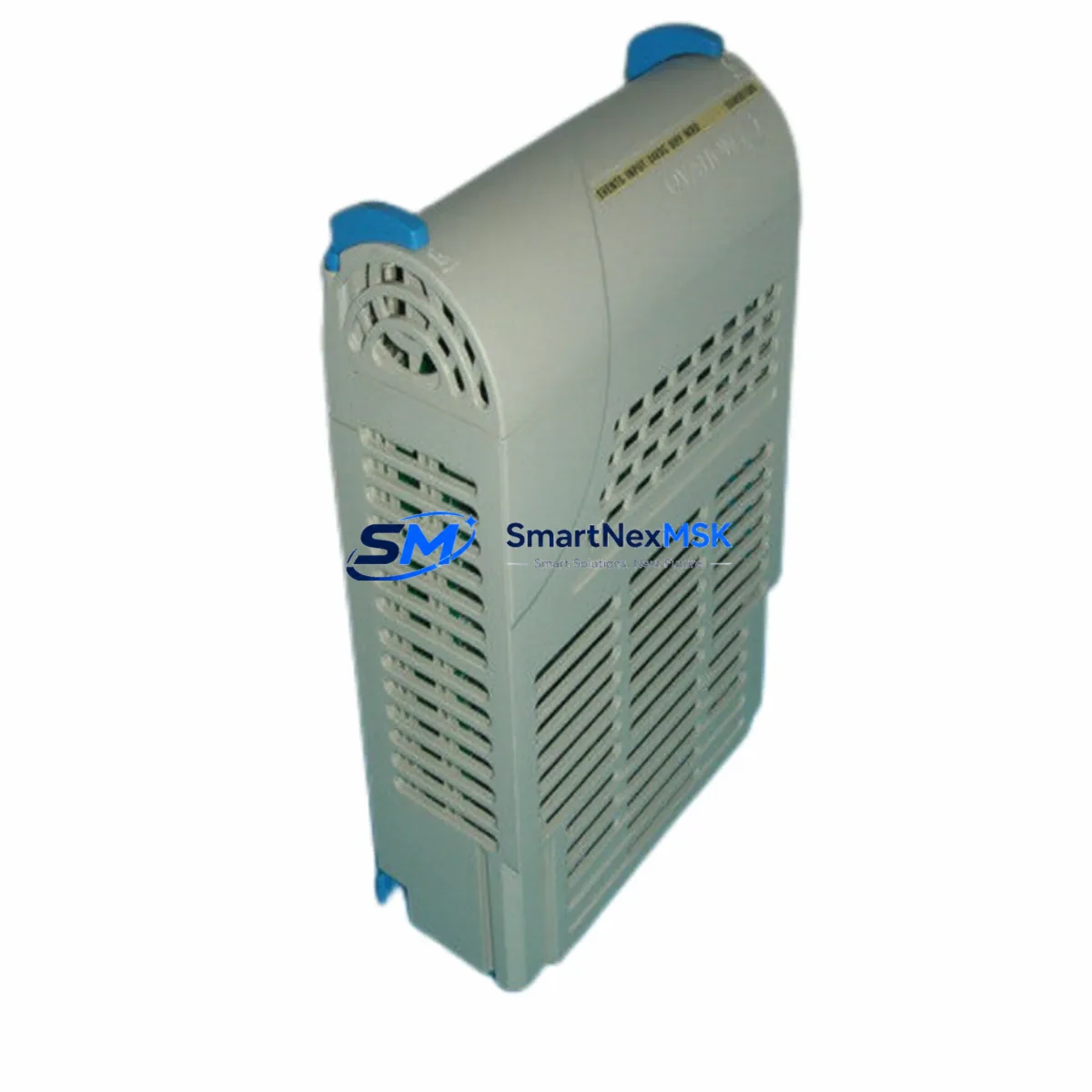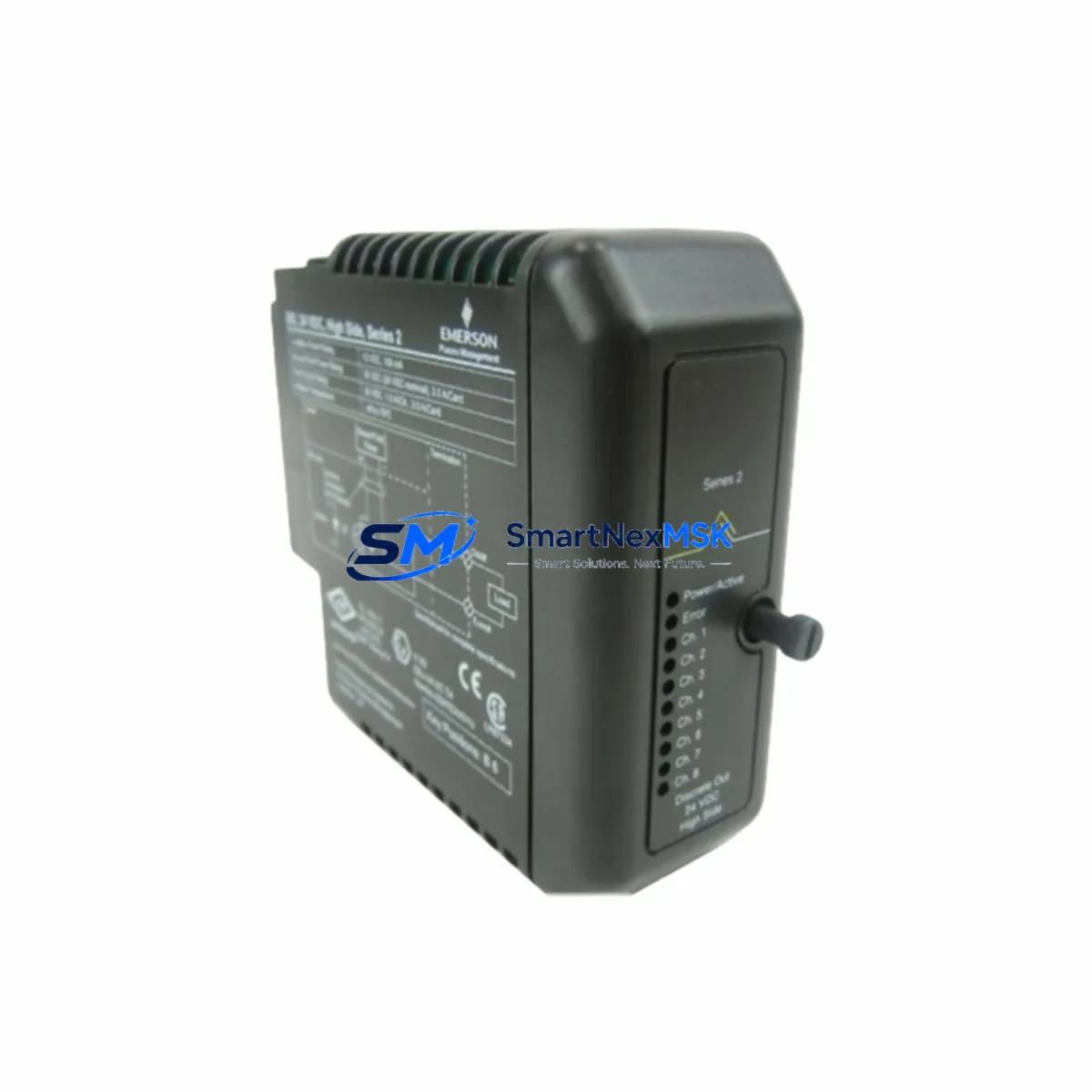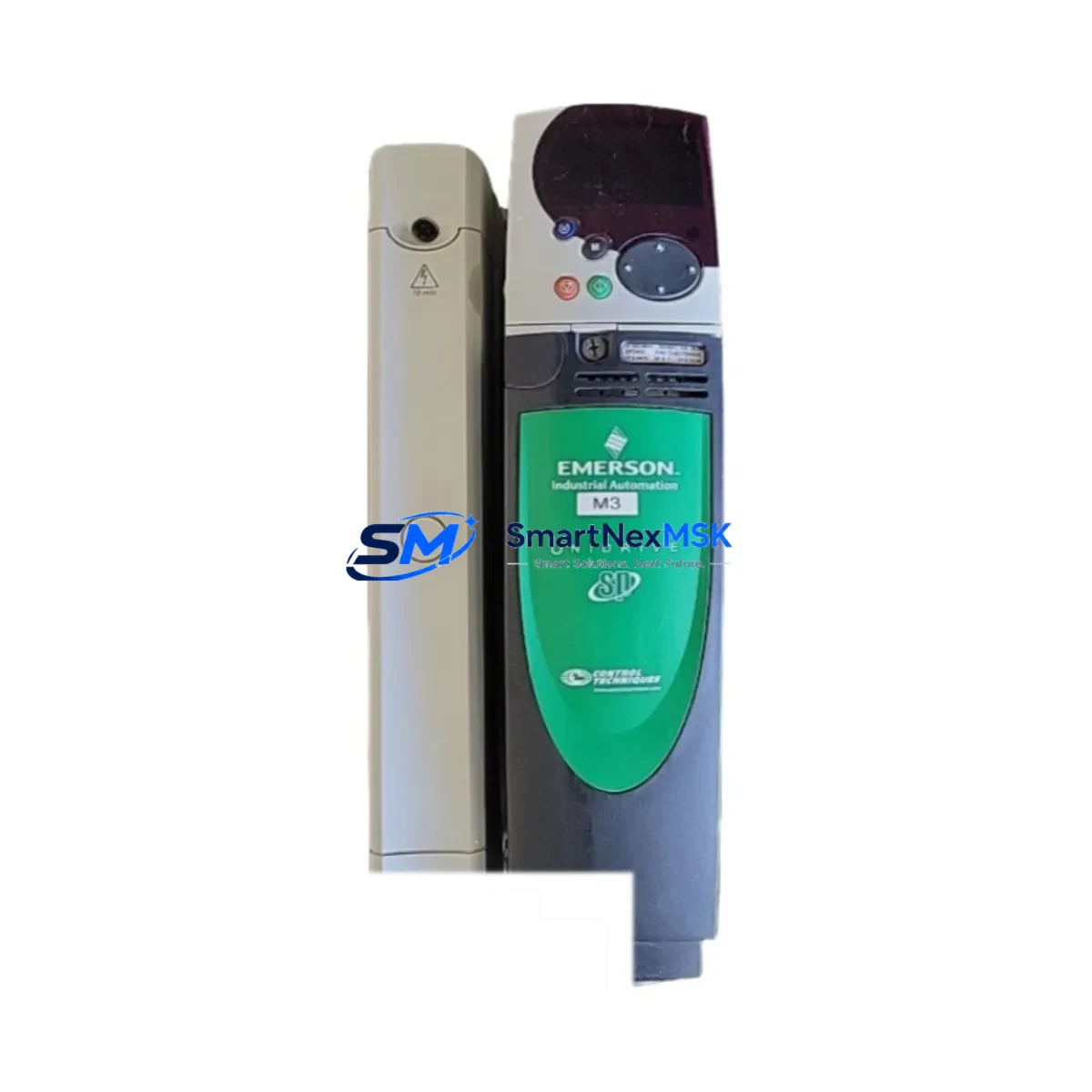
Emerson SP2401 Maintenance-Ready Spare for DeltaV Automation
The Emerson SP2401 is an original digital output module engineered for DeltaV Distributed Control System (DCS) architectures. In industrial facilities where continuous process control is non-negotiable, unplanned downtime caused by a failed output module can cascade into production losses, safety incidents, and costly emergency procurement. Stocking a verified SP2401 spare eliminates that risk — ensuring your maintenance team can execute a rapid, like-for-like replacement and restore system operation within a single maintenance window.
Sourced directly from authorized supply channels, every SP2401 unit undergoes functional verification and burn-in testing prior to shipment. Each module ships with a 12-month warranty covering manufacturing defects and operational failures under normal industrial service conditions. Whether you are managing a greenfield DeltaV installation, sustaining a legacy process control system, or building a strategic spare parts inventory for a multi-unit facility, the SP2401 delivers the reliability and compatibility assurance that maintenance engineers and procurement teams demand.
The SP2401 integrates seamlessly into DeltaV S-series controller environments, supporting standard 24 VDC digital output channels with configurable diagnostics. Its compact form factor and DIN-rail-compatible mounting make it suitable for dense control cabinet installations where space and cable management are critical. Field replacement requires no special tooling — a trained technician can complete module swap, I/O verification, and loop checkout in under 30 minutes using standard DeltaV commissioning procedures.
Spare Maintenance Table
| Parameter | Specification |
|---|---|
| Part Number / SKU | SP2401 |
| Brand | Emerson |
| Series / Platform | DeltaV DCS — S-Series |
| Module Type | Digital Output Module |
| Output Channels | 8-channel / 16-channel (configuration dependent) |
| Output Voltage | 24 VDC nominal |
| Output Current | Up to 0.5 A per channel (refer to datasheet) |
| Communication Interface | DeltaV I/O Bus (proprietary backplane) |
| Mounting | DeltaV I/O carrier / backplane slot |
| Operating Temperature | 0°C to 60°C |
| Relative Humidity | 5% to 95% non-condensing |
| Ingress Protection | IP20 (control cabinet installation) |
| Compatibility | DeltaV S-series controllers; DeltaV v10.3 and above |
| Country of Origin | United States |
| Condition | Original, new / refurbished-tested |
| Pre-shipment Testing | Functional verification and burn-in completed |
| Warranty | 12 months from date of shipment |
| Typical Replacement Time | < 30 minutes (trained technician) |
| Application Environment | Process industries: oil & gas, chemical, power, water treatment |
Maintenance Planning for Continuous Operation
When a DeltaV digital output module such as the SP2401 is flagged during a routine control cabinet inspection or predictive maintenance audit, experienced maintenance engineers know that the failure is rarely isolated. A systematic inspection of the surrounding I/O infrastructure is essential to prevent repeat failures and ensure a durable restoration.
Begin by verifying the DeltaV power supply module (such as the PS2 or PS6 series) that feeds the I/O carrier hosting the SP2401. Voltage sag or ripple on the 24 VDC bus is a leading cause of intermittent digital output faults and can damage replacement modules if left unaddressed. Simultaneously, inspect the DeltaV controller module (MD Plus or MD Controller) for firmware currency and diagnostic alarms — a controller running outdated firmware may misreport output channel status, complicating fault isolation.
Check the I/O carrier or backplane for corrosion, bent connector pins, or thermal discoloration. A damaged carrier will cause recurring failures even after a successful SP2401 swap. Inspect all terminal blocks and field wiring terminations on the associated marshalling cabinet — loose or oxidized terminals are a common source of intermittent digital output faults that are incorrectly attributed to the module itself.
For output loops driving solenoid valves, motor starters, or relay coils, verify the condition of the interposing relay modules and surge protection devices on each output channel. Inductive load switching without adequate suppression accelerates output transistor degradation. If the facility uses signal isolators between the DeltaV I/O and field devices, confirm isolator output voltage levels and isolation integrity.
Where the SP2401 interfaces with HART-enabled field instruments or Foundation Fieldbus segments, validate segment health using a handheld communicator or segment diagnostics tool. Review the DeltaV CHARM I/O modules or CIOC controllers in adjacent cabinets for any correlated alarms that may indicate a systemic power or grounding issue rather than a single-module failure. Finally, confirm that the DeltaV Operate HMI reflects accurate module status post-replacement and that all associated control strategies are re-downloaded and verified before returning the loop to automatic control.
Site Replacement Workflow
Step 1 — Pre-replacement verification: Confirm the SP2401 part number against the installed module label and the DeltaV hardware inventory. Cross-reference with the DeltaV Hardware Reference Manual to validate slot compatibility and firmware requirements for your DeltaV version.
Step 2 — Safe isolation: Place the associated control loops in manual mode from the DeltaV Operate workstation. Notify the process operator and obtain a permit-to-work if required by site safety procedures. De-energize the I/O carrier using the local power isolation switch — do not hot-swap unless the carrier is explicitly rated for live insertion.
Step 3 — Module removal and inspection: Remove the failed SP2401 by releasing the module latch and sliding it clear of the carrier. Inspect the carrier connector for damage. Record the module serial number for warranty and asset tracking purposes.
Step 4 — Replacement installation: Insert the new SP2401 into the carrier slot until the latch engages. Re-energize the carrier and observe the module status LED — a solid green indicates successful initialization. The DeltaV controller will automatically download the module configuration from the controller database.
Step 5 — Loop checkout and return to service: Verify each output channel from the DeltaV Operate HMI by commanding discrete outputs and confirming field device response. Check diagnostic alarms in DeltaV Diagnostics Explorer. Return all loops to automatic control and document the replacement in the site CMMS.
This workflow is compatible with legacy DeltaV installations running older S-series hardware, enabling maintenance teams to extend system life without full controller migration. The SP2401’s backward compatibility with established DeltaV I/O carriers means no carrier replacement is required in most upgrade scenarios, significantly reducing total replacement cost and downtime exposure.
Spare Parts Support FAQ
Q1: What is the warranty coverage for the SP2401 spare module?
Every SP2401 unit supplied by SMARTNEXMSK carries a 12-month warranty from the date of shipment. Coverage includes manufacturing defects and functional failures under normal industrial operating conditions. Each unit is functionally tested and verified before dispatch. Warranty claims are supported with replacement or full refund at our discretion.
Q2: How do I confirm compatibility between the SP2401 and my existing DeltaV system version?
The SP2401 is compatible with DeltaV S-series I/O carriers and DeltaV software versions v10.3 and above. To confirm compatibility, provide your DeltaV controller model, software version, and carrier part number. Our technical team will validate the fit before shipment. We recommend cross-referencing with the Emerson DeltaV Hardware Reference Manual for your specific release.
Q3: What is your typical lead time and can you support emergency spare requirements?
In-stock SP2401 units ship within 1–3 business days under standard terms. For emergency maintenance situations requiring same-day or next-day dispatch, contact our sales team directly at [email protected] or +86 18259474341 to confirm availability and expedited shipping options. We maintain strategic inventory of high-demand DeltaV spare modules to support unplanned outage recovery.
Q4: How should the SP2401 be stored as a long-term spare in a maintenance inventory?
Store the SP2401 in its original anti-static packaging in a climate-controlled environment: temperature 15°C to 35°C, relative humidity below 70% non-condensing, away from direct sunlight and electromagnetic interference sources. Conduct an annual functional check of long-term spares using a DeltaV test bench or spare carrier to confirm module integrity. Rotate stock on a first-in, first-out basis to minimize shelf aging.
© 2026 SMARTNEXMSK. All rights reserved.
Original Source: https://smartnexmsk.com
Contact: [email protected] | +86 18259474341